
When you’re choosing an HP monitor, it’s crucial to consider key features like image quality, response time, and ergonomics. HP monitors excel in office environments due to their solid build quality and reliable performance. Look for models with excellent contrast ratios, vibrant color gamut coverage, and brightness levels that can handle various lighting conditions. Features like adjustable stands and blue-light filters are essential for long hours of use, reducing eye strain and improving comfort.
Out of 196 monitors analyzed, three HP monitors secured spots on our buying guide. We certified 30 monitors as tested, analyzed 320,432 reviews, and filtered out 71% of experts who were untrustworthy. Our unique approach combines certifying products, filtering fake reviews, and leveraging True Score and Trust Score to highlight top performers. These winning monitors delivered exceptional performance and reliability, making them excellent choices for your next purchase.
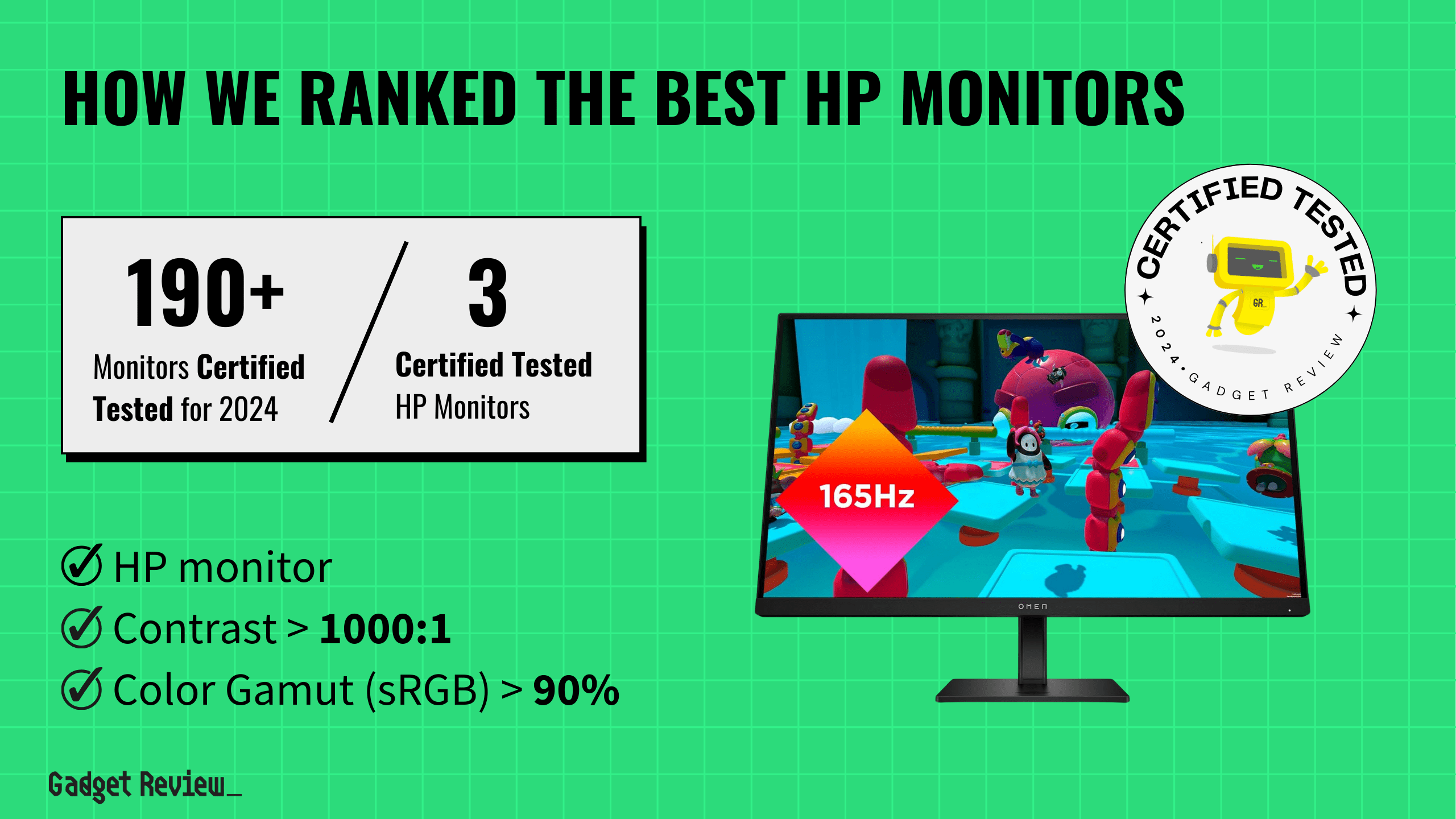
How Did We Rank the Best HP Monitors?
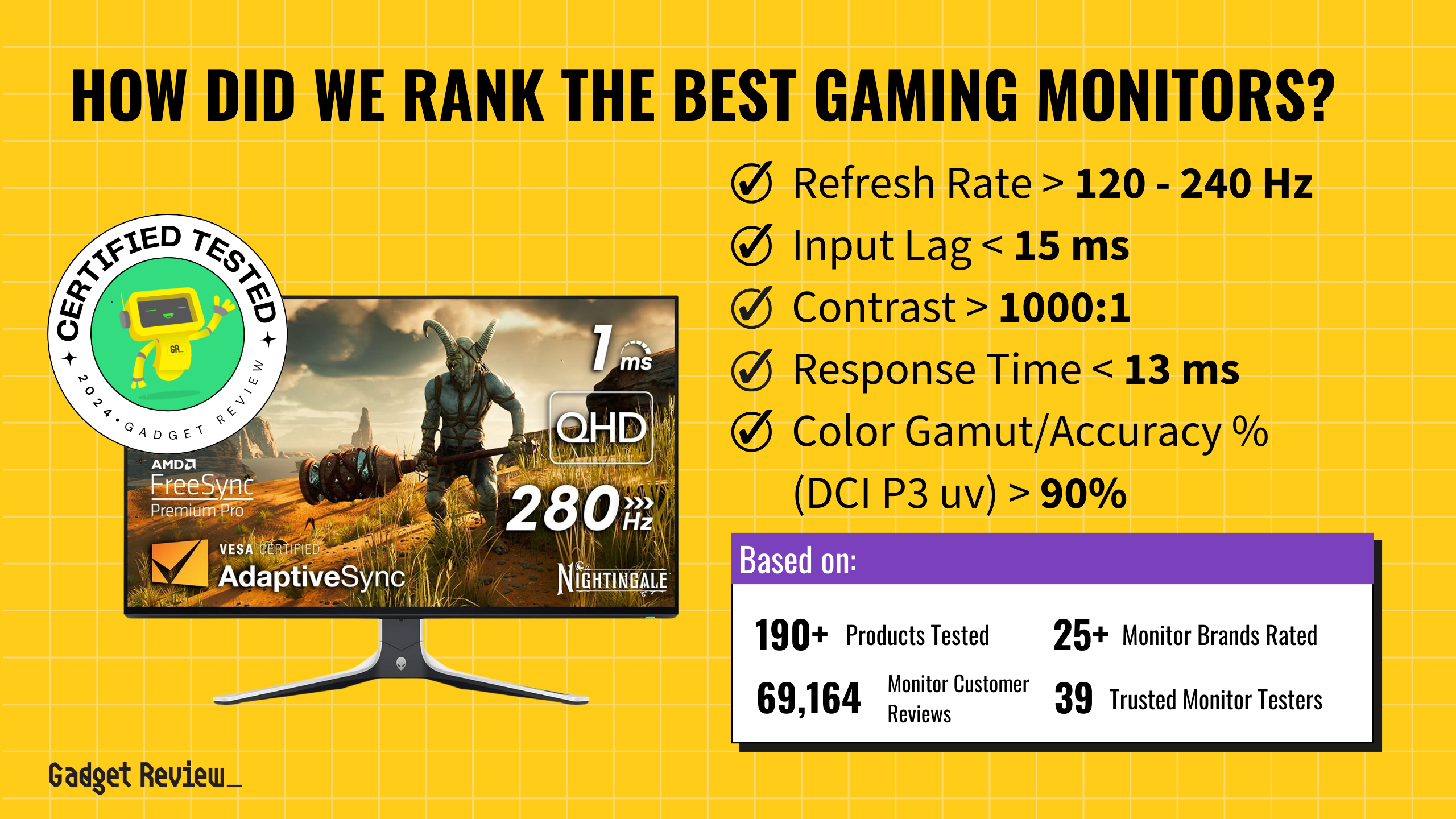
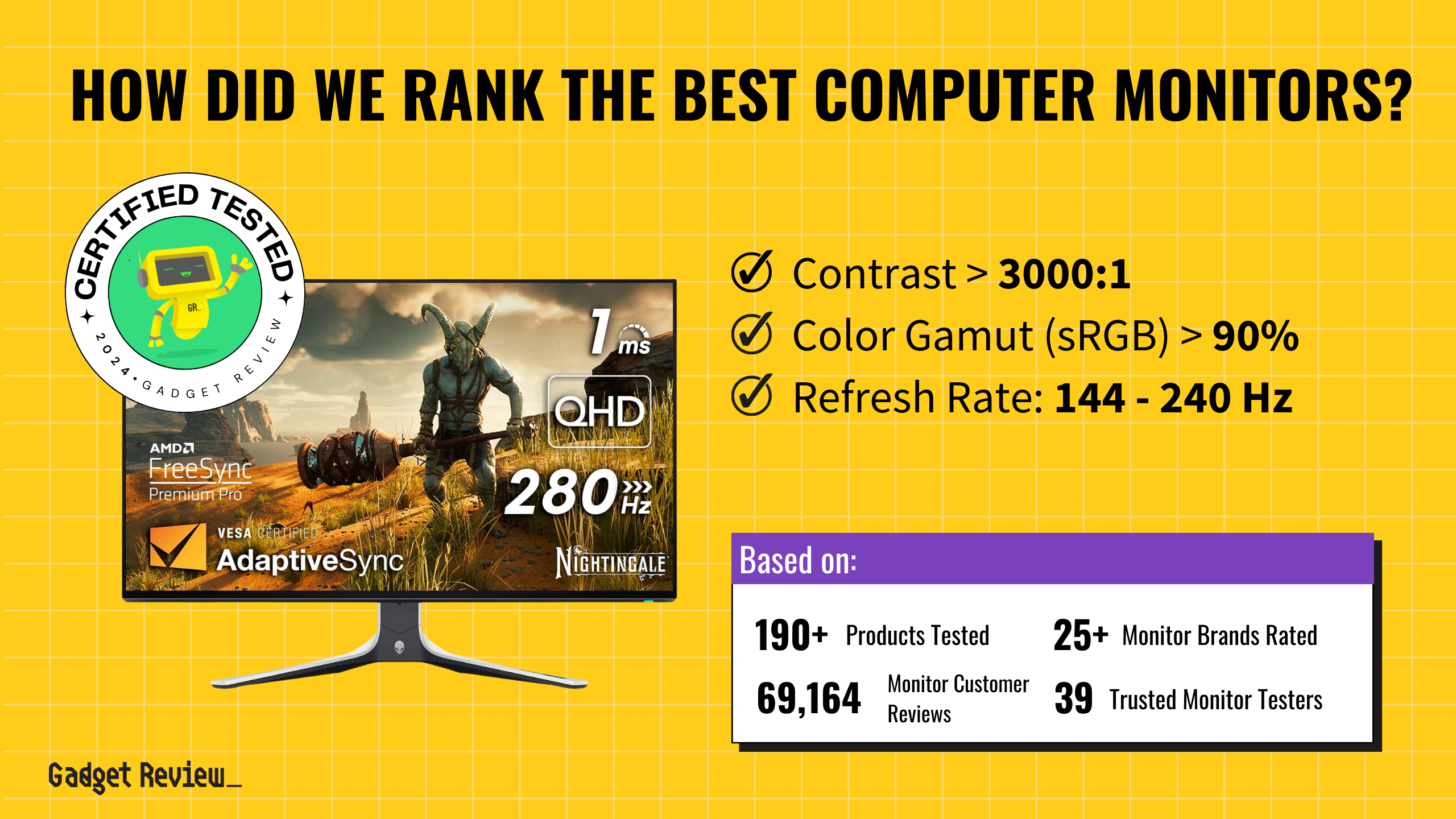
Our evaluation of the best HP monitors involved an in-depth review of over 200 websites, focusing on testing methodologies and customer feedback. By analyzing expert reviews and customer experiences, we identified the most important criteria, incorporating 2 required test results and 1 must-have specifications into our True Score system. This process ensures that our buying guide offers the most accurate and dependable recommendations for your next HP monitor.
Our commitment to unbiased reviews is powered by our ‘True Score’ system, targeting low quality and fake reviews. When you shop through our links, you’re backing our mission. Dive deeper to see how.
Minimum Specifications
- Must be HP.
Test Criteria
- Contrast Ratio: 1000:1 or higher (infinite), offering deep blacks and bright whites for an exceptional viewing experience.
- Color Accuracy: At least 90% of the sRGB color gamut, providing rich and vibrant colors.
Latest Updates
- 05/05/2024: Republished the list to include the best HP monitors based on our True Score system.
Top HP Monitors For 2026
Prices accurate at the time of publishing

Best Overall

Runner Up

Best Value

Best Budget

Best Mid-Range

Premium Pick
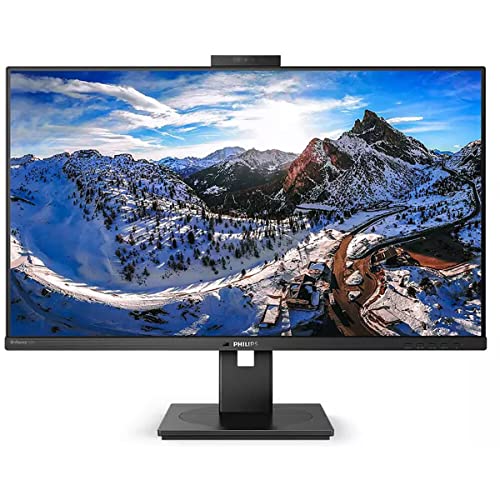
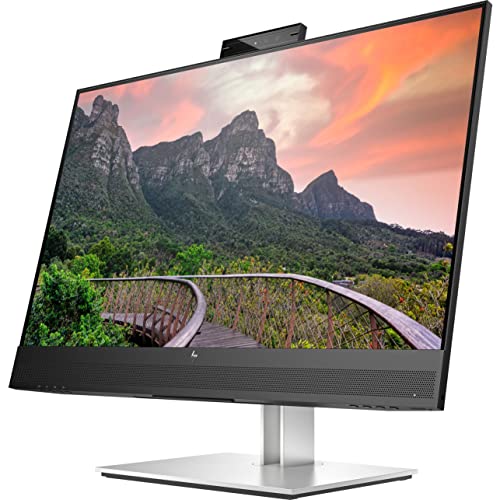
HP E27M G4 Monitor
Best For HP
The HP E27M G4 Monitor is ideal for remote professionals. Its decent brightness, contrast, and built-in webcam ensure a productive workspace.
True Score
92883Experts
1009Customers
Cosmic Wonder

 $653.20
Snapshot
Reasons to Buy
- Good Image quality
- Low input lag
- Average 75Hz refresh rate
Reasons to Avoid
- Low contrast ratio
Specifications

Available Inputs 3.5mm, DisplayPort, HDMI, USB 
Bluelight Filter Yes 
Built-In Speakers Yes 
Built-In Webcam Yes 
Curved Screen No Display Type – 
Flicker Free Yes HDMI Inputs 1 HDR Format n/a High Dynamic Range (HDR) No Max Resolution 2560 x 1440 
Panel Type IPS Refresh Rate 75 Hz 
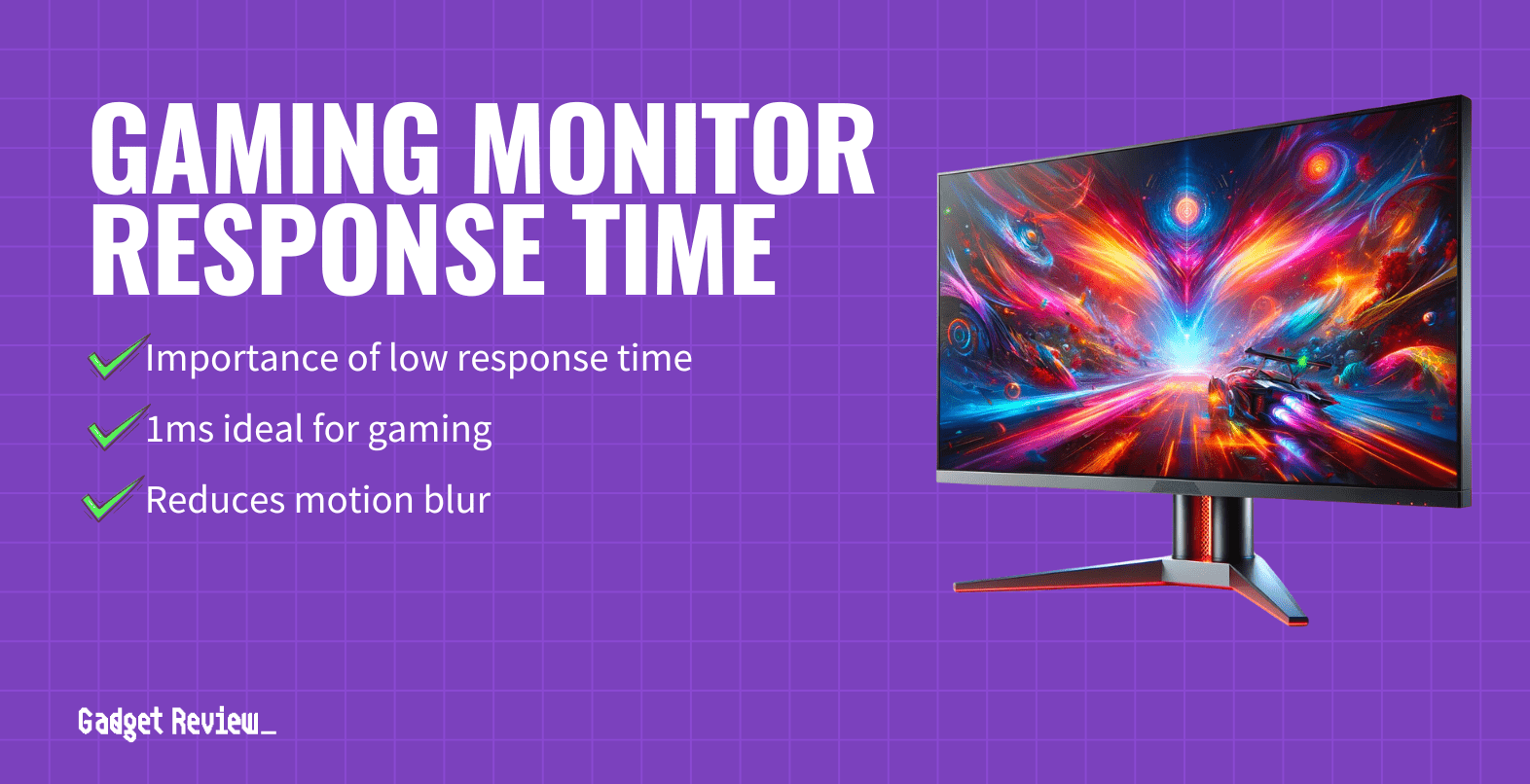
Response Time 5 ms 
Rotating Screen Yes Screen size 27" 
Sync Technology AMD FreeSync All Specs
Test Results
Brightness (nits) 277 Contrast Ratio (as ratio x:1) 1,029 Color Gamut/Accuracy % (DCI P3 xy) 82 Color Gamut/Accuracy % (DCI P3 uv) 0 Color Gamut % (sRGB Coverage xy) 107 Color Gamut % (Adobe RGB Coverage xy) 76 All Retailers
 $653.20
Our Verdict
If you work from home or have video meetings often, the HP E27M G4 Monitor is a fantastic HP monitor for professionals. It offers a decent brightness level of 277 nits, which is adequate for most office environments. The monitor’s contrast ratio of 1029:1 ensures clear differentiation between light and dark areas on the screen, enhancing your viewing experience with better depth and detail. The built-in speakers and webcam make video conferencing convenient, increasing its suitability for professionals.
The HP E27M G4 Monitor also stands out with user-friendly features such as a rotating screen, blue light filter, and flicker-free technology, all of which contribute to a comfortable viewing experience. It’s also worth noting that its IPS panel type is known for good color accuracy and wide viewing angles. Moreover, its impressive 106.90% sRGB color gamut coverage ensures even more accurate and vibrant colors, making it an exceptional choice for tasks requiring precise color representation, which is beneficial for graphic design and other color-sensitive work.
The monitor supports AMD FreeSync technology, which can help reduce screen tearing during gaming or video playback. However, its 75 Hz refresh rate is lower than that of modern monitors, making it less suitable for high-frame-rate gaming, especially compared to the HP OMEN 27QS’s 240 Hz refresh rate.
Overall, the HP E27M G4 monitor is an excellent choice for professionals looking for a monitor that offers good contrast, user-friendly features, and the convenience of a built-in webcam. This combination is particularly valuable for those working from home or in small businesses who do video conferencing. The monitor provides solid performance for various uses, making it a great investment for professional settings.
Best Overall
Runner Up
Best Value
Best Budget
Best Mid-Range
Premium Pick
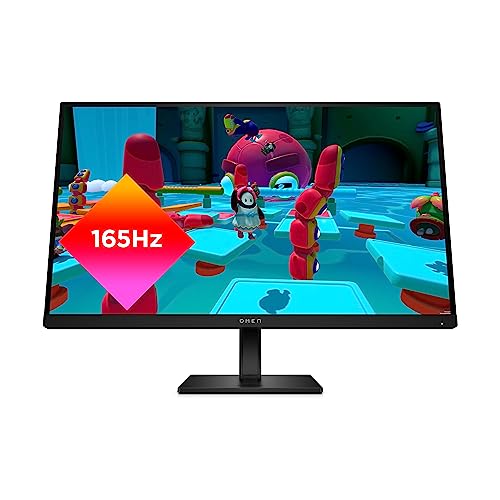
HP OMEN 27QS
Best For Graphic Design
For gamers prioritizing crisp visuals, the HP OMEN 27QS offers exceptional value with its low input lag, fast response time, and versatile features.
True Score
85834Experts
902kCustomers
Absolutely Fresh
 SAVE $179$429.00$249.99
Snapshot
Reasons to Buy
- Good Image quality
- Low response time
- Low input lag
- High refresh rate
Reasons to Avoid
- Low contrast ratio
Specifications

Aspect Ratio 16:9 Available Inputs 3.5mm, DisplayPort, HDMI, USB Bluelight Filter Yes Built-In Speakers Yes Built-In Webcam No Curved Screen No Display Type LED Flicker Free Yes HDMI Inputs 2 HDR Format HDR10, HDR400 High Dynamic Range (HDR) Yes Max Resolution 2560 x 1440 Panel Type IPS Refresh Rate 240 Hz Response Time 1 ms Rotating Screen Yes Screen size 27" Sync Technology AMD FreeSync Premium, G-Sync All Specs
Test Results
Brightness (nits) 390 Contrast Ratio (as ratio, x:1) 1,014 Color Gamut/Accuracy % (DCI P3 xy) 94 Color Gamut/Accuracy % (DCI P3 uv) 0 Color Gamut % (Adobe RGB Coverage xy) 86 Color Gamut % (sRGB Coverage xy) 100 All Retailers
- $249.99$429Save $179
 $335.99$480Save $144
Our Verdict
If you use your monitor for gaming and crisp, blur-free is important to you, the HP OMEN 27QS, with the lowest input lag of 8.5 ms and response time of 4.2 ms, is an exceptional choice. This monitor stands out as the best value for your money, not just for its gaming prowess but also for its versatility and user comfort.
One of the standout features of the HP OMEN 27QS is its adaptability to different environments. This monitor maintains visibility even in well-lit environments with an impressive brightness of 389.5 nits and low total reflections of 4.8%. Whether you’re setting up in a bright room or dealing with a lot of ambient light, the HP OMEN 27QS ensures a clear view. It has a high refresh rate of 240 Hz, which is ideal for smoother motion and reduced eye strain, especially during high-frame-rate gaming. And with AMD FreeSync Premium it guarantees smooth gameplay by eliminating screen tearing and stuttering. However, if you don’t care about fast-paced gaming, the HP E27M G4 75 Hz refresh rate, which is still adequate for casual gaming, is an excellent alternative, although more expensive.
But the HP OMEN 27QS is not just about gaming; it’s also about providing a comfortable and versatile user experience. You’ll appreciate the built-in speakers, a rotating screen, a blue light filter, and flicker-free technology. Its support for HDR10 ensures compatibility with high-dynamic-range content for more vivid colors and better contrast.
The HP OMEN 27QS is a remarkable choice for gamers and regular users. It offers excellent value for its price, impressive performance, and versatile features. Whether you’re into high-frame-rate gaming or need a reliable monitor for everyday use, it’s a superb option.
Did you know 71% of computer monitor reviewers are untrustworthy?
Our research found only 33 of 110+ computer monitor reviewers as of February 2026 can be trusted. This is why Gadget Review is committed to calculating the most accurate product scores on the web.
To do this, we give every computer monitor review site a Trust Rating, which measures how trustworthy the site and their testing claims are. We then leverage AI & a machine learning model to combine and calculate the Trust Rating with data from experts and consumers to deliver the True Score, the web’s most accurate product quality rating.
 320,432
Monitor Reviews Analyzed

196
Total Products Analyzed
Best Overall
Runner Up
Best Value
Best Budget
Best Mid-Range
Premium Pick
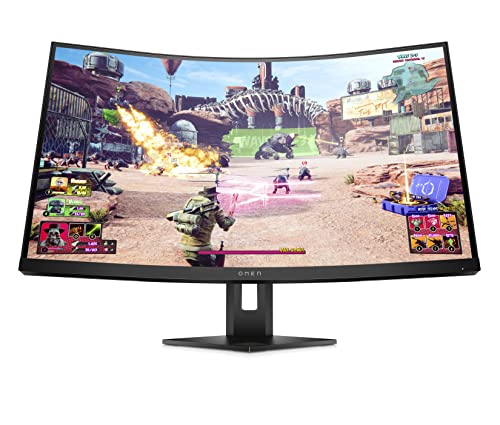
HP Omen 27C
The HP Omen 27C excels in brightly lit environments with its leading brightness and high refresh rate, making it ideal for gamers needing smooth, vivid visuals.
True Score
80775Experts
8865Customers
Absolutely Fresh
SAVE $163$529.99$367.00Snapshot
Reasons to Buy
- Excellent 240Hz refresh rate
- Super-low input lag
- Superb 2,402:1 contrast ratio in SDR mode
- Decent response time
- Good native contrast ratio
Reasons to Avoid
- Poor local dimming feature causes some blooming
- Black smearing in dark scenes
- Mediocre black uniformity
- Very aggressive screen curve
- So-so ergonomics
Specifications
Display Type VA HDMI Inputs 1 HDR Format Yes Max Resolution 2560 x 1440 Panel Type VA Refresh Rate 240 Hz Response Time 6 ms Screen size 27" Sync Technology AMD FreeSync All Specs
Test Results
Brightness (nits) 446 Contrast Ratio (as ratio, x:1) 2,726 Color Gamut/Accuracy % (DCI P3 xy) 82 Color Gamut/Accuracy % (DCI P3 uv) 0 Color Gamut % (Adobe RGB Coverage xy) 76 Color Gamut % (sRGB Coverage xy) 102 All Retailers
- $367.00$530Save $163
- $439.99
Our Verdict
If you need to set up your monitor in a bright room or have a lot of ambient light to deal with, the HP Omen 27C is an excellent choice, with the brightness on our list at 446 nits. Additionally, this monitor boasts one of the highest refresh rates of 240 Hz for smoother motion and reduced eye strain. This high refresh rate is particularly advantageous in fast-paced gaming situations where smoother gameplay, reduced input latency, and improved motion clarity are crucial.
The HP Omen 27C monitor is equipped with a VA panel, which delivers a high contrast ratio of 2725.5:1. This high contrast ratio allows for deeper blacks and more vivid colors, enhancing the overall visual quality and making images appear more dynamic and engaging, especially in scenes where color depth and detail are crucial.
The HP Omen 27C offers impressive responsiveness with an input lag of 9.9 ms, providing a quick and agile experience perfect for gaming and multimedia activities. Its 8.6 ms response time capably manages fast-paced content, minimizing motion blur in everything from intense video games to dynamic movie scenes. This blend of low input lag and effective response time ensures a smooth and immersive viewing experience, ideal for competitive gaming and high-speed video without ghosting or stuttering issues.
Despite its slightly higher reflectivity at 5.3%, the HP Omen 27C remains an attractive option for those seeking a high-performance gaming or video playback monitor. Its HDR support enhances viewing with increased brightness and a broader color spectrum for compatible content. With its impressive brightness and refresh rate, the HP Omen 27C is an excellent choice for users prioritizing superior display performance.

DON’T SEE WHAT YOU’RE LOOKING FOR?
When considering a purchase, Dell monitors stand out for their wide range of models catering to different needs, from business to gaming. Similarly, HP offers the versatile HP 24mh, which combines functionality and built-in speakers. For vibrant displays, Samsung monitors are known for their color accuracy, while MSI specializes in high-performance gaming displays.
The Acer Nitro XF243Y PBMIIPRX provides smooth gameplay with its fast refresh rate at a great value. For a more complete setup, the best monitor with speakers integrates quality audio directly into your display for a clutter-free setup.

Which Criteria Matters for Testing HP Monitors?
By focusing on these criteria (2 required), anyone can quickly and easily compare these computer monitors and how they’ll perform. This helps you make an informed decision and purchase the best HP monitor.
| CRITERIA | RANGE | REQUIRED | DEFINITION |
|---|---|---|---|
| Contrast Ratio | >1000:1 | Yes | The difference in brightness between the whites (lit sections) and blacks (dim or unlit sections) of a monitor panel. |
| Color Gamut % (sRGB Coverage xy) | > 90% | Yes | How much of the sRGB color gamut is covered by the monitor, which helps indicate color accuracy for web content and games. |
Our Trusted Data Sources
We looked at 110+ computer monitor reviewers and found that 33 are trustworthy (60%+ Trust Rating). The three we have listed below are our most trusted for computer monitors.
- Samuel Breton – Rtings, MuckRack
- Chris Eberle – Tom’s Hardware, LinkedIn
- Tony Hoffman – PC Mag, MuckRack
Interested in a comprehensive analysis of our data sources? We’ve got you covered. Below, you’ll find a detailed list of every computer monitor review website we’ve identified, organized by their respective Trust Ratings from highest to lowest. But we didn’t stop there. We’ve meticulously reviewed each publication and verified the data by checking whether the authors have bio links to MuckRack or LinkedIn. We’re committed to not only checking the facts but ensuring their veracity.
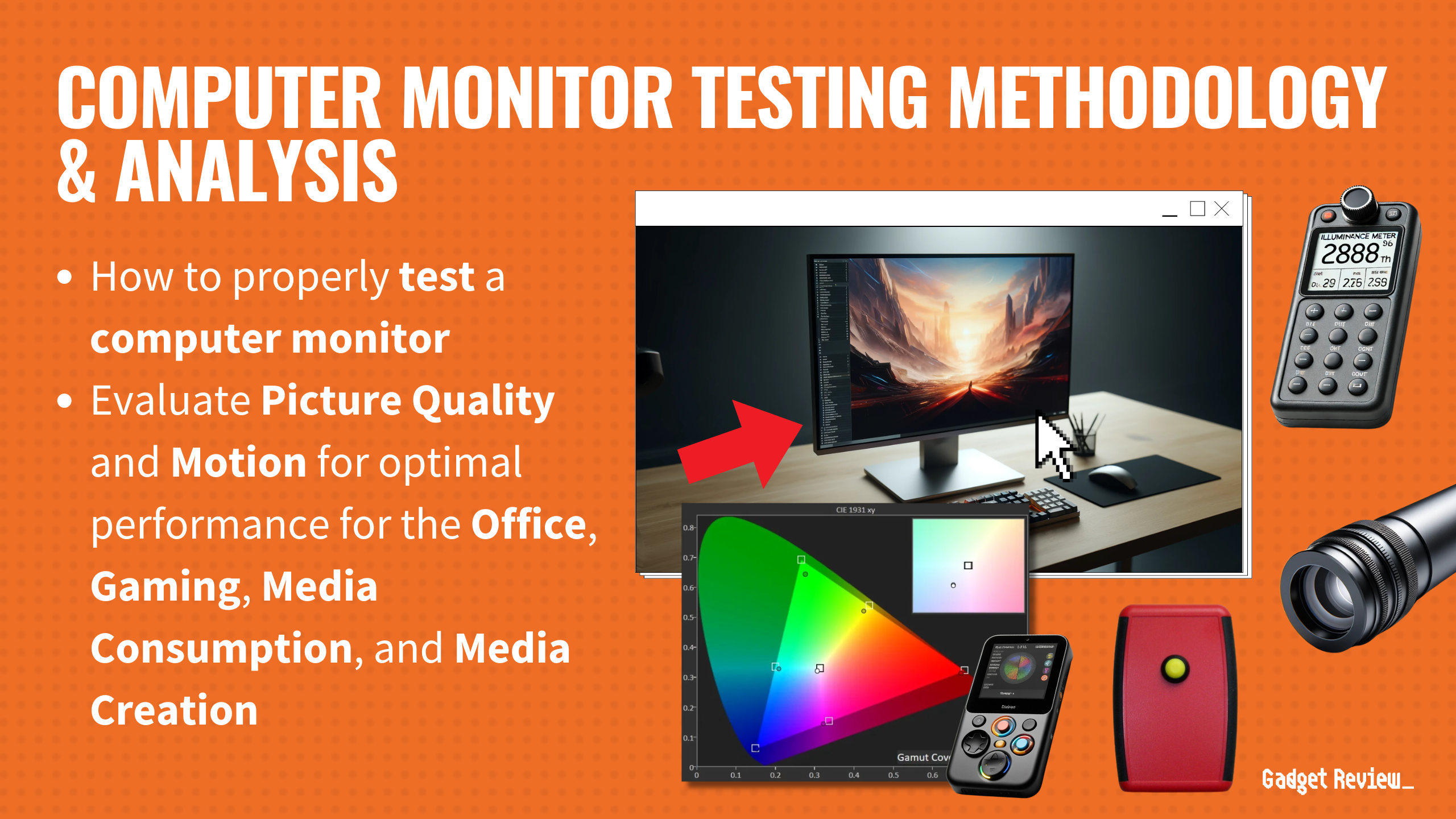
Computer Monitor Test Data & Results
1. Contrast Ratio (as ratio, x:1) Test Results
Contrast Ratio
> 1000:1
Acceptable range of performance
Definition: How bright the monitor will get, usually under specific testing conditions, like 10% windows (which means 10% of the screen is a white box.)
Units of Measurement: Ratio
Tools to Measure: Luminance meter or photometer or colorimeter
Why It’s Important:
Contrast ratio is how dynamic images are given detail and dramatic effect, with very dark areas appearing truly dark, while bright areas are bright and pop.
Contrast ratio is responsible for making images appear “dynamic” and “dramatic.” By having a good contrast ratio, a monitor is able to recreate dramatic differences between light and dark spots in scenes, images and games accurately.
At a minimum, we recommend a contrast ratio of 1000:1, as this will do a good enough job at allow for detail in dark scenes and images. If contrast ratio gets too low, the picture quality suffers, and the monitor performs worse across the board, no matter the lighting condition. By getting a monitor with a sufficiently high contrast ratio, you can ensure the picture quality doesn’t suffer, and dramatic scenes with stark shifts in lighting, whether they be in games or videos, are created as accurately as possible.
Contrast Ratio (higher is better)
2. Color Gamut % (sRGB Coverage xY) Test Results
Since color gamut comes in a variety of different types, there’s bound to be some confusion as to which is meant for what. sRGB is an extremely common gamut that is used for the vast majority of web content, including how YouTube videos display, and is the primary gamut used for video games.
If you’re looking for accurate colors while web browsing, watching videos or playing games, you’re going to want a coverage of at least 90%. Higher is always better and hitting 100% means that if you correctly calibrate your monitor, you should be seeing content exactly as it was intended. Higher than 100% means that more than just the standard gamut has been covered, which can create more saturated and vivid colors. Coming in under 100% means the colors are less accurate, though this doesn’t become a major issue until you start to fall under 90%.
Color Gamut % (sRGB Coverage xy)
> 90%
Acceptable range of performance
Definition: The amount of the sRGB gamut that the monitor covers.
Units of Measurement: %
Tools to Measure: Colorimeter
Why It’s Important:
The sRGB color gamut is the most commonly used gamut for most colors when browsing the web, watching videos on the web on sites like YouTube, and when playing video games.
Color Gamut SRGB (in %; higher is better)
Best HP Monitors: Mistakes To Avoid
- Ignoring your specific needs: Consider how you’ll be using the monitor. Are you primarily gaming, working, or consuming multimedia content? Different tasks may require different features, such as high refresh rates for gaming or color accuracy for graphic design.
- Not checking compatibility: Ensure the monitor is compatible with your existing setup. Check the connectivity options (e.g., HDMI, DisplayPort, USB-C) to ensure they match your devices. Also, consider compatibility with your operating system and graphics card.
- Overlooking resolution and size: Choose a resolution and size that suits your needs and workspace. Higher resolutions like 1440p or 4K offer sharper images and more screen real estate, but they may require more powerful hardware to drive effectively. Similarly, consider the physical size of the monitor and how it will fit into your workspace.
- Neglecting panel type: Different panel types, such as IPS, TN, and VA, offer varying characteristics in terms of color accuracy, viewing angles, and response times. IPS panels generally provide better color reproduction and wider viewing angles, making them suitable for tasks like content creation and photo editing. TN panels offer faster response times, which may be preferred for gaming. Consider your specific needs and preferences when selecting the panel type.
The Best HP Monitors Tests Compared
Product |
True Score
|
Brightness
|
Contrast Ratio
|
Color Gamut (DCI P3)
|
Color Gamut (sRGB)
|
Input Lag
|
Response Time (ms)
|
Reflections %
| |
|---|---|---|---|---|---|---|---|---|---|
| 92 |
|
|
|
|
|
|
|  $653.20 |
| 85 |
|
|
|
|
|
|
| $249.99 $429 $179 |
| 80 |
|
|
|
|
|
|
| $367.00 $530 $163 |