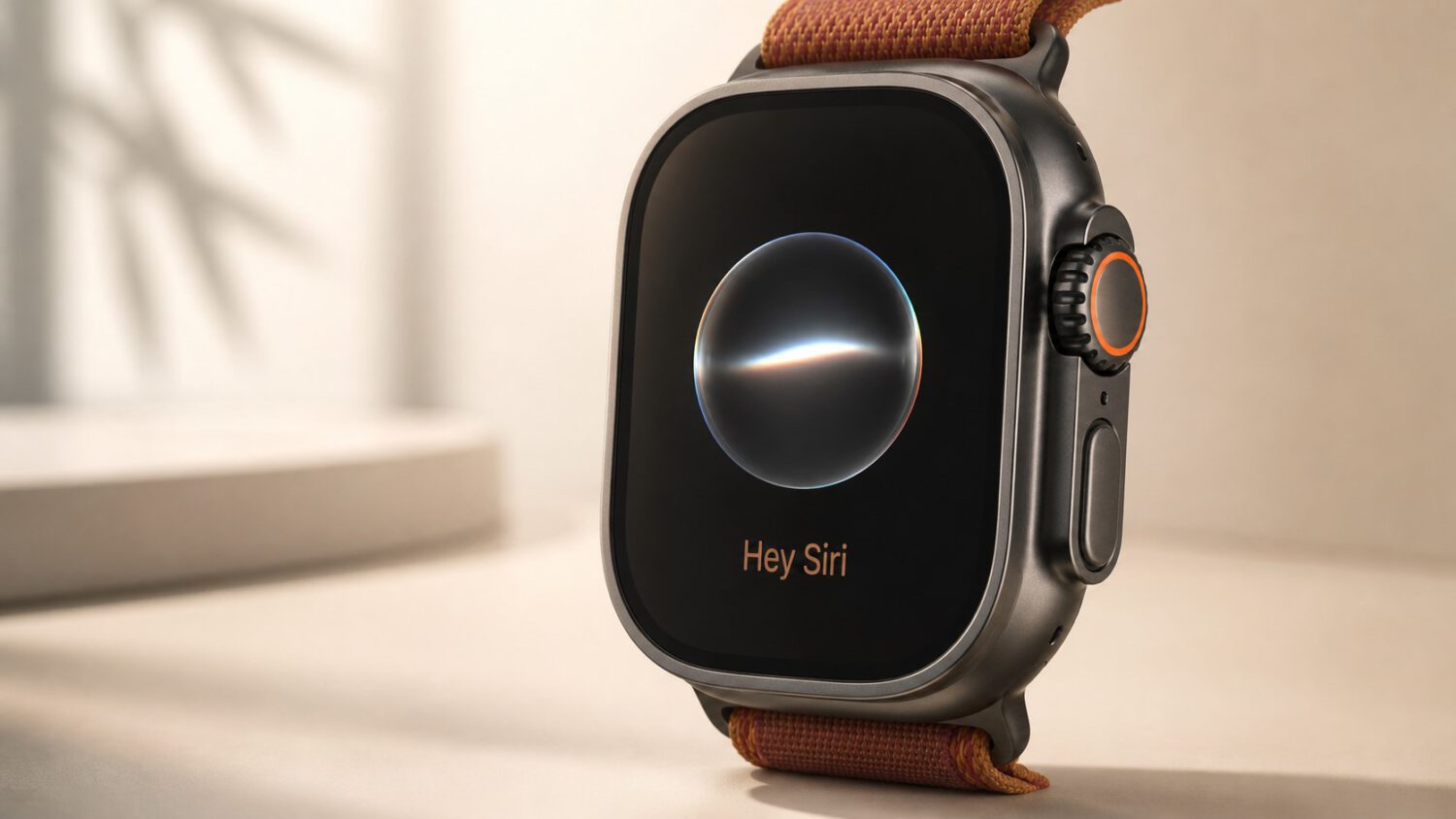
Your Apple Watch is about to get closer to a personal stenographer. Apple has confirmed that Siri Recap and Live Rewind, two Apple Intelligence-powered audio features, are coming to Apple Watch Series 12 and Apple Watch Ultra 4 later this year, with beta access expected first. The update moves the watch beyond health tracking and notifications into on-wrist memory assistance.
Siri Recap: Ambient Summaries for Conversations
Siri Recap uses Apple Intelligence to take ambient notes during conversations and automatically generate a title, summary, and key points, all reviewable in the Siri app on Apple Watch or iPhone, according to Apple.
Users control when the feature is active. You can restrict it to work hours, disable it at night, or turn it off entirely, according to Apple’s product information.
Summaries do not accumulate indefinitely. Apple says they delete automatically after seven days unless you choose to save them, according to 9to5Mac.
Siri Recap processes ambient conversation throughout the day when enabled. How much you trust it will depend on Apple’s deletion behavior, its transparency controls, and whether those controls hold up in practice.
Live Rewind: A 15-Second Speech Playback
A double-press of the Digital Crown is all it takes. Live Rewind surfaces a text transcription of the previous 15 seconds of speech, and from there you can ask Siri about the snippet or save it to the Siri app, according to Apple.
The feature does not run in the background transcribing everything you hear. It activates only after the deliberate double-press gesture, and the text is not saved unless you explicitly act on it, according to Apple.
Transparency is built into the activation itself. A chime sounds, a full-screen animation plays, and a microphone indicator appears, even when the watch is in silent mode, so anyone nearby knows the feature is running, according to Apple’s newsroom.
Live Rewind is most useful when you miss something: a fast-spoken instruction, an unfamiliar term, a question lost in a noisy room. Accessibility and short-term comprehension are its clearest applications, based on Apple’s own stated use cases.
What You Need and What Remains Unknown
9to5Mac reports that both features are expected in an upcoming watchOS update later this year, with beta availability coming before the general release. You will need an Apple Watch Series 12 or Ultra 4 paired with a supported iPhone running Apple Intelligence and Siri AI beta support.
Apple has not disclosed battery impact or real-world transcription accuracy for either feature. Whether access requires a new device purchase or any additional fees also remains unclear.
When the update arrives, Siri Recap and Live Rewind could meaningfully change what your Apple Watch does during a long workday or in a loud environment. Proving that out in real-world conditions is the next step.