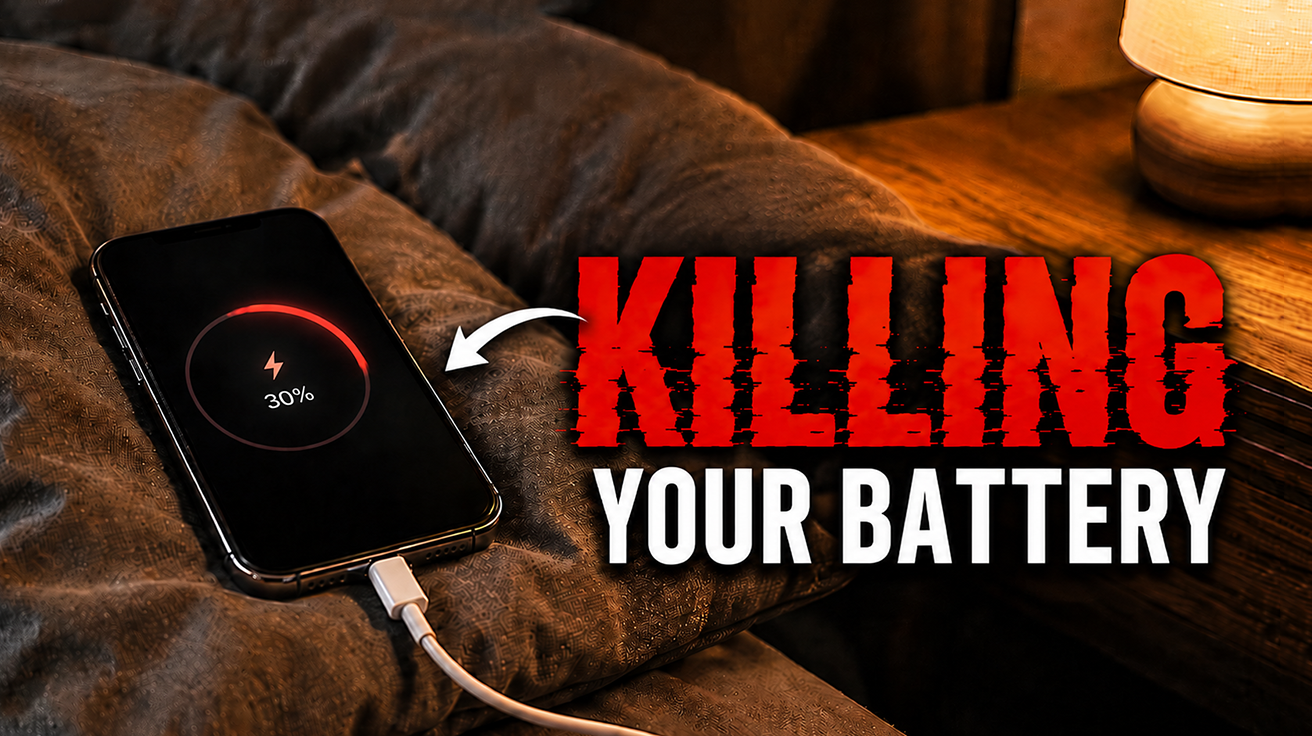
Most smartphones rely on lithium-ion batteries, which are consumable parts that degrade over time. You might have noticed your phone’s stamina shrinking faster than your patience in a slow Wi-Fi zone. Understanding how these power cells actually work can save you a bundle, or at least help you dodge that ‘low battery’ panic at 3 PM. We have dug through the data, cutting past the marketing fluff, to deliver the real talk on keeping your daily tech companion alive longer. Prepare to uncover the secrets your phone’s charge indicator will not tell you, ensuring you are not left scrambling for an outlet like it is the last slice of pizza at a party.
9. Lithium-ion Phone Battery
Your battery’s maximum capacity shrinks silently over time, even when the screen shows 100%.
Most smartphones rely on lithium-ion batteries, tiny chemical factories that store and release energy by shuttling lithium ions between two electrodes. You remember that initial rush when a new phone felt unstoppable, lasting through a full day of endless scrolling and DMs? That feeling is fleeting because these batteries are consumable parts, inevitably declining in useful capacity over time.
Your phone might display 100% charge, but it holds less real energy than when new. After a year or two, it acts like a toddler after a sugar rush—full of energy for 5 minutes, then crashing hard, leaving you scrambling for a charger before noon. This isn’t a glitch; it is the silent, permanent internal decay that dictates your phone’s true lifespan.
8. Charge Cycle
Partial charges add up like small purchases on a credit card, wearing your battery faster than you think.
A cycle actually accumulates based on cumulative discharge, not just a full drain from 100% down to 0%. If you use 30% of your battery one day and then 70% the next, that adds up to one full charge cycle. This means your daily habit of topping off your phone like a perpetually thirsty digital pet contributes to the inevitable decline of its internal chemistry.
Anyone who’s watched their phone’s peak performance dip knows the drill. Many modern lithium-ion batteries are designed to retain about 80% of their original capacity after roughly 500 full cycles. So, if you’re frequently charging up in short bursts throughout the day, those partial discharges are adding up, steadily ticking away at your battery’s overall lifespan. Over time, that once-vigorous power source becomes as reliable as a cheap umbrella in a hurricane, necessitating a battery replacement to bring your device back to life.
7. Heat
Gaming while charging or leaving your phone in direct sunlight accelerates battery aging faster than any other factor.
Heat is one of the most damaging things a lithium-ion battery faces, accelerating unwanted chemical reactions within the cells and essentially putting its lifespan on fast-forward. You’ve seen it happen: gaming while charging, recording long videos, or using maps in direct sunlight can turn your device into a tiny furnace. This constant thermal assault quickly degrades battery health, much like an overstressed TikTok algorithm eventually just shows you ads.
Leaving your phone baking on the dashboard of a hot car, for instance, is akin to putting it in a low-temp oven, severely compromising its delicate internal chemistry. This reduces usable capacity over time; your phone might display 100% charge but actually hold less real energy. Keeping your device cool is critical for extending its longevity and preventing that frustrating, sudden 20% battery drop when you need it most.
6. Fast Charging
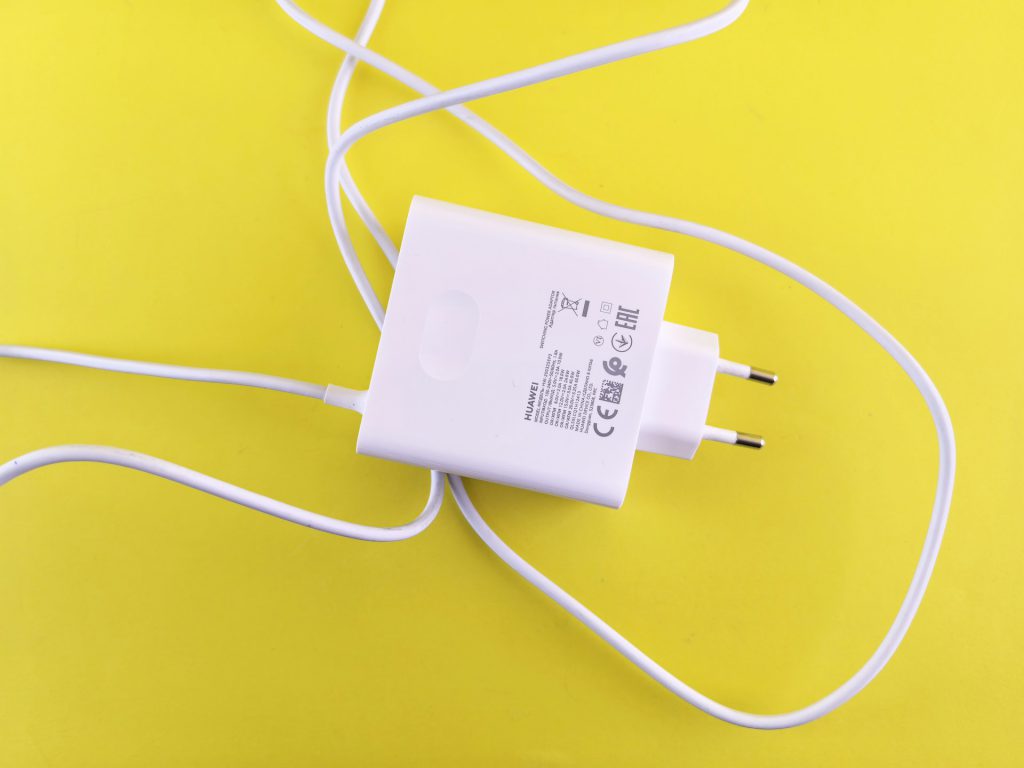
Convenient for emergencies, but daily fast charging trades speed for long-term battery health.
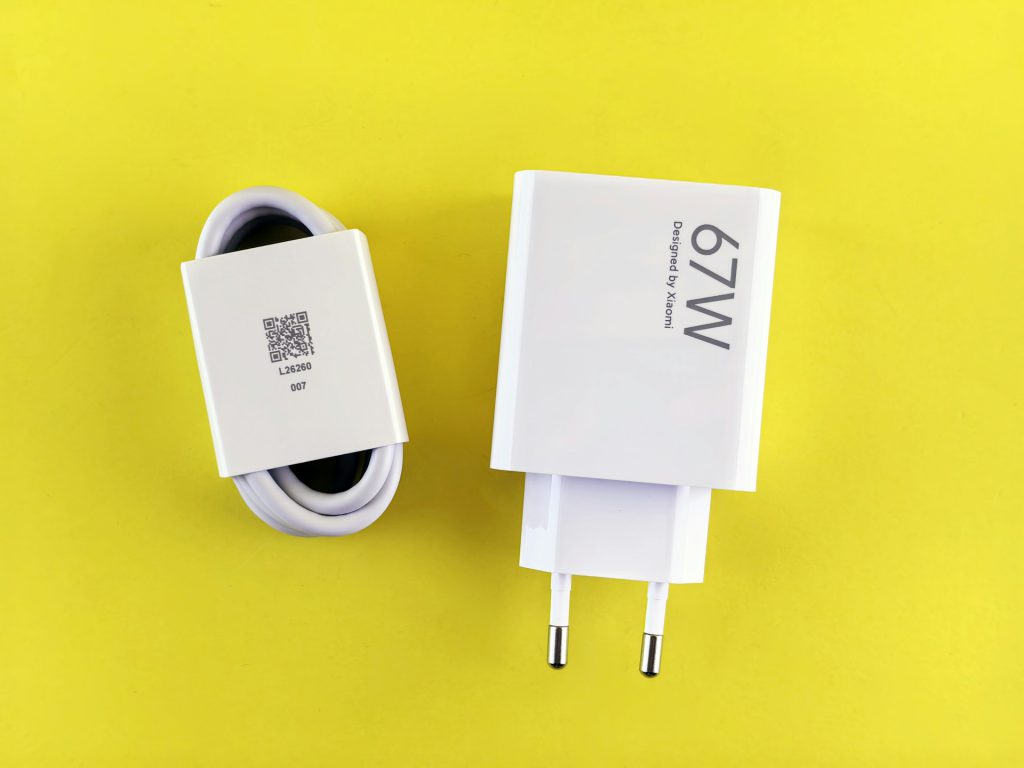
While the ability to yank your phone off the charger with 50% battery in under 30 minutes feels like a superpower, this convenience comes with a catch. Phones safely manage rapid power delivery by monitoring internal temperatures, ensuring you do not melt your device during an emergency top-up.
The trade-off is that this accelerated process generates extra heat and chemical stress within the lithium-ion cells, which contributes to faster degradation over many charging sessions. If you habitually rely on fast charging every single day, treating it like a mandatory morning espresso shot for your device, you are essentially accelerating its battery’s journey to the digital graveyard. Use it when you genuinely need a quick boost, but stick to slower charging for routine overnight power-ups to preserve that precious battery health.
5. Lithium Plating
This invisible process permanently reduces usable capacity, especially during very fast charging or in cold weather.
Battery experts consistently describe lithium plating as an unseen internal aging mechanism where lithium ions deposit on the anode surface instead of properly integrating. This process accelerates during very fast charging or in cold temperatures, permanently reducing your battery’s usable capacity.
The deposited lithium effectively shrinks the battery’s working volume, causing your phone to drain faster even if the indicator reads 100%. You will notice shorter runtimes. This unseen degradation permanently impacts battery performance, ensuring that once it begins, the device’s true capacity dwindles. Replacement remains the only way to fully restore power.
4. Software and Background Activity
Apps syncing in the background can drain your battery as much as heavy screen-on use.
Modern software demands push your smartphone battery harder than ever before, often making it feel like your device has a secret, power-hungry life. You might swear you haven’t upped your TikTok consumption, yet your phone’s charge drains faster than a Gen Z attention span. Apps and system services are constantly at work in the background activity, syncing emails, refreshing feeds, tracking location, and preparing notifications.
This ceaseless activity, coupled with features like brighter displays and higher refresh rates, creates a relentless power draw. You might pick up your phone after an hour, barely touching it, only to find the charge has dropped unexpectedly. This constant, invisible workload pushes older batteries to their limits, making them appear significantly weaker as they struggle to keep up with today’s demands.
3. Battery Calibration / Percentage Misreporting
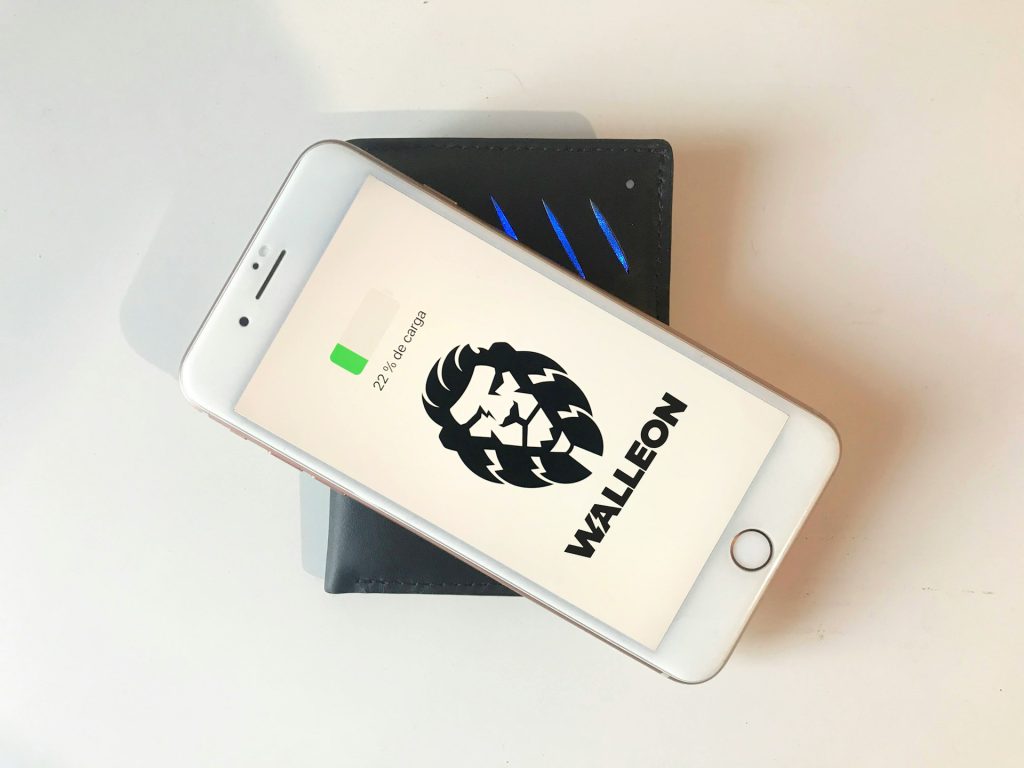
Your phone’s battery percentage is an estimate that grows less accurate as the battery ages.
You’ve likely experienced the gut punch: your phone shows 30% battery life, then abruptly flatlines, leaving you stranded faster than a millennial after their favorite coffee shop closes. This isn’t a digital ghost playing tricks; it’s an internal messaging system losing its grip. The percentage you see is an estimate, not a direct measurement.
As lithium-ion batteries age, their voltage behavior becomes erratic, causing the phone’s estimation system to lose its way. Unexpected shutdowns at seemingly high percentages can happen when the battery can no longer maintain voltage under load. This misreporting is a normal part of battery degradation, so you are not alone.
2. Battery Replacement
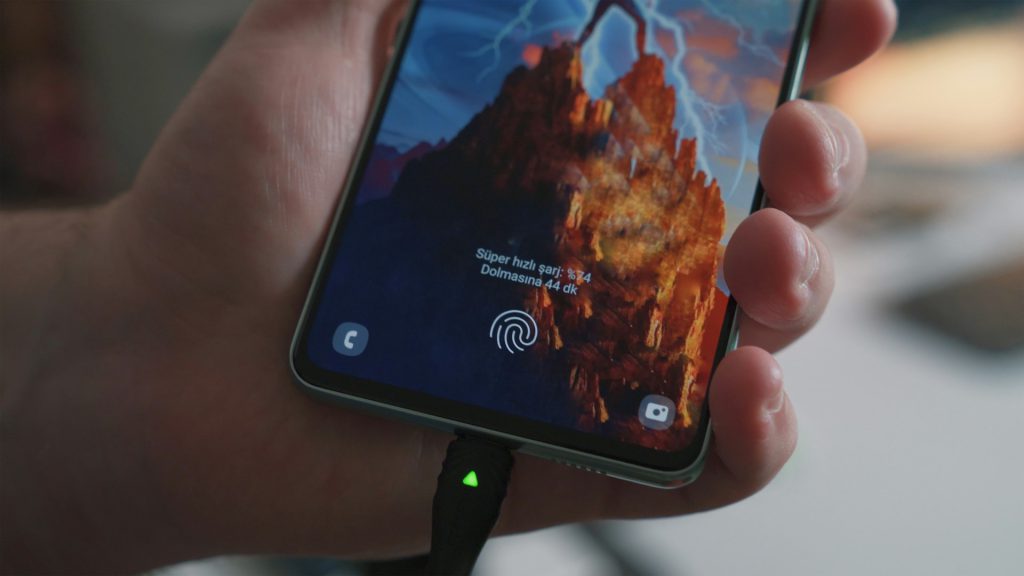
Swapping the battery restores performance and extends your phone’s life at a fraction of the cost of a new device.
Lithium-ion batteries, which power most modern smartphones, are fundamentally consumable parts designed to degrade over time. Their internal chemistry changes with use, heat, and age, meaning a phone can display 100% charge while holding significantly less actual energy than it did new.
You might be eyeing a new phone because your current one acts like it’s running on fumes, shutting down unexpectedly even at 30% charge. Replacing the battery restores usable life and stability, improving runtime significantly. It’s a pragmatic choice, keeping it a reliable daily driver without the full upgrade cost.
1. Slowing Battery Aging (Practices)
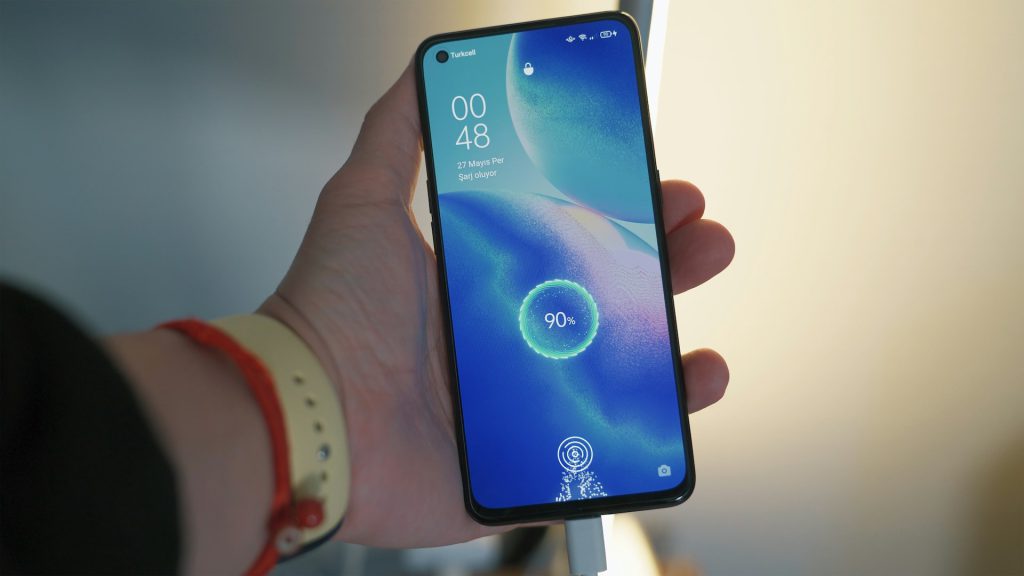
Smart charging habits can extend your battery’s lifespan well beyond the standard 500 cycles.
Many smartphone batteries are designed to retain about 80% of original capacity after roughly 500 full cycles, but you can extend that lifespan. Keep your phone cool; charging it under a pillow or in direct sunlight acts like a slow-motion sauna, drastically accelerating wear. Aim for a 20% to 80% charge range; this acts like a gentle cruising speed for optimal battery longevity.
You will notice improved daily performance, fewer mid-day hunts for an outlet, and less anxiety about your device going dark. While aging is an unavoidable fact of lithium-ion life, smart habits measurably delay the inevitable. Your phone might not last forever, but with a little care, it will stick around long enough to survive that next OS update—and maybe even the one after that.