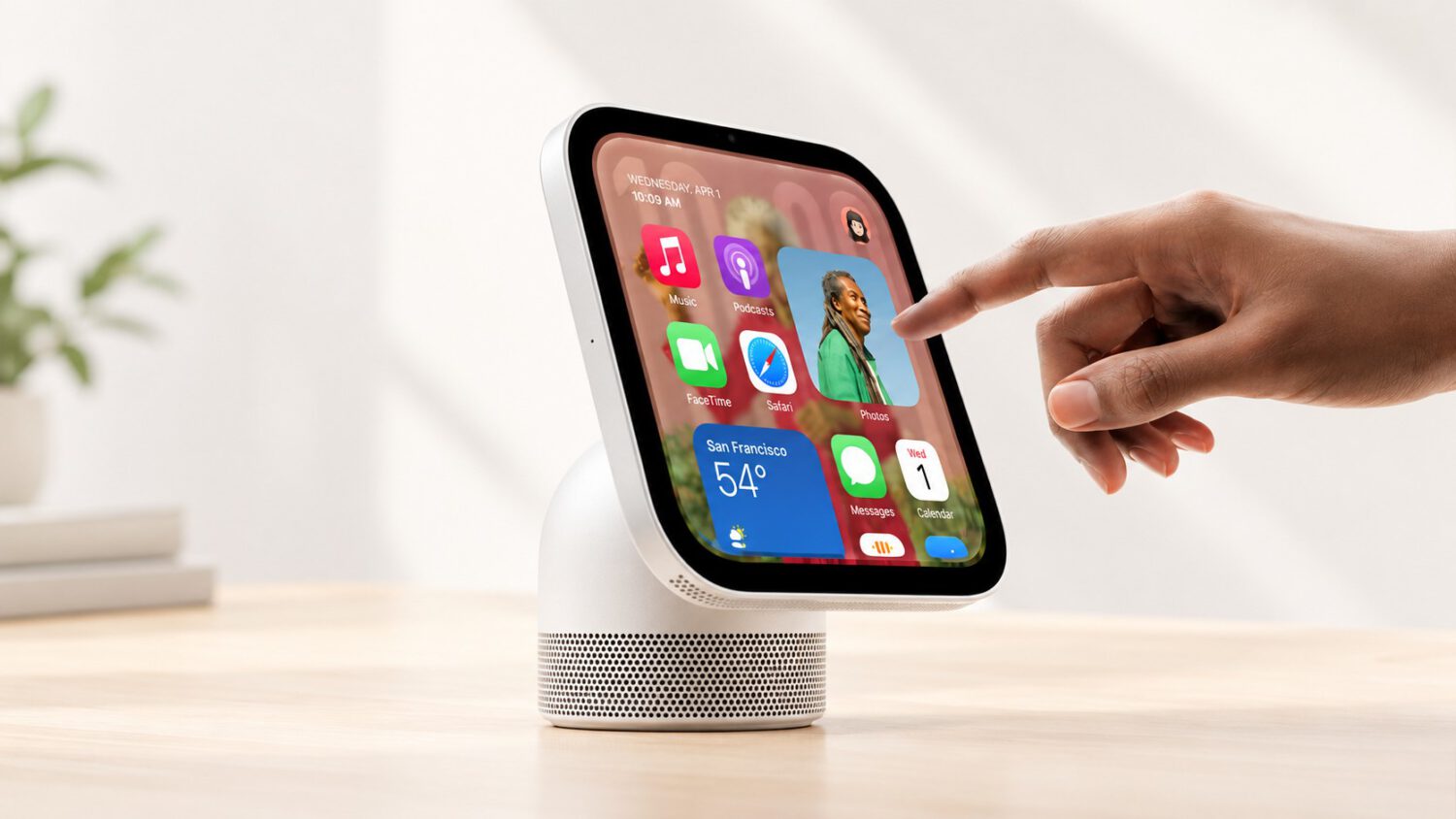
A $299 Apple-branded screen with a 7-inch display sounds like it should handle TV shows without any help. Apple’s own specifications tell a more complicated story.
HomeView runs dedicated HomeView software, not iOS or iPadOS, and there is no App Store on the device. Apple divides its software into two distinct categories, and which category an app falls into determines whether you actually need your iPhone close at hand.
What HomeView Does On Its Own
The built-in app set is more limited than Apple’s broad marketing language suggests.
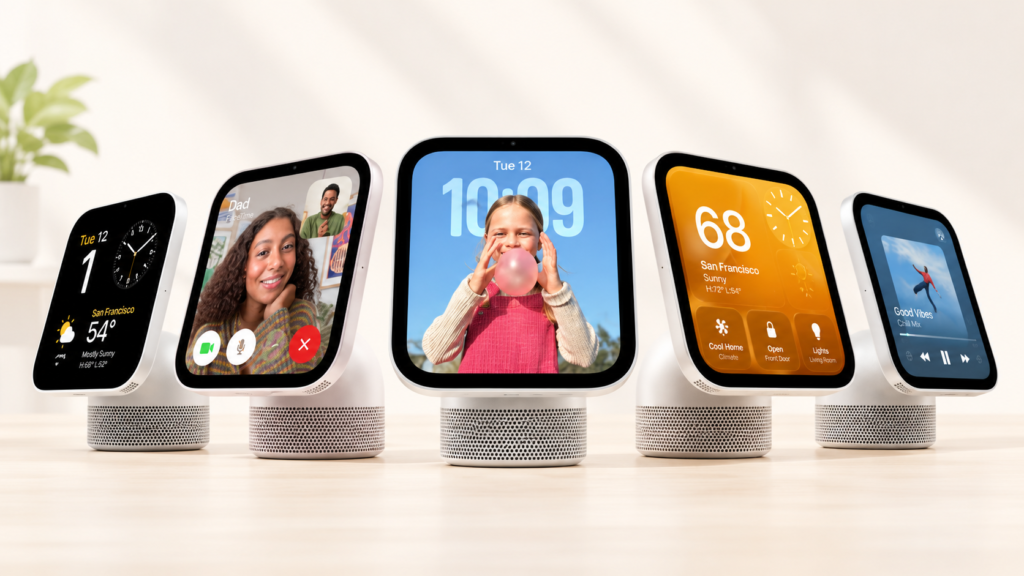
Apple’s UK specifications page lists Music, Podcasts, Safari, Messages, FaceTime and Home as built-in apps. Apple lists these as native to HomeView, though the available sources do not confirm that every function works entirely without setup or an associated Apple account.
Apple TV is not in that group. Neither are Audiobooks, Apple Music Classical or Apple News. Apple’s specifications place all four in a separate category labelled “Apps Available from iPhone,” meaning the iPhone supplies them rather than HomeView running them independently.
The Third-Party Video Problem
HomeView has no App Store, and the framework for third-party apps comes with significant limitations at launch.
There is no conventional App Store on HomeView, so browsing for Netflix, YouTube or Disney+ is not an option. Third-party apps can appear on HomeView only through a paired device. That device must be an iPhone running iOS 27.2 or later, connected over Wi-Fi.
The underlying framework draws on CarPlay-compatible software, according to MacRumors. Audio apps like Spotify can surface through this model, but Netflix, YouTube and Disney+ were not available at launch, according to Wired.
Developer adoption determines what comes next. Whether those major streaming services ever appear on HomeView natively would require support from the relevant developers under the reported framework.
Safari exists as a fallback for video, as Wired reports. Accessing Netflix through a browser is not the same experience as a dedicated streaming app, and Apple’s specifications present Safari as exactly that: a browser, not a streaming solution.
When the Marketing and the Spec Sheet Diverge
Apple’s product marketing describes TV show support in terms that its own specifications quietly qualify.
Apple’s Australian product page describes HomeView as supporting “TV shows” and compatible video apps, with that support coming from an iPhone. The UK specifications page confirms that the TV app is listed as available from an iPhone rather than running on the device itself.
That gap between broad marketing language and the detailed compatibility fine print matters most at the point of purchase. “TV shows” reads as a native feature; Apple’s own spec sheet places it in the iPhone-dependent category.
The Practical Takeaway
HomeView works well as a smart display and audio hub for Apple households, but it is not a standalone video screen.
For Apple households with an iPhone nearby, HomeView is a capable shared display for music, podcasts, FaceTime and smart-home controls, all of which Apple lists among its built-in capabilities. For anyone expecting it to replace an Apple TV or function as an independent streaming device, the specifications tell a different story.
The $299 price buys you a capable household display. Your iPhone remains the engine behind the most obvious entertainment use case.