Apple did not publish release notes or describe the firmware’s changes when it distributed beta firmware build 9B5043a across eight AirPods variants on October 13, 2026. The release arrived inside a coordinated testing cycle that also brought developer beta 4 updates for iOS 27.2, iPadOS 27.2, macOS 27.2, watchOS 27.2, visionOS 27.2, and tvOS 27.2.
AirPods Pro 3 is part of this rollout, according to reporting from MacRumors and 9to5Mac dated October 13, 2026.
Which Models Are Getting the Update
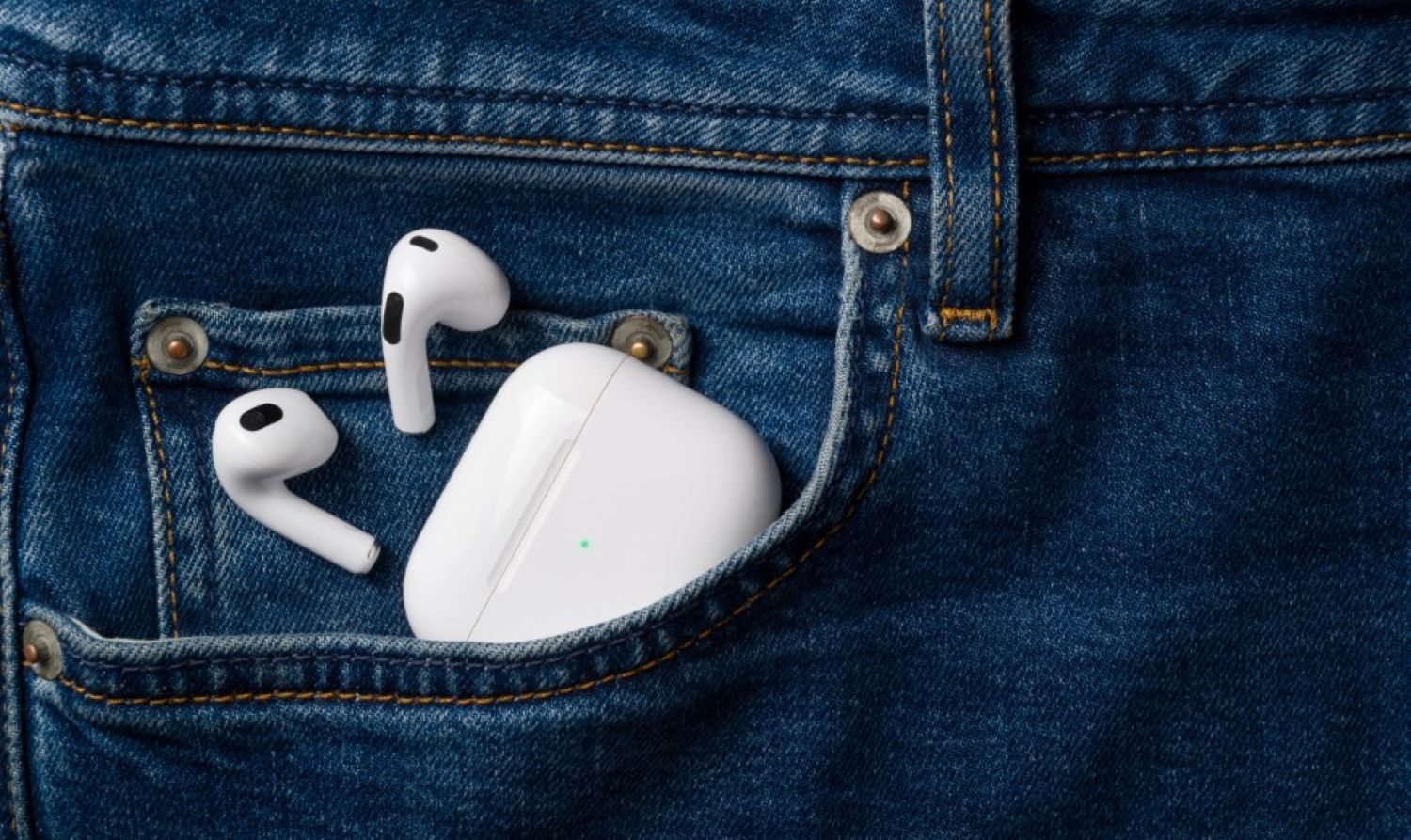
Eight AirPods variants share the same 9B5043a build number, covering both ends of Apple’s audio lineup.
AirPods Pro 3, AirPods 5, and AirPods 5 with Wireless Charging Case are all included, 9to5Mac reported. The AirPods Pro 2 is represented in both its Lightning and USB-C configurations.
Rounding out the list are AirPods Max 2, AirPods 4, and AirPods 4 with Active Noise Cancellation.
What Apple Actually Says (Almost Nothing)
A build number is the only transparency Apple offered with this release.
Apple published no changelog, no feature list, and no release notes. MacRumors and 9to5Mac both reported the build number 9B5043a on October 13, 2026; beyond that, what changed remains unknown.
That approach is standard practice for AirPods beta firmware, making this update the firmware equivalent of a restaurant menu with no prices: you are expected to trust the kitchen.
How to Get It
There is no update button; the process is passive and can take several hours.
To opt in, connect your AirPods to an iPhone, iPad, or Mac running a compatible OS version, open AirPods settings, and enable the AirPods beta firmware option. Keep the earbuds connected and charging so the firmware can transfer. Delivery can take several hours, according to MacRumors.
AirPods firmware does not update through a visible software update prompt the way your iPhone does. The process runs quietly in the background while the case sits on power within Bluetooth range.
For AirPods Max 2, Apple’s support documentation recommends connecting over Bluetooth and attaching the charging cable to a power source. Stay within Bluetooth range and wait at least 30 minutes before checking the installed firmware version.
Should You Install It?
Your answer depends on how much you can afford to gamble with your only pair.
Beta firmware is pre-release software and should be treated as experimental. If these AirPods are your daily driver and unreliable audio would affect your work or commute, wait for the stable release. That is the sensible call, as mactrast.com noted in its coverage.
Developers and public beta testers looking to report bugs or catch early changes are the documented audience for this release. Everyone else can afford to wait.
What Comes Next
Apple may clarify the changes in a later beta, but nothing in the current sources confirms when or whether that transparency will arrive.
For now, 9B5043a is a black box: real enough to install, opaque enough that only the most curiosity-driven AirPods owners have a clear reason to rush.