Someone turns on their VPN, opens a fresh tab, and immediately types “what is my IP address?” into Google. Not because they’re paranoid. Because they want confirmation. That query, mundane as it sounds, regularly appears among the top globally searched questions on Google — alongside common queries like “what time is it” and “how old is Taylor Swift” in raw monthly volume, according to multiple keyword analyses by PageTraffic and Advisory Excellence. That’s not a quirk. That’s millions of people quietly checking whether the internet sees them the way they intend to be seen — the same impulse that drives concerns about secretly tracking users across the web.
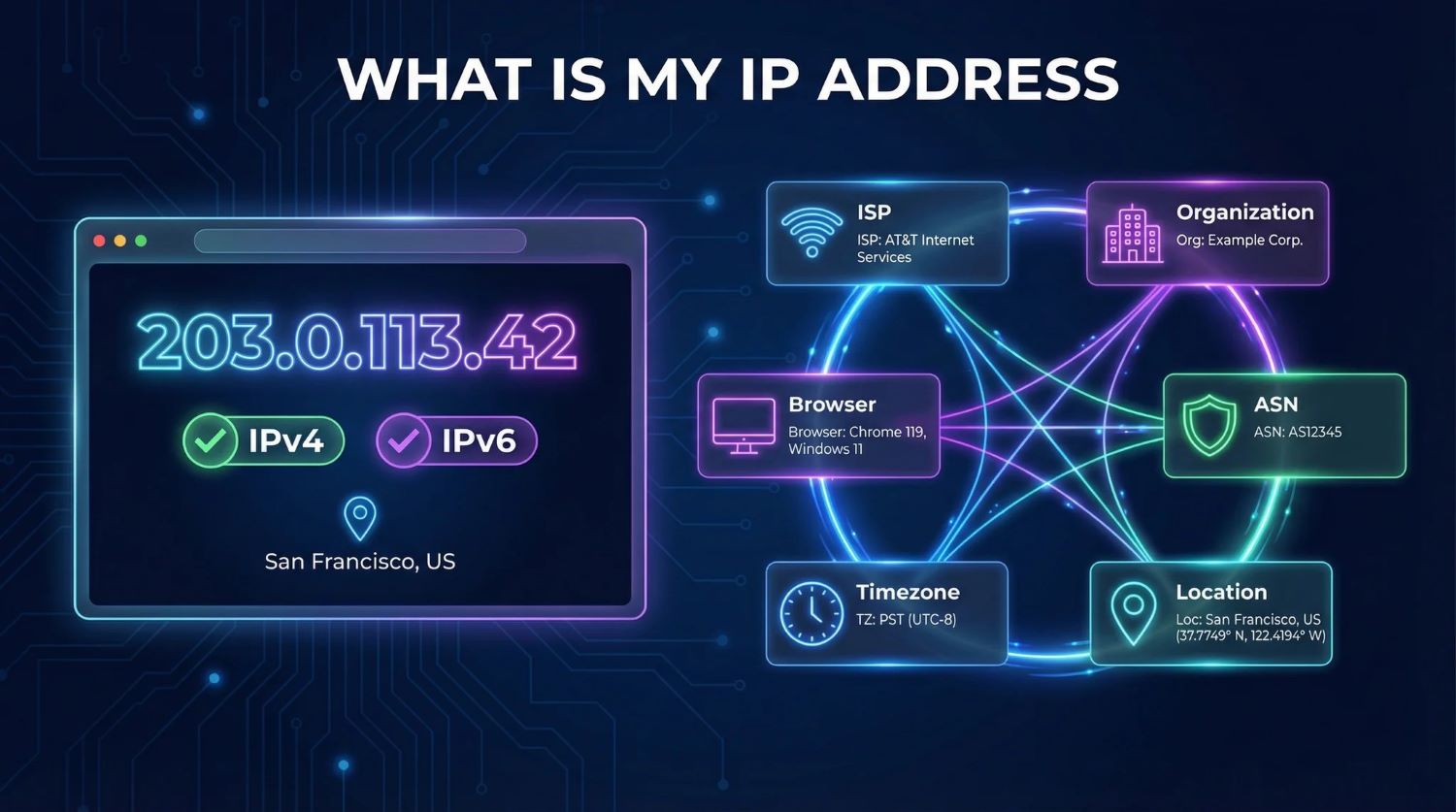
Here’s what an IP lookup actually surfaces about your connection:
- Your approximate location — typically city-level accurate for home broadband, far less reliable for mobile or satellite
- Your ISP and network owner — the organization registered to that IP block, often combined into one data point
- Whether you’re routing through a VPN, proxy, or Tor node — services flag this automatically
- Your connection type — residential, corporate, or hosting provider
- What it cannot do: identify you personally or pinpoint your street address without ISP cooperation and legal process
The VPN Trust Test – And Where It Gets Complicated
Checking your IP after connecting a VPN is a quick sanity check that’s become muscle memory — but the tech running behind it is anything but simple.
The mechanics behind a lookup are surprisingly layered. The tool validates your IP, matches it to an ISP and network owner, geolocates it against commercial databases, then runs it through threat-intelligence feeds that flag VPN exit nodes, datacenter ranges, and known abuse sources. The whole process returns in one instant query — less effort than checking your location tag before posting a story.
“An IP address identifies a network endpoint, not a person. Treat the location as the network’s registered area — usually accurate to city level and sometimes only to country.” — Abstract API
The stakes escalate quickly. Many banks, streaming services, and e-commerce platforms routinely check your IP against geolocation and risk-intelligence data — silently, the moment a connection is established. If your address flags as a VPN exit node or datacenter range, the service may challenge your login, restrict content, or score your transaction as elevated risk. Your IP isn’t just a network label. It’s a live signal that shapes what you can access and how you’re treated online.
Your IP is being assessed before you’ve typed a single character.
One of the most common reasons people run this check is simple VPN verification — connect, search, confirm the location matches the chosen server. But IP intelligence tools are now sophisticated enough to identify VPN exit nodes by cross-referencing commercial VPN IP blocks and datacenter ranges. The same check you’re running on yourself is the exact check that fraud teams are running on you — a dynamic also exploited by every surveillance app built to risk-score targets by location signals. Mobile networks often register to a carrier’s hub city rather than your actual location — a meaningful limitation that some consumer-facing IP lookup sites tend to downplay.
As CGNAT and IPv6 adoption spread, more users will share public IPs, making individual identification from IP data alone increasingly difficult. Platforms will likely shift toward layered risk models that combine IP signals with device fingerprints and behavioral analytics. Understanding what your IP does and doesn’t reveal is no longer niche knowledge — it’s basic digital literacy.