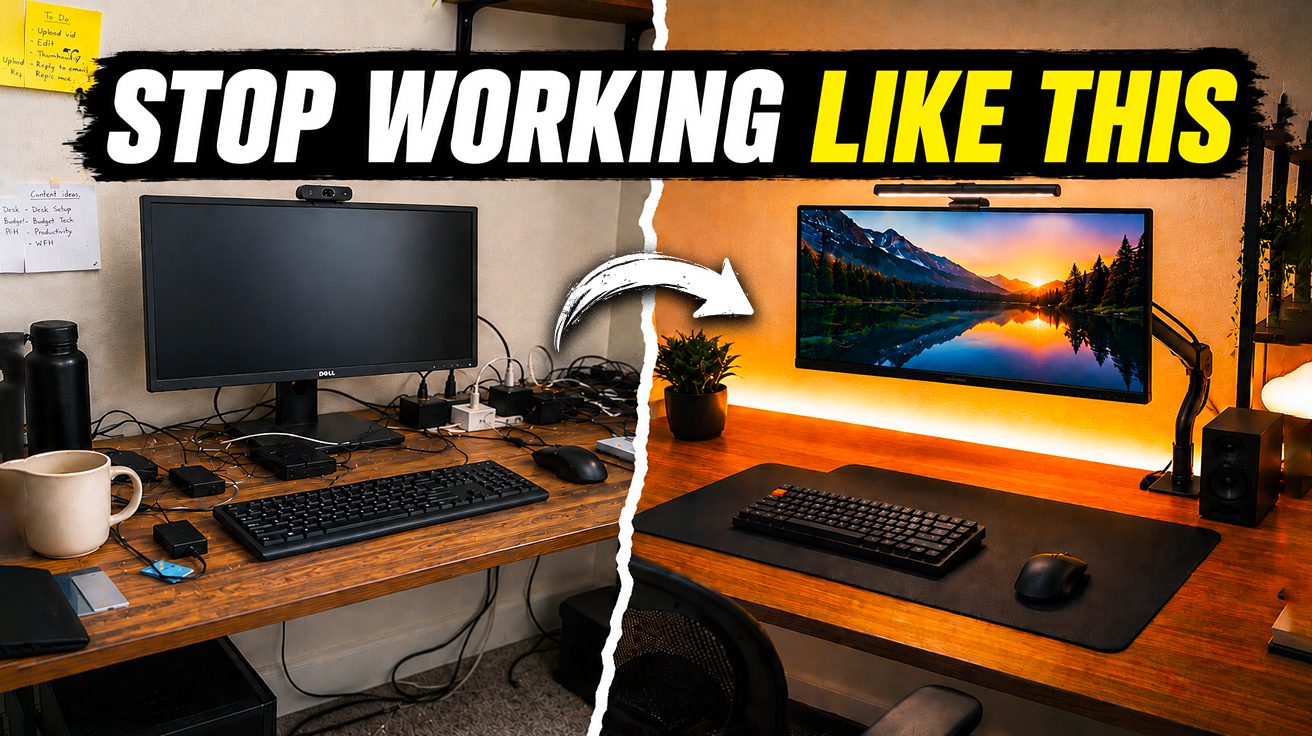
Don’t let outdated advice fool you: building a truly functional and professional home office setup for under $500 is completely doable, even with today’s tech demands. Many guides miss the mark, leading you to overspend on aesthetics while neglecting crucial elements that impact your productivity and professional image. This guide cuts through the noise, focusing on essential, high-impact items that will make you look and sound great on camera and get real work done. Transform your workspace without emptying your wallet – by the end, you’ll see exactly how to achieve a setup that’s both practical and polished, with budget to spare.
This content may contain affiliate links. If you wish to support us and use these links to buy something, we may earn a commission.
9. IKEA LAGKAPTEN Desk
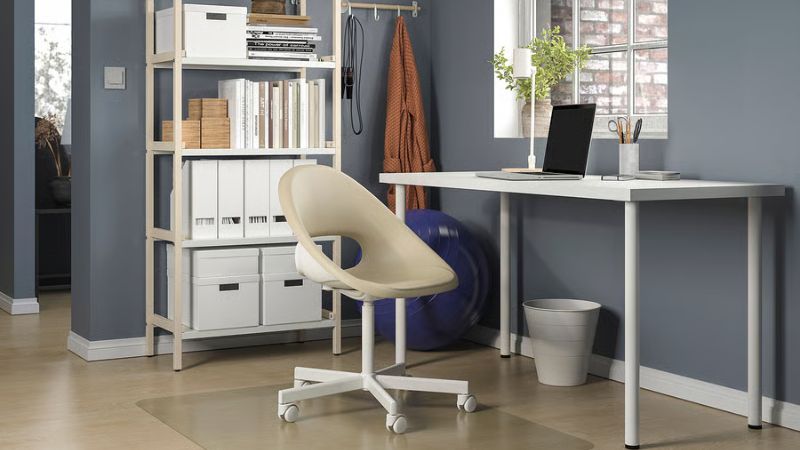
The backbone that holds your entire digital empire together.
Starting your home office build doesn’t require emptying your bank account, and the IKEA LAGKAPTEN desk proves it. For around $70, this tabletop, typically measuring 55 inches wide by 24 inches deep, offers a workspace that feels surprisingly generous. Sturdy enough to hold your entire tech arsenal without wobbling like a Jenga tower mid-game, it forms the reliable foundation that many pros choose for its sheer value.
Paired with basic ADILS legs, assembly is straightforward, making it less of a chore and more of a quick win on your path to a functional setup. The backbone of a space that looks polished, even when you’re just dialing into your third Zoom call of the day.
8. Mainstays Ergonomic Office Chair
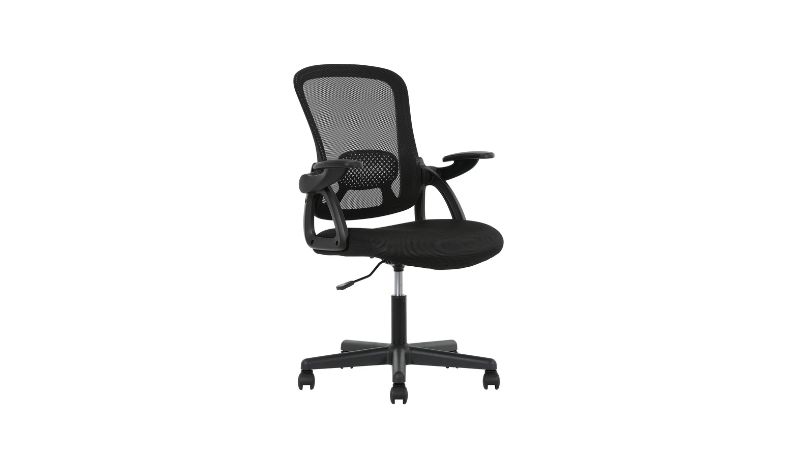
Comfort that won’t leave you feeling like yesterday’s leftovers after eight hours.
Anyone expecting cardboard and regret from a chair that costs less than a decent dinner for two will be pleasantly surprised. This Mainstays ergonomic offering, ringing in at about $64, actually manages to deliver on basic comfort. Lumbar support and a mesh back that won’t leave you overheated, plus essential height and tilt options that get the job done.
Think of it like showing up to a black-tie event in a clean, well-fitting suit instead of a tuxedo—appropriate, functional, and you won’t feel out of place. Anyone who’s ever tried to work from a kitchen chair knows the value of something that just works without breaking the bank.
7. Huanuo Monitor Arm (entry-level)
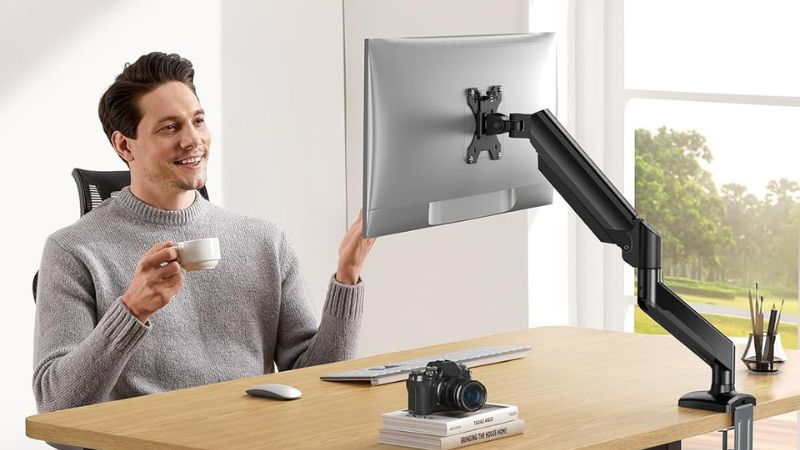
Your neck’s new best friend and desk space liberator rolled into one.
Running about $36, this gas spring mount can hold up to 32-inch monitors weighing 20 pounds, giving you back that precious desk real estate. Think of it like giving your workspace a much-needed lungful of fresh air, ditching the slouch that’s probably been your default posture since 2020.
Beyond just saving your vertebrae, this arm makes your whole setup look less like a digital hoarder’s den and more like a place where actual work happens. Crucial when you’re on video calls and need to project professionalism, not just a chaotic background.
6. Quentis Monitor Light Bar
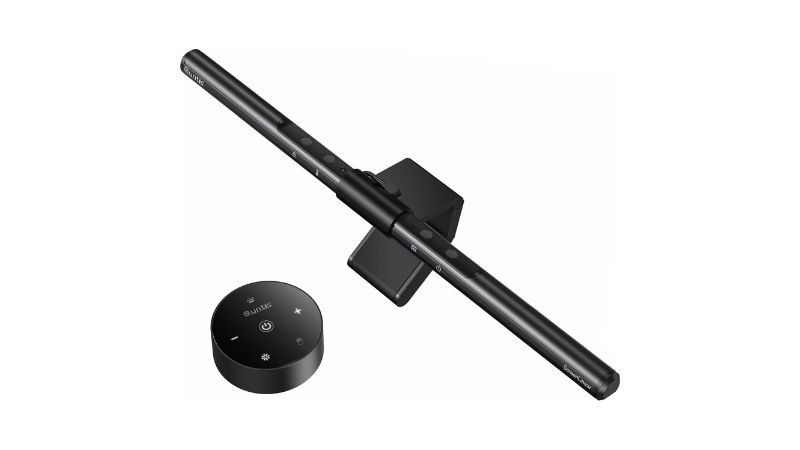
Professional lighting that whispers ‘I’ve got my life together’ without shouting about your budget.
This compact gadget is like having a portable film crew for your face, ensuring you look dialed-in whether you’re closing a deal or just catching up with colleagues. A subtle upgrade that makes your digital presence shine brighter than your Wi-Fi signal on a good day.
5. Cable Management Kit
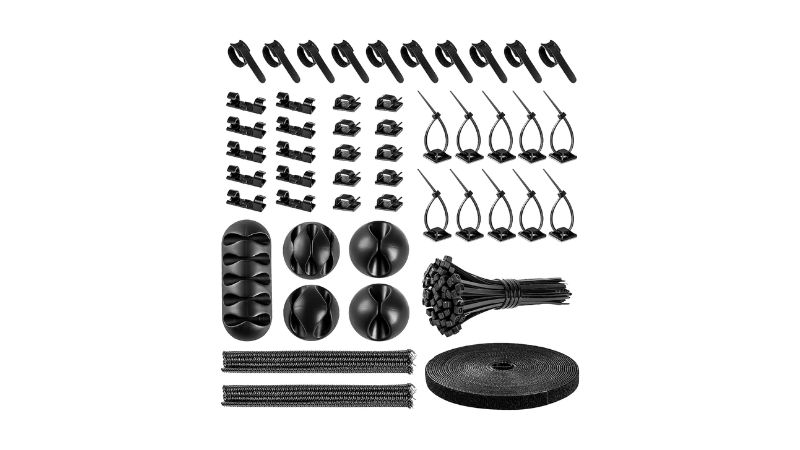
The rodeo champ that wrangles your digital spaghetti into submission.
Untangling that mess under your desk doesn’t require a degree in engineering or a fortune. For less than $20, you can snag a cable management kit that includes an assortment of ties, sleeves, adhesive clips, and routing channels—basically, all the gear you need to make those rogue wires behave.
A tidy workspace isn’t just about looking good for Zoom calls; it genuinely makes you feel more focused, like clearing your head before a big presentation. This simple upgrade transforms your desk from a tripping hazard into a productivity zone, proving you’ve got your setup as dialed in as your workflow.
4. Faux Leather Desk Mat
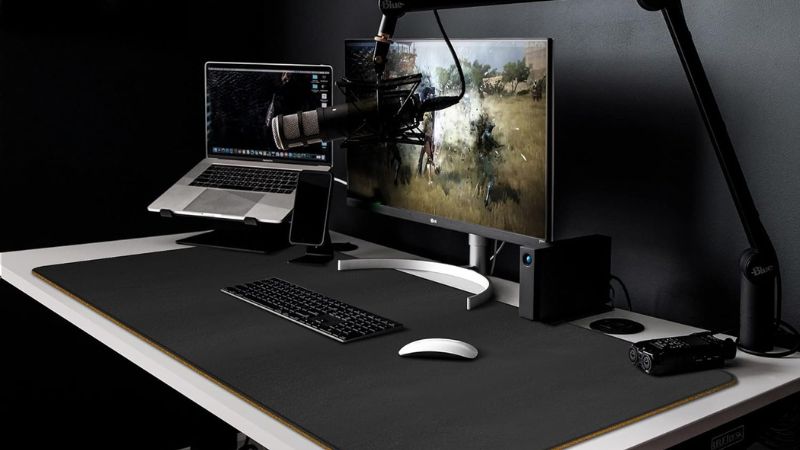
Your desk’s non-slip superhero cape that ties everything together.
Protecting your desk surface from the daily grind, a faux leather mat offers a solid solution for around $27. Typically measuring 20 inches wide, this accessory blankets the essential keyboard and mouse territory, ensuring your peripherals stay put and your surface dodges scratches and spills.
The non-slip cork backing acts as an anchor so your mouse doesn’t skitter off like a startled cockroach during an important video call. Beyond practicality, the faux leather brings a touch of grown-up sophistication, upgrading the entire feel of your workspace without requiring a second mortgage.
3. Keychron K8 TKL Keyboard
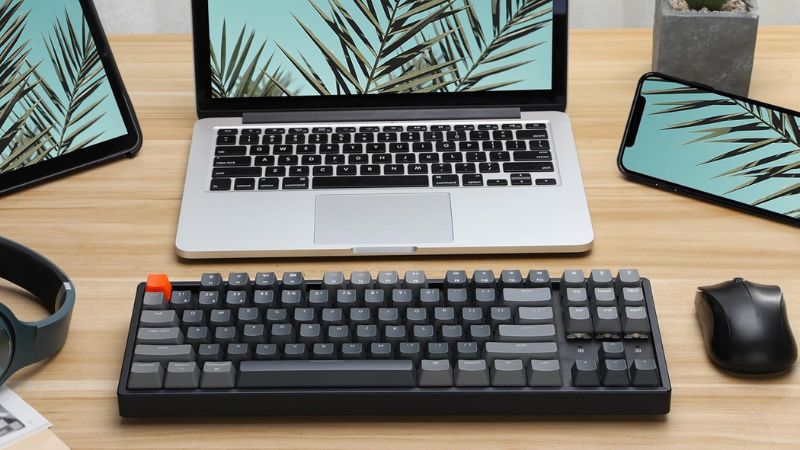
Premium typing vibes without the premium price tag anxiety.
Priced at $60, this mechanical keyboard proves you don’t need to spend a fortune for a premium typing experience that looks good on camera. The Tenkeyless (TKL) design strips away the number pad, giving you more desk real estate, while gasket mounting acts like a shock absorber for your keys, making typing quieter and smoother.
Don’t let the plastic body fool you; this keyboard offers a satisfying tactile feel and a pleasing acoustic profile that rivals boards costing twice as much. If you’re tired of your keyboard sounding like a construction site during Zoom calls, the Keychron K8 is your new best friend.
2. Logitech Mouse (productivity model)

The difference between conducting a symphony and wielding a spork.
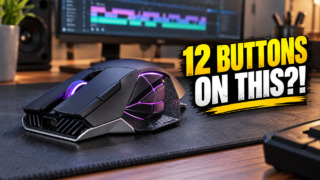
Anyone who’s spent an eight-hour workday clicking through spreadsheets knows a cheap mouse feels inadequate for serious work. A mid-range productivity mouse, something like the Logitech MX Anywhere series, bridges that gap perfectly. These typically land between $30 and $50, offering precision tracking and ergonomics that make your hand feel like it’s actually on vacation, not just stuck at a desk.
Enhanced tracking means smoother scrolling through dense documents or during those endless video calls where you’re trying to look engaged. Like upgrading from dial-up to Wi-Fi, it makes a world of difference when you’re trying to get actual work done without fighting your tools.
1. 24-inch Office/Video Call Monitor
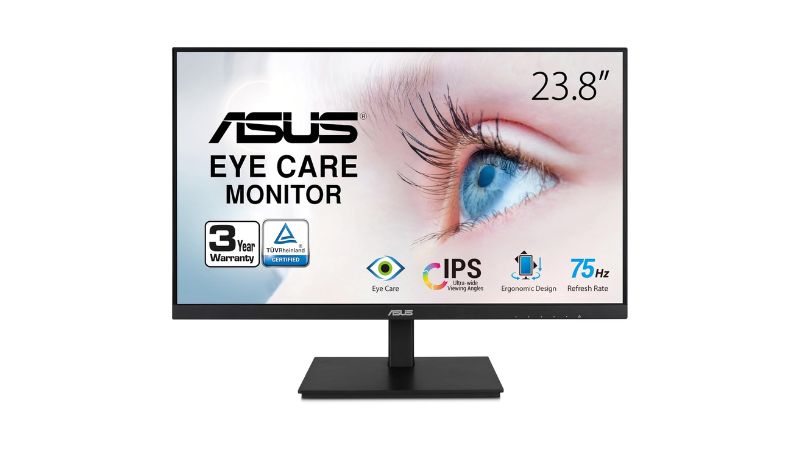
The upgrade that transforms digital communication from keyhole peeping to crystal-clear connection.
Staring at a laptop screen for 8 hours straight is like trying to read a novel through a keyhole—frustrating and bad for your eyes. Investing around $150-$200 in a dedicated 24-inch monitor transforms this pain point, with displays built for comfort that mean fewer headaches and less eye strain when you’re deep in spreadsheets or documents.
Beyond just documents, these monitors offer refresh rates smooth enough for professional video calls. Fewer awkward freezes and more natural interactions make you look like you actually have your life together on camera—suddenly, communication feels seamless and professional.