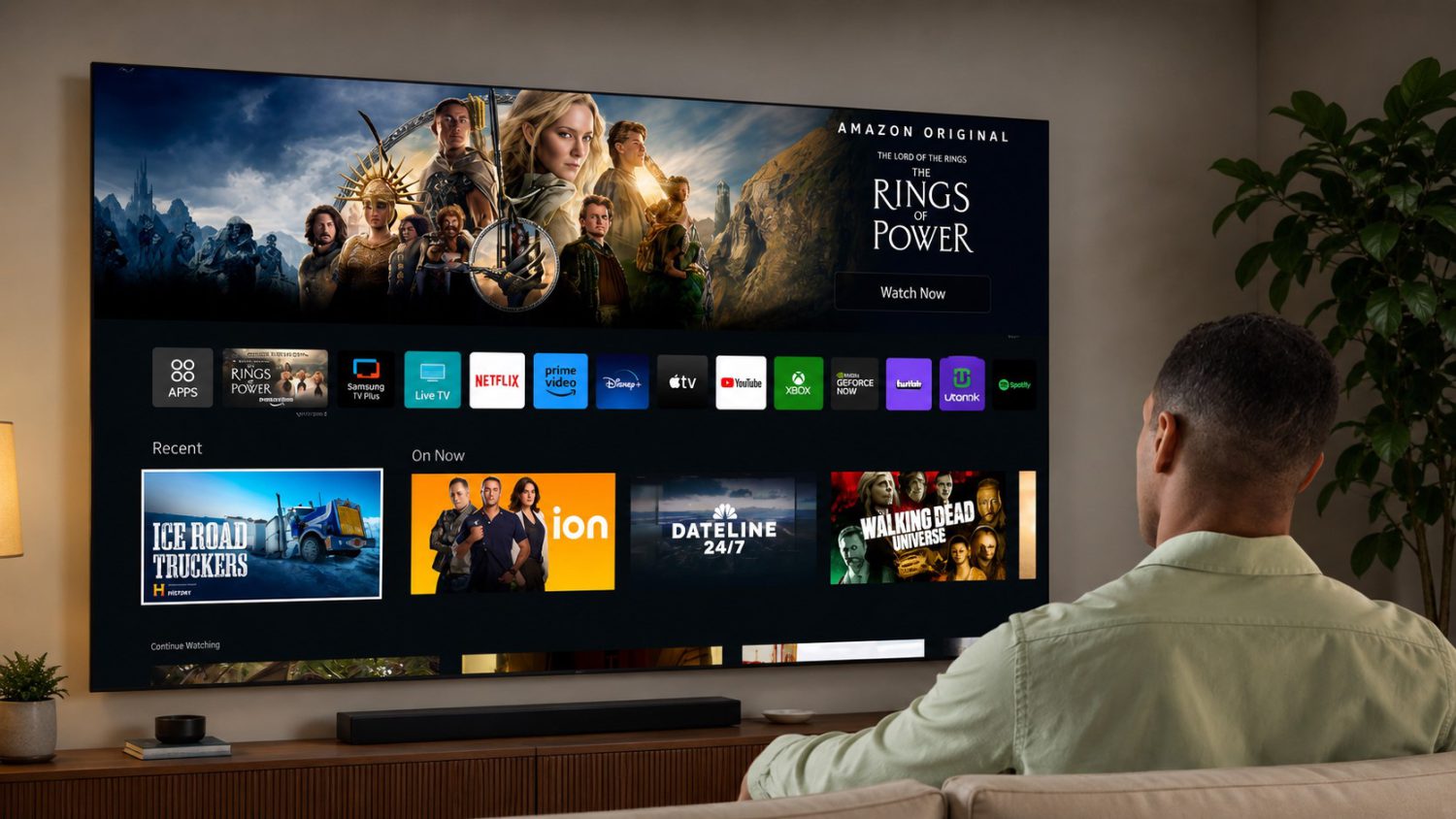
That $1,500 OLED sitting in your living room has a side hustle. A 2024 study presented at the ACM Internet Measurement Conference found that LG and Samsung TVs use Automatic Content Recognition — ACR — to fingerprint what’s on screen as often as 100 times per second on some LG sets. The part nobody mentions in the spec sheet: ACR doesn’t care where the signal comes from. Plug in your laptop, your PlayStation, your Nintendo Switch — the TV is still secretly tracking users, still sending fingerprints to manufacturer servers. By default. There are real steps to stop it.
The Setting You Need to Find First
Opting out of ACR actually works — but only if you can find where manufacturers hid the toggle.
RTINGS’ own network-capture testing on the Samsung S95F, Sony Bravia 8 II, and LG G5 confirms that ACR-related traffic stops — or changes dramatically — once the relevant settings are disabled. The bad news is that manufacturers buried these options like they’re embarrassed about them. Search your Privacy, Terms & Conditions, or Viewing Information menus for any of these:
- ACR / Automatic Content Recognition
- Viewing Data / Viewing Information / Enhanced Viewing
- Interactive Services / Samba Interactive TV / Content Recognition
- Device & App Usage Data / Advertising Preferences
These names vary by brand, so check every menu category listed above. Kill every toggle you find. Then consider how to stay safe from the next move.
Your TV as a Dumb Screen, Your Box as the Brain
Disabling ACR reduces the damage — taking your TV offline stops it entirely.
Disabling ACR is good. Disconnecting the TV from the internet entirely is better. The only surefire way to stop all TV-originated transmissions is to keep the set offline and use it purely as an HDMI display. You lose the built-in apps. You gain control over what’s actually harvesting your data — which is a trade worth making.
That’s where a separate streaming box comes in. The Apple TV 4K leads on privacy: App Tracking Transparency forces apps to request permission before cross-app tracking, and Settings → Privacy & Security → Tracking centralizes control in one place. Apple sells hardware; it doesn’t run a connected-TV ad marketplace. The NVIDIA Shield TV Pro is the strongest non-Apple alternative — push-to-talk mic instead of always-listening arrays, sustained software updates, solid hardware — though Google services remain baked into the Android stack. Roku and Fire TV are ad-subsidized by design. Data collection isn’t a bug on those platforms; it’s the product.
Here’s the honest ceiling on all of this: going offline and disabling ACR kills TV-level content fingerprinting.
What it doesn’t touch is the tracking inside Netflix or Disney+, and a covert surveillance app on your devices could still expose your data. Your ISP still sees traffic patterns to every streaming service you use. Call it progress, not privacy nirvana. Start with the TV settings. Disconnect the screen. Pick a box with a business model that isn’t built on profiling you. That’s a meaningful win.