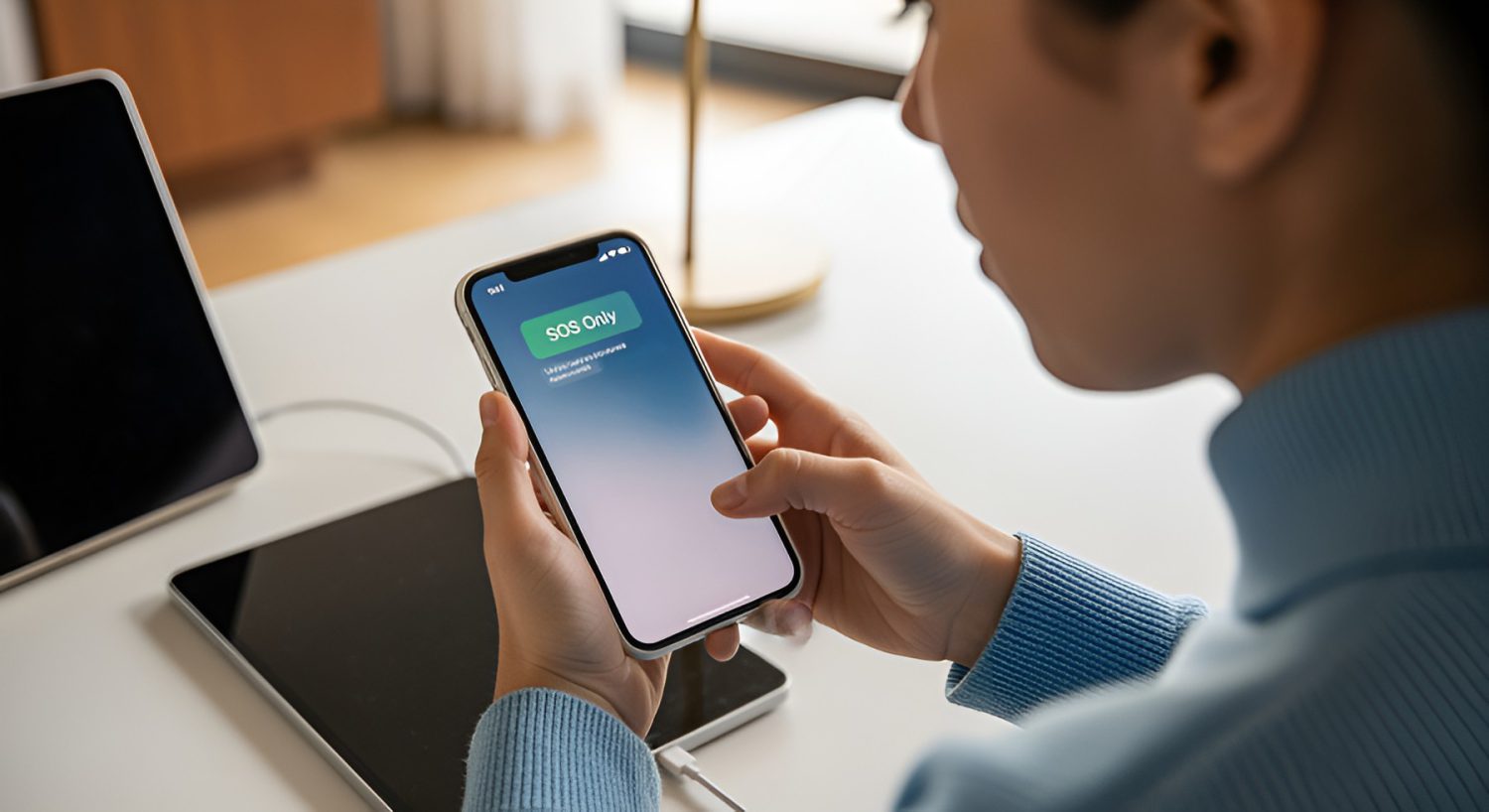
You glance at your phone and freeze. Where signal bars should be, there’s just “SOS” — sitting there like a tiny emergency flare. Your first instinct: something is very wrong. Your actual situation: probably fine. That three-letter indicator means your phone isn’t connected to your carrier’s network but can still reach emergency services through any available tower nearby. It’s not broken. It’s not calling 911 on your behalf. And it’s appearing far more often now, because carriers are quietly rebuilding their networks beneath your feet. If you want to fix it quickly, the steps are simpler than you’d expect.
What “SOS” Actually Means
It’s a mandatory safety fallback — not a malfunction.
Regulations in the U.S., Canada, Australia, and many other countries require any nearby tower — even a competitor’s — to carry emergency services regardless of your carrier or plan status. Your phone detects those towers, locks in emergency access, and displays SOS to tell you exactly where things stand. iOS 16 and later show “SOS”; iOS 15 and earlier say “SOS Only.” Same state, slightly different label.
Apple’s decision to call it “SOS” rather than “Emergency Calls Only” aged about as well as Twitter renaming itself X — technically defensible, practically alarming for everyone involved. Some users argue on Reddit that “No Signal” would be less panic-inducing. Others counter that SOS more accurately reflects that some network access still exists. Both camps have a point, and Apple hasn’t budged.
Why You’re Seeing It More Now
Carriers are rebuilding mid-flight, and your phone is the one reporting the turbulence.
Three things are happening simultaneously: 3G shutdowns, spectrum refarming for 5G, and mass eSIM migrations. When a tower goes offline for an upgrade or your eSIM profile fails to provision correctly after switching carriers, your phone loses its home network registration — and SOS appears instantly. During large outages, scores of devices flip to that screen at once, which is why screenshots go viral every time a major carrier has a bad afternoon.
Buried among the less-obvious triggers: a missed bill, a suspended line, a botched number port. These account-level blocks produce the exact same SOS screen as a tower outage. Your phone is fine. Your carrier account might not be. Think of it like your Netflix account throwing a payment error mid-episode — the app works perfectly; the subscription is what’s broken.
How to Fix It – Fast
Triage in order; don’t skip straight to the nuclear option.
- Toggle Airplane Mode on for 10–15 seconds, then off — forces the modem to drop its stale connection and rescan for networks
- Restart the phone — clears temporary modem state and resolves most transient issues
- Check Downdetector for a carrier outage before anything else; if towers are down, no local fix helps
- Inspect your SIM or eSIM — reseat a physical card; verify the eSIM line is active under Settings → Cellular
- Reset Network Settings as a last resort — effective, but it wipes saved Wi-Fi passwords; find the option under Settings → General → Transfer or Reset iPhone → Reset
If you just switched carriers or ported a number, a failed eSIM activation is likely your culprit. Re-provision through the carrier’s activation flow or toggle the eSIM line off and back on. If that doesn’t resolve it, call the carrier directly — provisioning errors on their end won’t fix themselves.
As eSIM-only devices become standard and 5G rollouts continue disrupting legacy coverage, SOS incidents will keep climbing before they level off. The label is alarming. The reality is mundane. Your phone is doing exactly what it’s supposed to do. The network infrastructure around it just hasn’t caught up yet.