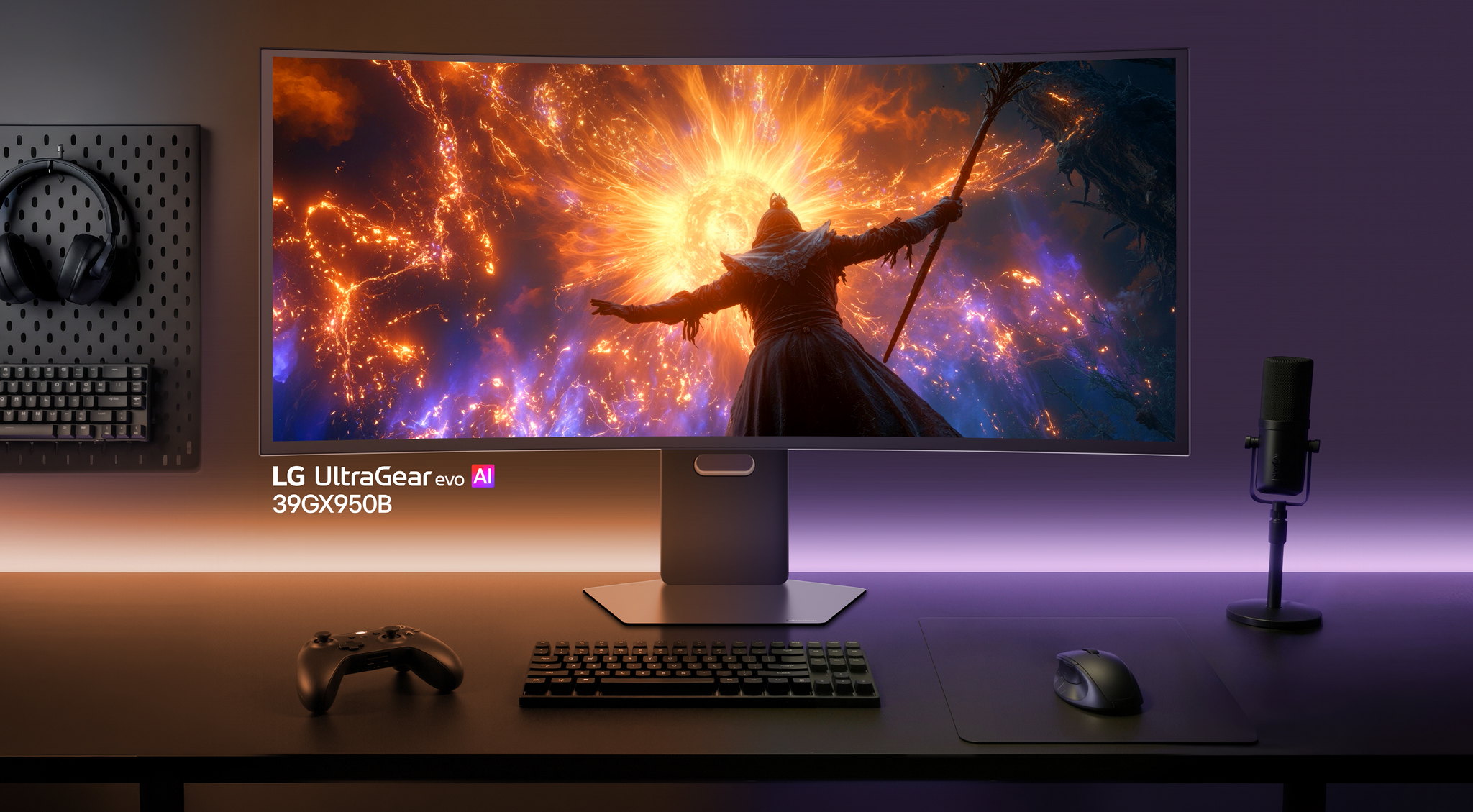
Fresh Windows 11 install. Brand-new LG UltraGear monitor. Everything pristine — until McAfee trial ads start blooming in the bottom-right corner of your desktop like mold on day-old bread. You never installed McAfee. You never agreed to anything. If you’ve encountered other frustrating computer problems like this, you’re not alone.
Gamers Nexus found McAfee promotions appearing on 31 out of 32 system boots during testing. The culprit: an app called LG Monitor App Installer, silently delivered through Windows Update the moment your PC detected the monitor. Reddit users on r/pcmasterrace only discovered it by digging through their Startup apps list, bewildered that a display — a screen — was serving them paid advertisements.
How Your Monitor Became an Ad Server
Microsoft’s Hardware Support App system gives OEMs a backdoor onto your machine, and LG walked right through it.
Microsoft built a feature called Hardware Support Apps that links OEM software to device metadata. Plug in compatible hardware, and Windows auto-installs the associated app. No prompt. No consent dialog. Microsoft’s own developer documentation warns that users “may find this experience confusing and frustrating.” That’s putting it mildly.
The LG Monitor App Installer sits in the Microsoft Store as an official LG Electronics product. It requests permissions to “use all system resources” and “access your Internet connection” — permissions that feel wildly excessive for something supposedly managing your display settings. LG’s linked privacy policy covers the collection of device information, internet activity, and geolocation data — behavior reminiscent of apps secretly tracking users without meaningful consent. For an app you never chose to install.
A PC technician quoted by NewsBreak called the software “not necessary for the proper function of the basic display,” classifying it as a potentially unwanted program. Remember pre-installed Norton trialware shipping on every mid-2000s Dell? Same energy — except now the bloatware arrives post-sale through Windows Update, triggered by plugging in a monitor. Alienware and Dell monitors exhibit similar auto-install behavior, though LG’s McAfee ad layer is the uniquely galling twist.
“Not necessary for the proper function of the basic display.” — PC technician, quoted by NewsBreak
Where Things Stand Now
LG pulled the McAfee ads, but the pipeline that delivered them remains wide open.
LG reportedly stripped all McAfee ad content from the app on July 13, 2026, after sustained backlash. The silent installation pipeline, however, remains fully operational. If monitors can pull this off, expect GPUs, printers, and routers to follow — yet another example of what consumers are paying too much for without realizing it.
How to Clean This Up Right Now
Removing the app takes minutes; blocking future auto-installs requires a quick trip into Windows settings.
- Find it: Settings → Apps → Installed apps, sorted by install date — look for LG Monitor App Installer.
- Remove it: Uninstall through Settings or the Microsoft Store app page. If that fails, run
Get-AppxPackage *LGMonitor* | Remove-AppxPackagein PowerShell as Administrator. - Block future installs (Windows Pro): Open
gpedit.msc→ Computer Configuration → Administrative Templates → System → Device Installation → enable “Prevent automatic download of applications associated with device metadata.” - Windows Home users: Navigate to System Properties → Hardware → Device Installation Settings and set automatic manufacturer app downloads to “No.”
Although LG removed the McAfee ad layer on July 13, 2026, the silent-install pipeline that enabled it remains fully intact. Microsoft and OEMs both benefit from frictionless hardware-app integration. You’re the one left scrubbing unwanted software off a machine you built yourself. This is shaping up to be the Superfish moment for monitors — and nobody’s treating it that way yet.