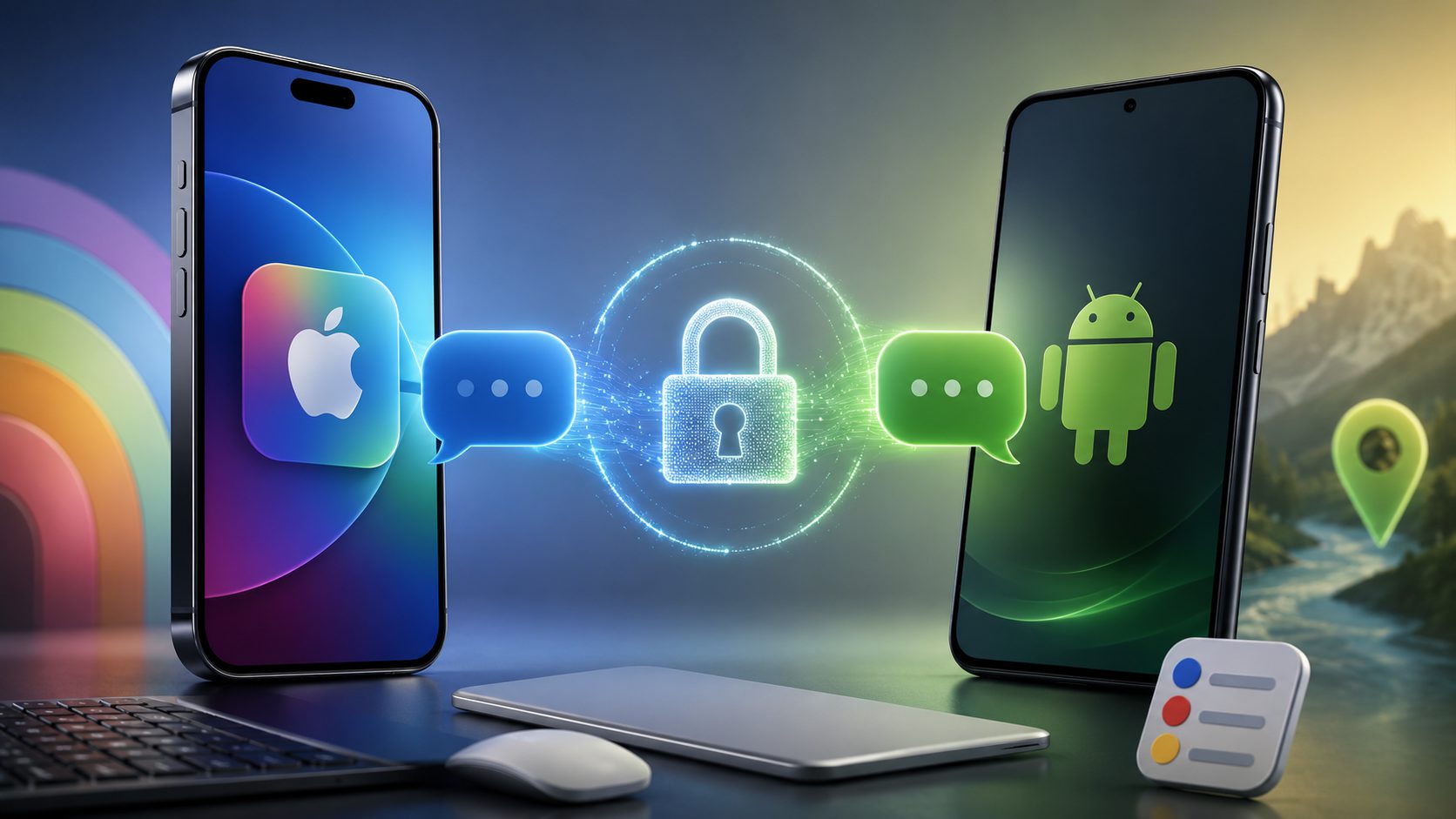
Your iPhone can finally send encrypted messages to Android users without forcing them into iMessage’s walled garden. iOS 26.5, released May 11, introduces end-to-end encrypted RCS messaging that matches iMessage’s security standards. When both parties have compatible carriers, you’ll see a lock icon confirming your cross-platform conversations stay private.
The catch? This feature remains in beta with carrier-dependent availability. Not every provider supports the latest RCS standards yet, meaning your messaging security depends on telecom companies catching up to Apple’s timeline.
Personalization Gets Predictably Subtle Updates
Dynamic wallpapers and location suggestions add polish without revolutionary changes to daily workflows.
Apple’s incremental approach continues with the Pride Luminance wallpaper, featuring dynamically refracting spectrum colors. iPad users get additional customization through a color builder supporting up to 12 custom hues—because apparently, rainbow gradients needed more options.
Maps introduces Suggested Places based on trending nearby locations and your recent searches. Think of it as Apple’s answer to Google’s location recommendations, serving up restaurants and attractions before you realize you’re hungry or bored. The feature feels useful without being intrusive, assuming you’re comfortable with Apple tracking your movement patterns.
iPad Pro Users Score Connectivity Wins
Magic accessory auto-pairing and precise reminder scheduling target productivity workflows most users actually need.
iPadOS 26.5 addresses genuine pain points with automatic Bluetooth pairing for Magic Keyboards, Trackpads, and Mice via USB-C. No more fumbling through settings menus when switching between devices. The Reminders app now accepts precise snooze times instead of vague “This Evening” options—a small change that eliminates daily scheduling frustration.
EU users get third-party accessory support with Live Activities, though Apple’s regional feature rollouts continue creating fragmented experiences across markets.
Reality Check on Universal Adoption
Compatibility spans iPhone XS through current models, but encrypted messaging requires both parties’ carriers to cooperate.
Installation works seamlessly through Settings > General > Software Update for iPhone XS and later models, plus compatible iPads. Apple continues supporting legacy devices with security updates like iOS 15.8.8 and iOS 16.7.16, maintaining its impressive device longevity track record.
The RCS encryption breakthrough sounds transformative until you remember that messaging security requires cooperation from notoriously slow-moving carriers. Your encrypted chats depend on infrastructure upgrades beyond Apple’s control—a reminder that even the most elegant software solutions can’t solve institutional coordination problems overnight.