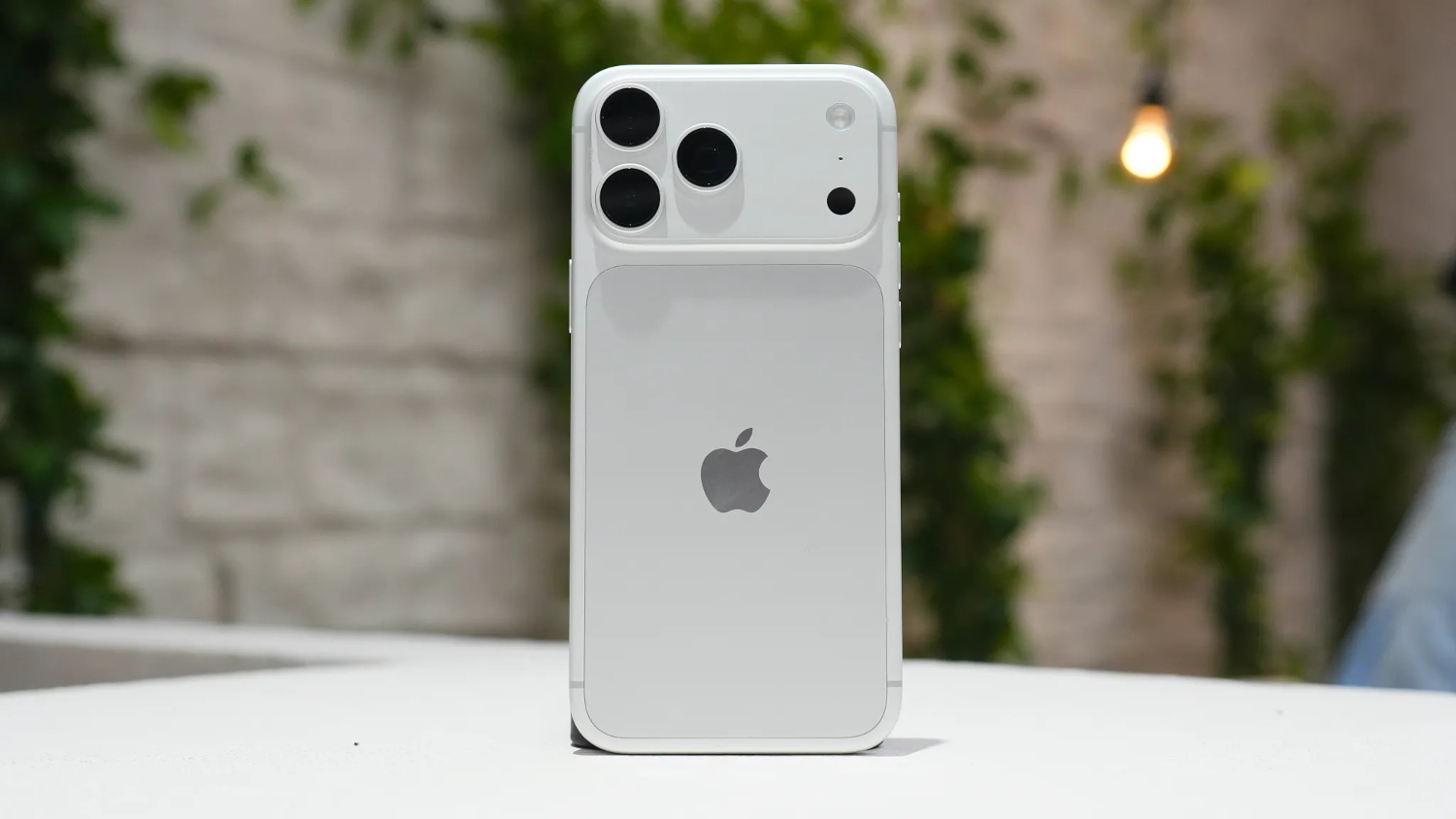
A high-priced flagship phone that may be unable to complete a 911 call is a serious problem. Apple and AT&T have both confirmed a cellular-service fault affecting a small number of iPhone 18 Pro Max units on AT&T in the United States, according to MacRumors. Symptoms include loss of calls, texts, and mobile data; in some cases, the phone drops into SOS mode.
The fault is currently reported only on AT&T’s network, with no comparable reports identified on other carriers.
If Your Phone Has Already Lost Service
For devices that have already gone dark, a software update will not bring service back.
Apple’s position is clear: software cannot restore a device that has already lost cellular service. For phones already in that state, Apple says a hardware replacement is required, according to Apple’s statement as reported by MacRumors.
ZDNET reported that Apple confirmed replacements would be provided free of charge, but the full eligibility criteria and exact exchange process have not been publicly detailed. Verify the specifics with Apple or AT&T directly before visiting a store, since stock availability and whether exchanges must go through Apple rather than AT&T remain unclear from current reporting.
To start the process, contact Apple Support, AT&T customer service, or visit an Apple Store or AT&T location.
How to Protect a Working iPhone 18 Pro Max
If your phone still has service, two specific updates are available right now and both are worth installing.
If your iPhone 18 Pro Max on AT&T still has service, two updates are available and both matter. Apple recommends installing them while the phone is still operational, as neither update is described as a fix for devices that have already lost service, according to MacRumors.
The first is iOS 27.0.1. Open Settings, tap General, then Software Update, and install it if you have not already done so.
The second is a separate AT&T carrier-settings update. Unlike an iOS update, which governs the operating system, a carrier-settings update controls how your phone communicates with AT&T’s network. To check for it, open Settings, tap General, then About, and install any prompt that appears.
Apple said this carrier-settings update will automatically download for AT&T users over the next 14 days, according to MacRumors. Checking manually under About may allow you to install it sooner, though the primary sources describe manual checking as an option rather than a guaranteed accelerator.
Installing both updates in sequence is the only confirmed prevention step available right now. Apple and AT&T describe them together as measures intended to prevent the issue, so do not assume that iOS 27.0.1 alone is sufficient.
What to Do Next
The path forward depends entirely on whether your phone still has service.
If your phone still works, update it today. If you have already lost cellular service, contact Apple or AT&T to arrange a replacement rather than waiting for a software fix that will not arrive. Apple has not publicly disclosed the underlying technical cause of the fault in the statement cited by available reporting, so further detail on what specifically triggers the failure may emerge as the situation develops. Check Apple’s support page and MacRumors for updates.