Your iPhone’s sluggish app launches and spotty Siri responses finally have a cure. iOS 27 prioritizes what actually matters in daily use—performance, intelligence, and polish—over flashy features that collect digital dust.
Performance Gets the Attention It Deserves
Faster everything, from apps to AirDrop, plus better battery life.
According to current reporting, iOS 27 delivers faster app launches through an optimized CPU scheduler, while AirDrop transfers speed up noticeably. Your battery should last longer, too, thanks to efficiency improvements that work behind the scenes. iPhone 11 and iPhone SE 2nd generation devices and newer will reportedly support the update, though Apple hasn’t published final compatibility details yet. These aren’t earth-shattering changes, but they address the performance creep that makes year-old phones feel ancient.
Siri Finally Acts Like an Assistant
A standalone app and contextual intelligence make Apple’s assistant actually useful.
Apple is reportedly rebuilding Siri with a dedicated app and contextual awareness that should end those “Sorry, I don’t understand” moments. Natural-language writing assistance and improved shortcut creation mean your digital assistant might finally earn its keep. Think less “What’s the weather?” and more “Help me draft this email while booking dinner reservations.” The AI integration extends to system-wide search with a rebuilt index that makes Spotlight actually find your stuff.
Core Apps Get Meaningful Upgrades
Photos, Mail, Messages, and Wallet gain productivity-focused features.
The Photos app introduces AI editing tools called Extend, Enhance, and Reframe—imagine Content-Aware Fill but for your vacation shots. Mail gets smarter ranking and improved search results, while Messages promises more reliable sending and syncing (because apparently that needed work).
Apple Wallet adds bill-splitting and custom pass creation, turning it into more than just a boarding pass holder. These aren’t Instagram-worthy additions, but they solve actual daily frustrations.
Ecosystem Polish Spans Every Device
Maps, AirPods, Health, and Safari improvements create smoother Apple experiences.
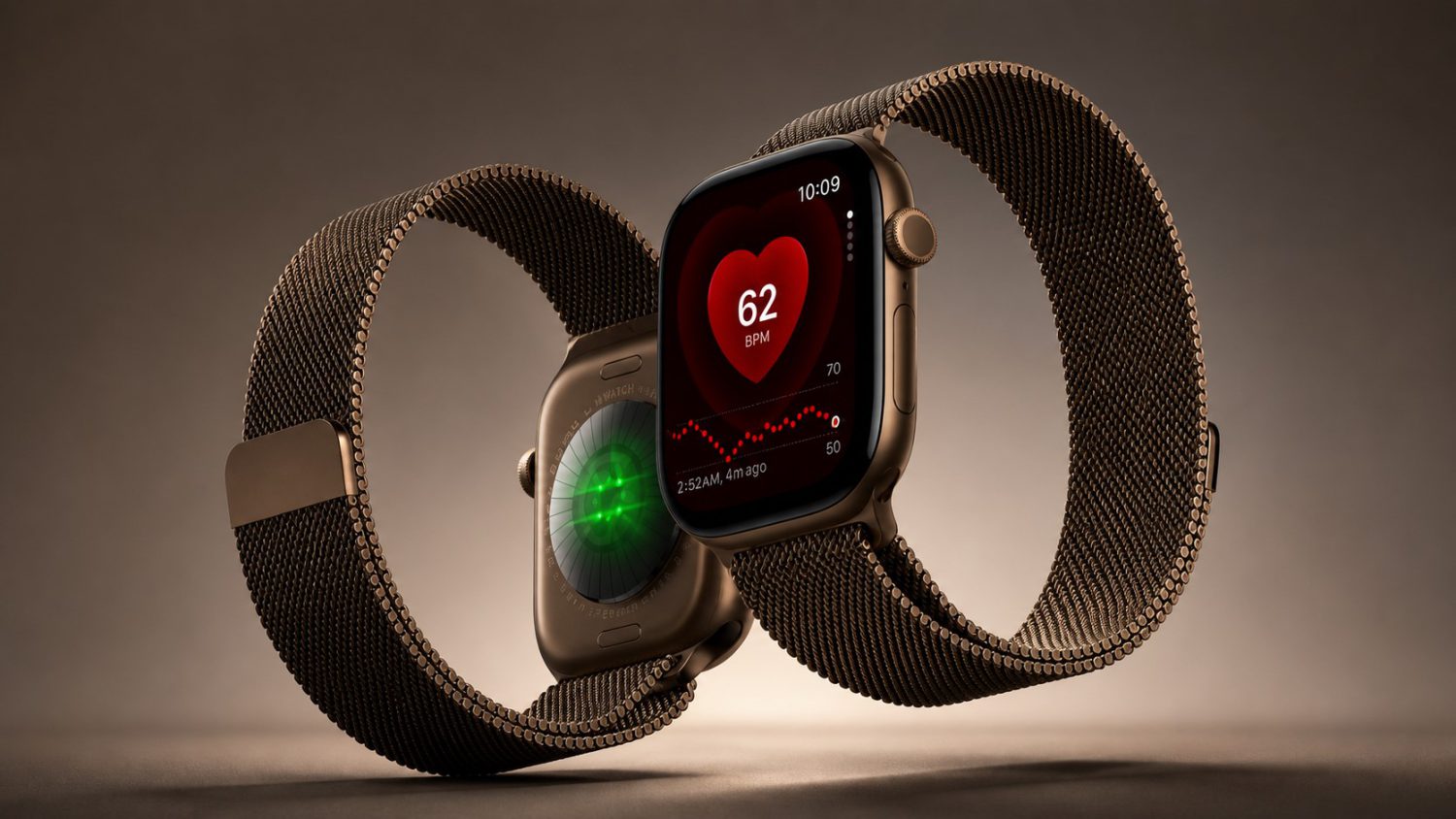
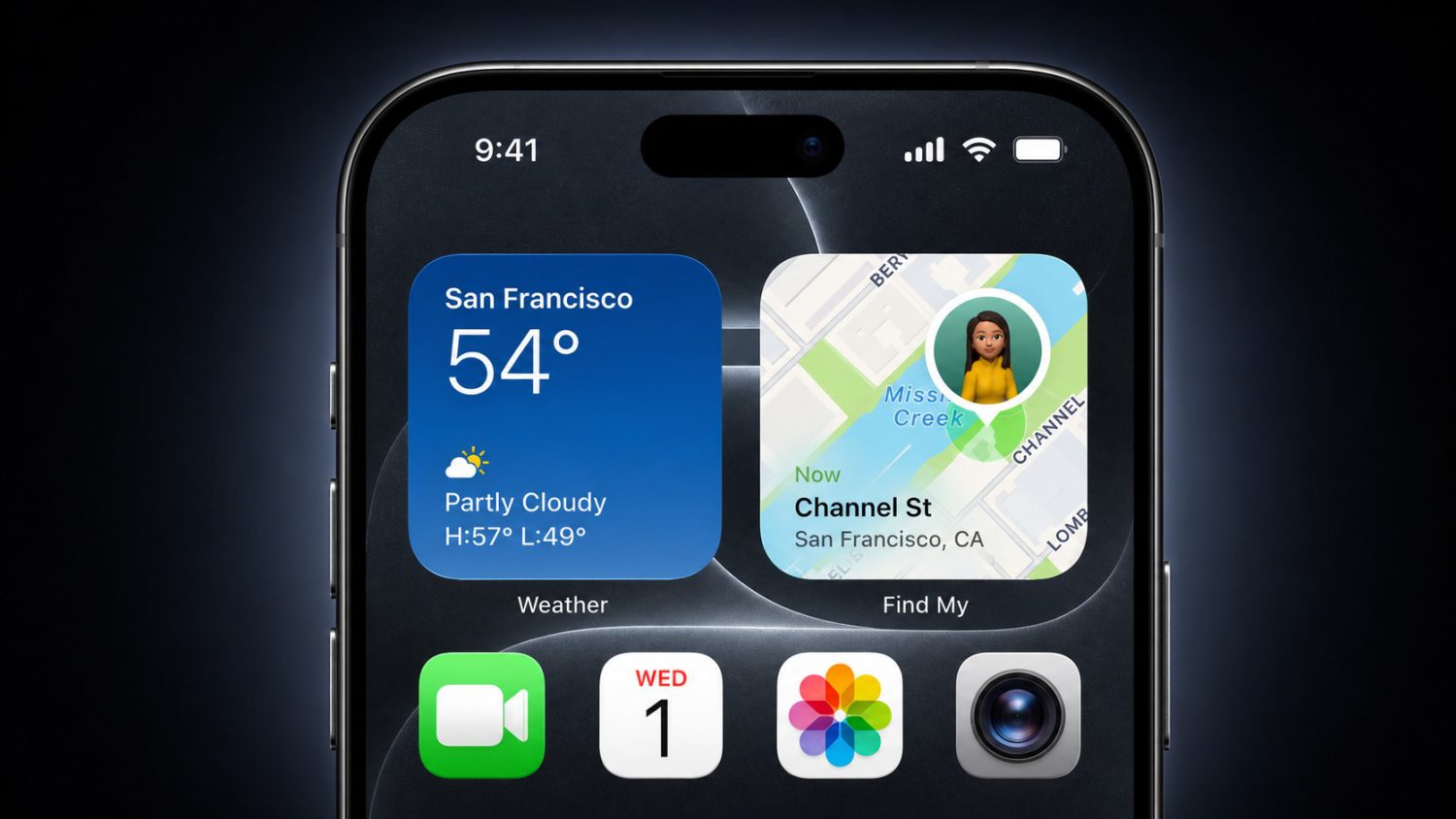
iOS 27 touches nearly every corner of Apple’s ecosystem, from Maps Flyover improvements to custom AirPods EQ settings. Health gets enhanced cycle tracking, Safari loads faster, and family safety features gain better parental controls. The cross-platform refinements suggest Apple is synchronizing improvements across iPhone, iPad, Mac, and Apple Watch—making device switching feel less jarring.
iOS 27’s “speed and smarts” approach won’t generate TikTok unboxing videos, but it might make your current iPhone feel worth keeping. Sometimes the best updates are the ones you barely notice—until you realize your phone just works better.