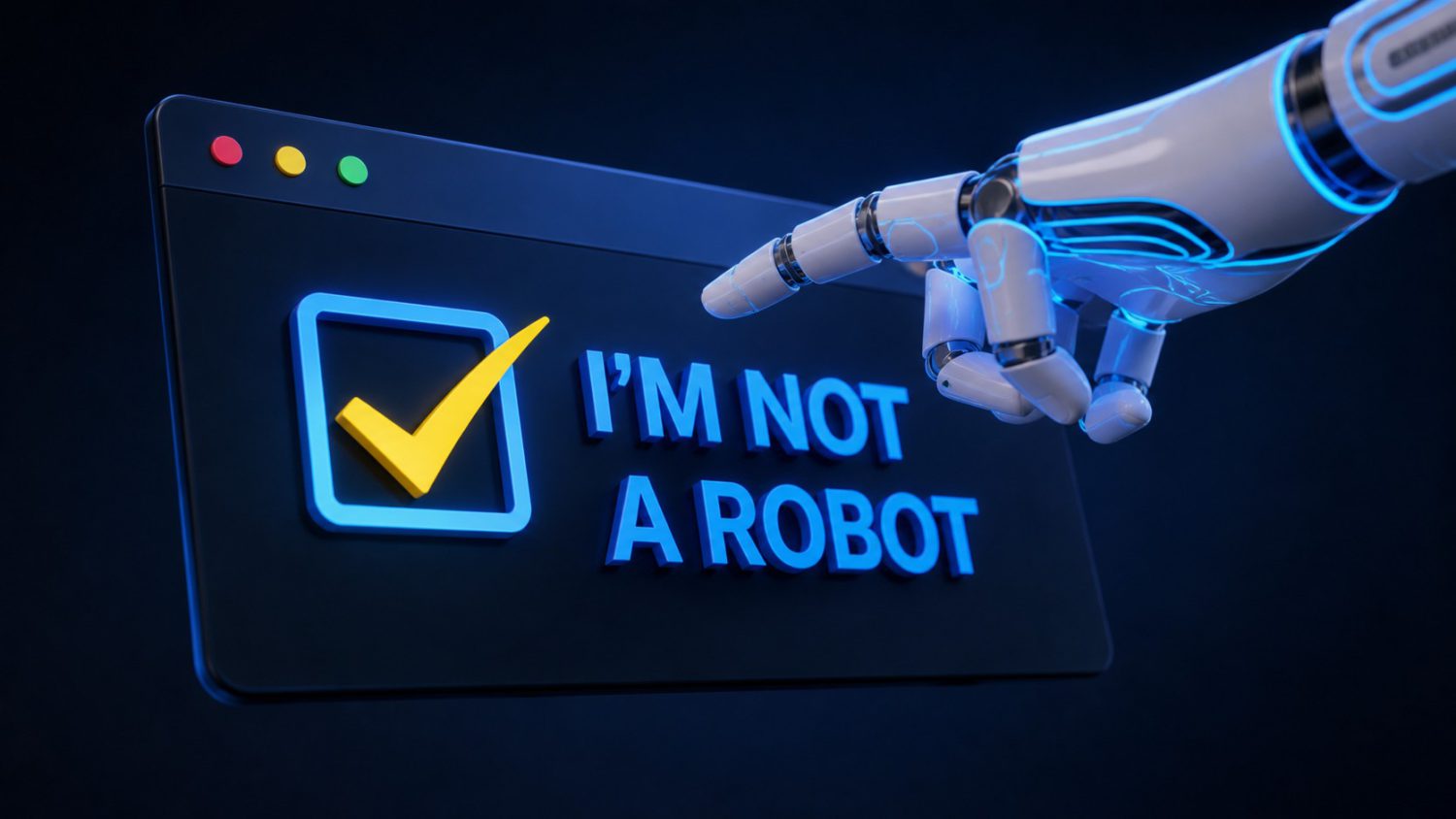
You’ve clicked “I’m not a robot” hundreds of times. It’s muscle memory. That familiarity is exactly what attackers are counting on. Microsoft Threat Intelligence published a warning on August 28, 2026, about a campaign called TerminalFix: fake Cloudflare CAPTCHA pages tricking Windows users into pasting malicious commands into PowerShell, Windows’ built-in scripting environment. There is no patch. The exploit is your behavior.
What TerminalFix Actually Does to Your Machine
A fake spinner animation is the most sophisticated part of this attack — everything that follows is catastrophic.
TerminalFix evolved from an earlier technique called ClickFix, which coached users to open the Windows Run dialog and paste a single malicious command. TerminalFix upgrades the delivery vehicle to Windows Terminal or PowerShell — environments built to handle long, complex, multi-line scripts without truncation. According to Microsoft, this “increasing the likelihood that complex, multi-line scripts execute successfully.” Same social-engineering trick. Much bigger payload capacity.
Here’s the sequence Microsoft documented:
- A compromised website overlays a counterfeit Cloudflare Turnstile widget — complete with checkbox, spinner, and branding — then instructs you to open PowerShell, paste a pre-staged command, and press Enter to “complete verification.”
- That command downloads a ZIP archive silently into
C:\ProgramDataand launches a batch file. - It then uses a legitimate Windows executable called LockScreenContentServer.exe to sideload a malicious DLL.
- From there, a custom reverse-tunnel implant installs itself, maps your Active Directory environment, and hands attackers persistent network-level proxy access through your machine.
As Microsoft Threat Intelligence warns: “TerminalFix deploys a reverse-tunnel implant capable of providing network-level proxy access through a compromised host.”
There’s No Patch. There’s Only You.
The payload runs entirely through tools Microsoft ships with every copy of Windows — which is exactly why your antivirus probably won’t catch it.
No Windows update fixes this. The malware moves through legitimate, Microsoft-signed tools — PowerShell, Windows Terminal — leaving traditional file-based defenses largely blind. Think of it like a con artist who knows exactly which uniform makes you open the door without checking ID. Security researchers put it plainly: defense against TerminalFix is layered and behavioral, because there is no software patch to deploy.
TerminalFix isn’t a lone operation, either. Malwarebytes and others have documented related fake CAPTCHA campaigns distributing Lumma Stealer, StealC, and Cruciferra across entirely separate criminal ecosystems. Multiple threat actors have independently landed on the same playbook: counterfeit verification page, OS-level command, silent compromise. That convergence is worth noting — it means this pattern is now a template, not a one-off. Campaigns like these often target password vaults and stored credentials as a primary objective.
Legitimate CAPTCHA services — Cloudflare, Google, anyone — will never ask you to open a terminal and paste a command to prove you’re human. Not once. Not ever.
If a verification page instructs you to open any of the following, close the tab immediately:
- PowerShell
- Windows Terminal
- Command Prompt
- The Run dialog
If you suspect you already ran such a command, disconnect from the network and contact your IT team — or run a full endpoint scan before reconnecting. Security literacy, knowing what real services will and will never ask of you, is now just as load-bearing as antivirus software. The risk is compounded by the fact that apps and interfaces have been caught secretly tracking users without obvious signals, making vigilance essential at every layer. That’s the whole defense — and it pays to stay safe by questioning any interface that asks for more access than it needs.