Your iPhone has the tools to handle all of that automatically, according to Apple’s official support documentation. Most people have never touched the settings that make it work. That’s the gap. Three features, five minutes of setup, and your phone stops being a passive rectangle and starts functioning like the safety device it was built to be. Make sure you also follow good smartphone charging tips so your device is always ready when you need it.
Emergency SOS and Medical ID Work Together — and Neither Is Configured by Default
Setting up both features takes under three minutes and covers you in the emergencies most likely to leave you unable to dial.
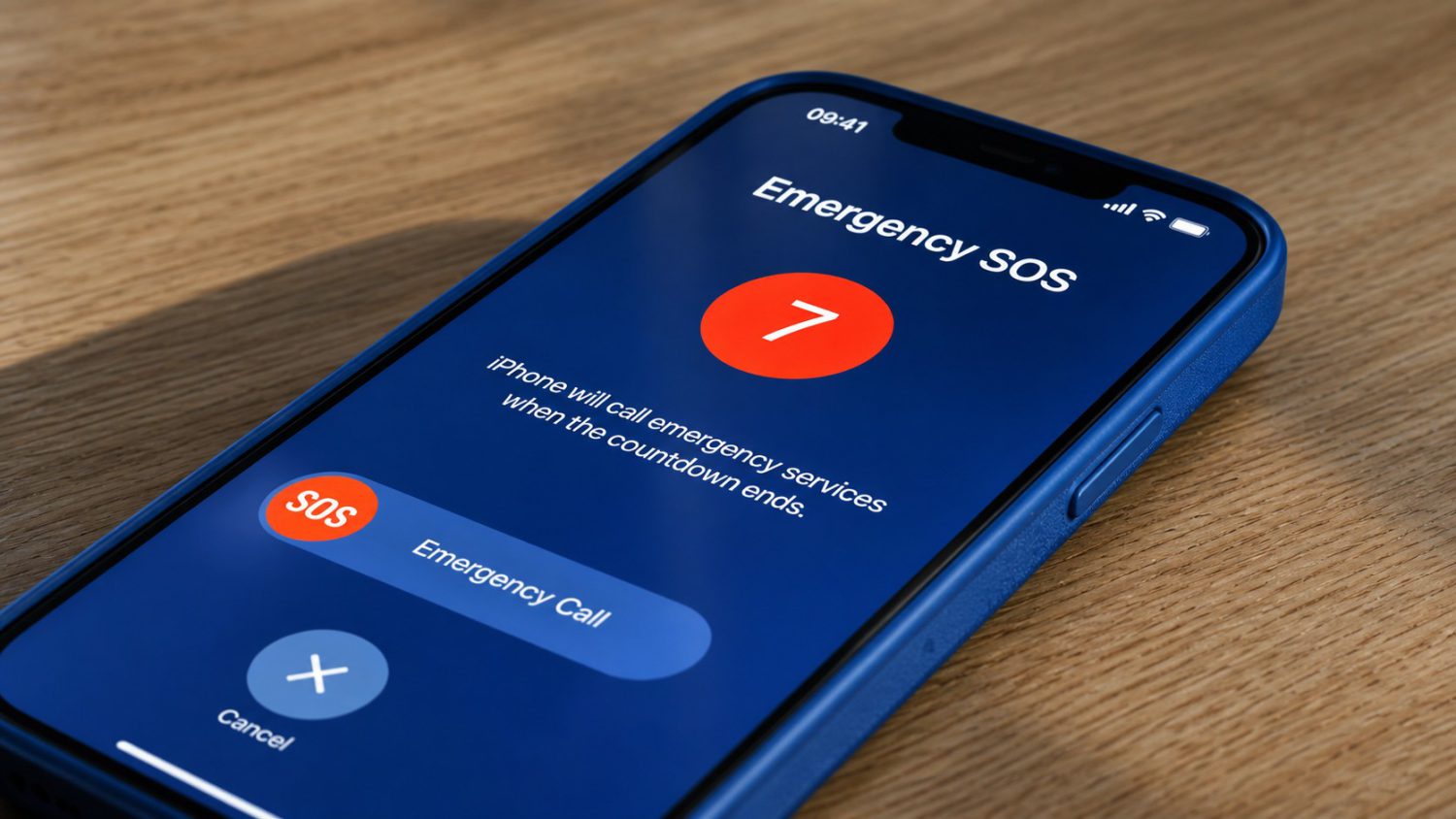
Press and hold the side button plus either volume button until a countdown runs, then release. Your phone calls 911 automatically and texts your emergency contacts your live location. Or press the side button five times rapidly — same result. That’s Emergency SOS. It’s designed for the moment you can’t navigate apps or dial manually.
Medical ID is the other half. First responders can read your blood type, allergies, and medications from your lock screen — without unlocking your phone — if you’ve turned that one toggle on.
Here’s what to do right now:
- Settings → Emergency SOS → enable “Call with Hold and Release” and “Call with 5 Presses” → add emergency contacts
- Health app → your profile picture → Medical ID → fill in conditions, allergies, medications, blood type → toggle on “Show When Locked”
- Also enable “Share During Emergency Call” (U.S. and Canada) so your Medical ID data transmits to 911 automatically
“First responders can read your blood type and allergies from your lock screen — without unlocking your phone — if you’ve turned that one toggle on.”
If You Have an iPhone 14 or Later, Check This Setting Too
Crash Detection and satellite SOS extend your coverage into scenarios where you’re unconscious or completely off the grid.
Severe car crash. You’re unresponsive. Crash Detection reads the impact data from your phone’s sensors, displays an alert, and auto-calls 911 after 20 seconds if you don’t respond — then plays an audio message to the dispatcher and transmits your coordinates. It’s like having an airbag with a built-in radio.
No cell signal? Emergency SOS via satellite takes over. You answer guided questions, point your phone at the sky, and a relay center contacts responders on your behalf.
Go to Settings → Emergency SOS and confirm “Call After Severe Crash” is toggled on. It defaults to on, but verify it anyway. Satellite SOS requires a clear sky view and only works in supported regions. Crash Detection can occasionally misfire during high-impact activities — a real limitation, not a reason to disable it.
Your phone already knows how to do all of this. The only thing standing between a passive rectangle in your pocket and a fully configured personal safety system is about five minutes and a few taps. Set it up today, then send these steps to someone who hasn’t.