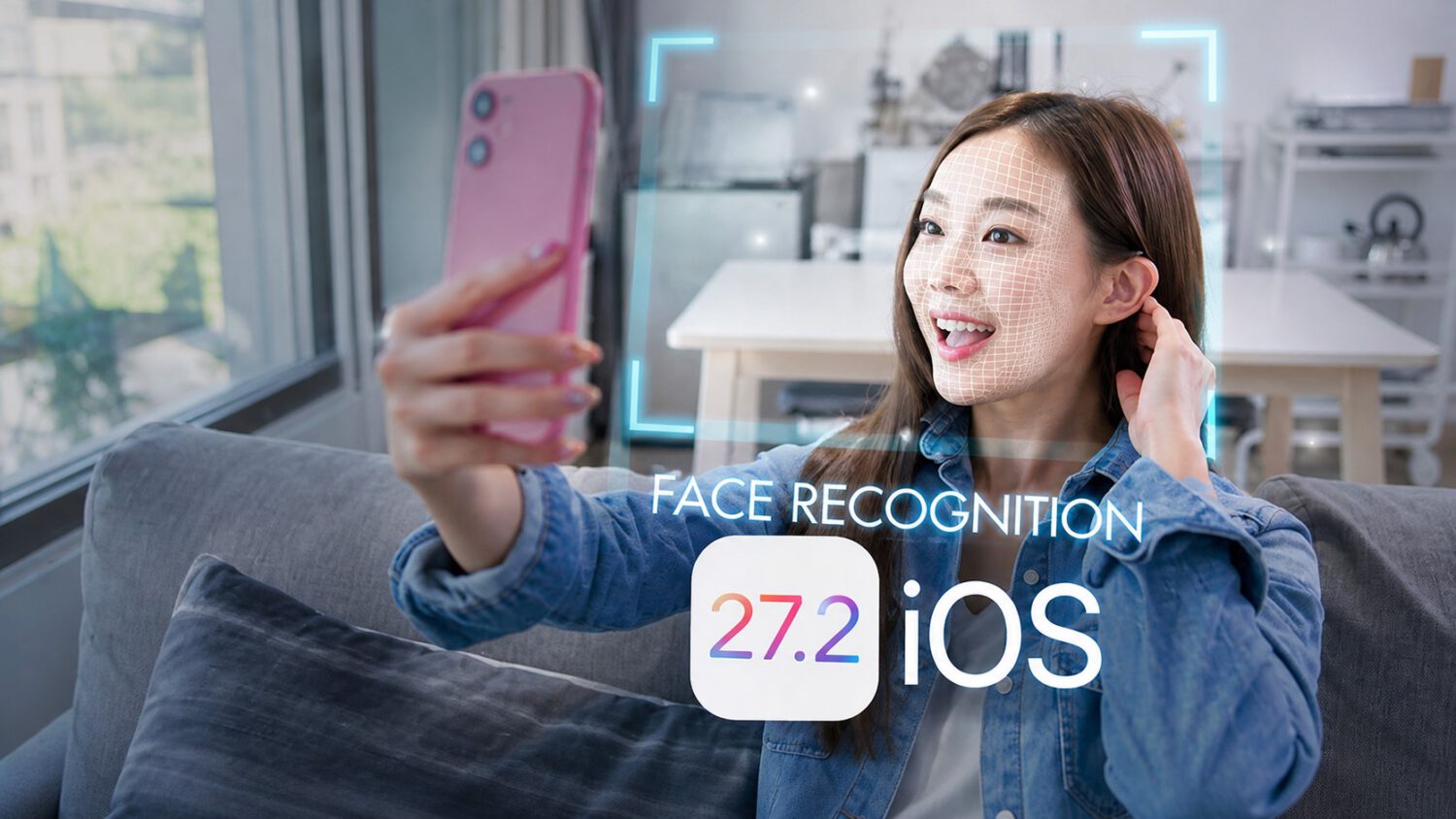
You are trying to download an 18-rated app and iOS stops you, demanding proof you are an adult before it proceeds. With iOS 27.2, Apple has added a new path through that checkpoint: a four-angle selfie analyzed by an age-estimation model that runs both on the device and through Private Cloud Compute, according to Apple’s support documentation.
Age-assurance requirements are expanding across multiple jurisdictions, putting pressure on platform operators to verify users before granting access to age-restricted content or account settings. Regions where such requirements may apply include Australia, Brazil, Singapore, South Korea, the United Kingdom, and the U.S. state of Texas, as reported by 9to5Mac on October 27, 2026.
A New Option, Not a Replacement
Regulators in several countries are demanding age checks, and Apple responded by expanding its verification toolkit.
Apple previously offered credit-card verification and identity-document scanning as ways to confirm adulthood. The selfie is an additional route for eligible users, not a substitute for those existing methods, according to 9to5Mac’s coverage.
Four Angles, One Determination
The system estimates whether you are likely an adult; it does not establish your date of birth.
When the prompt appears, you select the selfie option, tap Get Started, and center your face in the camera frame. You then slowly move your head right, left, up, and down so the model can capture four distinct angles, per Apple’s support documentation.
That distinction matters: this is age estimation, not identity verification. The system is deciding whether you probably meet an adult-age threshold, not confirming who you are or when you were born.
Apple’s Privacy Claims
Apple says your selfie is deleted immediately after confirmation, though that claim has not been independently tested.
According to Apple, the estimation runs both on the device and through Private Cloud Compute. Apple also says the selfie is not accessible to Apple or anyone else and is deleted immediately after the age confirmation is complete , a claim worth examining alongside concerns about secretly tracking users that have surfaced in other app contexts.
Those are Apple’s stated commitments. No independent evidence testing those claims was identified in the available sources, so they are accurately treated as Apple’s stated position rather than established fact.
Not Available Everywhere
If the selfie option does not appear, Apple may offer another method such as a credit card or government-issued ID.
The feature requires iOS or iPadOS 27.2 or later and is available only in regions where Apple has rolled it out. Availability depends on local law and Apple’s implementation in each market.
What Comes Next
As more governments introduce age-assurance obligations, system-level age checks are moving from the exception toward the norm.
For users in supported regions, the selfie option may offer a more convenient path to adult confirmation than producing a credit card or ID document. As more jurisdictions introduce age-assurance obligations, operating-system-level verification is likely to become standard. Document checks, payment signals, and facial estimation may all be part of that default toolkit before long.