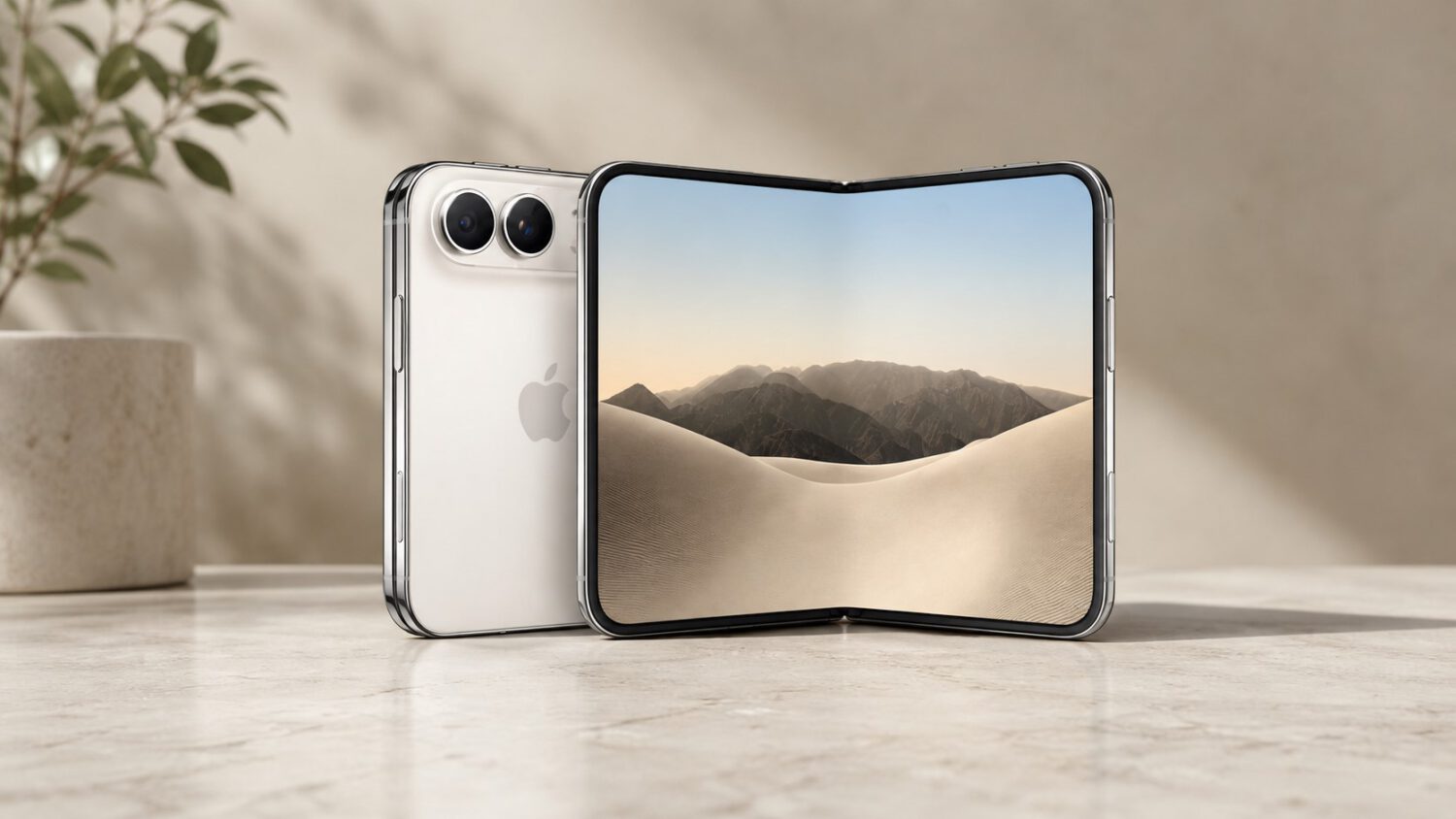
Peeling the matte nano-texture layer off an iPhone Duo inner display reveals a glossy, visibly uneven surface and eliminates the anti-reflective finish the display was engineered to provide. A video posted by Ice Universe on X shows exactly that happening to an iPhone Duo.
What the Nano-Texture Layer Actually Does
Apple’s matte layer is a functional part of the display’s cover system, not an optional add-on.
The nano-texture finish on the iPhone Duo’s inner display serves three practical purposes: it reduces reflections, controls glare, and makes the fold crease less visually prominent during normal use. It also makes the fold crease less visually prominent during normal use. This is a functional component of the display system, not a user-applied screen protector you can swap out like a phone case. Think of it less like a tempered glass film you buy off Amazon and more like the scratch-resistant coating baked into your prescription lenses: remove it, and you’re not left with the same lens.
What the Video Shows (and What It Doesn’t)
The footage is instructive, but it is not a quality control report.
The Ice Universe video shows the matte layer peeling away from the inner panel, leaving behind a glossy surface with visible ripples, bumps, and uneven contours under reflected light. What the video cannot confirm is the panel’s condition before filming or the lighting setup used. It also cannot establish whether the peeling process itself caused the unevenness. Treat it as a cautionary demonstration, not evidence of a widespread manufacturing defect.
The Trade-Off Between Matte and Glossy
Neither surface is objectively better; your viewing environment decides which one serves you.
The matte finish delivers glare reduction and crease masking. The trade-off, common to matte displays generally, is that colors can appear slightly less vivid and blacks less visually deep compared to a glossy panel. Competing foldables, including Samsung’s Galaxy Z Fold line, use glossy inner displays that can produce punchier perceived color. The trade-off is more ambient light reflection and surface irregularities that are easier to spot. No independently verified measurements for either display were available in the sourced material, so direct comparisons remain qualitative for now.
The $19 Fix and the Practical Advice
Apple built in a repair path for accidents, but it requires AppleCare+ and a professional.
If the nano-texture layer gets damaged, AppleCare+ customers in the United States can have it replaced for $19 through Apple or an authorized service provider, according to MacRumors. That is the intended repair route: a professional replacement, not a home fix. Attempting to remove or reapply the layer yourself may risk damaging the underlying foldable display assembly on a device that starts at $1,999.
Leave the layer alone. Peeling it sacrifices anti-reflective performance, exposes a surface that may look substantially more uneven, and puts a premium foldable display at unnecessary risk.
Before Your Device Arrives
The October 23 launch is close, and the display is already doing its job.
Apple described preorder demand for the iPhone Duo as “nothing short of extraordinary,” per a company statement reported by Gizmodo, with delivery estimates slipping into late January shortly after preorders opened on October 16. The launch date is October 23, 2026. When your device arrives, the matte surface on that inner display is doing what it was designed to do. The best thing you can do is let it.