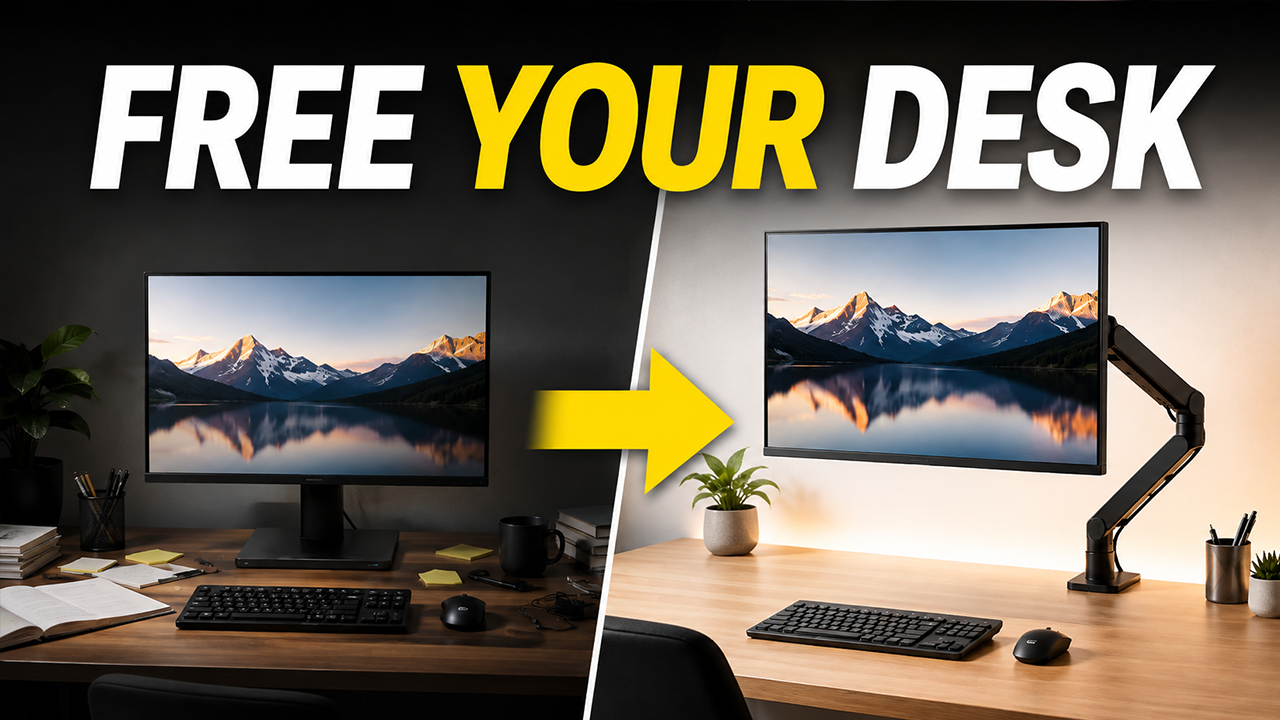
An organized, ergonomic workspace can boost productivity by up to 20%, yet most desk upgrades collect dust faster than your high school yearbook. The real winners? Tools that solve daily friction without demanding shelf space or subscriptions. These eight accessories cut through the clutter, delivering utility that sticks around longer than your New Year’s gym resolution. Each one earns its spot through genuine daily value, the kind that makes you wonder how you ever managed without it.
This content may contain affiliate links. If you wish to support us and use these links to buy something, we may earn a commission.
8. UGREEN USB Switch
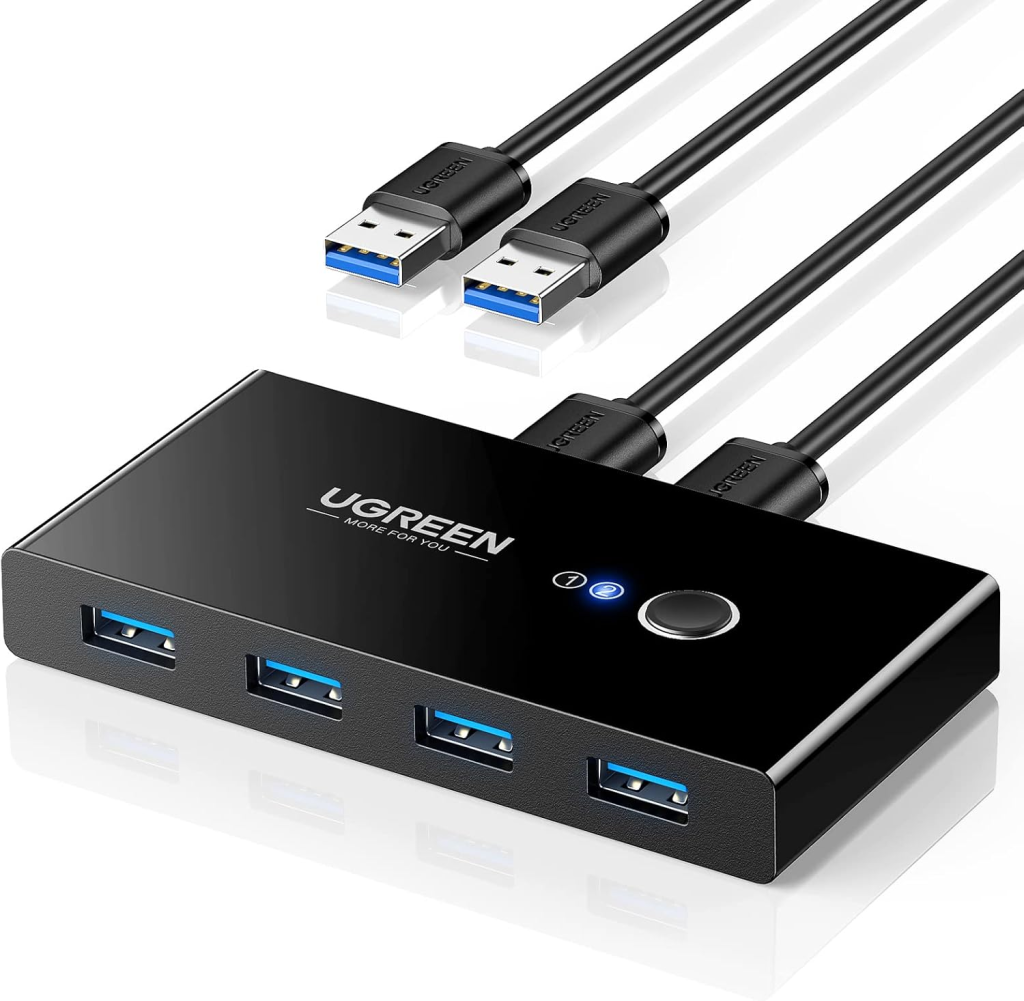
Share peripherals between two computers without the cable chaos.
Unplugging keyboards, mice, and webcams between a work laptop and gaming PC turns every workday into an amateur cable gymnastics routine. The UGREEN USB Switch eliminates this hassle, letting you share essential USB peripherals between two computers with a single button press. Your printer, webcam, and external drives now serve both setups without creating a wire disaster zone. Newer models push speeds up to 10Gbps, though high-draw devices may require an externally powered switch. Always eject external drives before switching to avoid data corruption. This switch handles USB devices exclusively; your monitor’s video input requires separate management.
7. Docking Station (CalDigit, OWC)
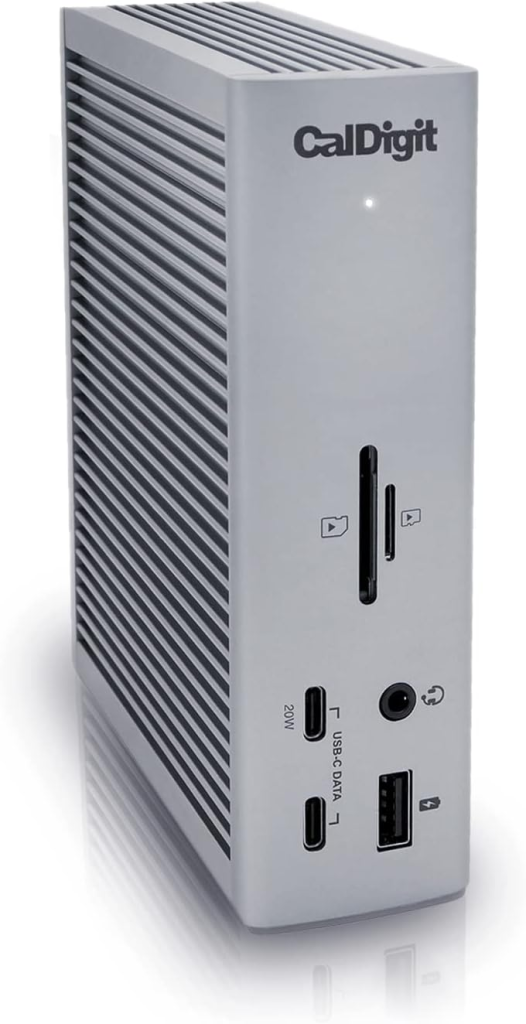
Transform your laptop into a full desktop setup with one cable.
A docking station expands your laptop or handheld device’s connectivity by adding ports for displays, USB peripherals, networking, and power through a single Thunderbolt or USB-C cable. This integration centralizes your peripherals into one hub, simplifying the wire maze into a streamlined workspace. Chasing specific adapters for every gadget becomes a distant memory. Docks from CalDigit and OWC can turn a Steam Deck into a proper desktop workstation, complete with a larger monitor and full-size keyboard. Your portable gaming rig suddenly pulls double duty, switching contexts as smoothly as your best multitasking friend.
6. Desktop Speakers (Creative Pebble V3)
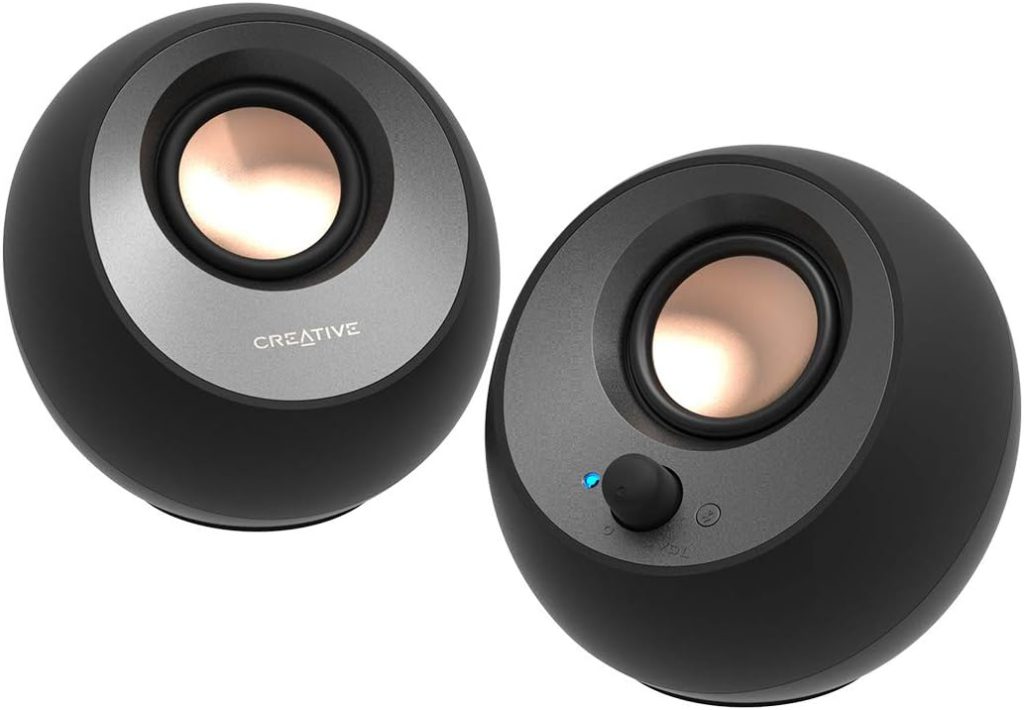
Free your ears from headphone fatigue without sacrificing audio quality.
Hours with headphones clamped to your ears creates an auditory prison, leaving you desperate to rip them off like escaping a bad first date. That constant pressure blocks ambient awareness and builds fatigue during extended work sessions. Desktop speakers provide relief, letting sound fill your space naturally. The Creative Pebble V3 features two 2.25-inch full-range drivers with passive radiators for enhanced bass, delivering fuller sound than their compact size suggests. Bluetooth 5.0, USB-C audio and power, plus 8W RMS total output handle everything from Zoom calls to playlists. With 100–17,000 Hz frequency response and 75 dB SNR, your ears stay happy and your brain engaged without the squeeze.
5. Monitor Light Bar (BenQ ScreenBar Halo)
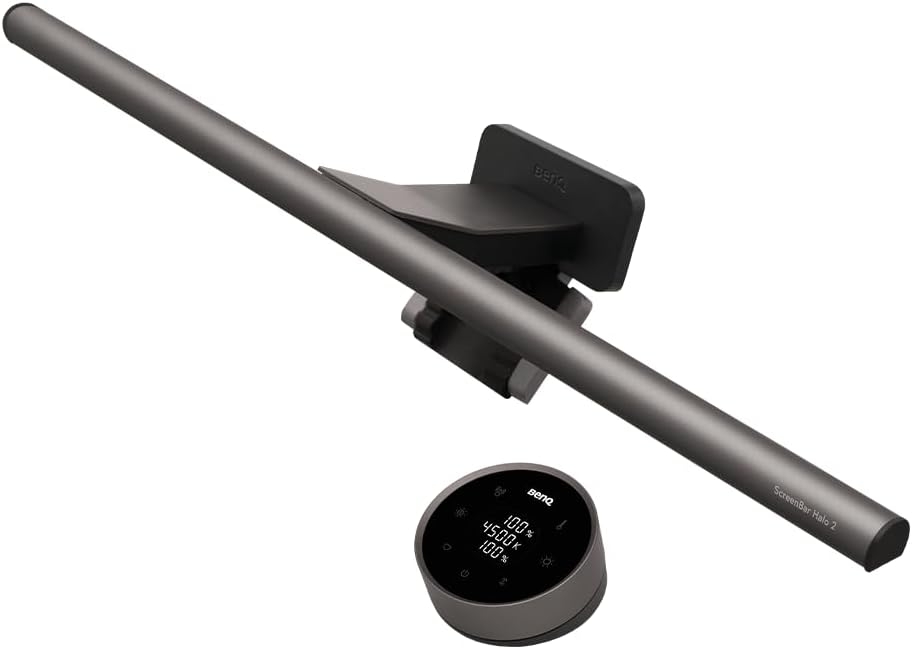
Illuminate your desk without glare, clutter, or awkward lamp placement.
Traditional desk lamps add more glare than clarity while hogging valuable desk space. A monitor light bar solves both problems by illuminating your workspace without occupying a single inch of surface area. It directs light away from your screen, reducing reflections and eye strain during those marathon editing sessions. Adjustable brightness and color temperature shift from crisp focus to warm relaxation on command. The BenQ ScreenBar Halo includes rear-facing bias lighting that automatically supplements ambient light to a comfortable 500 lux. USB-powered for easy setup, its wireless controller lets you adjust settings without awkward reaches. BenQ specifies curvature and thickness limits for monitor compatibility, so check your display specs before ordering.
4. Desk Shelf (Hexcal Studio)
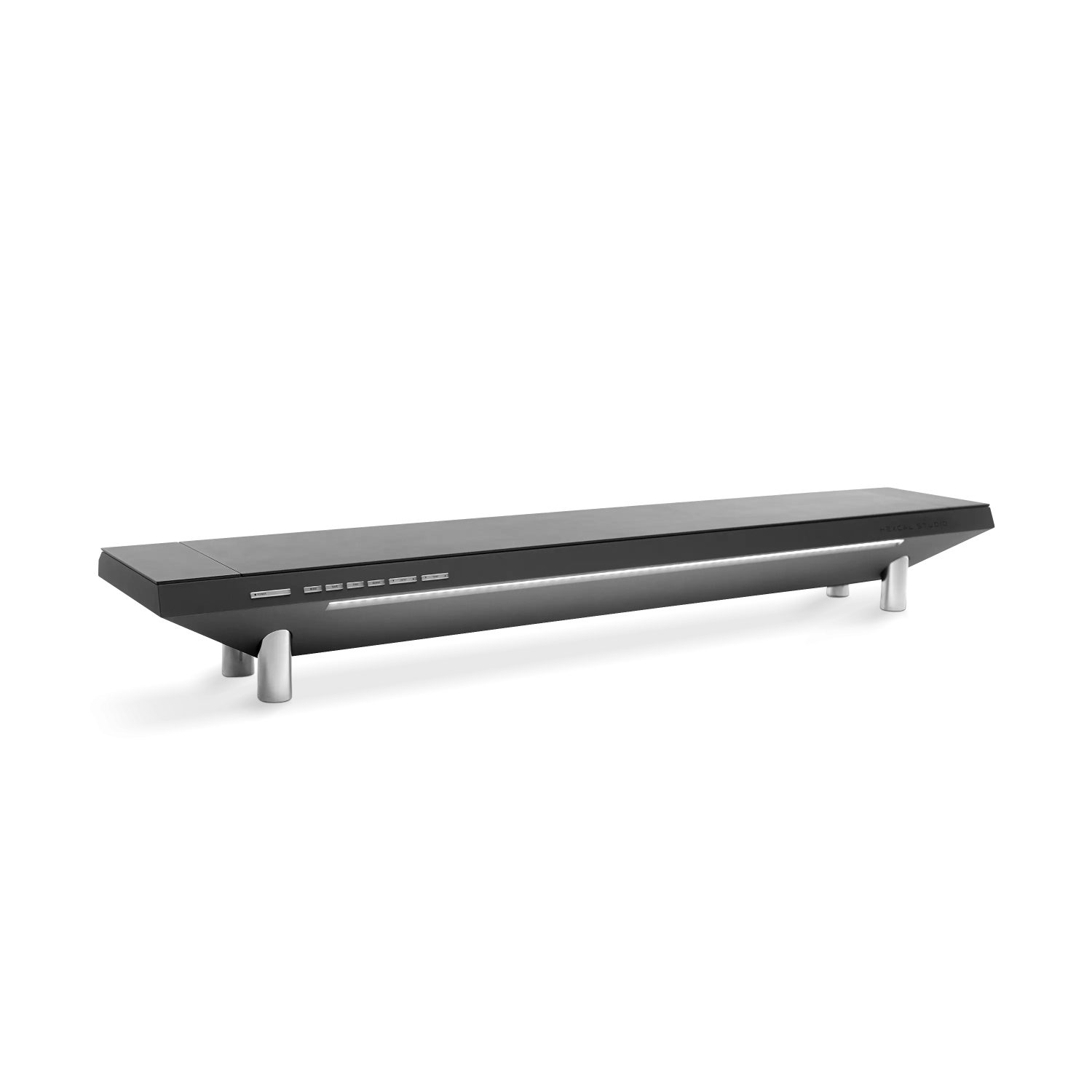
Add vertical storage and hide cables without sacrificing desk space.
Limited surface area and tangled cables turn desks into obstacle courses faster than rush-hour traffic. A desk shelf introduces a vertical layer for peripherals, creating usable space underneath for notebooks or external drives while sweeping unruly cables out of sight. Many designs include integrated USB charging ports and storage options, keeping devices powered and organized. Advanced models like the Hexcal Studio integrate full power and lighting systems directly into the shelf. You can finally tuck away charger bricks and route cables neatly, transforming chaotic workspaces into something resembling actual organization. Pair one with a monitor arm for even better ergonomics.
3. Monitor Arm
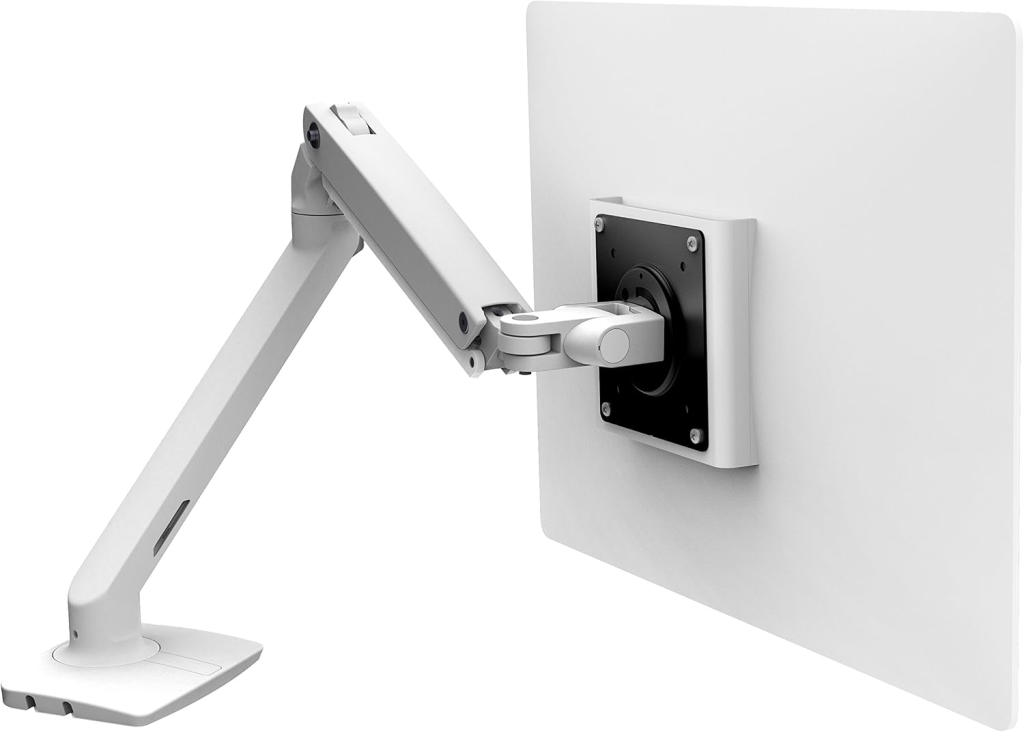
Position your display exactly where your neck and eyes prefer it.
Stock monitor stands lock your display at fixed heights and angles, guaranteeing awkward neck craning after eight hours of screen time. A monitor arm provides precise positioning for height, tilt, and distance while clearing desk space by eliminating bulky bases. For detailed work, pull the display close for pixel-perfect precision while maintaining that comfortable arm’s-length viewing distance. Monitor arms shine brightest when stock stands lack sufficient swivel, tilt, or height adjustment. Proper screen positioning prevents the dull ache of poor posture and keeps your workspace feeling less like a crowded garage sale. Anyone who’s battled a stubborn monitor stand knows the frustration; quality arms finally deliver the adjustment range your setup deserves.
2. Footrest
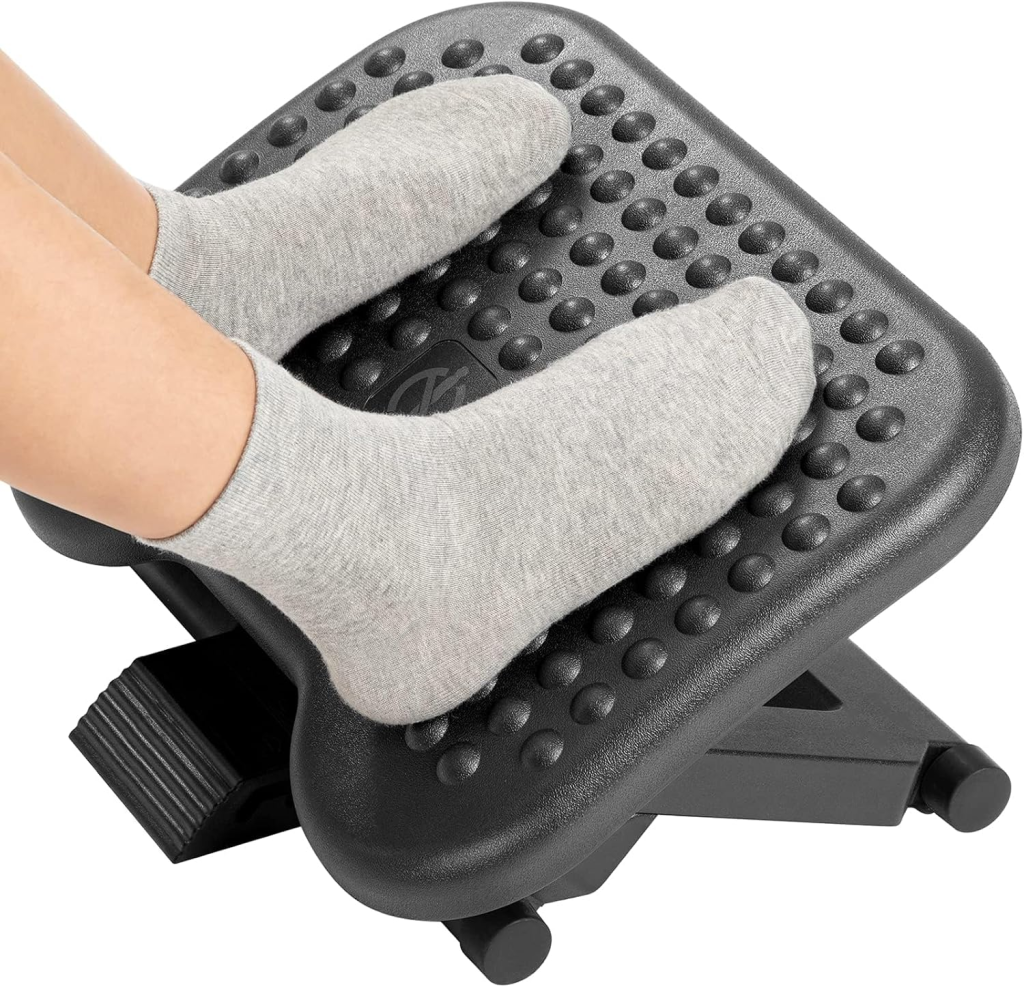
Support your feet and legs to prevent lower back strain and circulation issues.
Footrests rarely grab attention in ergonomic discussions, yet they solve a pervasive problem for shorter users and anyone with mismatched desk-to-chair heights. Proper foot positioning prevents that awkward dangling sensation that makes you feel like a kid at the grown-ups’ table. A quality footrest supports your feet and legs, creating comfortable seated posture that reduces strain on your lower back and thighs. The stable surface lets you shift positions throughout the day, improving blood circulation by relieving pressure points behind your knees. This prevents legs from feeling like cement blocks after an all-day coding sprint. Simple, low-tech, and genuinely helpful for long desk sessions.
1. Desk Casters
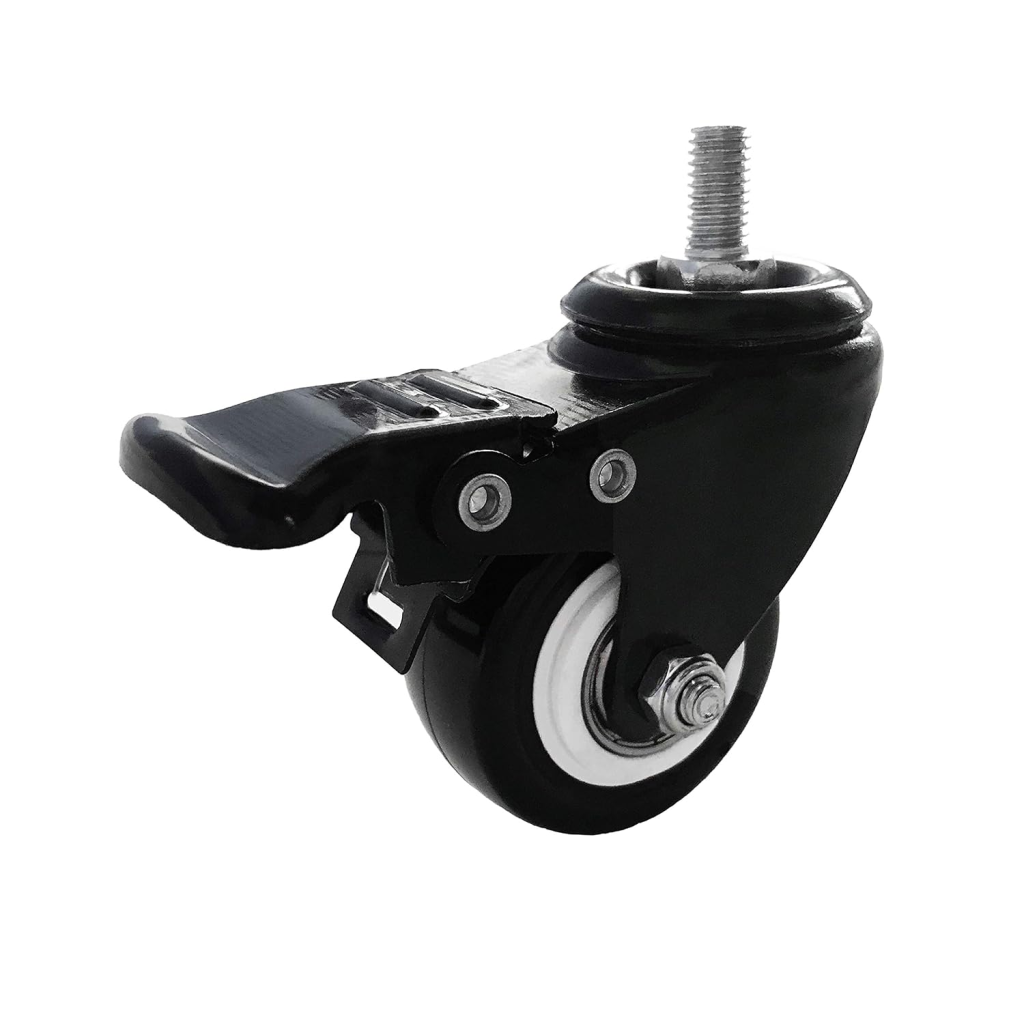
Roll your desk for maintenance, then lock it stable for daily use.
Moving a loaded desk for cleaning or cable management feels like parallel parking a cruise ship. Locking desk casters transform your workstation into an agile setup, letting you access the back without risking injury. Need to reroute that unruly HDMI cable? Unlock the casters, roll the desk out, sort the mess, and lock it back into place. This flexibility proves essential for managing the digital spaghetti accumulating behind any serious setup. The locking mechanism keeps your workstation stable during normal use, preventing unexpected escapes during intense gaming sessions. Access to your desk’s rear panel has never been easier or safer.