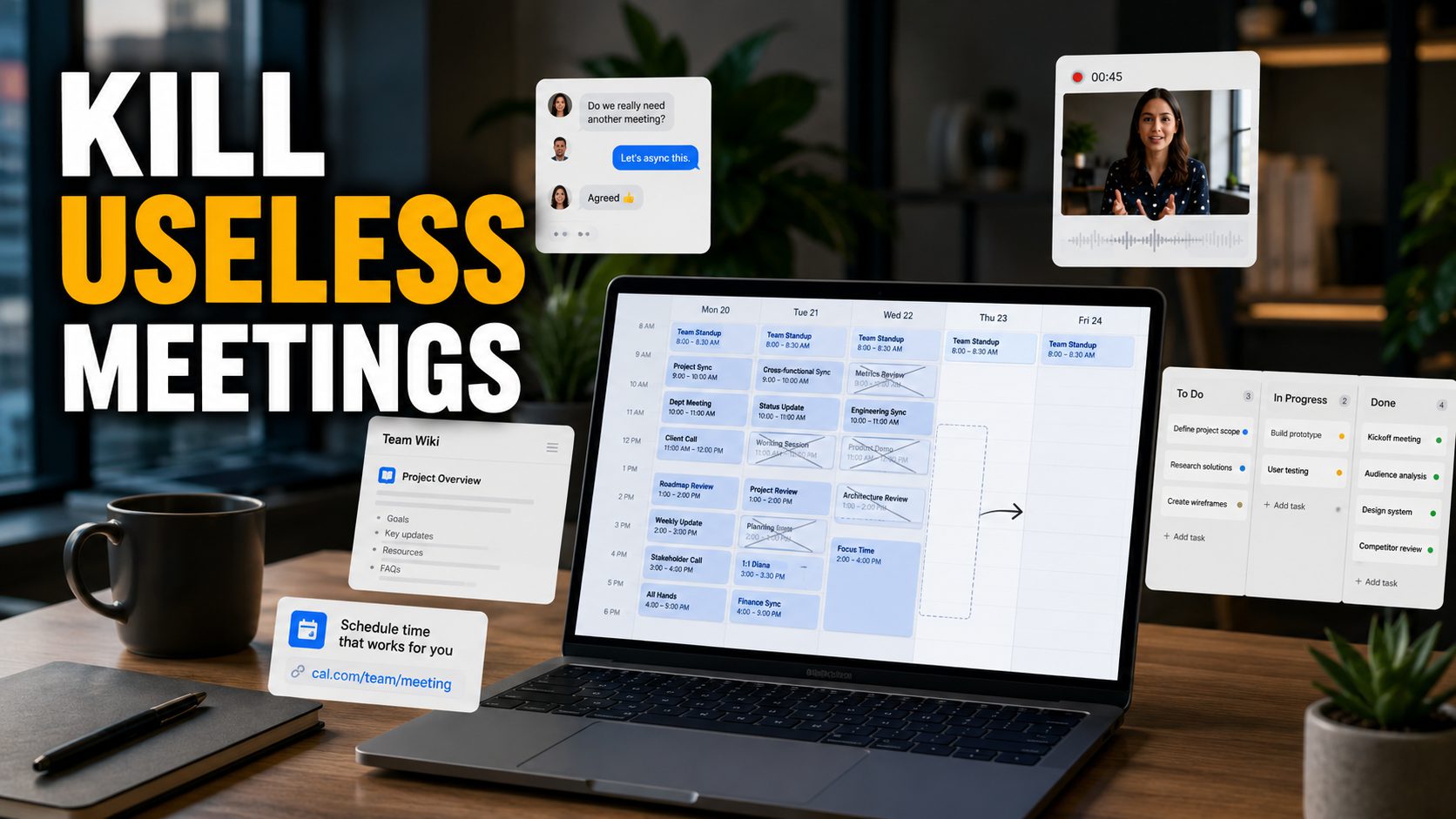
Most meetings don’t exist because people need to collaborate. They exist because information is in the wrong place, context got lost somewhere in an email thread, or nobody is sure who owns what. Fix those three things, and a significant chunk of your calendar opens up. These five apps are the ones teams are actually using to do it.
1. Slack Pro
The free version of Slack is useful. The Pro version is a different tool. The most consequential difference is message history: the free plan cuts off after 90 days, which means every decision, file, and conversation older than three months is gone. So instead of searching for the answer, someone schedules a meeting. Someone sends an email thread that should never have existed. Someone asks a question that was already answered in September.
Slack Pro removes that ceiling entirely. Kevin Chung, Chief Strategy Officer at Writer, describes it as a command center where his team finds meeting details, documentation, and context in one place. Terry Lee, founder of Roger, used Slack Connect to bring clients directly into the workflow and estimated it cut his project timeline by months. Jillian Freidus, Head of Sales Partnerships at Writer, credits Slack’s flexibility with letting her team move faster than the pace of change in their industry.
Beyond history, Pro lifts the cap on app integrations, adds group audio and video calls with screen sharing, and includes enhanced security controls for teams where compliance matters. At $7.25 per user per month billed annually, the math is straightforward: if it recovers an hour of one person’s time, it’s paid for itself.
2. Loom
The reflexive response to needing to explain something complex is to book a call, but Loom will break that habit for you. You record your screen, your face, or both, talk through whatever needs explaining, and send the link. The recipient watches it when they have time, rewinds if they miss something, and responds without anyone having to be available at the same moment. For walkthroughs, feedback, and anything that needs context a Slack message can’t carry, it’s the most efficient replacement for a standing meeting most teams will find.
3. Notion
A huge percentage of internal meetings are really just searches for information that should already exist somewhere accessible. Notion gives teams one place to put everything: docs, wikis, project trackers, meeting notes, and SOPs all live in the same system and link to each other. When the answer to someone’s question is already written down and findable in thirty seconds, the meeting to discuss it never gets scheduled.
4. Calendly
Scheduling a meeting generates an average of 8 to 12 emails before anyone is actually in the same room. Calendly reduces that to one link. You set your availability, share the link, and the other person picks a time that works. It connects directly to Google Calendar and Outlook, handles time zone conversion automatically, and removes the back-and-forth entirely. Small tool, outsized impact on how much time disappears before a meeting even starts.
5. Linear
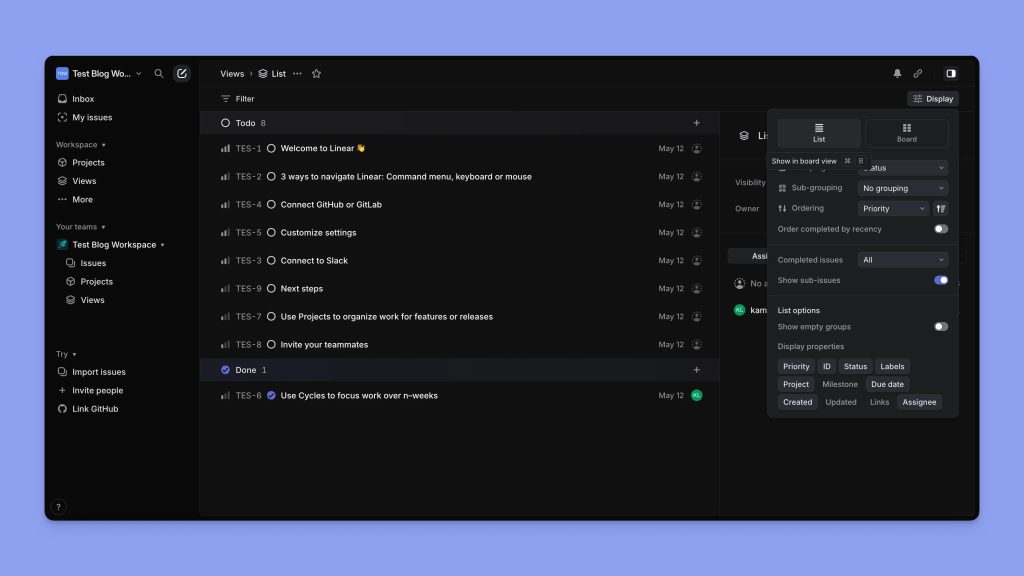
Status update meetings exist because nobody knows where a project actually stands. Linear is a project tracker built specifically for fast-moving teams, with a clean interface that makes it easy to see what’s in progress, what’s blocked, and what shipped, without asking anyone. When project status is visible and up-to-date, the weekly check-in to cover the same ground becomes optional rather than mandatory.