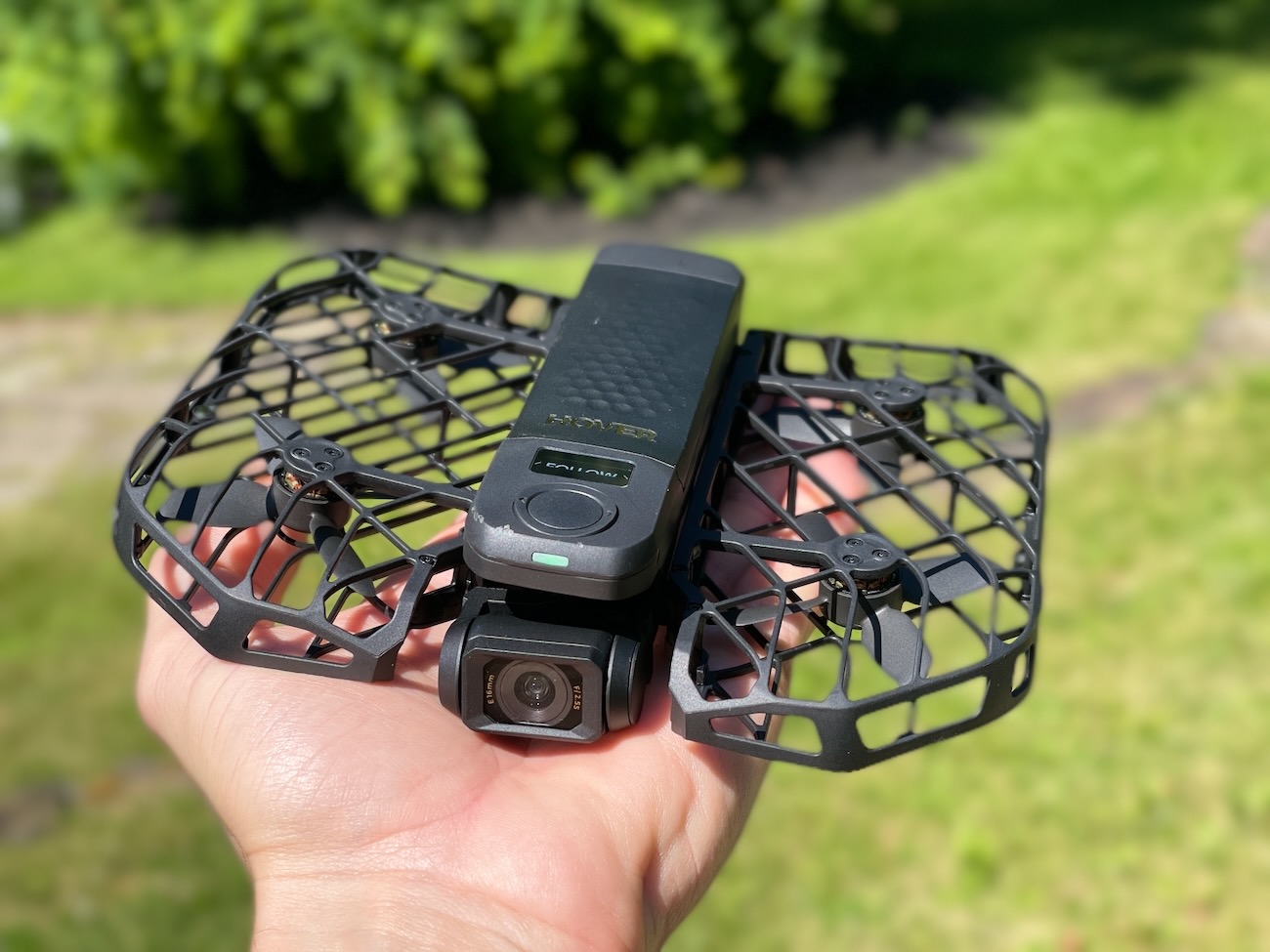





The HoverAir X1 Pro Max is a self-flying camera drone from ZeroZero Robotics. It weighs 192.5 grams, folds to roughly the size of a thick smartphone, and shoots up to 8K video at 30fps. You can launch it from the palm of your hand, pick a flight mode, and let it follow you without ever touching a controller or phone.
The HoverAir X1 Pro Max starts at $699 for the standard package, which gets you the drone, one battery, and a USB-C cable. Bundle options go up from there, with extra batteries, a charging hub, a beacon controller, and ND filters depending on which combo you choose.
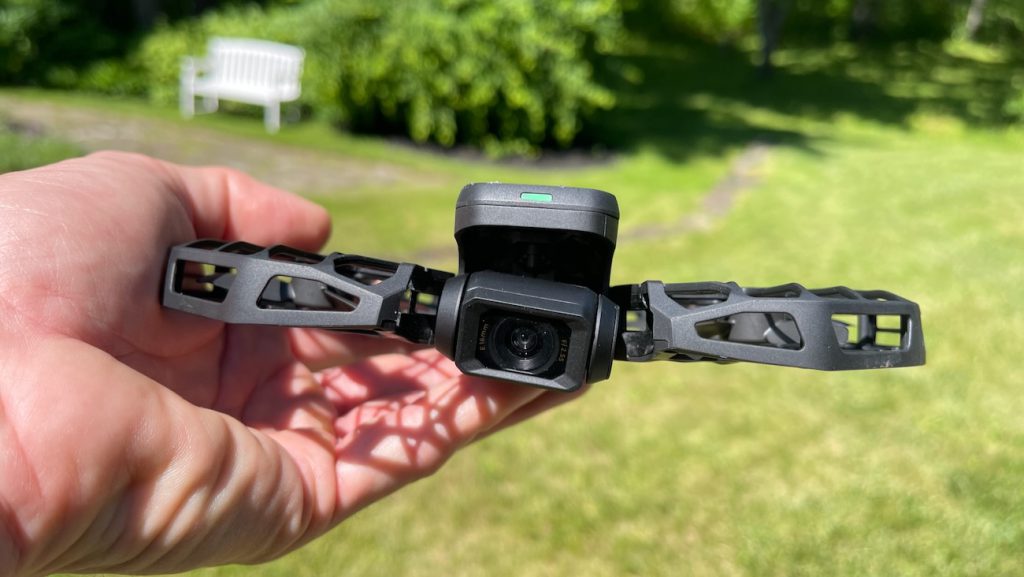
The core idea is simple. You unfold it, press a button, and it flies. No remote required. No complicated setup. It locks onto your face, starts recording, and follows you at speeds up to 26 mph.
How I Tested It
I flew the HoverAir X1 Pro Max across several months, testing it in both cold and warm weather at my home. I flew from a raised deck about 20 feet off the ground, from the front yard, and from open spaces. I tested every control method: autonomous palm launch, manual mode via the phone app, and the beacon with joystick controller. I also let the batteries sit idle for about 30 days to see how they held a charge over time.
Build and Portability
This drone is absurdly small. Folded up, it slides into a jacket pocket without issue. At 192.5 grams, it stays well under the 250-gram threshold for FAA registration, which means zero paperwork before you fly.
The folding mechanism is satisfying and secure. The propellers sit inside a fully enclosed cage made from what ZeroZero calls a hyper-elastic material. I could twist and bend the included sample piece without cracking it. That cage also means you can catch the drone in your hand without worrying about slicing a finger. I hit a couple of obstacles during testing and nothing broke. The cage held up without a mark.
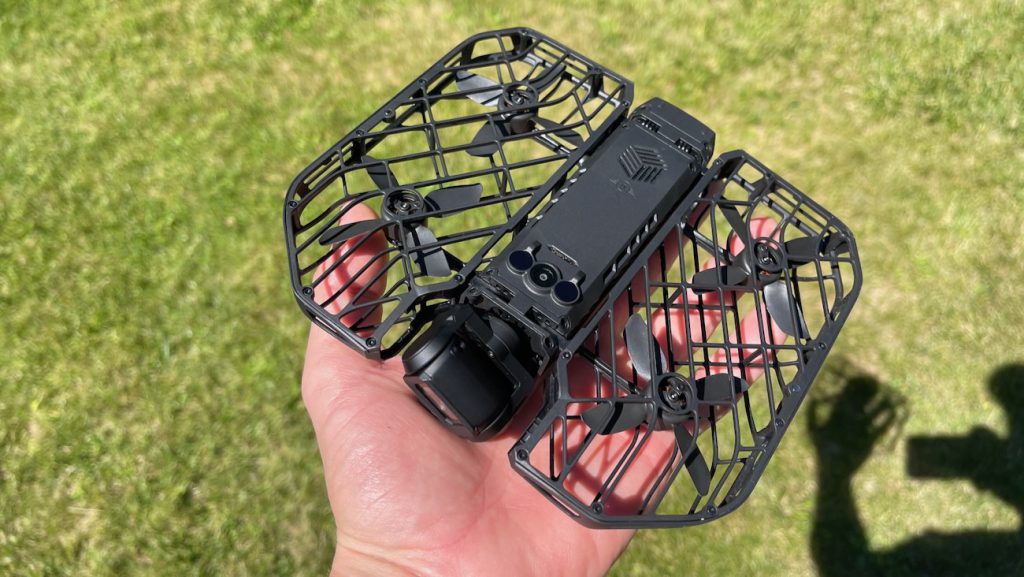
The Tom’s Guide review described the build as premium, and that tracks with what I saw. The matte black finish and the quality of the plastics feel a cut above what you’d expect from a drone this small.
Camera Quality
The X1 Pro Max uses a 1/1.3-inch CMOS sensor with a 16mm equivalent lens and a 107-degree field of view. It shoots 8K at 30fps, 4K at up to 120fps for slow motion, and 4K HDR at 60fps. Photos top out at 48 megapixels.
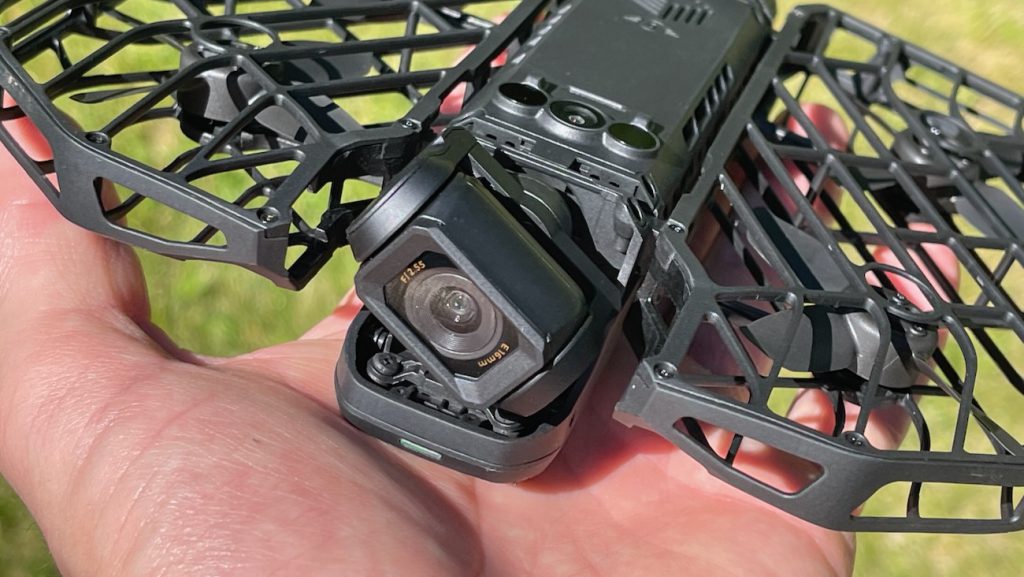
The camera is genuinely impressive for the size. Colors looked accurate, detail was sharp in daylight, and the footage held up well on screen. Stabilization comes from a two-axis gimbal paired with electronic image stabilization, and the result is smooth, usable footage even when the drone is working to keep up with you.
I mostly shot in 4K, which is where the sweet spot lives. The 8K mode produces massive files that will bog down most editing machines. The Digital Camera World review confirmed this, noting that 8K footage is striking on paper but the practical gains over well-shot 4K are minimal for most creators.
One thing worth knowing: you don’t get a log color profile in 8K. The best you get is HLG, which limits your flexibility in post. If serious color grading matters to you, shoot in 4K where HLOG is available.
Flight Modes and Tracking
The X1 Pro Max has 10 built-in flight modes you can cycle through using the buttons on top of the drone. Follow, orbit, bird’s eye, dolly track, spiral, zoom out, hover, indoor follow, ski mode, and cycling mode.
The tracking worked well in my testing. In follow mode, it locked onto me and kept pace through turns and direction changes without losing its lock. The drone can track at up to 26 mph sustained, with bursts up to 37 mph for short catches.
For stationary shots, orbit and zoom out both produce clean, cinematic results with a single button press. These modes are where the drone really shines for solo creators. You don’t need a phone, a controller, or any technical skill. Press the button and let it work.
The dolly track mode was a point of frustration. Based on the name, I expected it to fly alongside me — a lateral tracking shot. In practice, it consistently ended up behind me, which isn’t really a dolly shot in any traditional filmmaking sense. If you want a true side-angle shot, angle track is the mode you’re looking for, though it wasn’t always obvious from the naming.
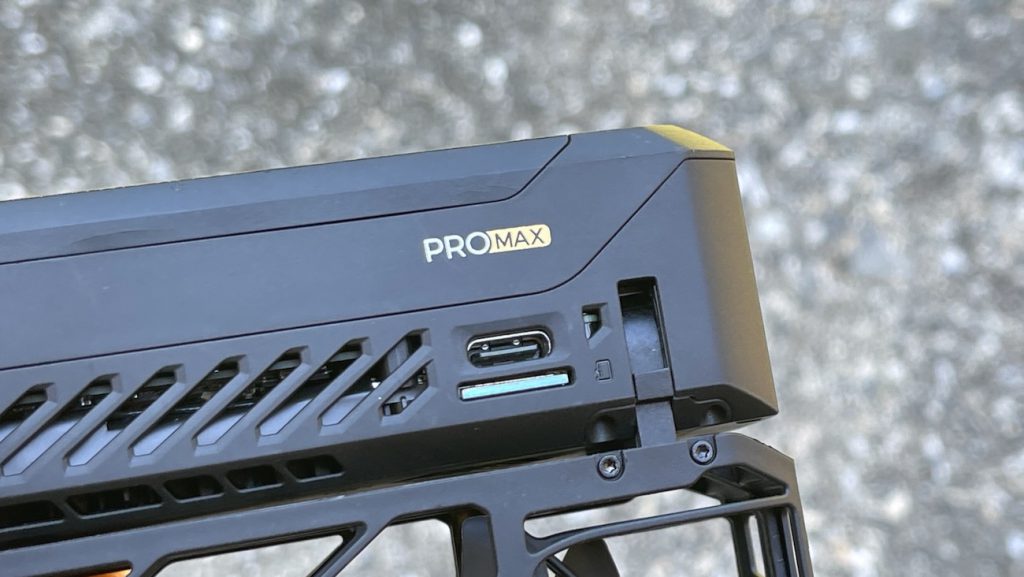
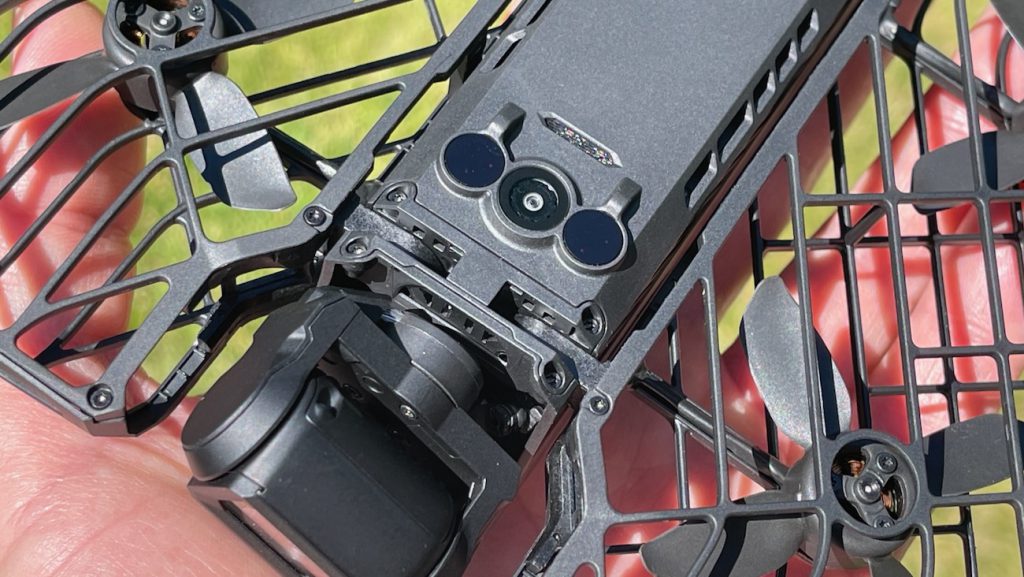
Obstacle avoidance is limited to the rear. There are no front or side sensors. In practice, this means the drone can protect itself in follow mode when it’s flying backward behind you, but dolly track and side track require you to pick open environments. The bikepacking.com review noted the drone cracked its cage after roughly half a dozen high-speed crashes, though it kept flying for 20-30 more flights even with the damage.
The Controller: Clever Hardware, Frustrating Software
The beacon and joystick bundle ($258) adds a small OLED screen, manual flight control, and improved tracking range up to 1 km. The hardware itself is genuinely well-made. The modular pieces snap together magnetically and lock in with two hinged latches on either side. Easy to assemble, easy to break down.
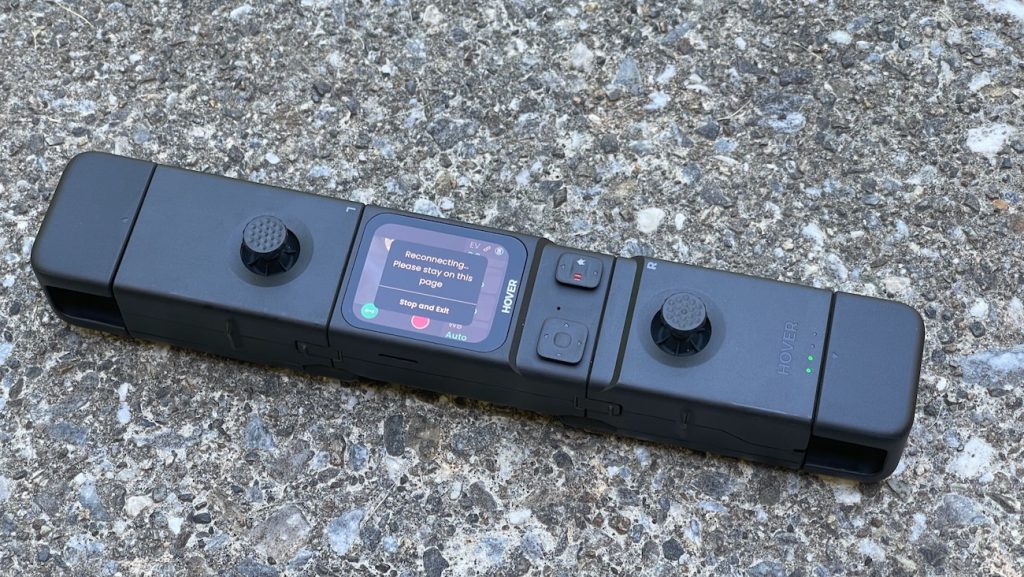
Behind the left joystick is a jog wheel that controls the camera angle — quite useful for adjusting your shot mid-flight. Behind the right joystick is a trigger button. There’s also a USB-C port for charging. The whole thing feels premium in your hands.
After some trial and error, I figured out how to connect both the phone and the controller at the same time. The sequence matters: connect the controller to the drone first, then plug your phone into the controller via USB-C, then launch smart preview or manual mode on the phone. It works.
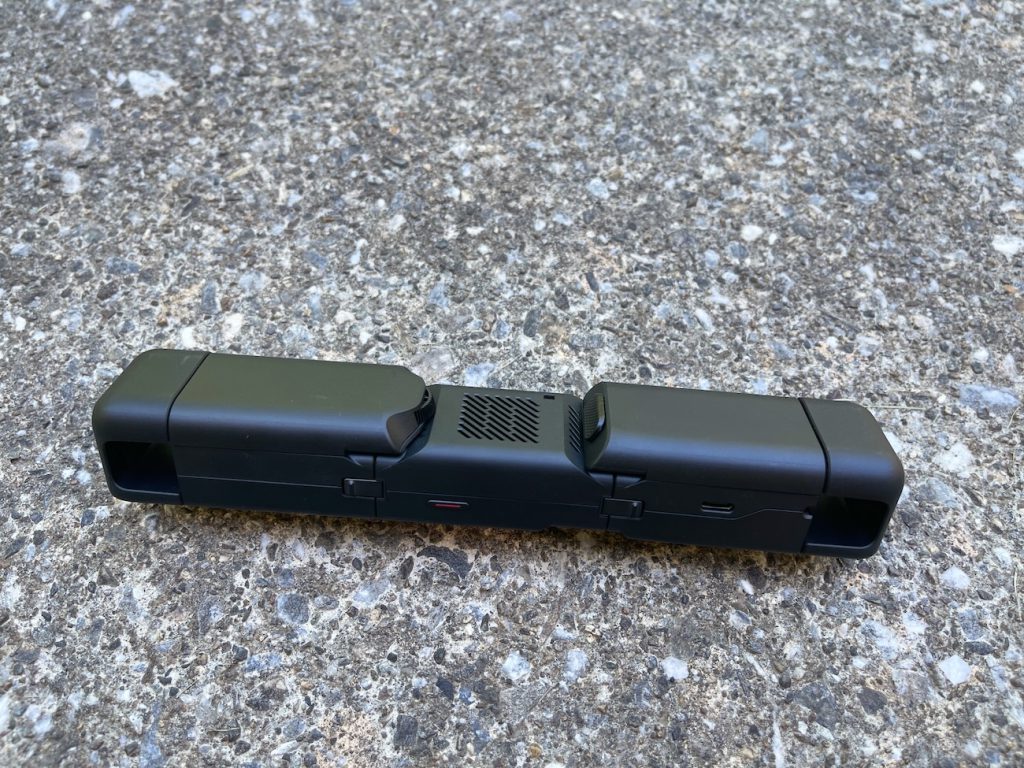
But there are trade-offs. First, your phone draws power from the joystick’s battery, so your controller dies faster. Second, and more concerning, the connection range actually got worse with the phone plugged in. I flew the drone from the front yard to the backyard and lost connection at a distance that hadn’t been a problem when using the joysticks alone. The SlashGear review flagged similar connectivity frustrations, noting the whole phone-to-controller experience felt incomplete.
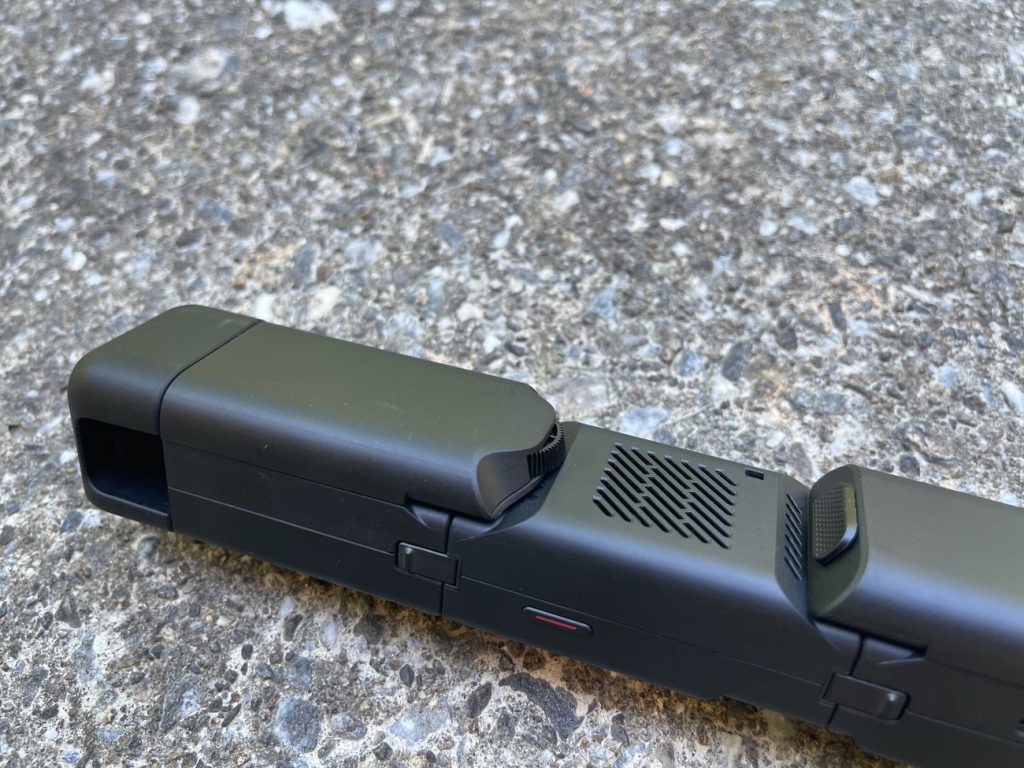
Without the phone, the beacon’s built-in OLED screen is bright and clear, but it’s just too small for real situational awareness. You can see what the drone sees, but framing a shot at distance is a squint-and-hope situation.
Manual Flight: A Learning Curve
If you plan to fly this manually, prepare for an adjustment period. Understanding which stick strafes and which turns takes some getting used to. The drone can’t turn quickly at all, but it can stop on a dime when moving forward or backward. That mismatch feels odd until you adapt to it.
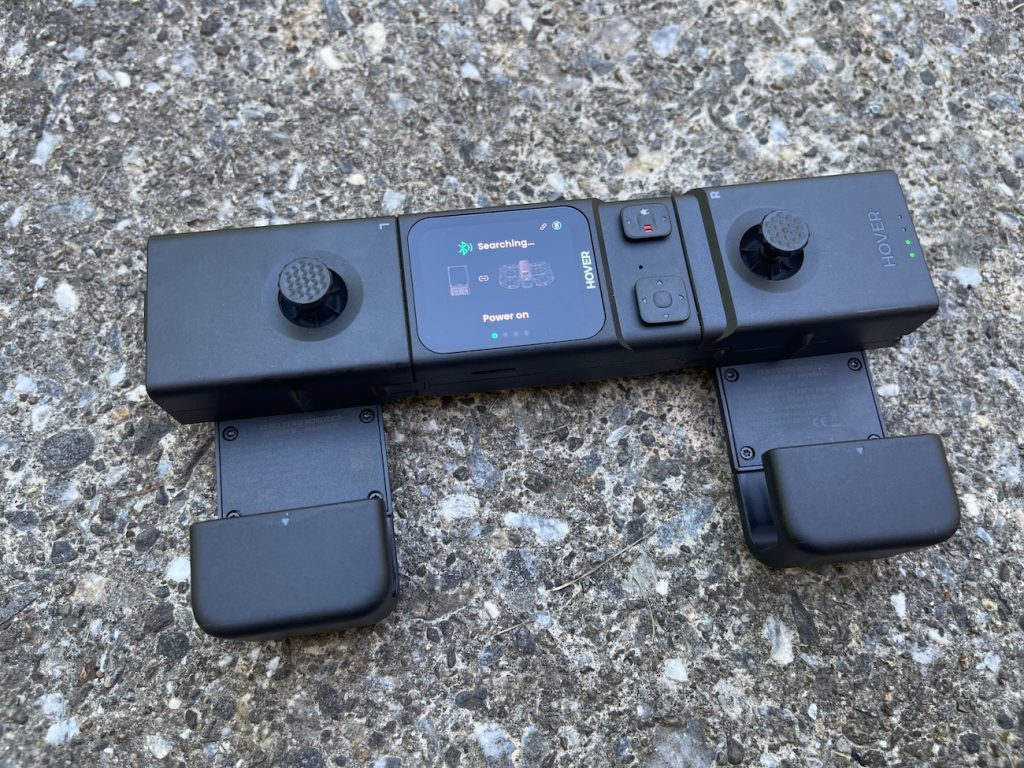
Even after several sessions, I wouldn’t call the manual controls intuitive. They’re responsive enough once you know what you’re doing, but this drone was clearly designed for autonomous flight first. Manual mode is a bonus feature, not the main event. Tom’s Guide noted the same tension, observing that adjusting camera angle mid-flight requires the same thumb that controls lateral movement, forcing you to give up one input to use the other.
The Home Point Problem
The drone’s return-to-home behavior needs work. The home point doesn’t seem to register fast enough at takeoff. In my experience, I’d take off and the drone wouldn’t reliably know where “home” was unless I flew it out to an open area first and let it establish a reference point.
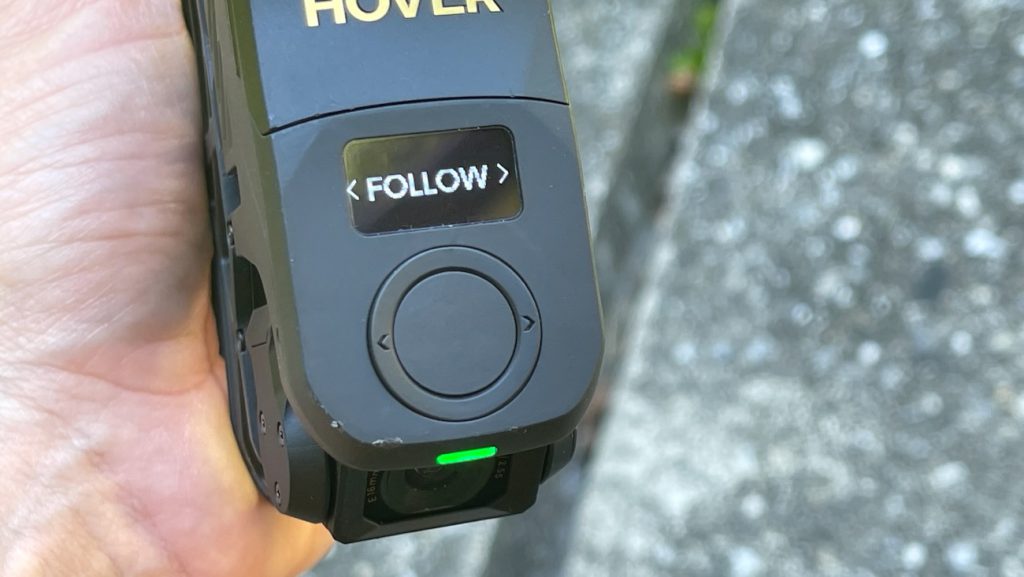
This created a real problem flying from my raised deck, which sits about 20 feet off the ground. The drone took off from the deck with no issues. When the battery got low, the return-to-home feature kicked in and brought it down to the lawn below instead of back to the deck. No damage, but it meant walking downstairs to retrieve it.
The root cause is that the drone lacks GPS. It relies on visual positioning and barometric sensors to navigate, which means it can’t reliably return to an elevated or offset launch point. The dronesgator.com comparison flagged the no-GPS limitation as a meaningful safety trade-off, noting that if the drone loses signal it simply descends wherever it happens to be.
Battery Life
ZeroZero claims 16 minutes per battery. In good weather — around 70°F — I got about 15 minutes, which is close to the advertised number. In cooler weather, expect 25-30% less than that. I was seeing roughly 10-11 minutes during cold-weather flights.
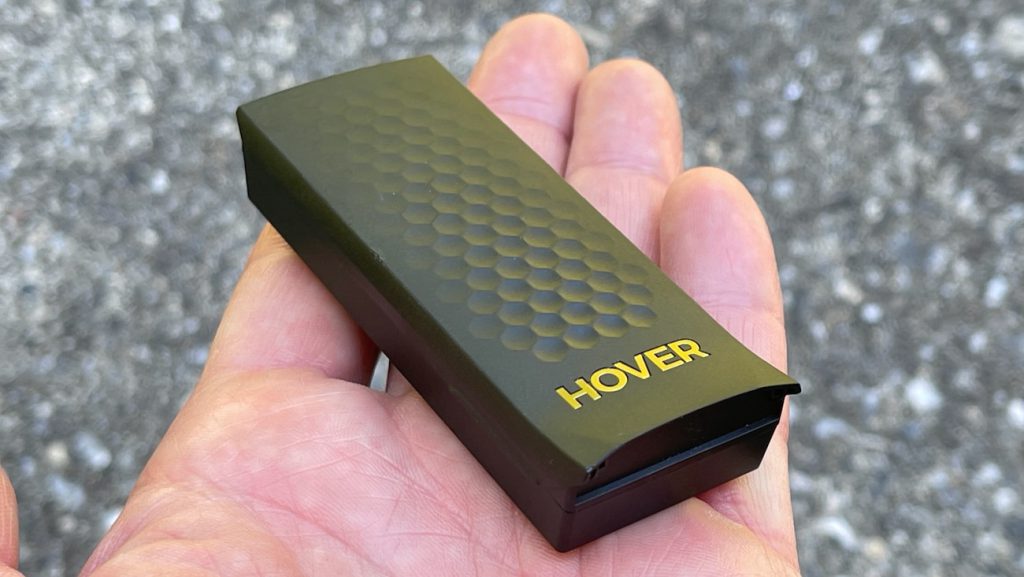
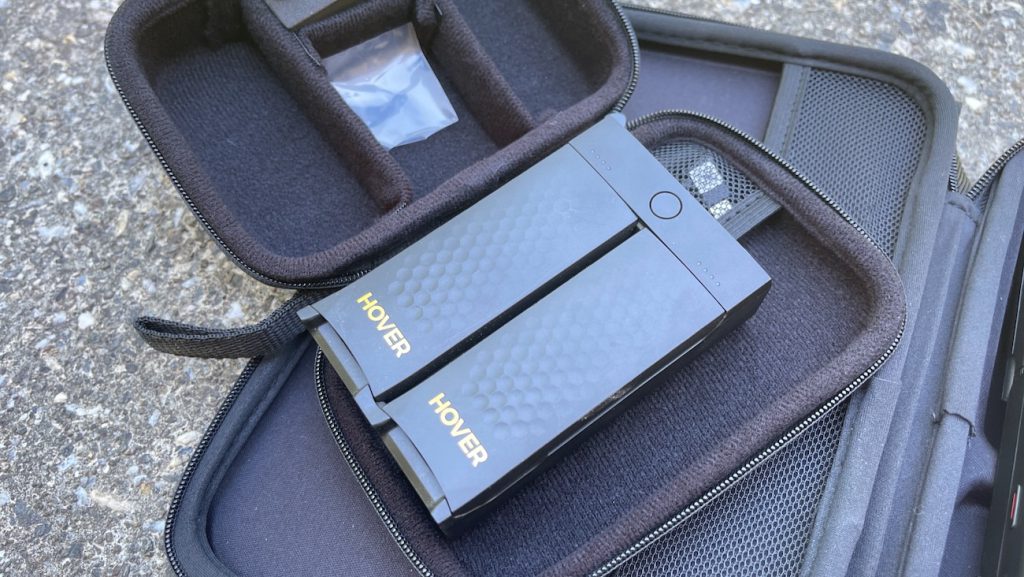
The idle drain is a separate problem. I left my batteries sitting for about 30 days and found them down roughly 25% just from sitting in the charging case. If you grab this drone for a spontaneous trip, your batteries may not be ready to go.
Connecting your phone to the controller compounds the issue. The phone draws power from the joystick’s battery, so you’re effectively draining two batteries at once during manual flights.
Cold weather makes everything worse. The dronexl.co writeup of a long-term owner review confirmed just 9 minutes of flight time at negative 15°F, though the reviewer noted the drone still functioned reliably even in those extremes.
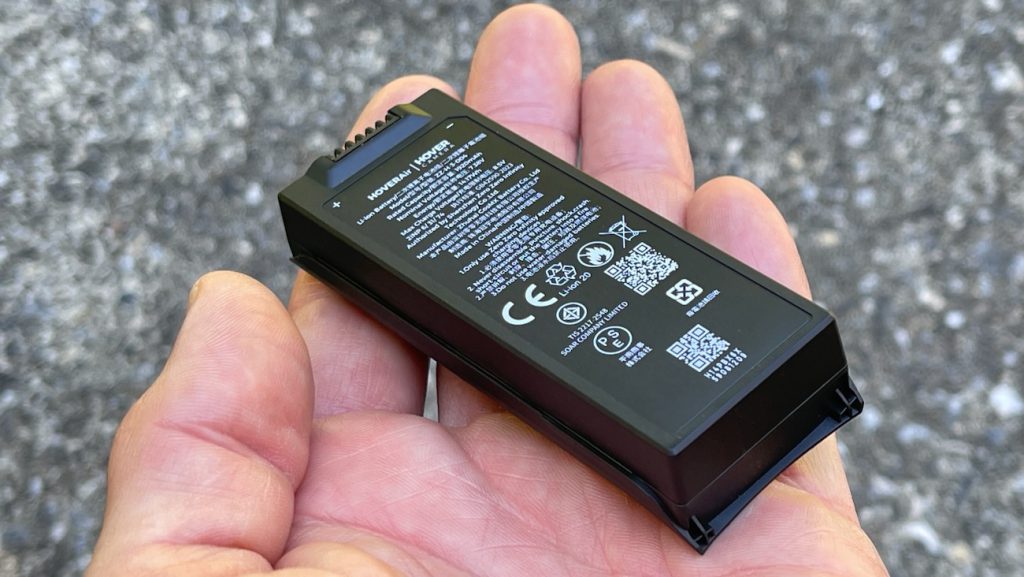
You will need at least three batteries for any real shooting session. Budget for the extra batteries and the charging hub upfront.
Where It Fits Against the Competition
The X1 Pro Max doesn’t compete with traditional camera drones like the DJI Mini 4 Pro. That drone has GPS, omnidirectional obstacle avoidance, 34-minute flight time, and a proper controller with 20 km range. Different tool, different job.
The real competitors are the DJI Neo ($199) and the DJI Flip ($439).
The Neo is $500 cheaper and does the basic follow-me selfie thing at 4K. But its tracking speed tops out at about 20 mph, it has no obstacle avoidance, and the footage quality sits a clear tier below the X1 Pro Max. The PetaPixel comparison called the X1 Pro Max the better overall drone while still crediting the Neo for punching above its weight at $200.
The DJI Flip is the tighter matchup. It offers 31-minute battery life, front-facing obstacle avoidance, D-Log M color grading, and DJI’s rock-solid OcuSync 4 transmission. But it can’t match the X1 Pro Max’s 26 mph tracking speed for action sports, and it doesn’t fold as compactly. For action tracking, the HoverAir holds the edge. For landscape shots, long manual flights, and color grading flexibility, the Flip is the better all-rounder.
If you don’t need 8K or log video, consider the HoverAir X1 Pro at $499. It shares the same body, flight time, and tracking speed. You lose the larger sensor and 4K/120fps slow motion, but save $200.