Selecting a gaming keyboard from the hundreds of available models requires clarity; genuine innovation often drowns in marketing glitter. Budget options like Royal Kludge compete alongside premium choices such as Wooting, and you need a device that sharpens reflexes rather than simply decorating your stream. Keyboard latency can vary by model and configuration, making informed choices critical. This guide details essential features that genuinely elevate gameplay and deliver value for the money.
This content may contain affiliate links. If you wish to support us and use these links to buy something, we may earn a commission.
26. Full-size keyboard (100%)
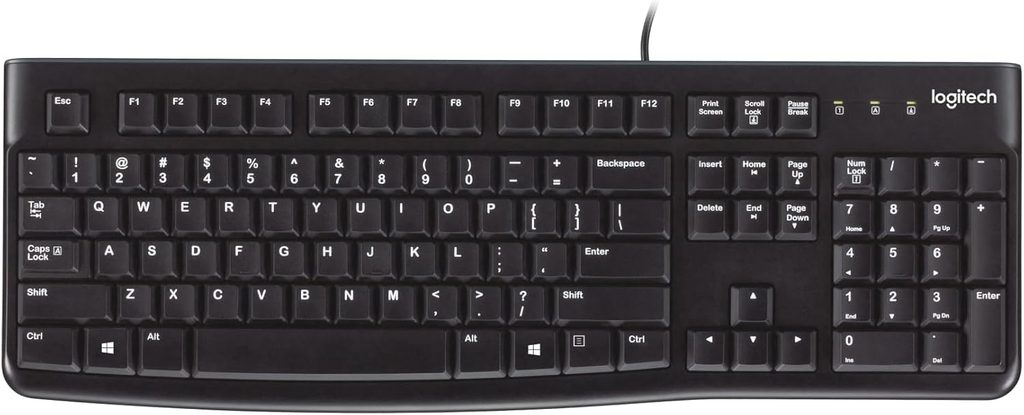
The largest layout offers dedicated sections for every input but consumes substantial desk space.
The full-size board provides a complete alphanumeric section, function row, navigation cluster, and numeric keypad. This 104- or 105-key arrangement excels at accounting and spreadsheet work, offering dedicated keys for data entry and number-heavy tasks. Every command occupies a physical home, eliminating function-layer gymnastics.
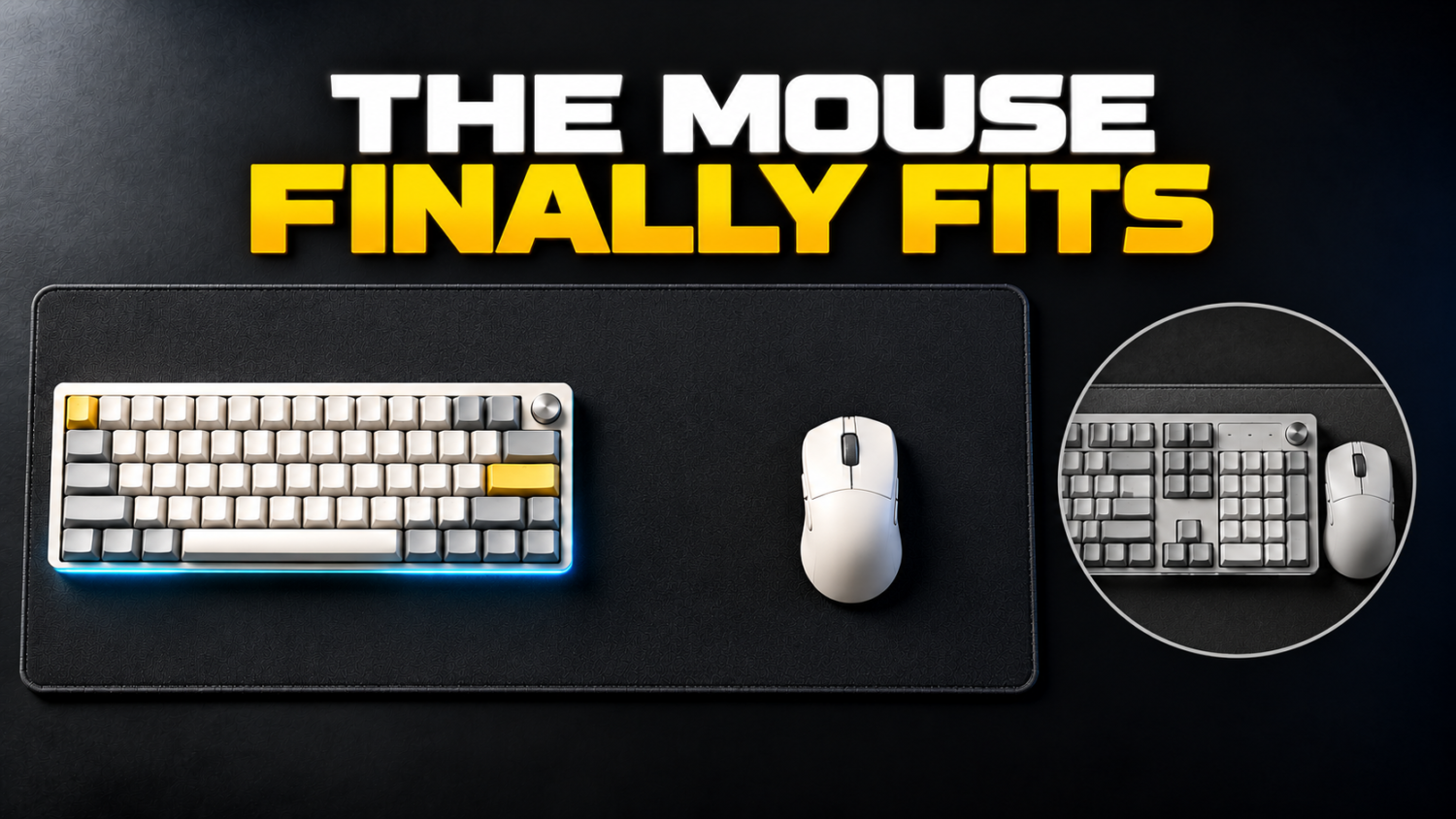
This comprehensive layout occupies considerable desk space, leaving minimal room for mouse movement. Your mouse may collide with the keyboard during gameplay, disrupting aim and quick reactions. The layout that benefits data entry becomes a tactical liability in fast-paced competitive scenarios.
25. Tenkeyless keyboard (TKL) / 80% Keyboard
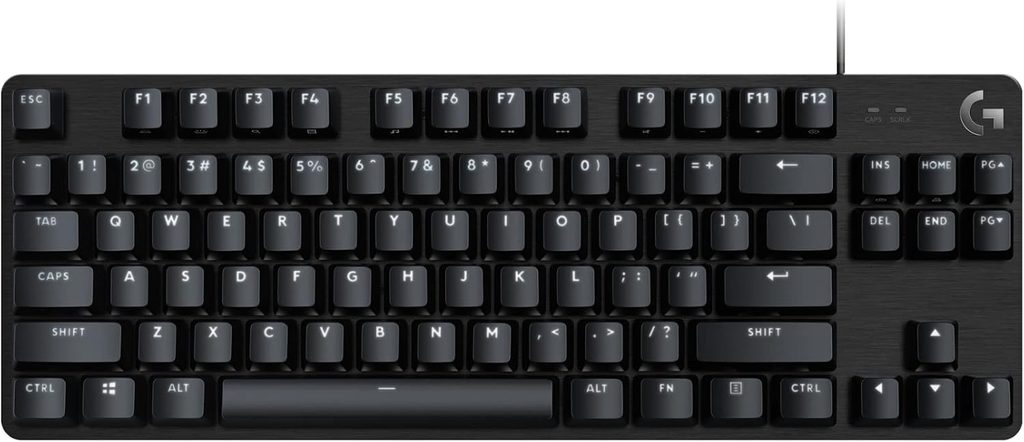
Removes the numpad while retaining function row and navigation keys for improved mouse clearance.
The TKL keyboard removes the dedicated numeric keypad while maintaining the function row, navigation cluster, and arrow keys. This 80% layout balances compactness with everyday utility, preserving the keys most users require without the section rarely touched outside spreadsheet duty.
Omitting the numpad significantly impacts desk space. A TKL keyboard provides ample room for wide mouse sweeps, offering the clearance competitive gamers need without sacrificing core functionality. The layout declutters workspaces while maintaining practical key access.
24. 75% keyboard
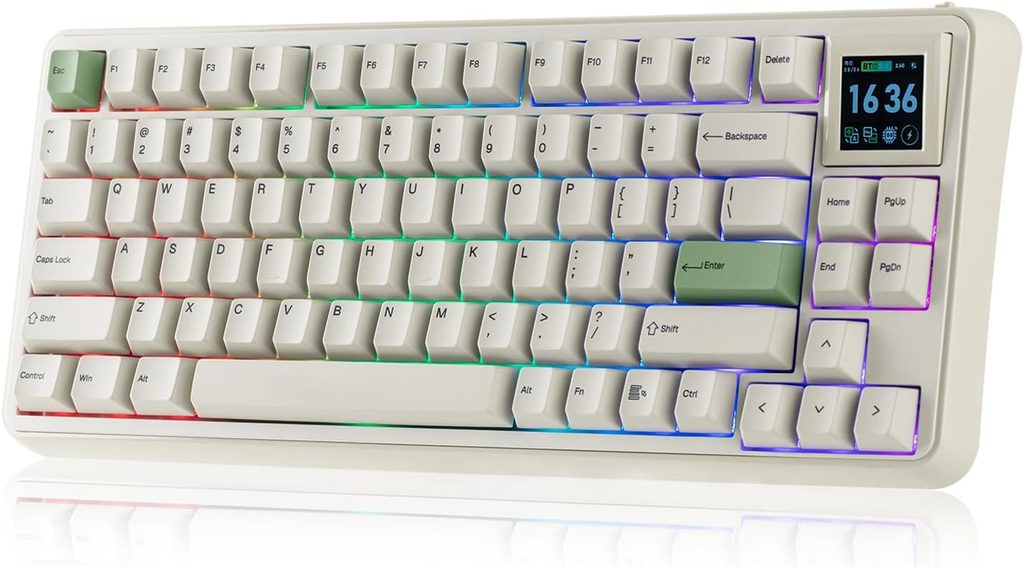
Compresses navigation keys while retaining function row and arrows in a space-efficient design.
The EPOMAKER RT75 exemplifies the 75% layout with its 83 keys and 352 × 142 × 45 mm footprint. This design reduces desk space requirements substantially while retaining most everyday keys. The compressed navigation cluster keeps essential functions accessible.
Dedicated function row and arrow keys remain available, avoiding the frustration of constant key combinations. This form factor bridges work and gaming needs, offering functionality without the footprint of larger layouts.
23. 60% keyboard
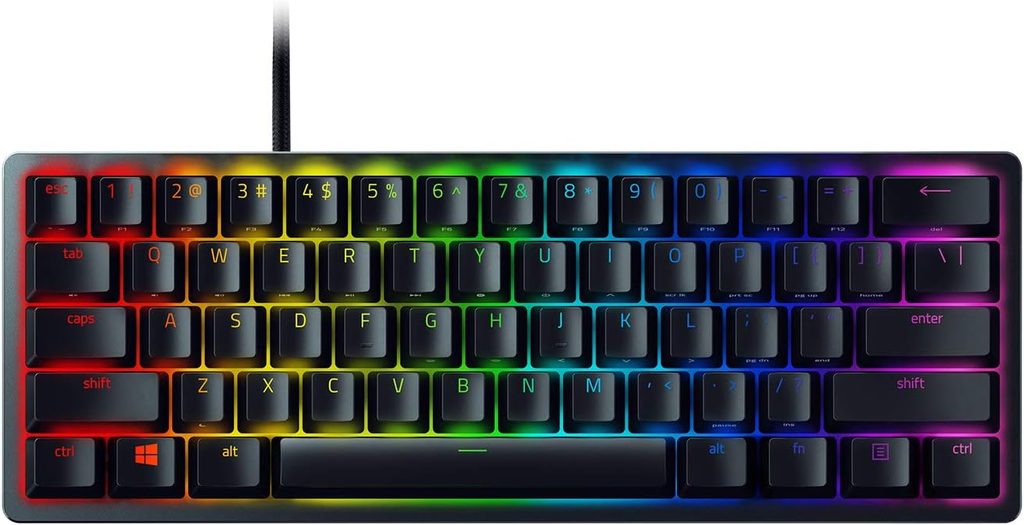
Ultra-compact design maximizes mouse space by relegating secondary keys to function layers.
The 60% keyboard retains only alphanumeric keys, removing the function row, arrow keys, and navigation cluster. Secondary functions live on function layers, accessed through modifier combinations. This compact footprint creates substantial mouse space for competitive play.
Extensive mousepad room becomes available when the keyboard occupies minimal horizontal space. Competitive players benefit from the unobstructed area required for precision aim and wide sweeps, though function-layer access adds complexity to everyday tasks.
22. 65% keyboard
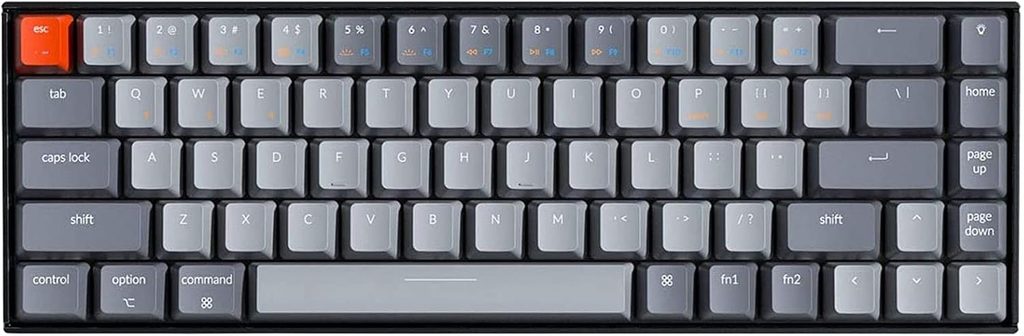
Adds dedicated arrow keys to the 60% footprint for improved navigation without sacrificing mouse space.
The 65% layout functions similarly to a 60% board while incorporating physical arrow keys and a small navigation cluster. This design provides directional inputs for spreadsheets and code while maintaining the compact footprint gamers prefer for mouse clearance.
Dedicated arrow keys eliminate awkward function-layer shortcuts for common navigation tasks. The layout keeps hands centered while providing ample room for wide mouse movements, balancing everyday utility with gaming performance.
21. 40% keyboard
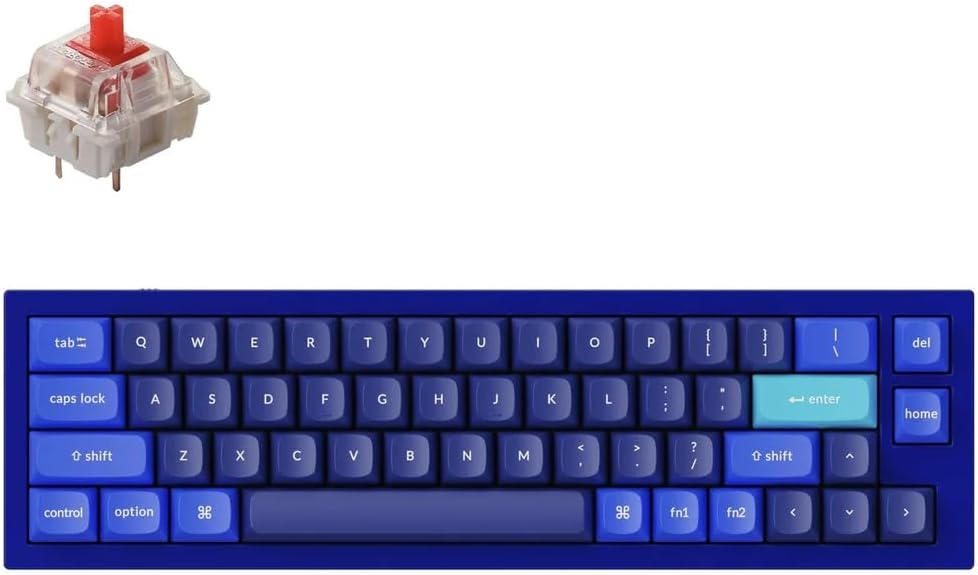
Extreme minimalism relies heavily on layers; impractical for most gaming and typing needs.
The 40% layout reduces keys to absolute essentials, removing function rows, number pads, and navigation clusters. Every secondary input requires modifier combinations and layer access. Basic characters may require holding multiple keys simultaneously.
Significant desk space becomes available, but usability suffers dramatically. The abstraction makes this layout impractical for general-purpose gaming, office work, and conventional typing. It suits enthusiasts who prioritize extreme customization over everyday convenience.
20. Mechanical keyboard switches
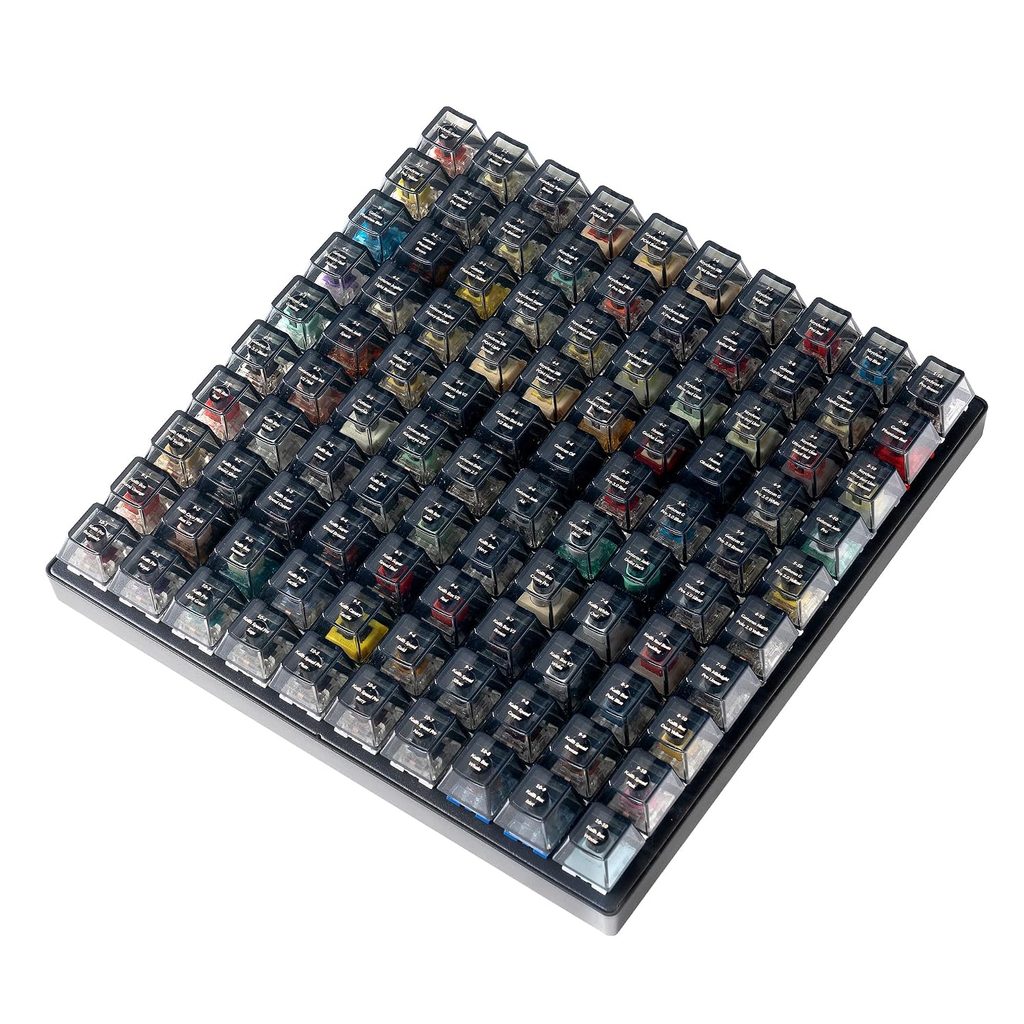
Individual mechanisms beneath each key create distinct typing experiences through physical feedback.
Mechanical switches employ individual physical components beneath each key, registering input through specific contact mechanisms. Linear switches provide smooth, uninterrupted travel. Tactile switches deliver a noticeable mid-press bump confirming actuation.
Clicky switches add audible feedback with each press. Switch selection reflects personal preference for feel and sound rather than measurable performance advantages. Testing different switches helps identify the typing experience that suits your workflow and gaming style.
19. Linear switches
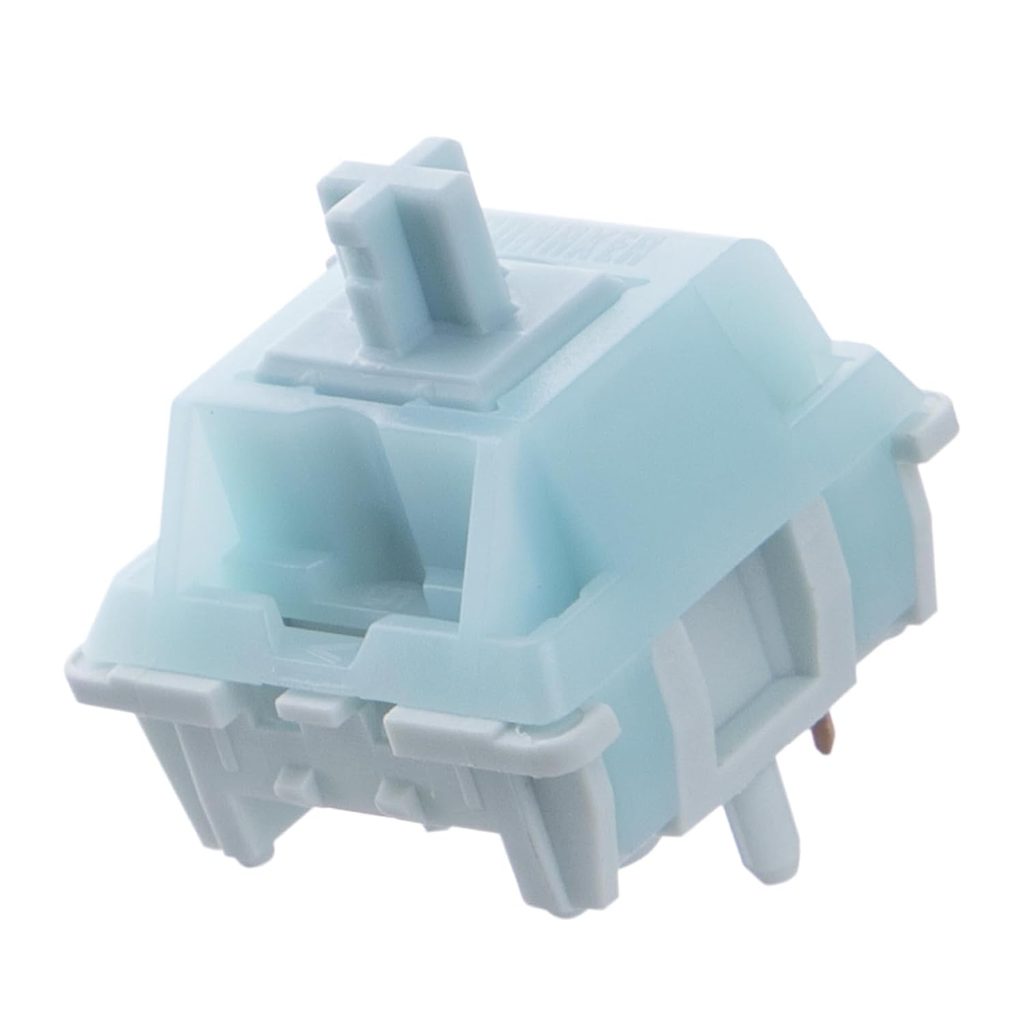
Smooth travel without tactile bumps enables rapid key presses for speed-focused users.
Linear switches provide consistent travel without tactile bumps or audible clicks, offering uninterrupted movement from actuation to bottom-out. The EPOMAKER RT75’s Creamy Jade switch features a 45 ± 5 gf trigger force, 50 ± 5 gf bottom-out force, 2.0 ± 0.4 mm pre-travel, and 3.6 ± 0.4 mm total travel.
Speed typists and gamers often select linear switches for rapid inputs. Short pre-travel and smooth actuation permit quick double-taps and complex command sequences. The consistent resistance across the keypress reduces physical resistance during extended sessions.
18. Tactile switches
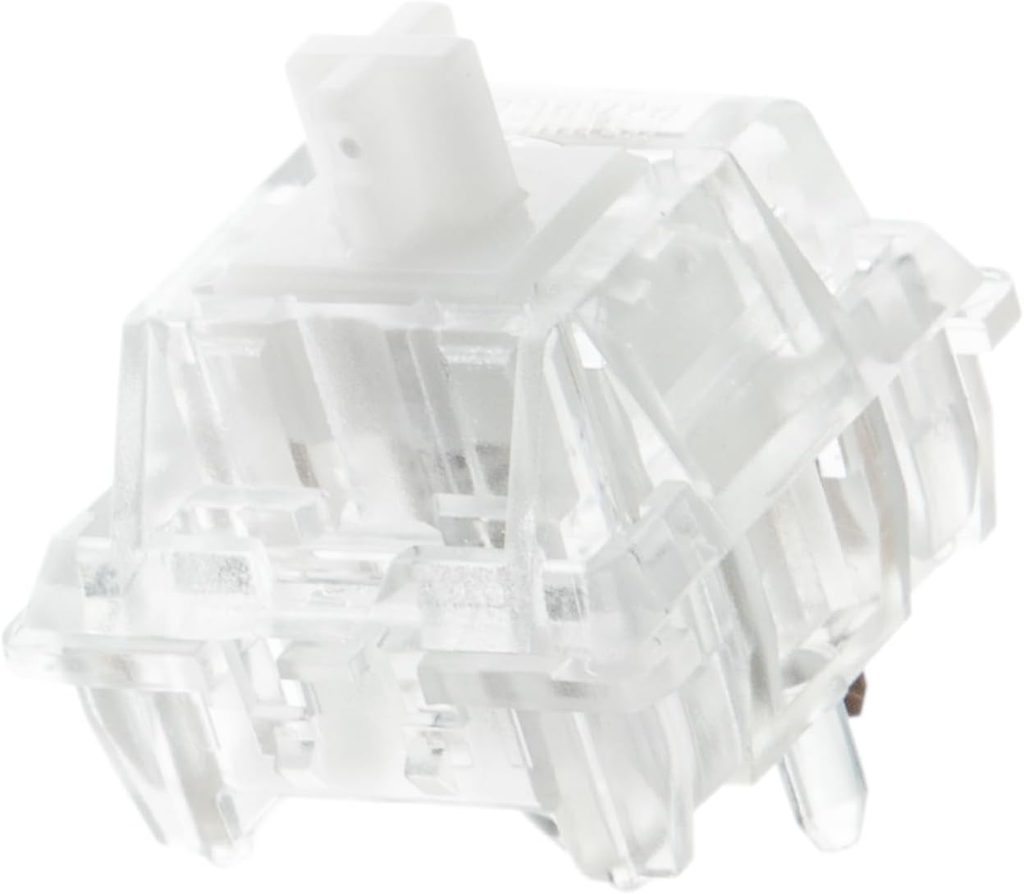
Mid-press bump provides confirmation without the loud click of audible switches.
Tactile switches deliver a distinct bump during the press, providing haptic confirmation without loud auditory feedback. This suits shared spaces and late-night sessions where noise matters. The EPOMAKER RT75’s silent tactile option requires 35 ± 5 gf trigger force with 3.6 ± 0.4 mm total travel.
The tangible bump confirms key registration, potentially improving typing accuracy during rapid data entry. Factory lubrication reduces friction while maintaining tactile character, offering quiet confirmation for each keystroke.
17. Clicky switches
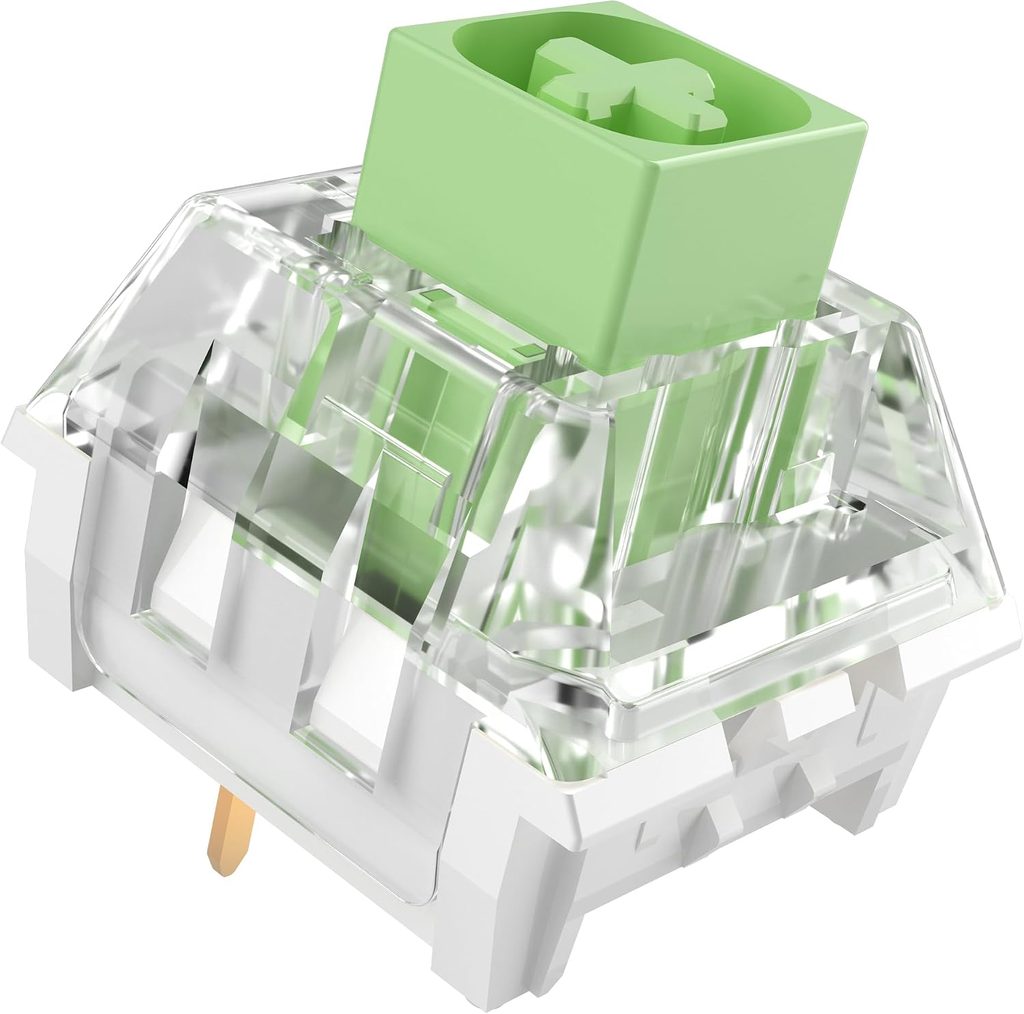
Audible click combines with tactile feedback; chosen for sound rather than performance advantage.
Clicky switches combine tactile feedback with deliberate auditory confirmation. Each press produces a sharp, distinct click that confirms actuation. Many typists select these switches specifically for the pronounced sensory feedback during use.
The acoustics provide no measurable gaming advantage; appeal derives from preference rather than performance. Content creators may select clicky switches for the crisp sound during live streams, but the feature remains aesthetic rather than functional.
16. Hall Effect switches
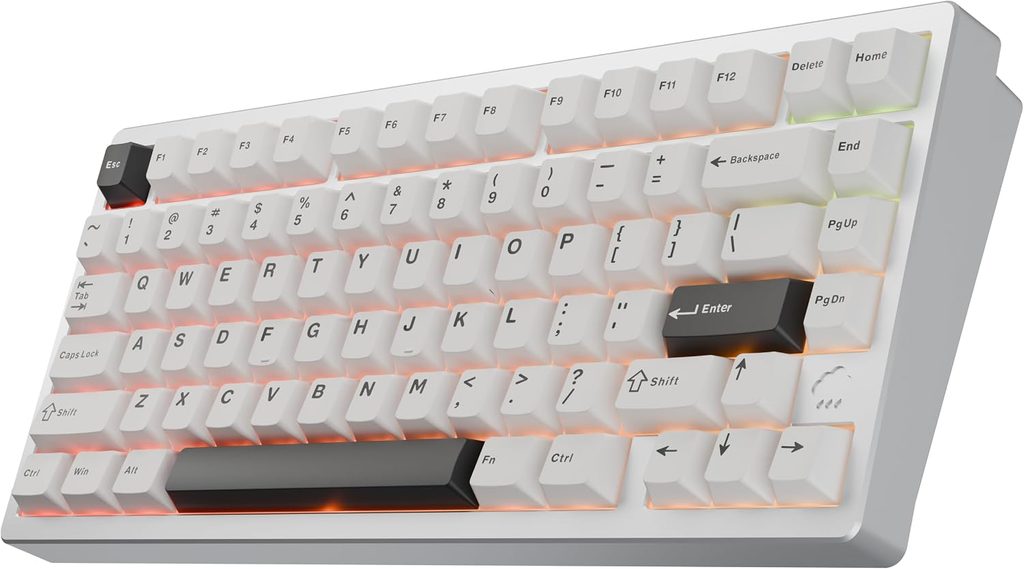
Magnetic sensing enables adjustable actuation points and analog input capabilities.
Hall Effect switches use magnetic sensing rather than physical electrical contacts to detect key movement. This enables analog input and adjustable actuation points; some models support settings as low as 0.1 mm on compatible Hall Effect keyboards, though this represents a feature rather than an industry-wide benchmark.
Fine-tuning actuation sensitivity allows precise control adjustments. The technology permits setting keys for light activation or deeper presses based on use case, and analog detection can translate subtle pressure changes into graduated in-game responses.
15. Rapid Trigger
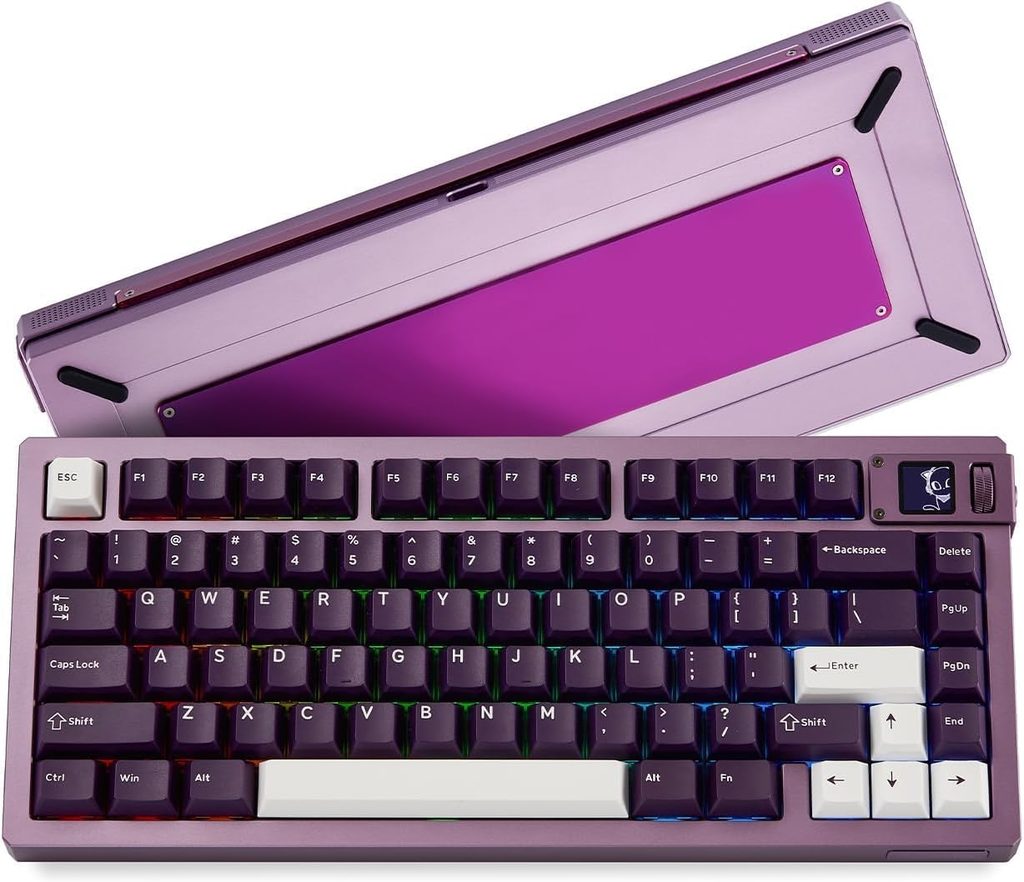
Dynamic activation based on movement reduces reset travel for faster re-actuation.
Rapid Trigger technology activates and deactivates keys based on movement rather than requiring travel to a fixed reset point. Wooting introduced this feature in 2019, supporting sensitivity as low as 0.1 mm on compatible Hall Effect keyboards. Keys respond to direction changes during travel.
This responsiveness can reduce required release travel before re-activation. Competitive players use this to execute quick direction changes, though the feature affects reset behavior rather than eliminating all input latency in the complete signal chain.
14. Adjustable actuation point
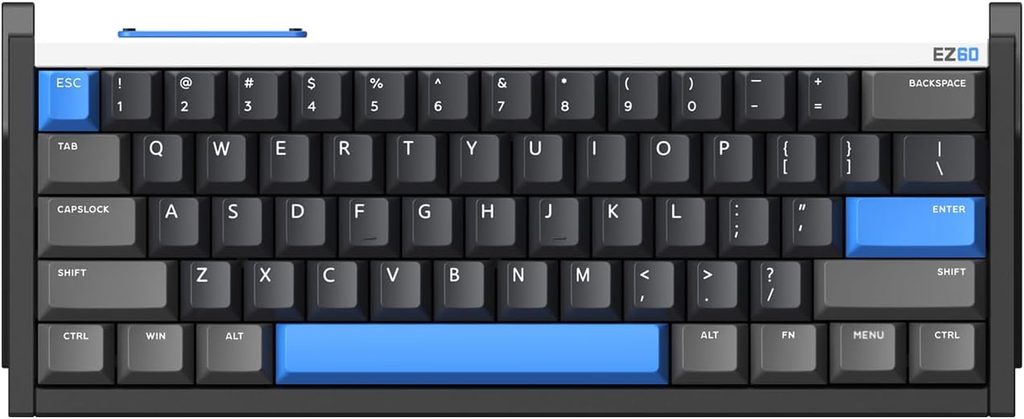
Selectable actuation distance tailors key sensitivity to specific tasks and preferences.
Adjustable actuation points determine how far a key must travel before registering input. The Wooting 60HE allows selectable actuation from 0.1 mm to 4 mm, transforming the keyboard into a customizable tool. Light touches can trigger frequently used keys while deeper presses prevent accidental activation on critical commands.
Calibrated sensitivity reduces unintended inputs during intense gameplay. Setting a strafe key for light activation while requiring deliberate presses for ultimate abilities prevents costly misclicks during competitive matches.
13. Hot-swappable keyboard
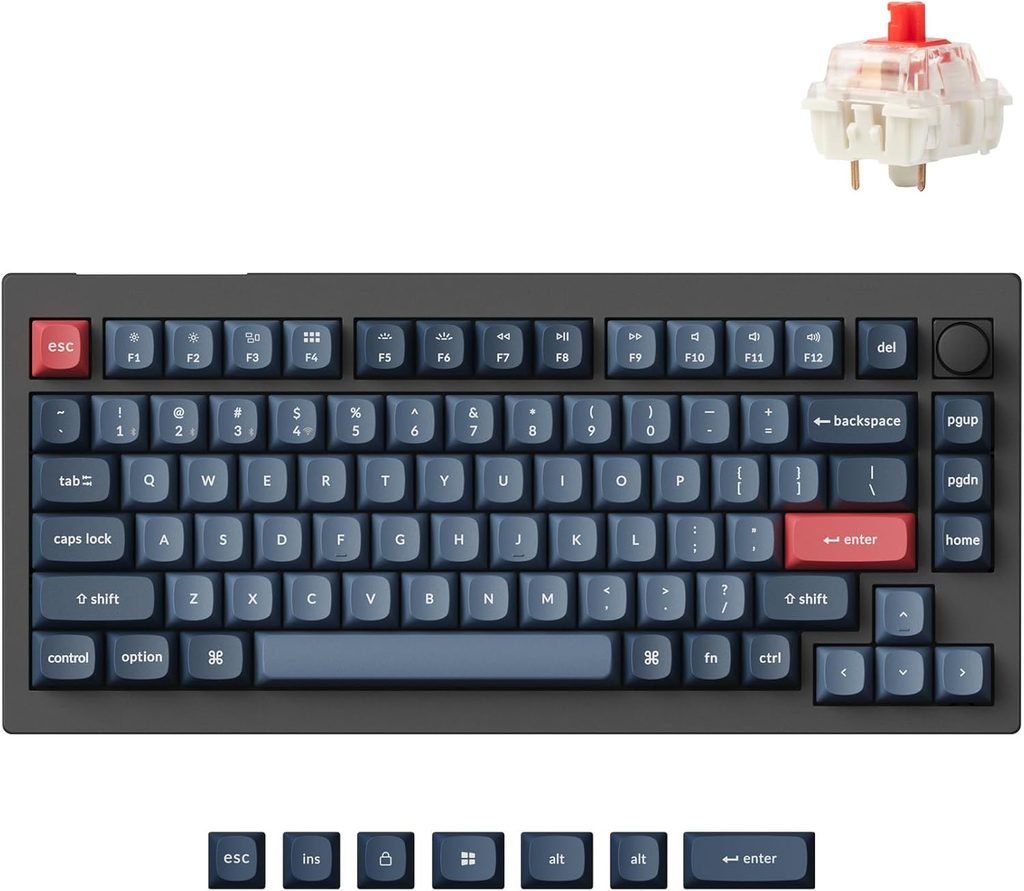
Tool-free switch replacement enables experimentation and upgrades without soldering expertise.
Hot-swappable PCBs accept compatible switches without soldering, permitting switch changes in minutes. The EPOMAKER RT75 and similar models support this feature, allowing users to alter typing feel after purchase. Transitioning between linear, tactile, and clicky switches requires only removing and inserting replacement switches.
This flexibility extends keyboard lifespan and accommodates changing preferences. Budget-conscious users and custom builders benefit from experimentation options, refining the typing experience through direct switch replacement rather than purchasing new keyboards.
12. Gasket mount
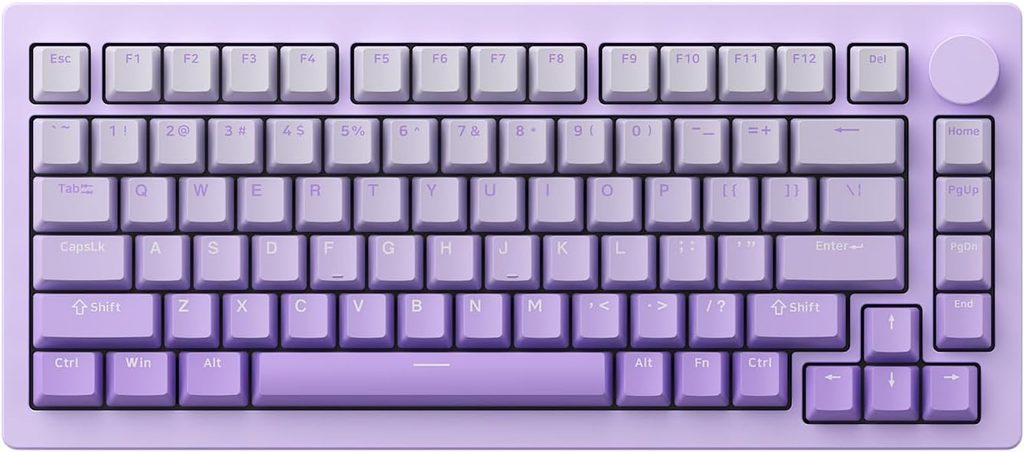
Flexible suspension materials reduce impact harshness and improve acoustic dampening.
Gasket mounting suspends the plate and PCB using flexible material, creating a softer typing experience. This construction can reduce harsh bottom-out impact and unwanted resonance compared to rigid mounting systems. The EPOMAKER RT75 uses gasket construction with acoustic dampening.
The flexible suspension may reduce typing fatigue during extended sessions, though results vary by implementation. Gasket design influences flex characteristics and acoustics, contributing to the overall typing feel alongside switch selection and keycap material.
11. Tray mount
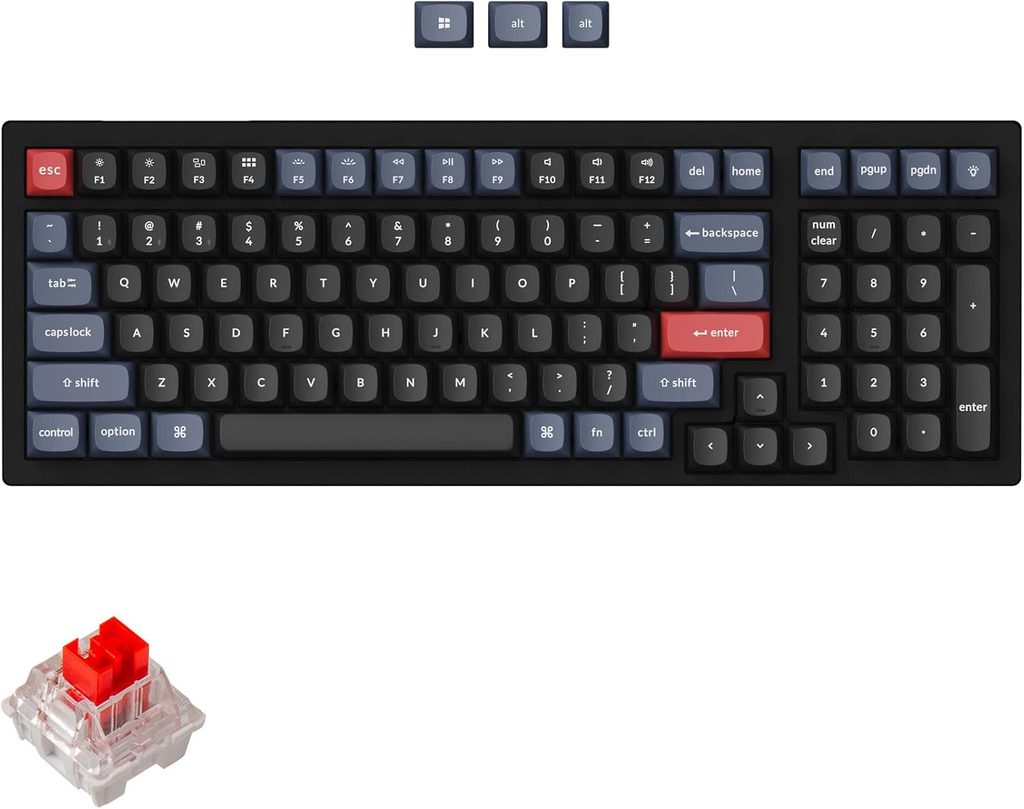
Direct screw attachment provides firm feel and simplified assembly in budget and custom builds.
Tray mounting attaches the plate or PCB assembly to the case with screws, generally producing a firmer feel than gasket systems. This straightforward construction method appears commonly in entry-level and custom keyboard kits. Installation involves securing the assembly directly into mounting points.
Direct attachment typically provides less flex than floating or gasket designs. Plate material, screw placement, foam layers, and case geometry substantially influence the resulting feel alongside the mounting method itself.
10. Plastic keyboard case
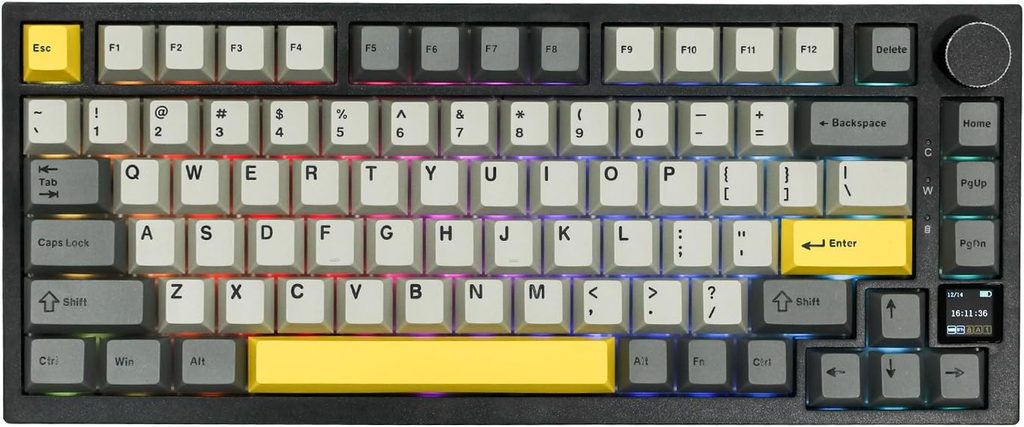
Lighter and less expensive than metal; sound and rigidity depend heavily on internal design.
Plastic cases typically weigh less and cost less than metal alternatives. The specific plastic type, internal structure, plate material, foam dampening, and mounting system substantially influence acoustic properties and rigidity. Well-engineered plastic cases can deliver satisfying acoustics despite material preconceptions.
This material choice improves accessibility for users building or upgrading keyboards on limited budgets. Clever internal design, dampening materials, and proper assembly contribute more to typing quality than case material alone.
9. Aluminum keyboard case
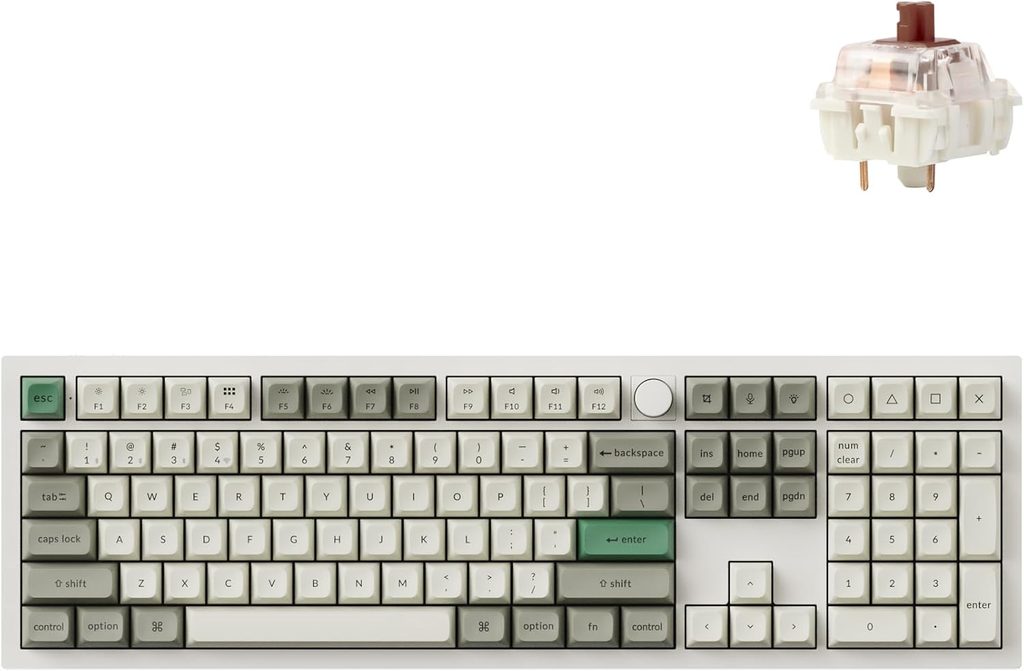
Heavier and more rigid construction found in premium and enthusiast keyboards.
Aluminum cases are typically heavier and more rigid than plastic alternatives. This material appears frequently in premium and enthusiast keyboards, contributing to perceived solidity and distinct acoustic characteristics. The substantial density creates a different typing experience than lighter cases.
Case material affects weight, acoustics, and overall feel but does not alone determine typing quality. Switch selection, mounting style, plate material, and internal dampening play equally important roles in shaping the complete tactile experience.
8. PBT keycaps
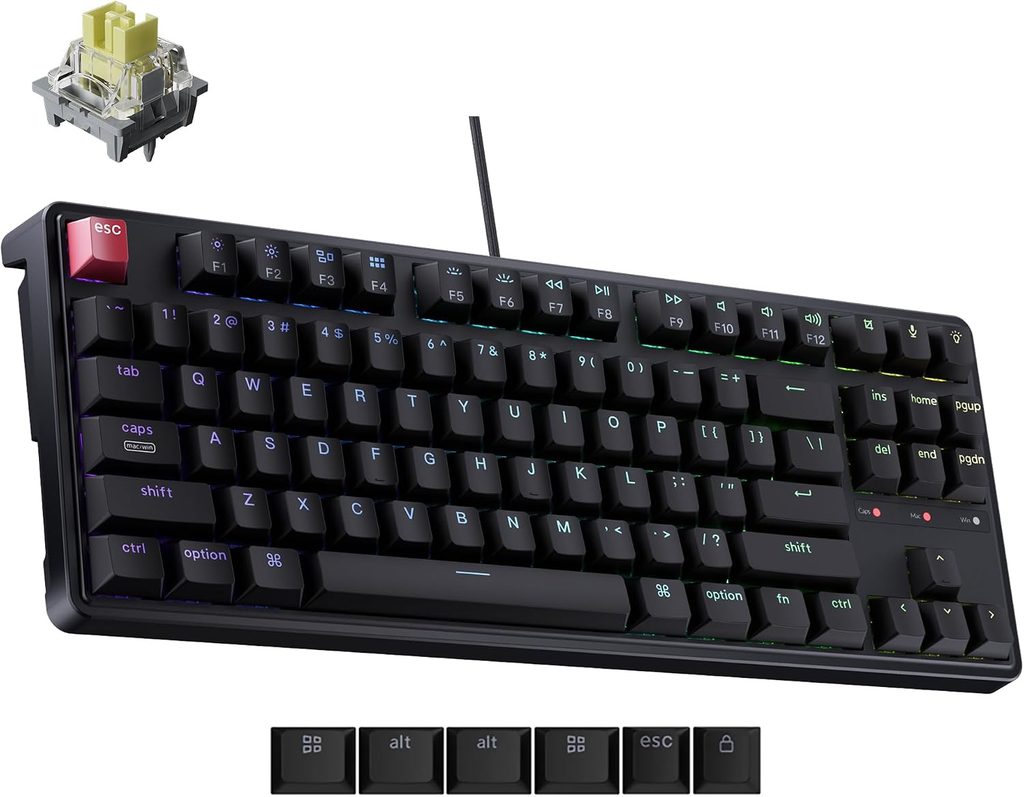
Textured plastic maintains surface quality and resists developing shine through extended use.
PBT (Polybutylene Terephthalate) keycaps maintain their textured surface and resist developing a glossy appearance better than many alternatives. This durable plastic retains its original feel through extended use. The EPOMAKER RT75 includes PBT keycaps, indicating attention to long-term durability.
The material preserves grip and tactile consistency during extended typing and gaming sessions. PBT typically outlasts ABS in maintaining its original texture, though keycap quality depends on manufacturing processes and plastic formulation as well as material selection.
7. ABS keycaps
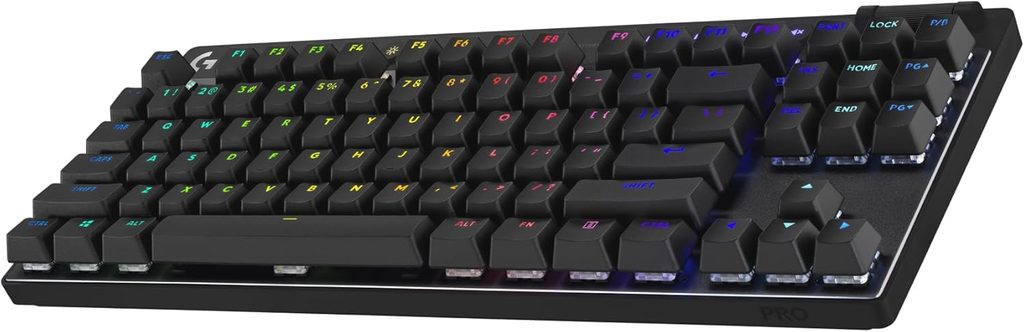
Smoother surface supports diverse colors and finishes; may develop shine with heavy use.
ABS (Acrylonitrile Butadiene Styrene) keycaps begin with a smooth surface that some users prefer. Frequently pressed keys may develop a glossy appearance over time, particularly with heavy use and hand oils. This cosmetic change varies by plastic formulation, usage patterns, and surface texture.
ABS remains common because the material supports a wide range of colors, finishes, and manufacturing techniques. Designers favor ABS for its versatility in producing diverse keycap aesthetics and specialized profiles.
6. Double-shot keycaps

Legends molded from separate plastic layer resist wear better than surface printing.
Double-shot keycaps form legends by molding two layers of plastic together, creating characters from a distinct inner layer rather than surface printing. This construction typically improves legend durability compared to printed alternatives. Wooting lists double-shot PBT among keycap options for some products.
The dual-layer construction can resist fading and wear, though durability also depends on plastic quality and manufacturing precision. Frequently used keys maintain legibility longer than surface-printed alternatives in typical use.
5. RGB lighting
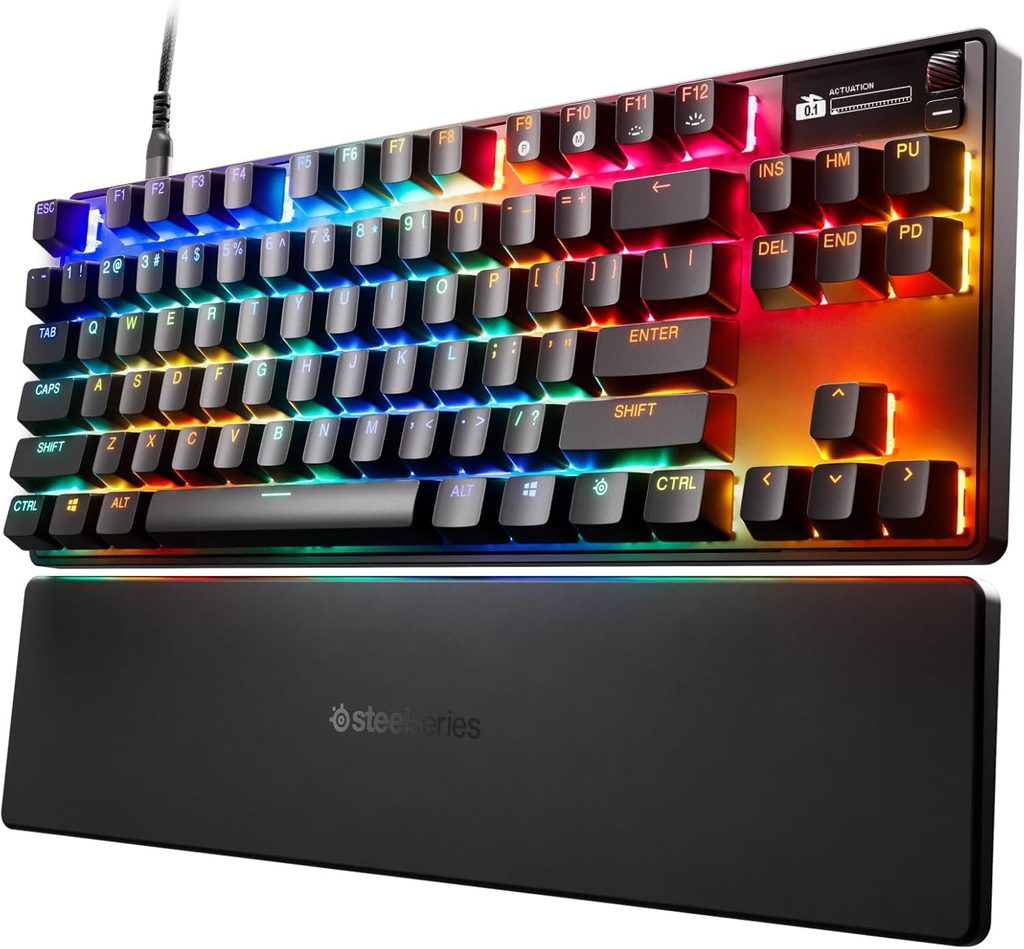
Customizable appearance through per-key or zone effects; does not affect switch performance.
RGB lighting changes keyboard appearance through per-key or zone-based effects, enabling personalization and mood settings. The lighting does not alter switch performance, actuation points, or typing feel. LED orientation affects how light appears through particular keycap designs and translucent materials.
Lighting serves aesthetic purposes, transforming functional devices into personalized statements. Configuration options range from static colors to animated patterns, though visual customization provides no tactical advantage in gameplay or typing performance.
4. North-facing and south-facing LEDs
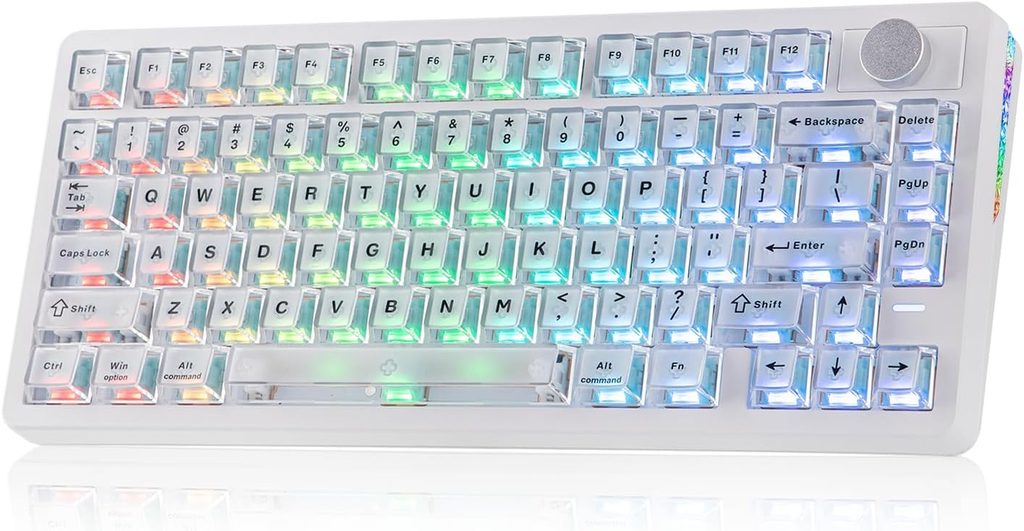
LED position relative to switch affects backlight alignment and keycap compatibility.
These terms describe LED position relative to the switch and PCB. North-facing LEDs sit above the switch while south-facing LEDs position below it. This orientation affects backlight alignment, brightness distribution, and potential interference with certain keycap profiles.
South-facing LEDs typically avoid interference with Cherry-profile keycaps, though compatibility depends on switch design, stem length, and keycap thickness. The EPOMAKER RT75 features per-key adjustable south-facing LEDs for improved compatibility and light distribution.
3. Keyboard polling rate
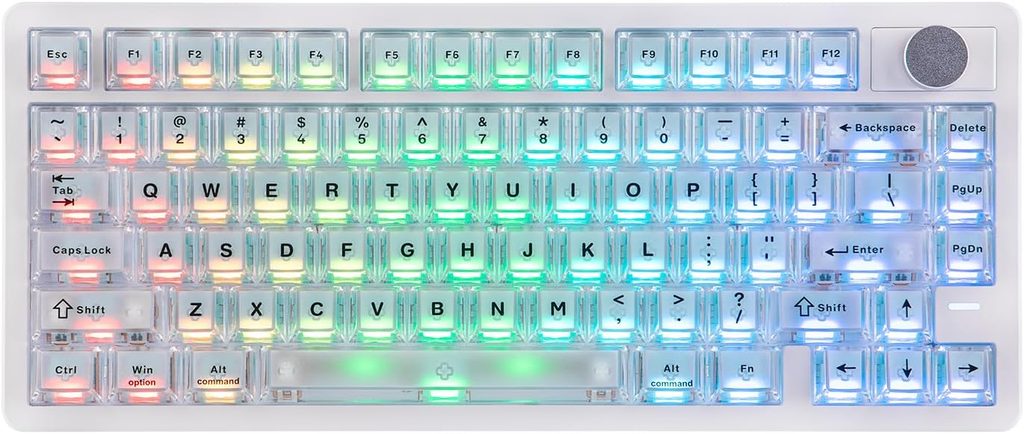
Report frequency affects how often the keyboard communicates with the computer.
Polling rate describes how frequently a keyboard reports input to the computer. The EPOMAKER RT75 maintains 1,000 Hz polling through wired and 2.4 GHz connections, reporting status one thousand times per second. Bluetooth operates at 125 Hz due to protocol limitations.
The Wooting 80HE supports 8,000 Hz polling. Higher rates reduce theoretical maximum latency in the keyboard-to-computer communication stage, though the practical benefit depends on the complete input chain, game engine, system configuration, and display refresh rate.
2. Competitive gaming keyboard
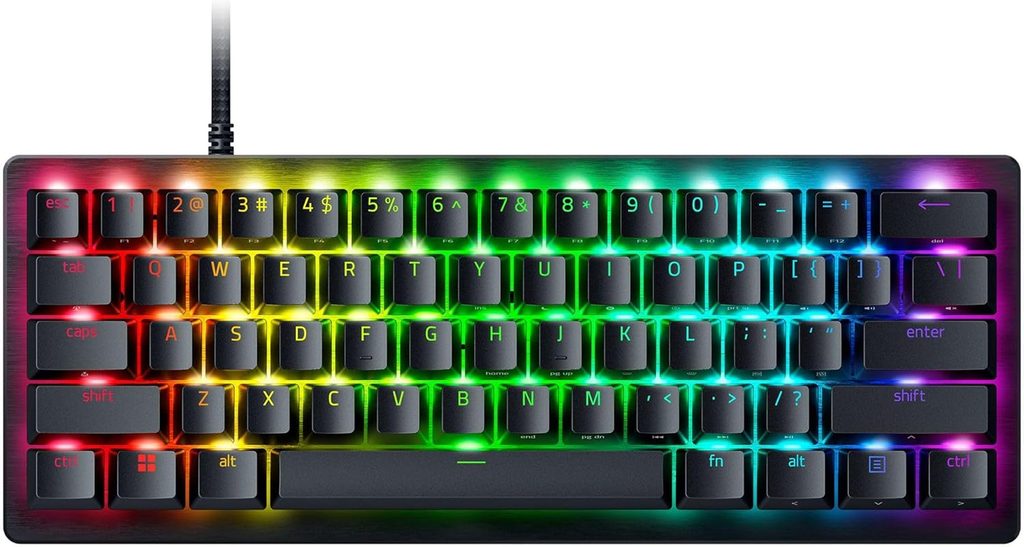
Features optimized for competitive play emphasize responsiveness, adjustable actuation, and compact layouts.
Competitive gaming keyboards often emphasize Hall Effect sensing, adjustable actuation points, Rapid Trigger technology, low latency, and compact layouts preserving mouse space. The Wooting 60HE combines these features in a 60% form factor designed for competitive use.
Hall Effect switches enable actuation adjustment as low as 0.1 mm on some models. Rapid Trigger reduces required release travel before re-activation. Compact layouts like 60% and 65% maximize available mouse space for low-sensitivity aiming and wide movements.
1. Casual gaming and work keyboard
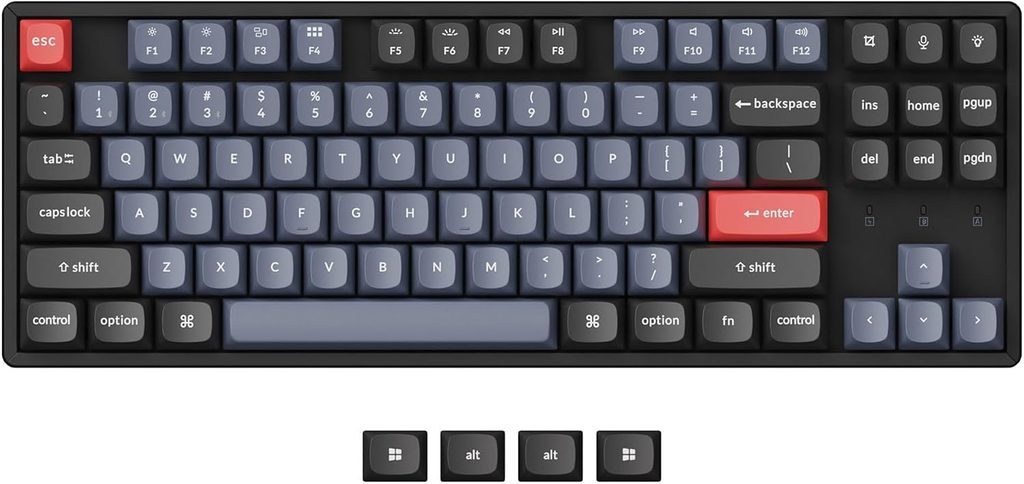
Versatile layouts maintain dedicated keys for productivity while supporting recreational gaming.
Users requiring both typing functionality and casual gaming capability often prefer 75%, TKL, or full-size mechanical keyboards. These layouts retain more dedicated keys than 60% models, maintaining function rows and navigation clusters for everyday productivity tasks.
Hot-swappable switches permit customization after purchase, allowing users to refine typing feel and switch characteristics. This flexibility adapts the keyboard to changing preferences and varied tasks, supporting spreadsheet work, document creation, and recreational gaming on a single device.