Apple’s iOS 27 includes an extra-large widget size that extends the maximum widget canvas from a 4×4 to a 4×6 grid. Many users running iOS 27 have not yet enabled it, making it one of the update’s more overlooked interface additions.
A Bigger Canvas, Not Just a Bigger Widget
The new format is roughly the size of a full home screen page, which changes what widgets can actually show you.
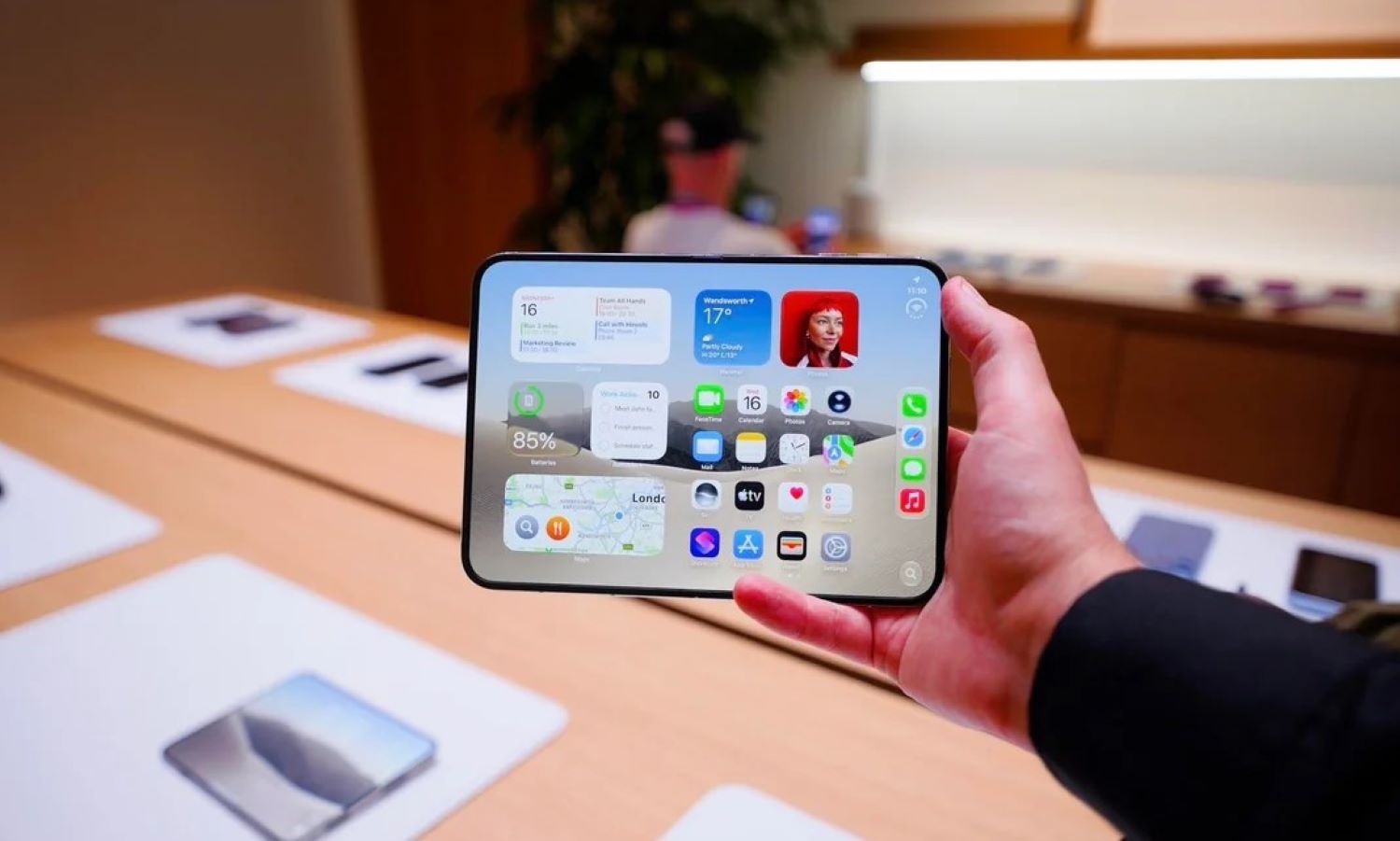
The practical difference between 4×4 and 4×6 is meaningful screen territory: supported apps can display considerably more information without requiring you to open anything. On compatible widgets, you can resize directly on the home screen by dragging the handle at the bottom-right corner, according to 9to5Mac.
Which Apple Apps Support It
Support is tied to individual app widget design, so the extra-large option appears only when a specific app’s widget is built to accommodate that layout.
According to 9to5Mac, supported Apple apps include Calendar, Home, Music, News, Notes, Photos, Reminders, Shortcuts, Stocks, TV, and Weather. Third-party availability is expected to grow as developers update their apps, but support beyond Apple’s own suite remains limited at this stage.
How to Find It
The process follows the same steps as adding any other widget, with one extra choice at the end.
Touch and hold an empty area of your home screen until the icons begin to jiggle. Tap the add-widget control, then select a compatible app. If the extra-large layout is available, it will appear as a size option alongside the standard small, medium, and large formats. Existing compatible widgets can also be resized using the drag handle at the bottom-right corner.
Where This Gets More Interesting
Extra-large widgets are not exclusive to Apple’s foldable iPhone, but a larger display makes a stronger case for them.
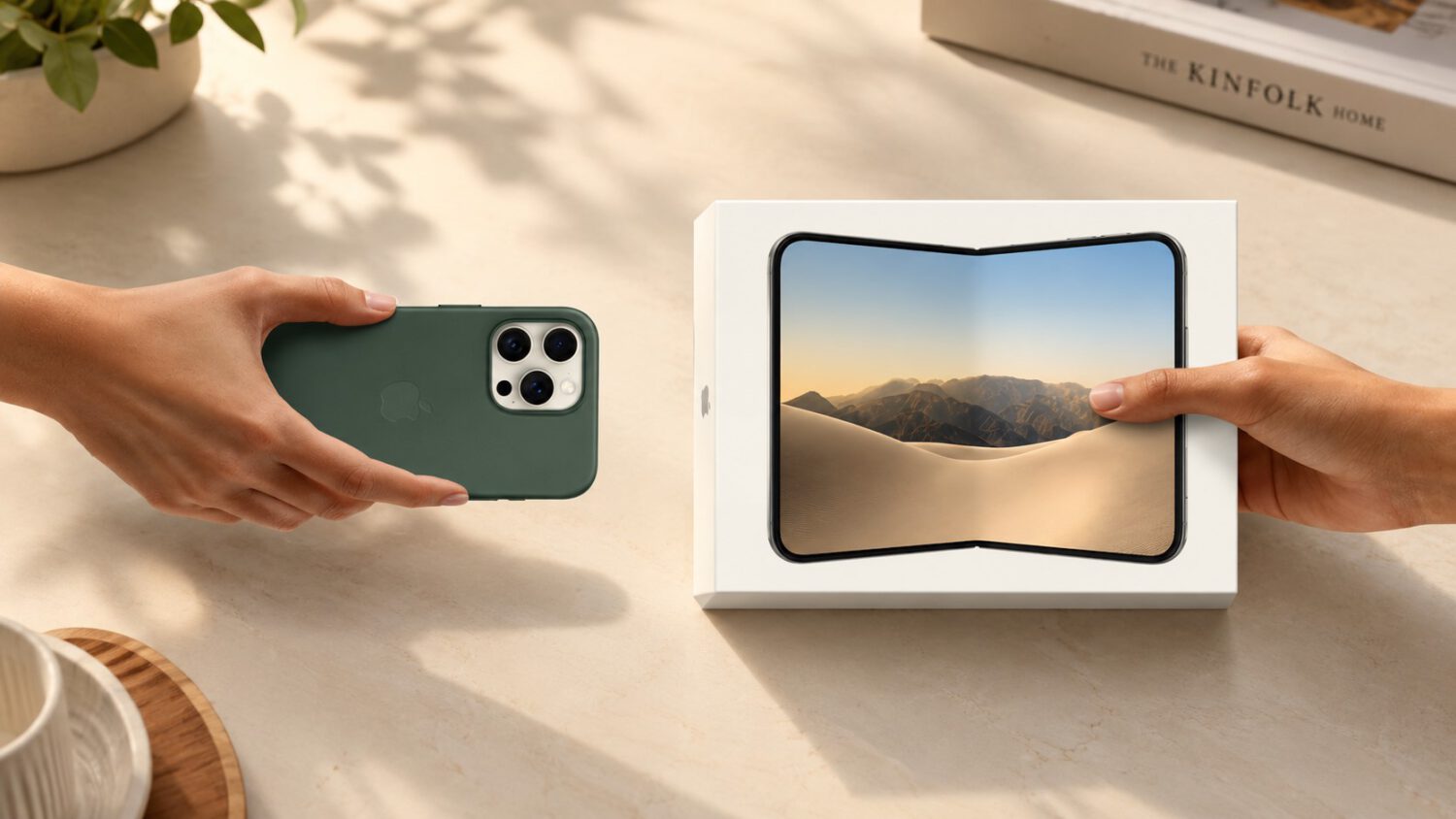
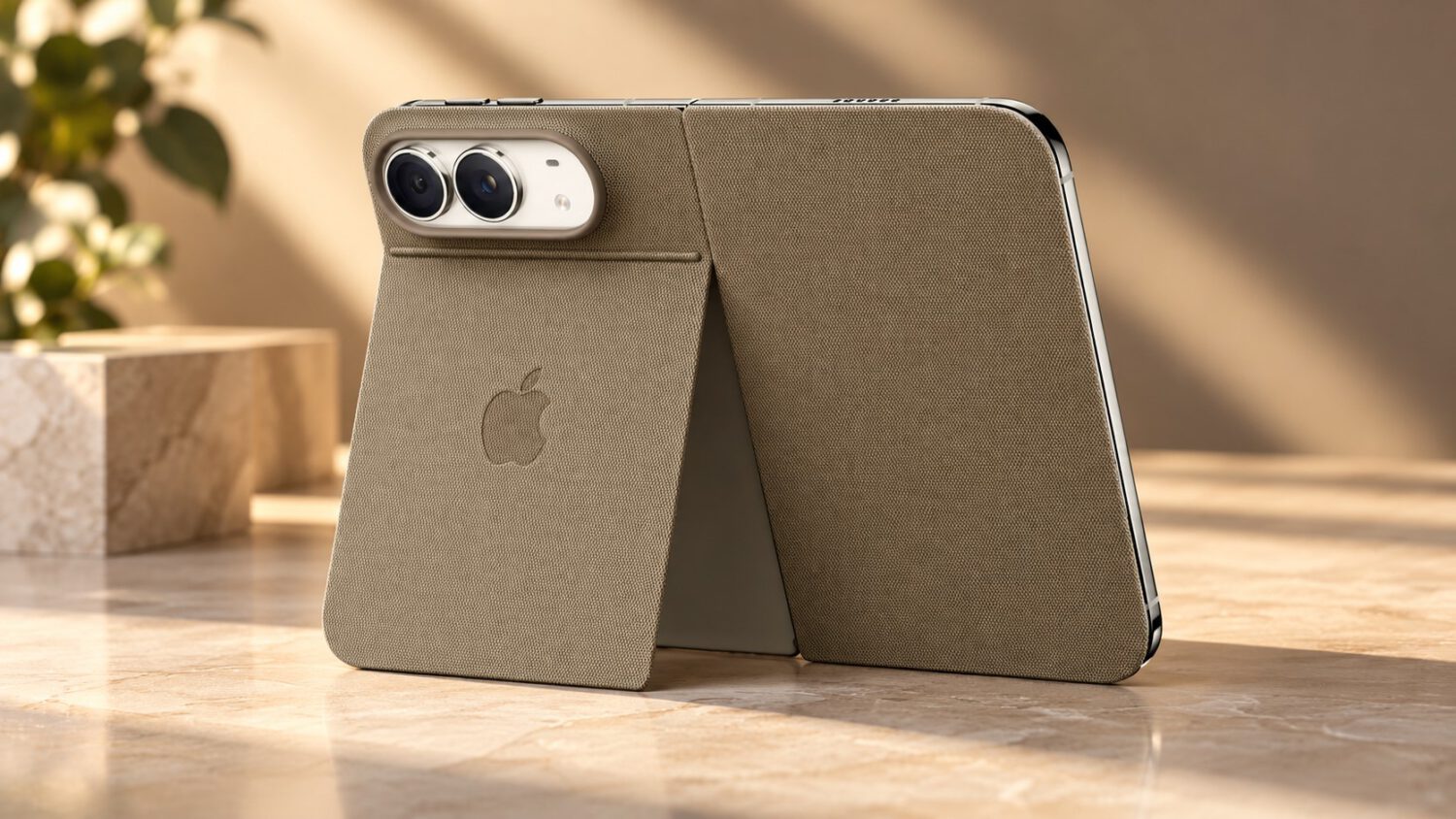
Apple’s newsroom describes the iPhone Duo’s unfolded inner display as 7.6 inches, capable of showing two home screen pages alongside Today View on the left. On a canvas that size, a 4×6 widget has room to justify itself in a way that feels proportional rather than oversized. Pre-orders for iPhone Duo open October 16, 2026, with retail availability beginning October 23, 2026. The feature works on any compatible iPhone running iOS 27 and is not limited to the foldable model.
The Practical Bottom Line
This is an incremental interface addition, not a system overhaul, but it reduces how often you need to open individual apps for routine information checks.
Extra-large widgets give Calendar, Weather, Reminders, and similar apps room to surface what you need without an extra tap. On larger displays, particularly iPhone Duo’s 7.6-inch inner screen, the format has more room to justify itself. It takes about five minutes to set up and is available on your compatible iPhone right now.