Relying on a flimsy, laggy mouse for professional tasks is like trying to edit a video on a flip phone. The right wireless mouse boosts productivity and saves wrists from ergonomic despair. Identifying top-tier devices requires more than just checking battery life; it means evaluating sensor accuracy, button programmability, and build quality. These models cater to everyone, from button-mashing power users who need shortcuts for everything to those simply seeking the blissful silence of a click that doesn’t sound like a snare drum.
This content may contain affiliate links. If you wish to support us and use these links to buy something, we may earn a commission.
5. Logitech MX Master 3S
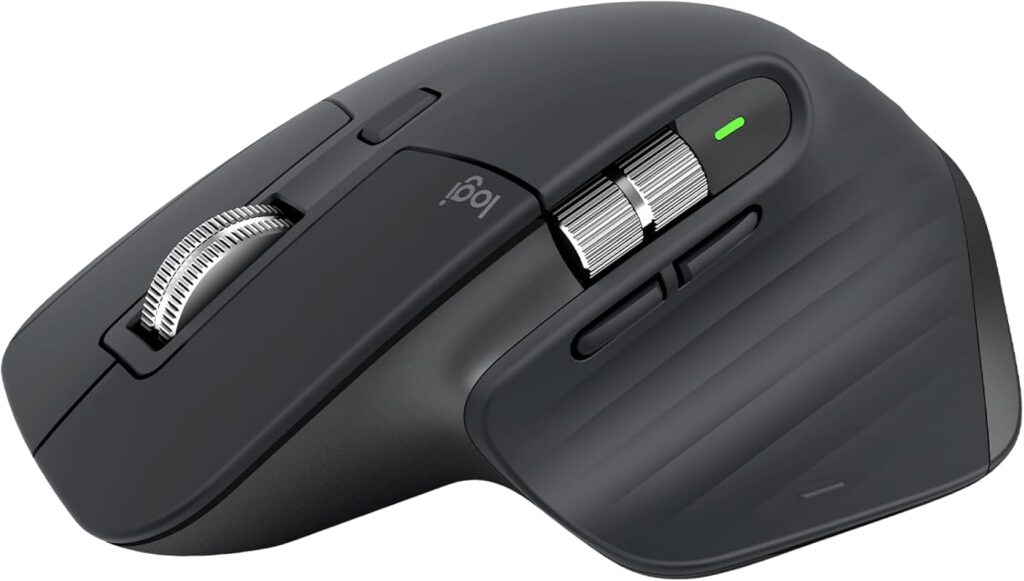
The MagSpeed scroll wheel redefines digital navigation for spreadsheet warriors.
The MagSpeed electromagnetic scroll wheel on this device spins at up to 1,000 lines per second, transforming how anyone navigates complex codebases or endless spreadsheets. It snaps from a precise, ratcheted feel to a free-spinning blur. Switching between up to three devices (laptop, desktop, and iPad) happens with a single button click, eliminating re-pairing hassles that feel like trying to get an old printer to connect.
The sensor adjusts from 200 to 8,000 DPI through Logi Options+, ensuring precision whether doing pixel-perfect design work or just moving windows. A thumb-operated horizontal scroll wheel handles wide documents with the ease of a seasoned Excel jockey. Logitech rates battery life at up to 70 days on a full USB-C charge. This mouse serves as a productivity benchmark, making the daily grind feel less like a chore and more like controlling a finely tuned machine.
4. Logitech M720 Triathlon
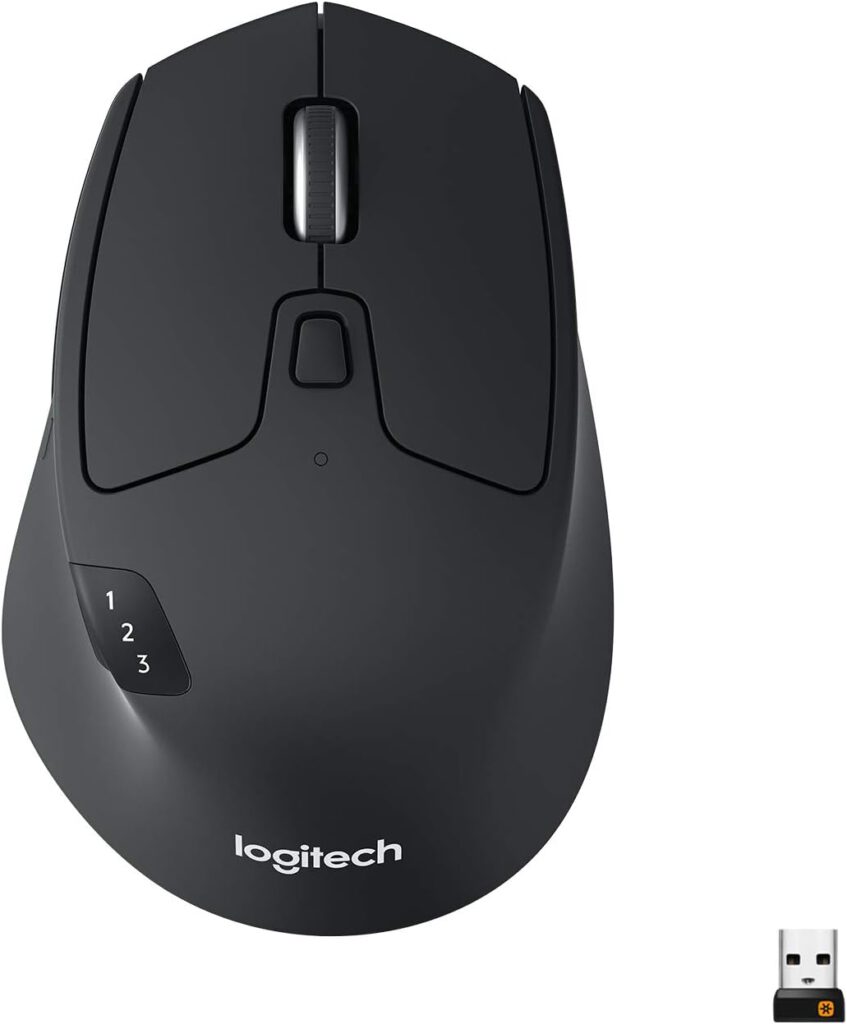
Multi-device switching without the Monday morning Bluetooth drama.
A single AA battery powers the Logitech M720 Triathlon for up to 24 months, effectively making battery anxiety a relic of the past. This wireless workhorse quietly disappears from your mental load after setup. Its namesake ‘Triathlon’ capability allows pairing with up to three computers using either Bluetooth or Logitech’s Unifying USB receiver. Device switching happens through the Easy-Switch button.
This mouse also features a 1,000-DPI optical sensor for precise tracking and a free-spinning scroll wheel that chews through long documents, alongside a horizontal thumb tilt. Consider working across a Windows PC and a MacBook; transitioning seamlessly happens without swapping mice or re-pairing. Anyone who’s grappled with Bluetooth connections on a Monday morning understands the smooth relief of this integration.
3. ASUS ROG Spatha X
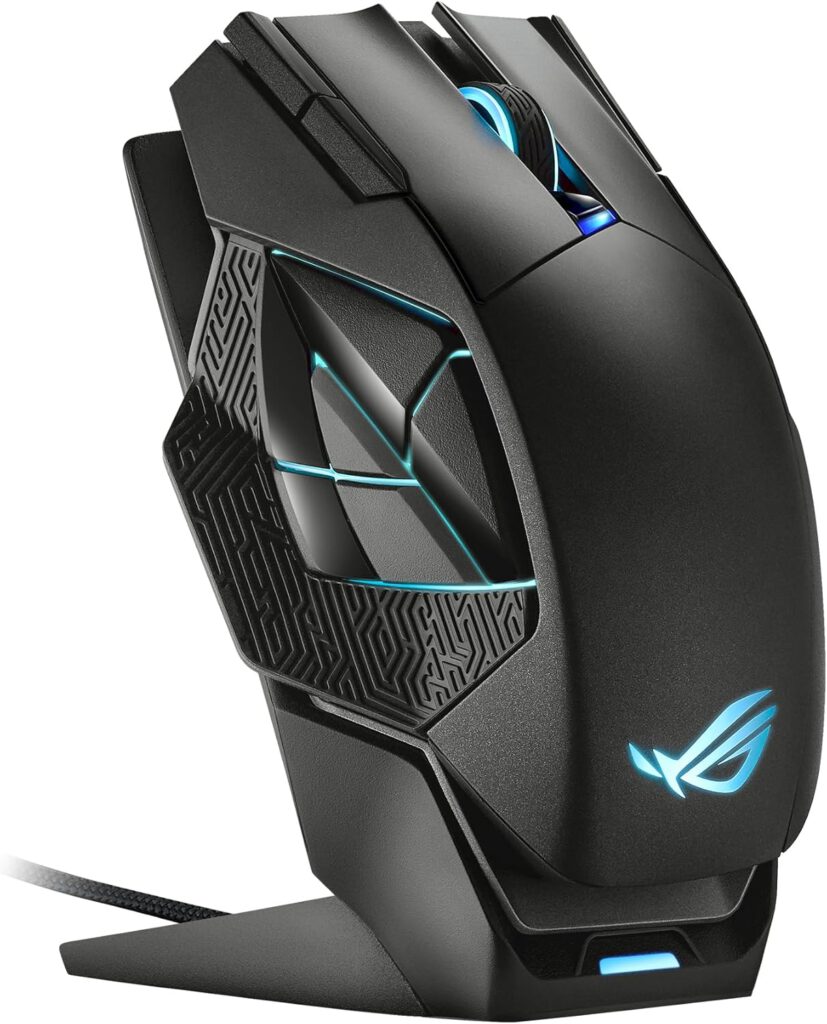
Where precision meets programmability for multi-tasking professionals.
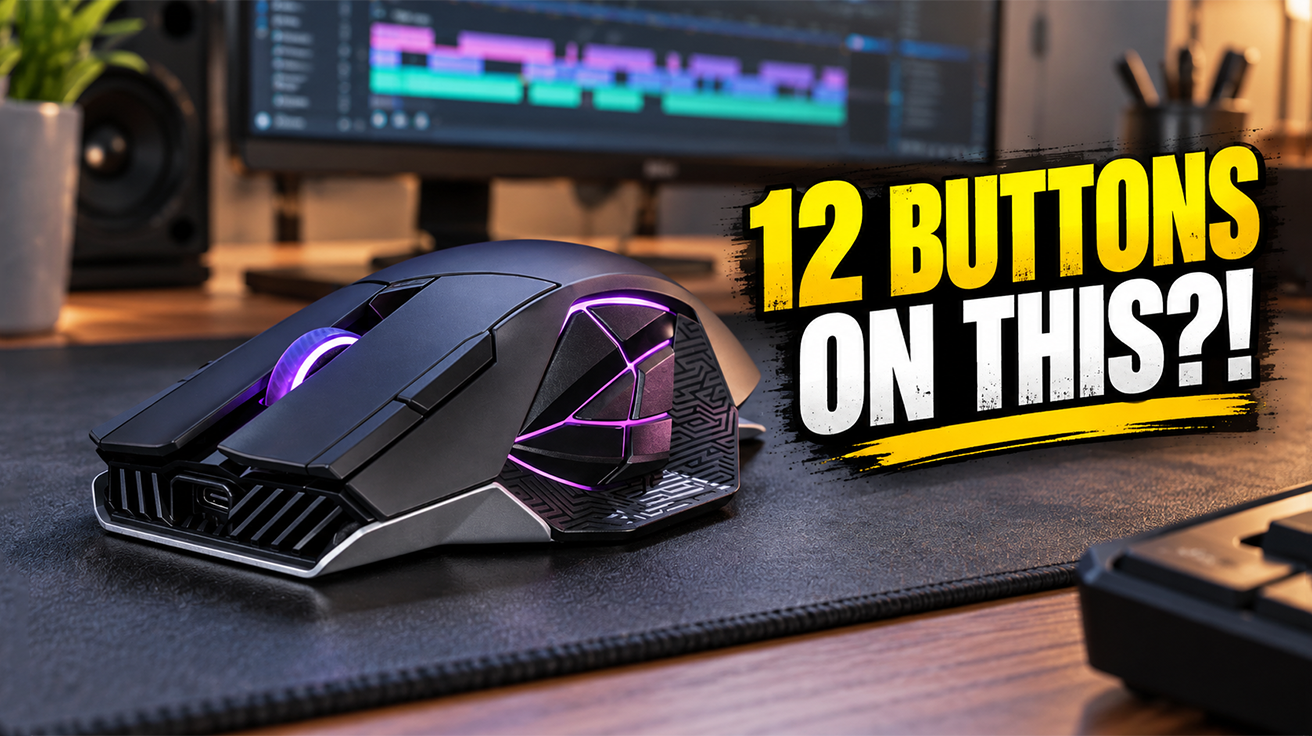
The 19,000-DPI optical sensor on this mouse enables effortless navigation across sprawling multi-monitor setups. Its 12 programmable buttons, including six on the left side, are where serious efficiency gains truly materialize. Anyone mapping shortcuts in Premiere or Photoshop can bypass those awkward keyboard gymnastics, while gamers can trigger complex macros.
This wireless setup uses 2.4 GHz RF connection, or wired USB-C connectivity. ASUS rates battery life at up to 67 hours with RGB lighting disabled. When power does run low, a rapid 15-minute charge on its magnetic dock can provide up to 12 hours of use. This mouse offers a seamless transition between high-stakes gaming and demanding professional workflows, without asking for compromise.
2. Logitech M510
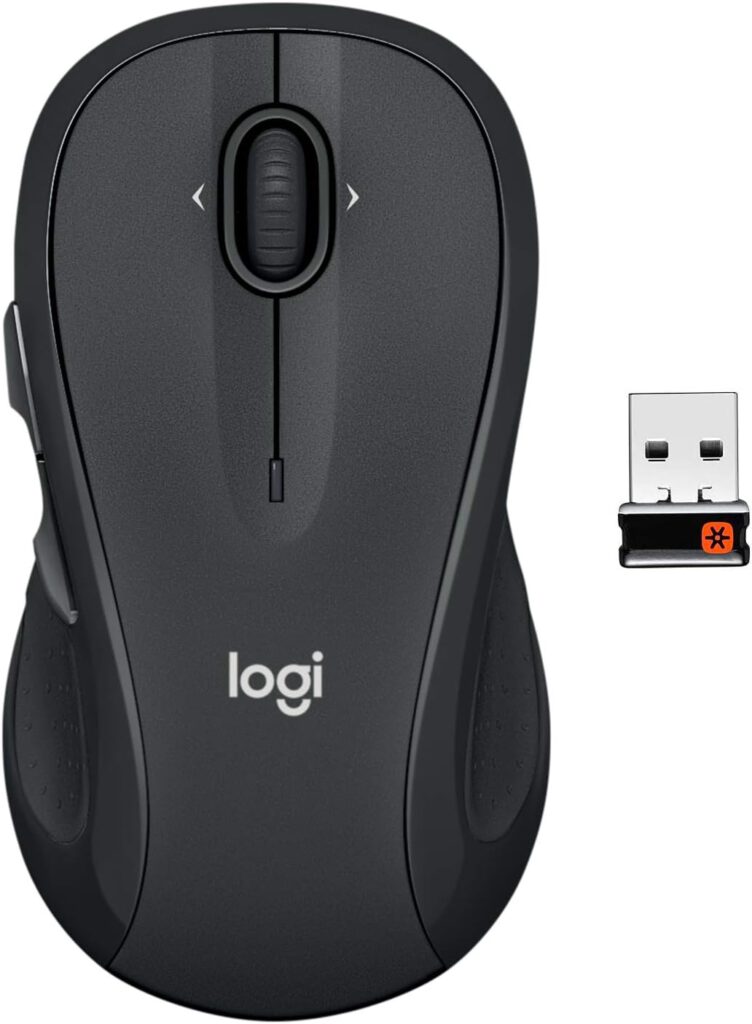
Battery life measured in years, not days.
Operating for up to 24 months on two AA batteries, the Logitech M510 offers a level of uptime usually reserved for industrial machinery. The unique frustration of a wireless mouse dying during a crucial deadline (like internet connection dropping mid-Netflix binge) becomes irrelevant. This mouse becomes an invisible stagehand in workflows, free from missed clicks or battery anxiety.
Its contoured right-handed design features textured side grips and five buttons (including forward and back thumb keys). The 1,000-DPI laser sensor tracks reliably. Its Logitech Unifying USB receiver can link with up to six compatible devices, making it a straightforward solution for everyday work. No Bluetooth pairing, no charging, no dedicated configuration software required for ordinary use.
1. Logitech Signature M650
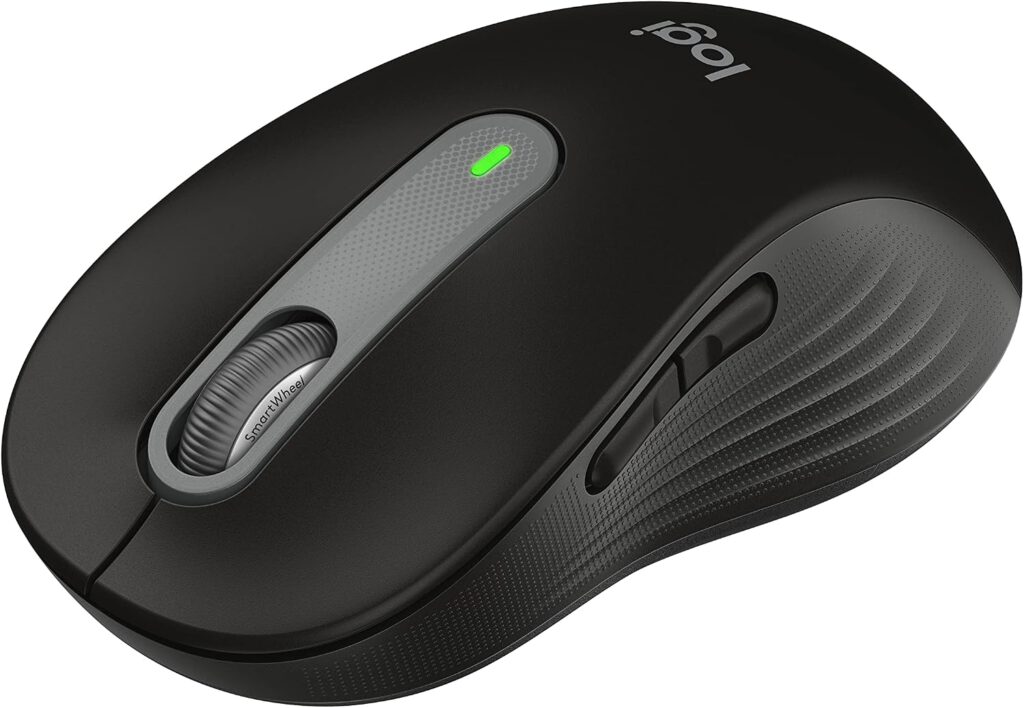
SilentTouch technology turns down the volume on clicking chaos.
SilentTouch technology reduces clicking and scrolling noise, making the Logitech Signature M650 a considerate choice for shared environments. During back-to-back video calls when every mouse click sounds like construction work through a microphone, this feature matters. Its optical sensor adjusts from 400 to 4,000 DPI across three sensitivity levels, allowing for precision or speed depending on the task.
Connectivity works via Bluetooth or the Logi Bolt USB receiver, and Logitech rates battery life at up to 24 months on a single AA battery. The mouse also features five buttons, including a customizable Smartwheel button through Logi Options+. Availability in Small/Medium and Medium/Large sizes offers a tailored fit based on hand size, making long work sessions more comfortable.