Remote workers average 8.5 hours a day at their desks, turning workspace optimization into necessity rather than luxury. An unoptimized setup transforms ambition into frustration, while strategic hardware choices create genuine efficiency gains. This setup showcases cutting-edge displays and ergonomic solutions, streamlining deep-focus work and after-hours streaming sessions. Here’s the unvarnished truth about what truly excelled, what completely tanked, and the hard-won lessons in building a workspace that actually works.
This content may contain affiliate links. If you wish to support us and use these links to buy something, we may earn a commission.
9. Samsung 27-inch QHD 144Hz Monitor
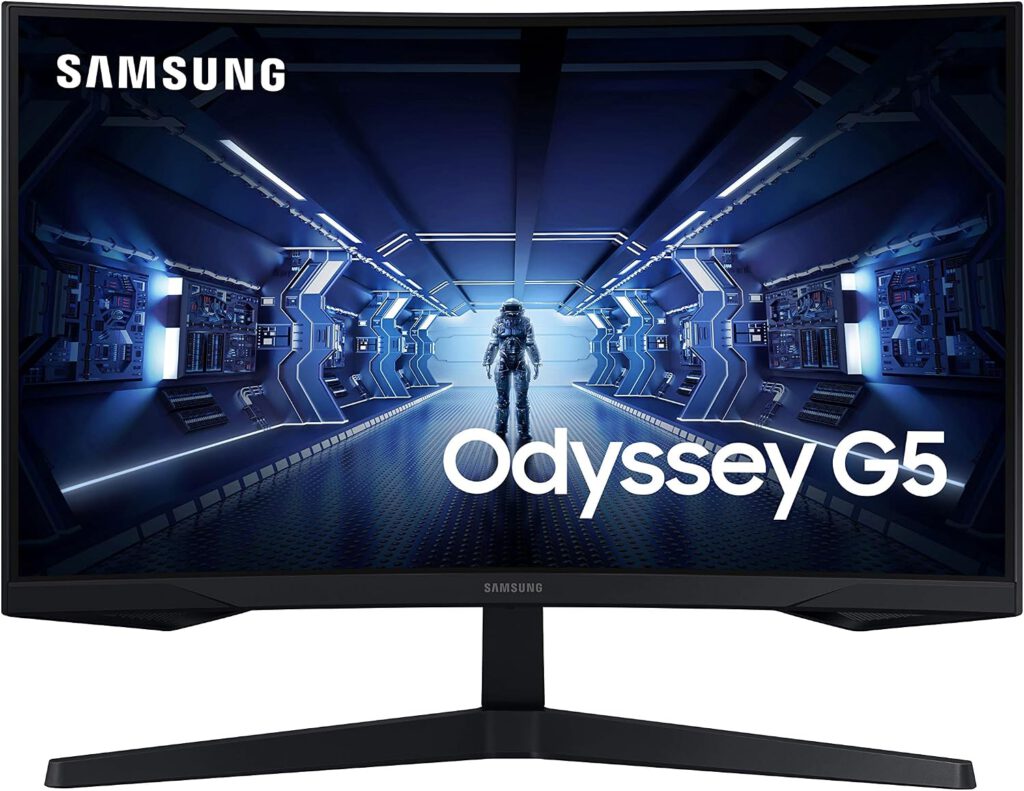
A single display that seamlessly transitions between intense work and smooth gaming.
Modern monitors marry high resolution with quick refresh rates. This Samsung model (likely the 27-inch JG50) delivers a crisp 2560 × 1440 QHD resolution, providing sharper images and more screen real estate than Full HD setups. Its VA panel ensures deeper blacks and 3,000:1 contrast ratio, according to Samsung specifications.
For professionals who also clock hours in virtual worlds, the 144Hz refresh rate keeps fast-paced games looking fluid. Jump from complex data analysis to a high-refresh shooter without switching screens. The curved display pulls you into content like a particularly compelling scroll session, creating a versatile experience that earns its desk space.
8. ASUS 24-inch 240Hz Gaming Monitor
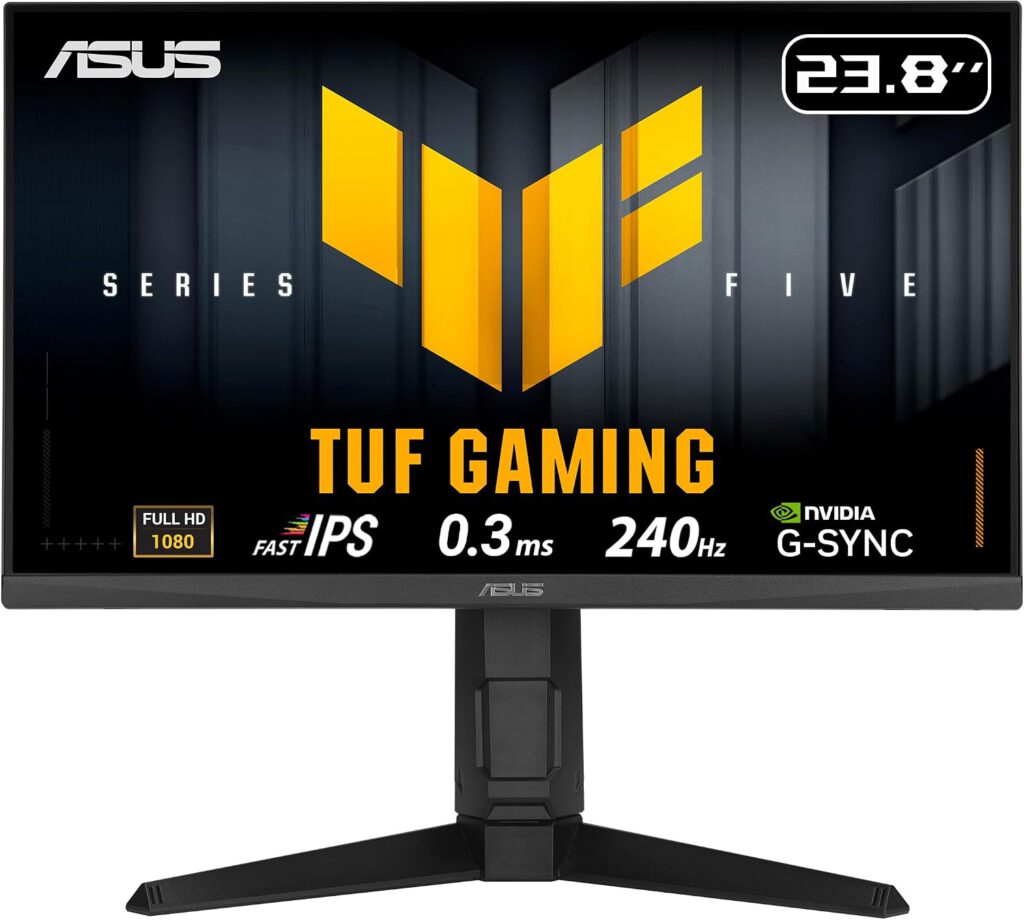
Once a dedicated warhorse for Counter-Strike, now handling reference materials and chat windows.
High refresh rate monitors, once purely for competitive gamers, now thrive in secondary roles. This ASUS display features a blazing 240Hz refresh rate and 0.3ms minimum response time. A representative model like the TUF Gaming VG259QM5A (24.5-inch) uses a Fast IPS panel with 1920 × 1080 resolution, AMD FreeSync Premium, and G-SYNC compatibility to keep pixels synchronized.
Today, this screen handles grunt work as a dependable sidekick. Sifting through reference materials or chat windows? Quick visual updates provide seamless, lag-free experience, avoiding the immediate eye-roll that secondary display stutter induces. This monitor simply gets the job done, smoothly shifting between tasks without demanding attention.
7. Keychron K8 Pro Wireless Mechanical Keyboard
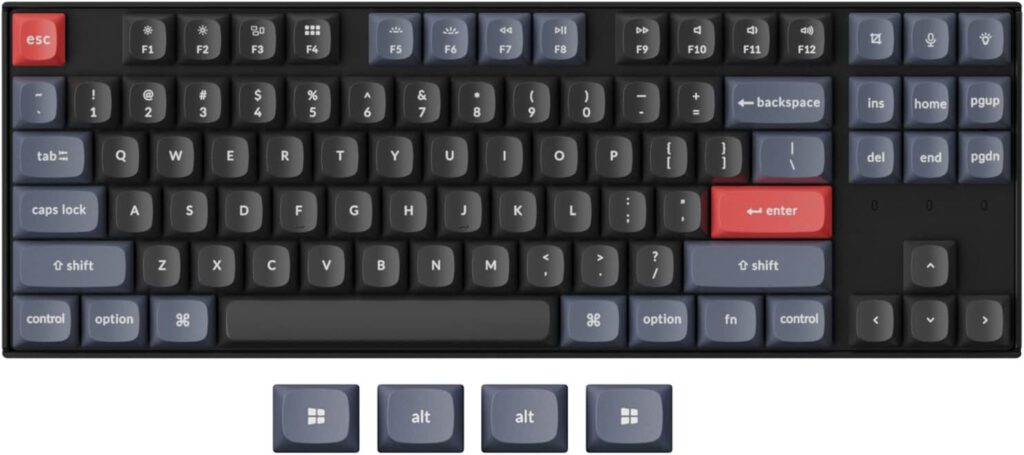
Customization like a bespoke suit for your fingertips.
The tactile satisfaction of mechanical keyboards now commands widespread appeal. This Keychron K8 Pro features an 87-key tenkeyless layout, eliminating the numeric keypad to reclaim desk space. Bluetooth 5.3 connectivity allows simultaneous pairing with up to three devices, according to Keychron. Switch between desktop and laptop faster than scrolling through TikTok.
This keyboard truly shines in customization. It supports QMK firmware and VIA-style remapping through Keychron’s software, letting programmers configure every key to exact specifications. The hot-swappable version (specific configurations only) allows MX-style switches to be replaced without soldering. Mac- and Windows-compatible keycaps ensure no operating system gets left behind.
6. Logitech G Pro X Superlight Wireless Mouse
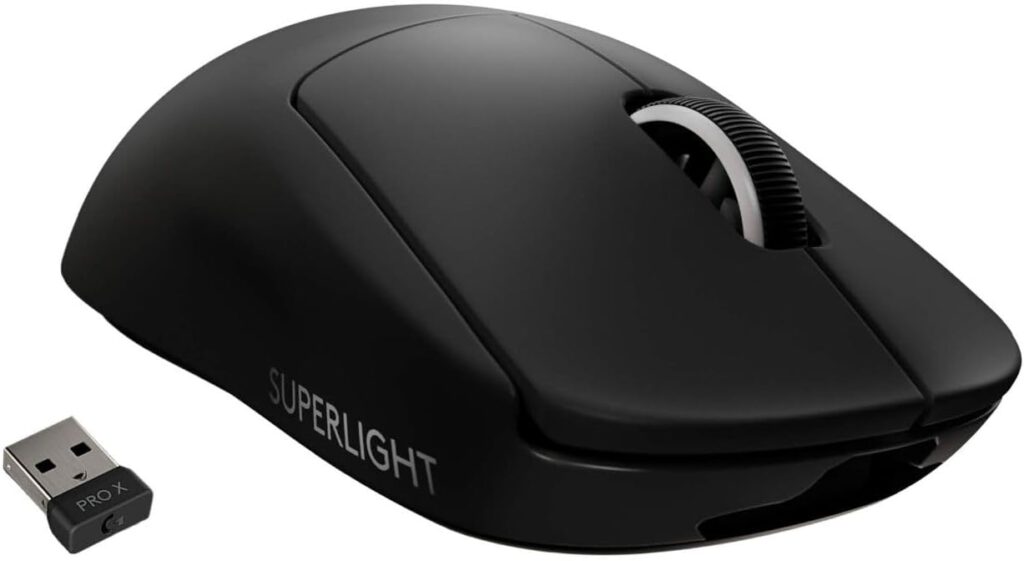
Precision engineering that strips away every unnecessary gram.
A featherlight mouse offers tangible advantages when micro-adjustments matter. The Logitech G Pro X Superlight weighs approximately 63 grams (exact weight varies by generation). This minimalist design pairs a symmetrical shape with the precise HERO sensor technology, ensuring hands feel like natural extensions rather than tethered bricks. Wireless connectivity delivers low-latency performance for competitive applications.
Using it for design work or spreadsheet manipulation feels like bringing a finely tuned racecar to everyday errands. Navigate intricate graphical layouts with fluidity that standard office peripherals cannot match. Anyone accustomed to clumsy mice will notice pinpoint accuracy immediately; every click and swipe executes without second thought.
5. Logitech G Pro Gaming Headset
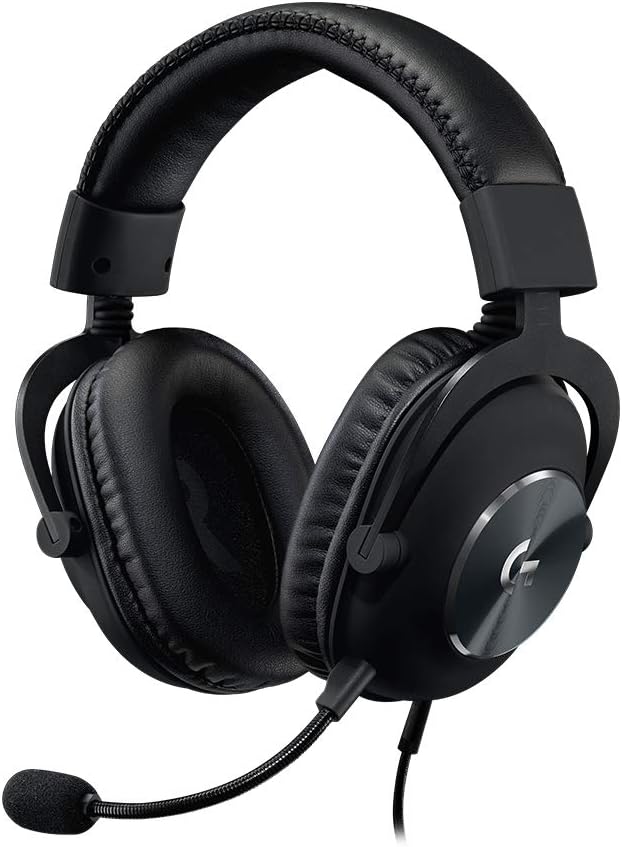
Straightforward tool for serious work or play, proving consistent quality outweighs flashy features.
The 3.5mm connection on this Logitech G Pro headset (exact model unconfirmed) ensures broad compatibility without proprietary dongles. Its wired design eliminates battery anxiety during long sessions. Closed-back earcups reduce external sound while immersing users by blocking distractions.
This headset prioritizes core functionality, performing reliably without flashy extras. During critical online meetings, voices need clarity comparable to freshly printed memos. The detachable boom microphone delivers clean audio capture, ensuring every word spoken is heard and every instruction received is understood, similar to coordinated gaming sessions.
4. FIFINE K688 USB/XLR Dynamic Microphone
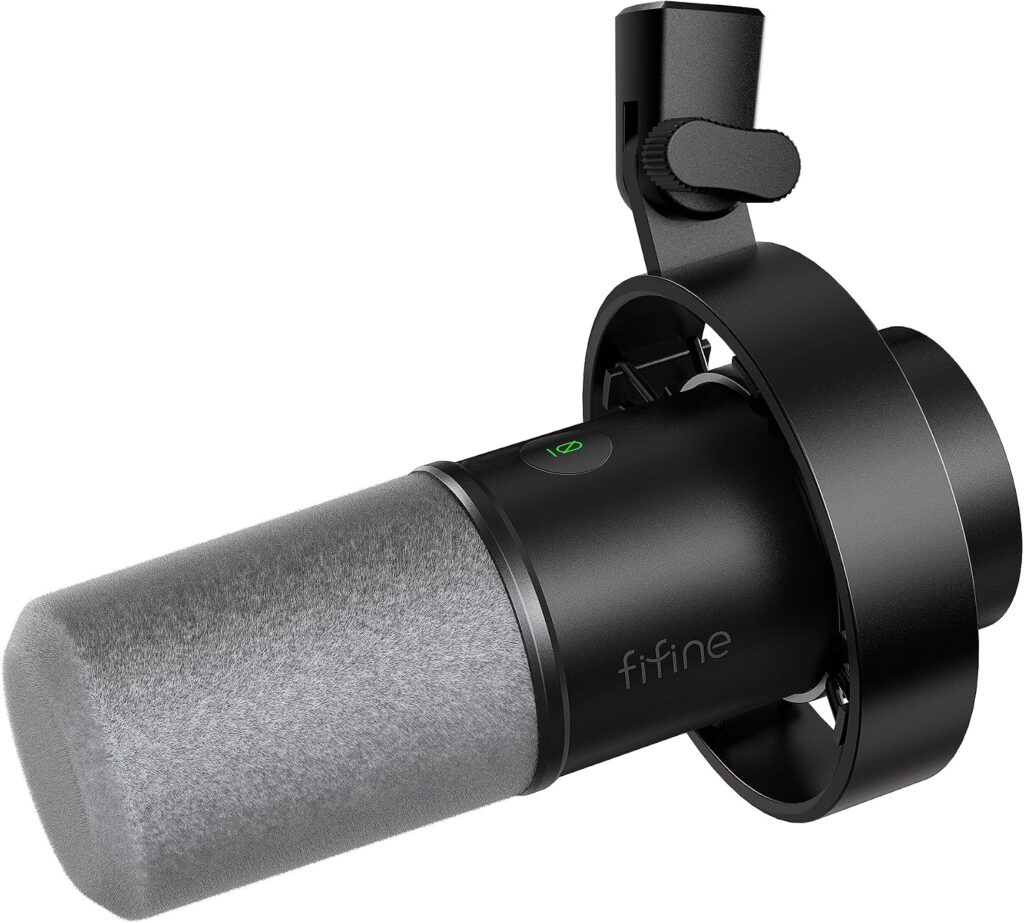
A genuine Swiss Army knife for audio, offering flexibility for beginners and professionals.
Clear audio is non-negotiable for content creators. The FIFINE K688 dynamic microphone uses a cardioid pickup pattern to focus on sound directly in front while reducing side and rear noise, according to FIFINE specifications. Its robust metal body withstands regular use. Dual USB and XLR connections create versatility for anything from casual chat to advanced studio sessions.
New creators get plug-and-play USB for instant recording. As skills advance, switching to XLR enables studio-grade audio with real-time monitoring through the 3.5mm headphone jack. FIFINE lists a maximum sound-pressure level of 130dB, supporting professional applications without budget-breaking investments.
3. Lenovo ThinkPad X1 Carbon Gen 9
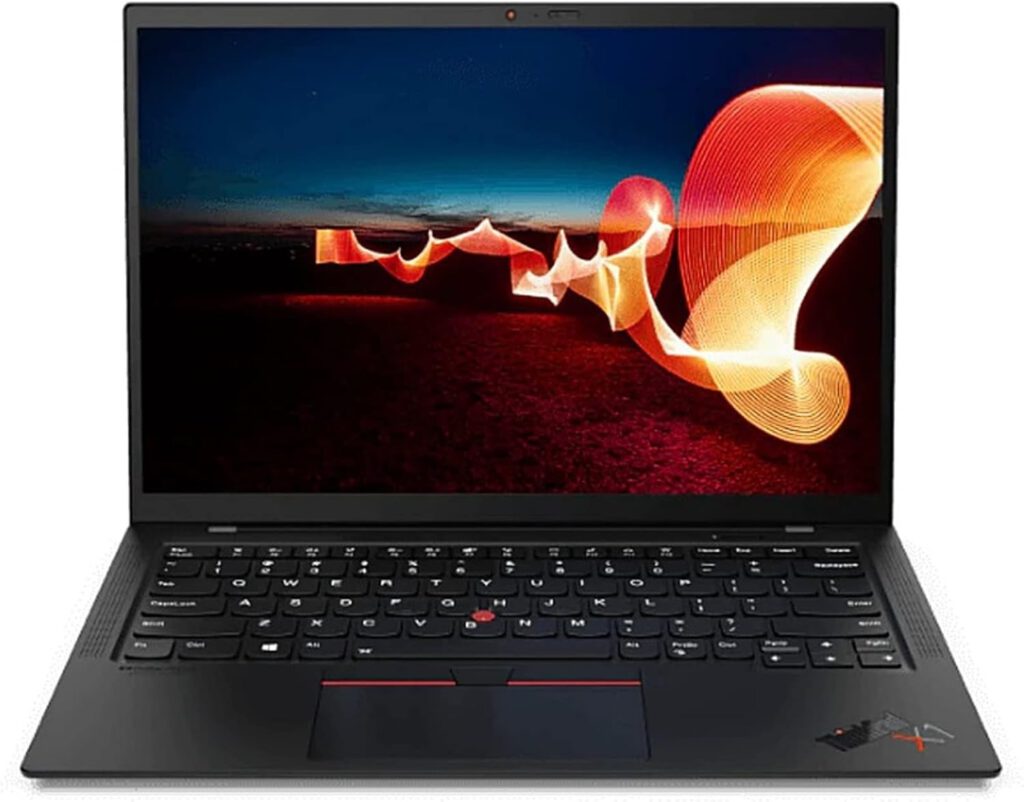
Vintage luxury performance at a fraction of new-model pricing.
The ThinkPad has been a corporate workhorse for decades. This 2021-generation ThinkPad X1 Carbon Gen 9 packs performance into a thin, lightweight chassis with a 14-inch form factor and 16:10 display option. Powered by Intel 11th-generation Core processors (configurations vary), it handles demanding tasks while maintaining ultraportable design.
Finding a used Gen 9 delivers excellent value. These machines feature enterprise security and Thunderbolt connectivity according to Lenovo, expanding setup options with ease. While new X1 Carbons command premium prices, this model delivers durable performance for significantly less. Its ultraportable nature means fewer physical ports, a reasonable trade for featherlight construction.
2. Artificial Bright-Light Therapy Lamp
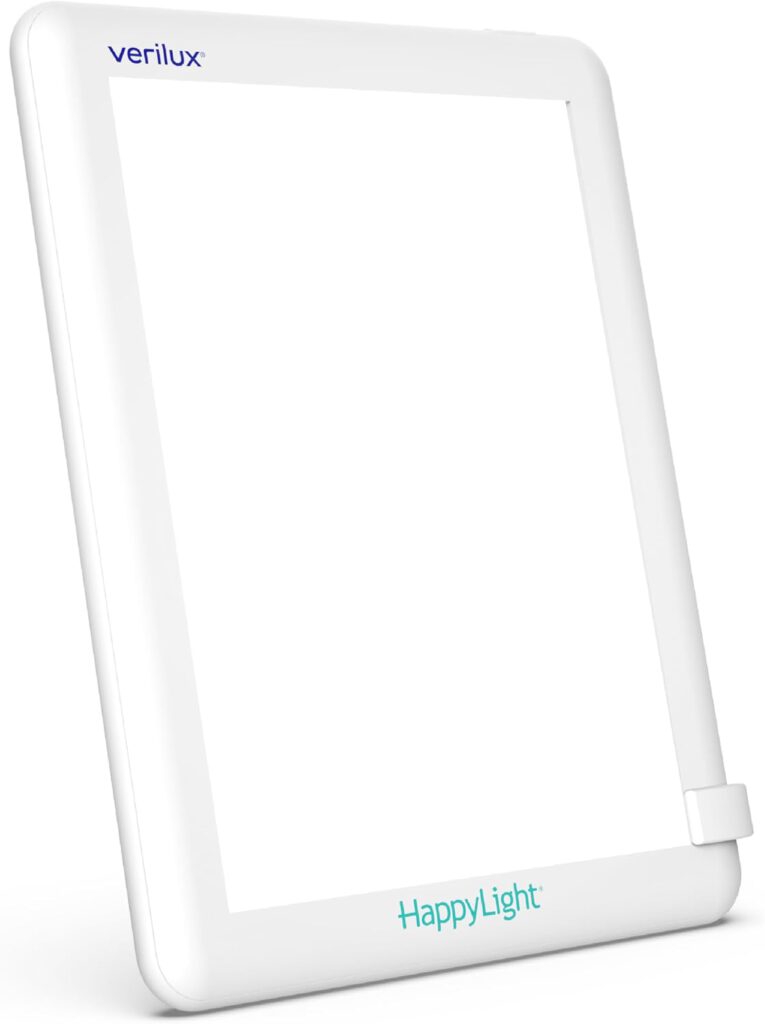
Strategic morning light exposure that tells your brain to wake up better.
The Mayo Clinic discusses how light exposure can affect circadian rhythms and sleep patterns. If mornings feel like slogging through quicksand, an artificial bright-light therapy lamp delivers a physiological kickstart. Many models provide approximately 10,000 lux at specified distances, mimicking natural daylight. Placing one on your desk transforms sluggish starts into focused power sessions.
For those battling limited natural light, this setup acts like hitting the refresh button on your day. However, light therapy effectiveness depends on device design, distance, duration, and individual conditions. Consult healthcare providers before using light therapy for specific health concerns.
1. iPhone 13 Webcam Setup
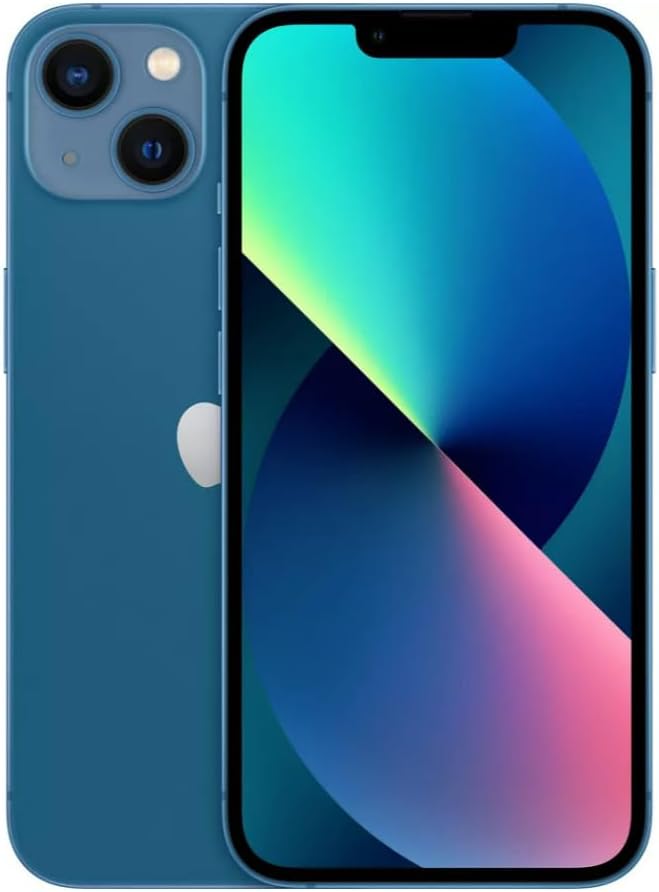
Professional-grade video quality without shelling out cash for separate, bulky camera equipment.
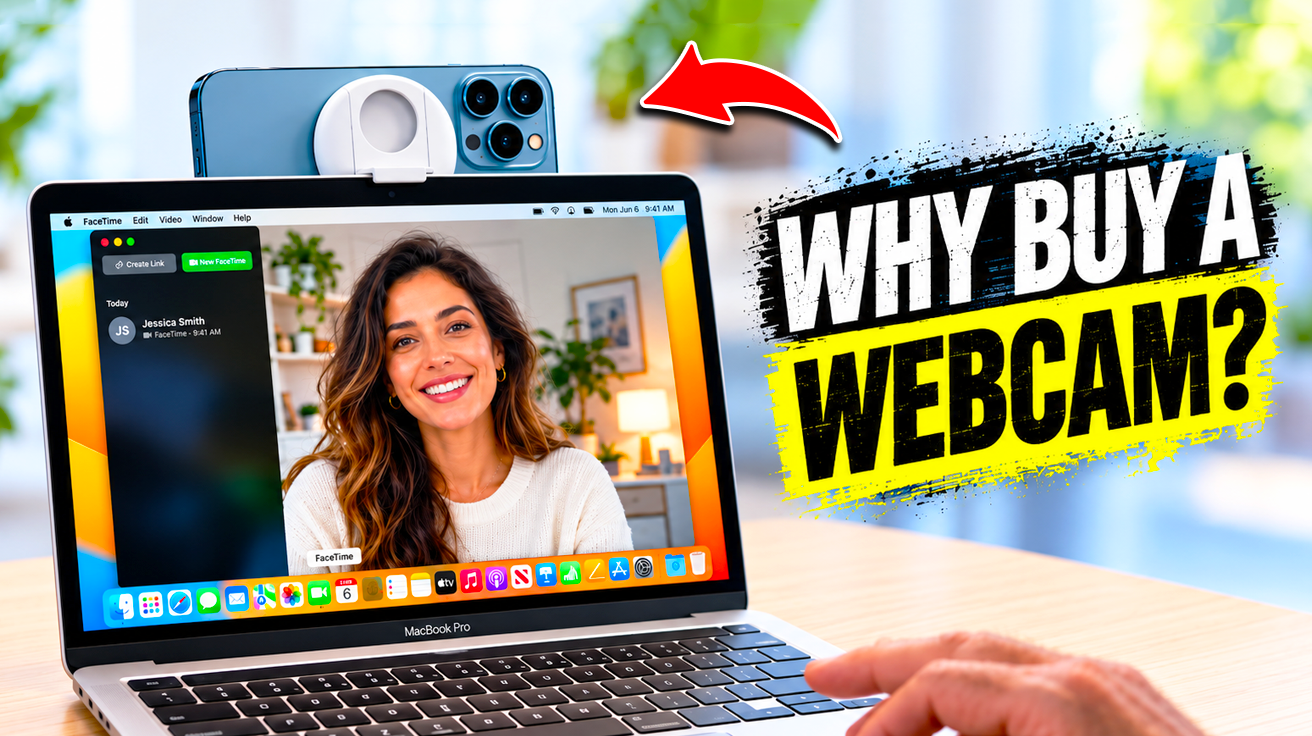
High-quality webcams mean crisp visuals and reliable performance, standards far removed from grainy older cameras. For content creators, mounting an iPhone 13 with compatible software elevates broadcasts significantly. The iPhone 13’s dual-camera system features 12MP wide and ultra-wide lenses supporting 4K video recording at up to 60 frames per second, according to Apple specifications.
This hardware capability surpasses most standard webcams. Using it as a webcam requires compatible software, mounting solutions, and proper configuration. Features like Continuity Camera demand compatible Apple hardware, software versions, account settings, and device proximity. When properly set up, creators gain professional-grade video quality while focusing on content rather than gear.