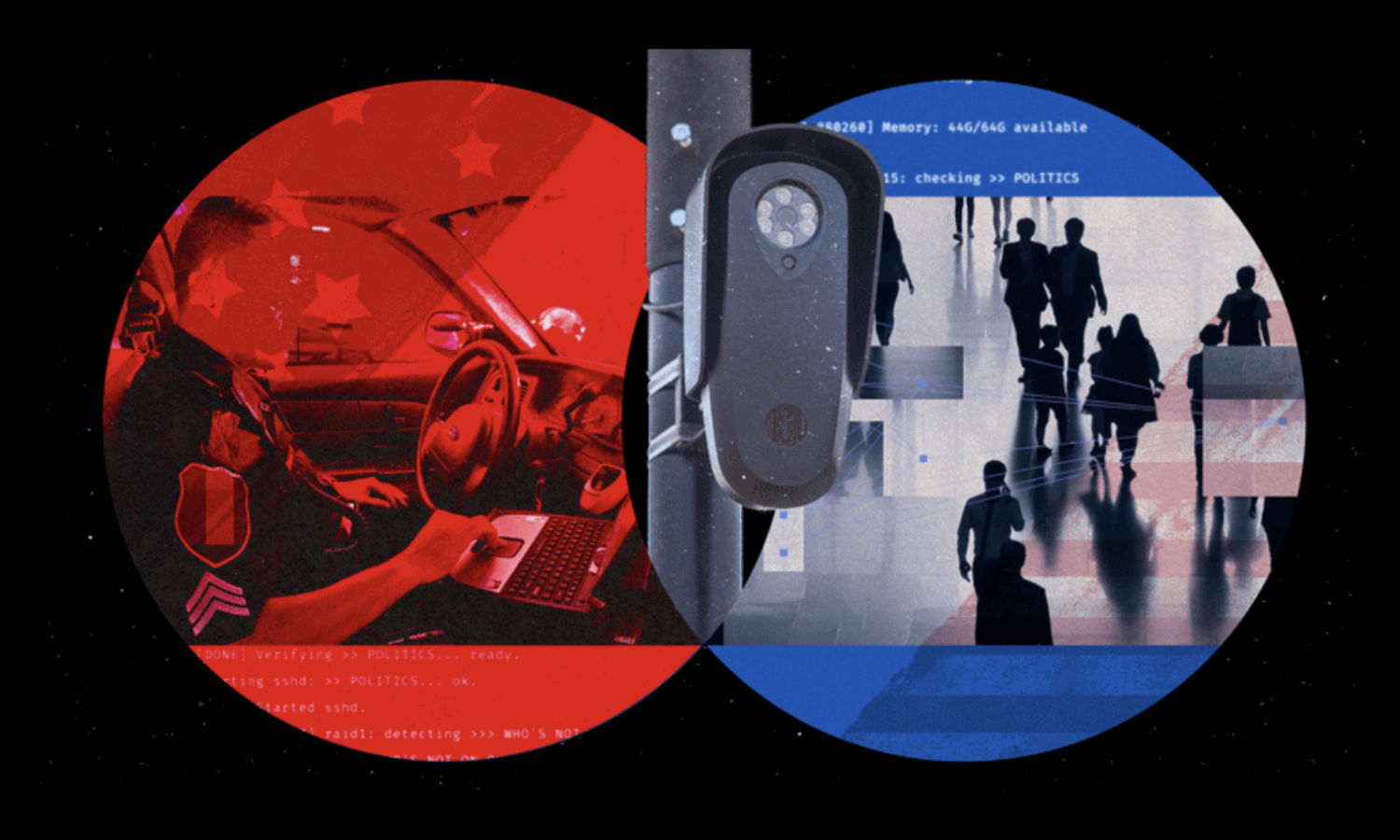
An officer types “white hoodie, backpack, near the transit station” into a search bar. Seconds later, footage from cameras across an entire city populates a ranked list of matches. No warrant. No specific camera. Just a description and a map-drawn zone. That’s Flock Safety‘s FreeForm search — now widely deployed among Flock’s police customers — and WIRED’s September 3, 2026 reporting pulled back the curtain on exactly how it works. For broader context on covert monitoring tools, see how a surveillance app was built to target political dissidents.
Search Anyone, Anywhere
Flock’s tools let police sweep a city’s camera network using plain language — and train the AI with every officer click.
Three features define how deep this goes:
- FreeForm: officers describe a person in plain language and search across all video cameras; the same logic applies to vehicles on license-plate reader cameras.
- Area sweep / watch list: draw a zone on a city map, then scan every camera inside it for anyone matching the description.
- Smart Sort: officers approve or reject returned images to refine future rankings. That feedback loop runs on Flock’s servers, not the department’s own systems.
Your movements, your face, your car — indexed and searchable by officers across participating departments.
The Safeguards That Mostly Watch
Flock’s moderation system can flag a search for sensitive attributes — and an officer can click past that flag in under ten seconds.
Flock’s moderation layer evaluates search descriptions against sensitive categories — race, religion, political and cultural expression — and returns one of three verdicts: allow, block, or warn. Searches invoking prohibited attributes such as religion and nationality are blocked outright. But “warn” searches? Officers acknowledge the flag, add a comment, and proceed. The search happens anyway.
According to WIRED’s code analysis, the guardrails record misuse without necessarily stopping it. Researcher Deepak Kumar told WIRED that logging “functions less as a deterrent and more as a record.” Think of it as a social-media hate-speech warning screen — the friction is real enough to document, not real enough to deter.
Flock’s August 2026 updates — mandatory case codes, Audit Assistance, a seven-day default retention period rolling out by end of 2026 — represent genuine process improvements. Agencies can still adjust retention based on local policy, and evidence mode preserves data tied to a specific case number beyond the default period. Whether those layers hold under pressure is a different question.
Jay Stanley, quoted by WIRED, put the filtering in blunt perspective: it’s “a speck on the back of a giant surveillance machine.” San Jose’s Flock Problem illustrates how communities are pushing back against exactly this kind of deployment. Expect legislative scrutiny to sharpen from here — logged warnings are unlikely to satisfy oversight committees asking what “safeguard” actually means when any officer can click straight through it, much as government-linked apps have been caught secretly tracking users without meaningful consent.