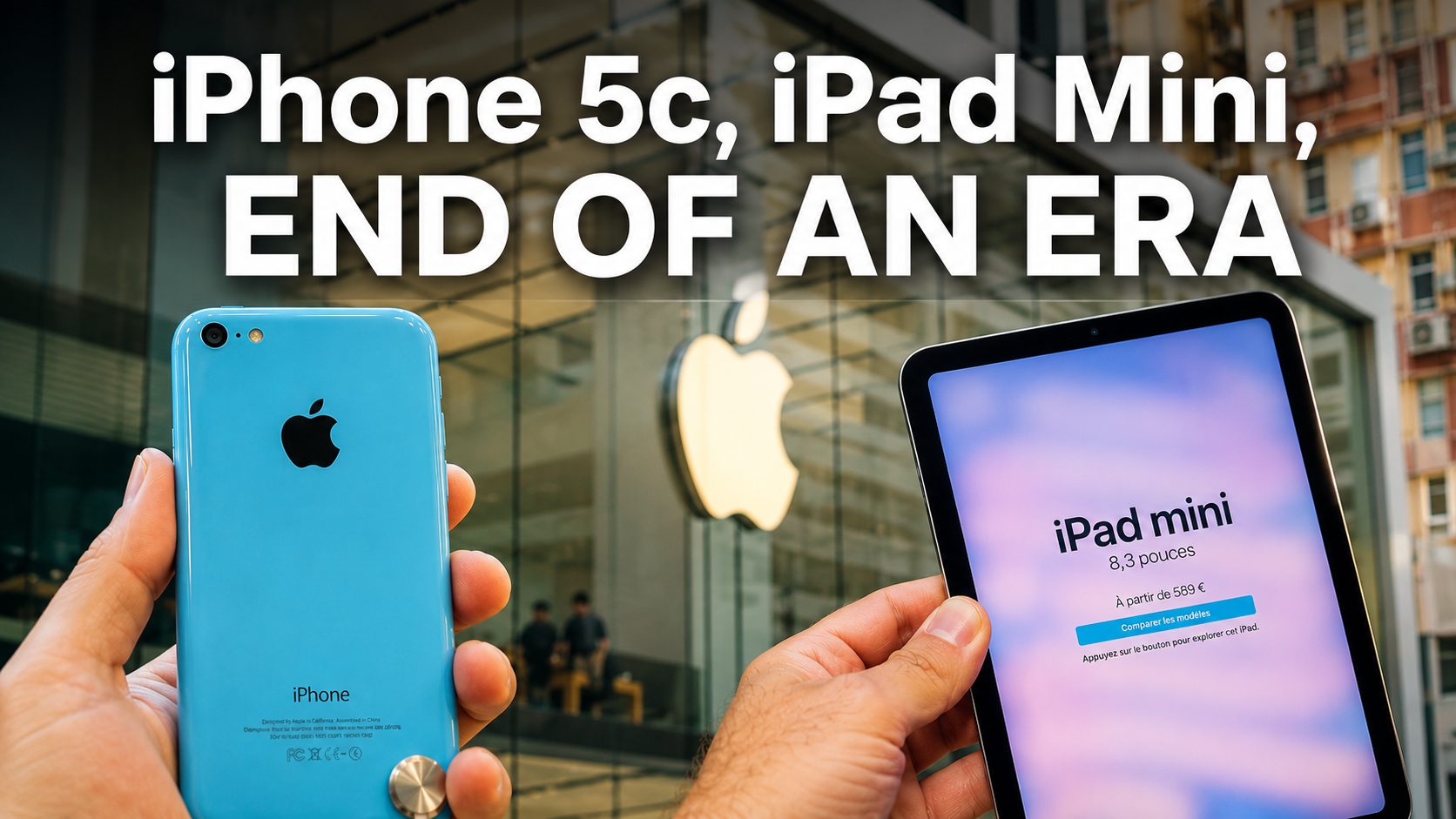
A repair shop tech plugs a bricked iPhone 5c into a Mac and hits Restore. It fails — no useful error, no path forward, just a process that used to work and now doesn’t. That’s the new reality as of early July 2026: Apple has stopped signing the baseband firmware — the cellular modem component — for several legacy 32-bit devices, according to reports from 9to5Mac, and MacRumors, corroborated by community tracking. Standard iTunes and Finder restores now fail even when the core iOS portion appears valid.
These phones are over a decade old. The iPhone 5c predates most current college freshmen. But for repair shops, developers running compatibility tests, and the jailbreak community that quietly depended on Apple’s signed OTA builds as downgrade stepping stones, this closes a door left ajar for years.
What Apple Actually Changed (and What It Didn’t)
The baseband — not iOS itself — is what Apple stopped validating on cellular models.
Apple’s signing servers didn’t kill these iOS versions globally. It specifically pulled signing for the baseband firmware bundled with iOS 6 through 10 builds on cellular devices. Wi-Fi-only iPads are unaffected because they have no cellular modem. Devices already running these firmwares keep working normally. The wall appears only when you attempt a fresh restore or downgrade through official tools — Apple’s server refuses to validate the full package, and that refusal is absolute.
“Once they are unsigned, there is no way to restore them to your iOS device using iTunes,” as one MacRumors forum discussion put it plainly.
Here’s what no longer restores via iTunes or Finder, according to compiled community and outlet reports:
- iPhone 4 (CDMA) — iOS 7.1.2, its only and final firmware
- iPhone 4S — iOS 6.1.3, 8.4.1, 9.3.5, 9.3.6
- iPhone 5 (GSM/CDMA) — iOS 8.4.1, 10.3.3, 10.3.4
- iPhone 5c — iOS 10.3.3
- iPad 2, 3, 4 and iPad mini 1st gen (cellular variants) — various iOS 6–10 builds
For years, Apple kept iOS 8.4.1 signed as a stop-gap so older devices could step through it toward newer versions. The jailbreak community was clever enough to repurpose that as a downgrade route. Apple just closed that loophole — a full decade later.
What’s Left for Enthusiasts
Unofficial tools survive, but the official restore path is gone.
Jailbreak-based dual-boot tools like CoolBooter can still run iOS 6.1.3 alongside 9.3.6 on an iPhone 4S. Projects like Legacy iOS Kit — maintained by community developer LukeZGD — document SHSH-based restore paths for many of these 32-bit devices. Both options require real technical skill and carry risks. Think of it like a streaming service quietly pulling a title from its library: you can still track down a copy, but the one-click path disappeared overnight.
Some call this routine infrastructure cleanup. Others see it as Apple deciding when your device’s life truly ends — in ways invisible until the moment you actually need them. For a CDMA iPhone 4, its last firmware is now also its last restore. The door didn’t slam. It just quietly locked.