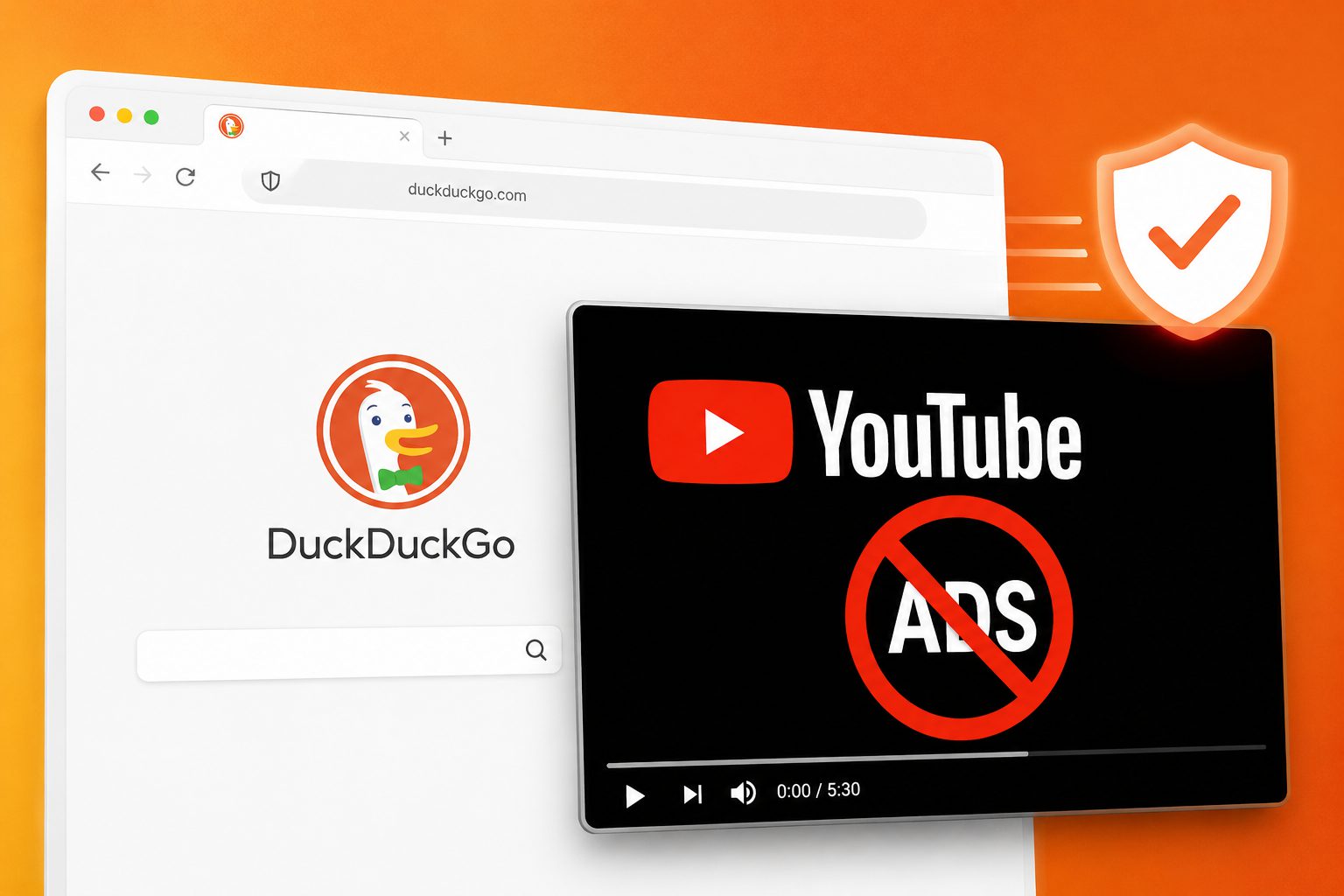
For many viewers, the arrangement has grown increasingly lopsided. YouTube has spent the past year cracking down on ad blockers globally — warning users, restricting playback, and pushing premium subscriptions. DuckDuckGo just fired back. Its browser now strips pre-roll and mid-roll video ads from YouTube’s standard website, for free, with no extension to install. Your watch history, playlists, and recommendations stay untouched.
Free and Built-In: What You’re Actually Getting
DuckDuckGo’s YouTube Ad Blocking works on the regular YouTube site, not a stripped-down player.
Unlike Duck Player — DuckDuckGo’s older feature that isolated videos in a distraction-free embed — this new tool operates on YouTube’s full website. That means your account features keep working normally. The feature is available on desktop for Windows and Mac, though it’s rolling out through Preview builds first, according to DuckDuckGo’s help documentation. Not every user will see it in the stable release yet.
Here’s what you’re actually getting:
- Pre-roll and mid-roll video ads blocked on the standard YouTube site
- Watch history, playlists, and account features remain fully functional
- No browser extension needed — blocking is built into the browser itself, much like AI-powered websites that handle complexity behind the scenes
- Mobile caveat: only works when YouTube is opened in the DuckDuckGo browser, not the native app
- Feature currently in Preview rollout — may not appear in every stable build yet
On mobile, there’s a significant catch: if tapping a YouTube link opens the native app, the blocking doesn’t apply. You have to deliberately open YouTube inside the DuckDuckGo browser. That extra step feels like bringing your own cup to a coffee shop — minor, but easy to forget.
Under the Hood: Filter Lists and the uBlock Origin Connection
The blocking runs on community-driven filter lists, with a buffering trade-off worth knowing about.
Most browser ad blockers rely on extensions. DuckDuckGo bakes the blocking directly into its browser, using filter lists sourced from uBlock Origin — the open-source tool that powers the majority of ad-blocking extensions — supplemented with its own compatibility rules. The trade-off: expect extra buffering before videos load while the browser filters ad requests. Once playback starts, mid-roll interruptions should be gone.
“Plays YouTube videos without ads” — DuckDuckGo’s privacy comparison page, positioning the feature as a direct alternative to YouTube Premium.
This also marks a meaningful product shift. DuckDuckGo historically focused on tracker blocking rather than full ad removal across the standard web, making this a notably more aggressive stance.
The Arms Race Nobody’s Winning
Google has the tools and motivation to break this — the question is when, not if.
YouTube now actively detects ad blockers worldwide, showing warnings and sometimes blocking playback entirely while citing Terms of Service violations. This is the same cat-and-mouse cycle that forced AdGuard and uBlock Origin into repeated emergency updates — a pattern consistent with broader tech scandals where platforms prioritize revenue over users. DuckDuckGo’s filter lists will face identical pressure. Google owns both the platform and the dominant browser engine — that’s a stacked deck, and no one should treat this feature as a permanent solution if they’re already paying too much for streaming subscriptions they’d rather avoid.
But if YouTube’s ad creep — which increasingly resembles a hostage negotiation — has pushed you toward the exit, switching browsers is now a real, free option. You can start with the Preview build of DuckDuckGo’s browser on Windows or Mac. How long it lasts depends entirely on Google’s next move, and privacy browsers just became the newest battleground for ad-free streaming.