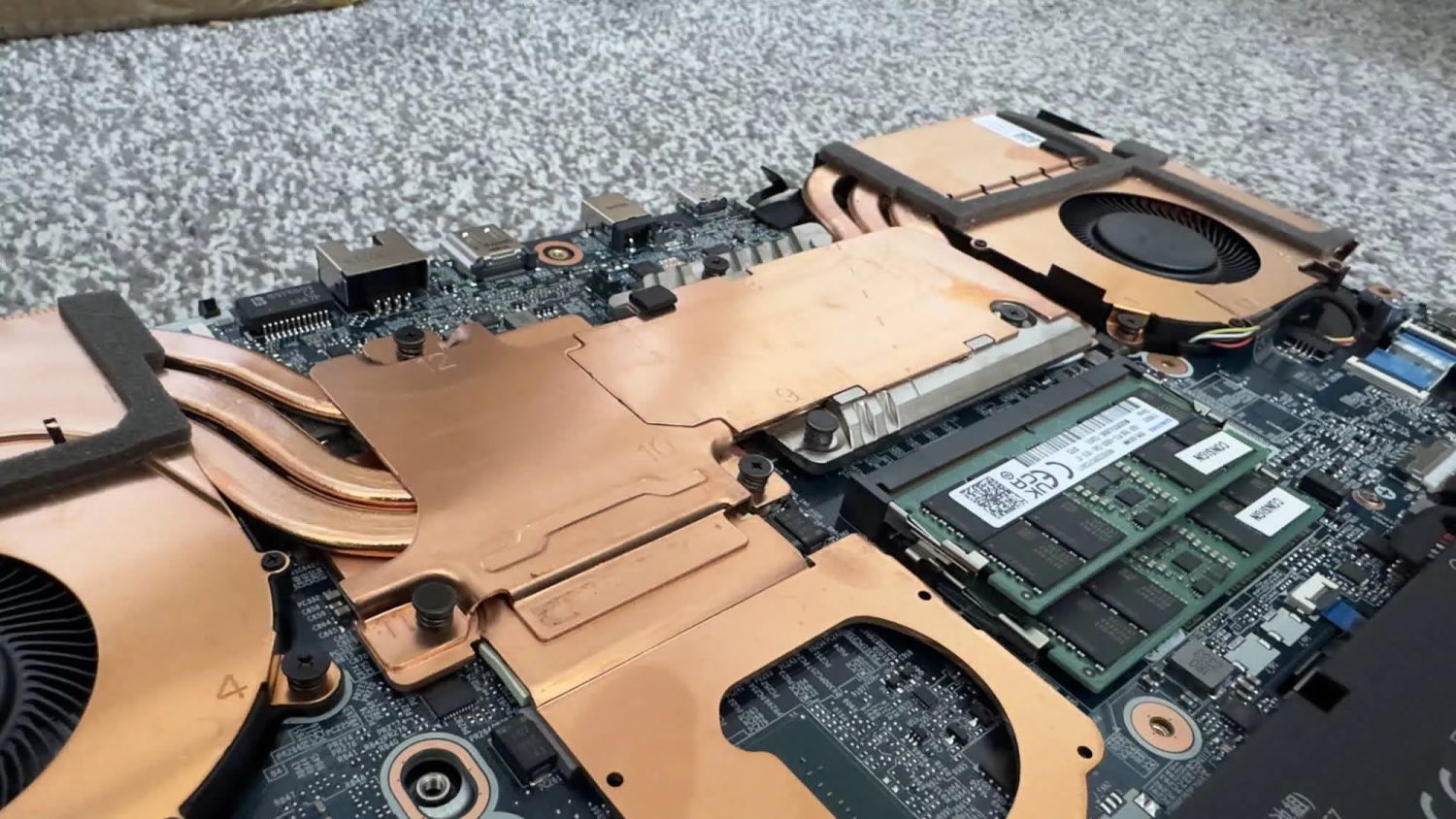
One day your RTX GPU simply isn’t there anymore. No error. No warning. Just the Microsoft Basic Display Adapter staring back from Device Manager. That’s exactly what happened to an Asus ROG Zephyrus G14 owner who spent months chasing phantom GPU disappearances — only to find that a hidden Windows maintenance task called pnpclean.dll had quietly removed the Nvidia driver package after roughly 15 days in Eco mode. No drama. No notification. Just gone.
How Eco Mode Sets the Trap
Asus Eco mode does far more than dim the lights on your discrete GPU — it removes it from Windows entirely.
Most people see Eco mode — accessible via Asus Armoury Crate — as a harmless battery toggle. It isn’t. Eco mode fully removes the discrete GPU from the PCIe bus. Windows doesn’t see an idling device; it sees absent hardware, indistinguishable from something you physically unplugged. That distinction matters, because pnpclean.dll — Windows’ Plug and Play cleanup routine — exists to prune drivers for long-absent devices. It has no way to distinguish “intentionally powered off” from “permanently gone.”
Here’s exactly what’s happening under the hood:
- Eco mode disconnects the dGPU from the PCIe bus entirely; Windows registers it as missing hardware, not sleeping hardware
- pnpclean.dll removes driver packages for devices absent past a timeout — reportedly 30 days by default, but observed at just 15 days in this confirmed case
- Switching back to Normal or Hybrid mode makes the GPU physically reappear — but Windows only recognizes it via Microsoft Basic Display Adapter; a full Nvidia driver reinstall is required
- To check if your system was affected, run this in PowerShell (admin):
Select-String -Path C:\Windows\INF\setupapi.dev*.log -Pattern "(VEN_10DE|VEN_1002).*(was removed|timeout period)"— VEN_10DE is Nvidia, VEN_1002 is AMD - Registry fix: navigate to
HKLM\SOFTWARE\Microsoft\Windows\CurrentVersion\Explorer\VolumeCaches\Device Driver Packagesand set DWORDAutorunfrom 1 to 0 to stop automatic cleanup
Tech coverage summarizes Windows as treating the powered-off dGPU “like an unplugged USB device” — and eventually cleaning up after it accordingly. That’s technically correct behavior; pnpclean.dll exists to free disk space from genuinely orphaned driver packages. The problem is that Eco mode’s aggressive implementation makes a permanent internal component look permanently abandoned. Developers of G-Helper, the community-built alternative to Armoury Crate, have echoed the same registry fix for users who intentionally run iGPU-only for extended stretches.
How Worried Should You Actually Be?
This is a rare edge case — but the larger question it raises about silent OS automation is worth your attention.
Honestly, the scope is narrow. Triggering this requires two or more consecutive weeks in Eco mode, which most users won’t sustain. No hardware is damaged; reinstalling the Nvidia driver restores full functionality. But finding out your GPU driver was quietly purged — with zero notification from Windows — exposes something genuinely worth scrutinizing: opaque OS automation making consequential decisions without surfacing a single alert to the person sitting in front of the machine.
Both sides of this debate have merit. Windows behaved exactly as designed. Asus’ implementation is what made a permanent internal device look absent to the OS. That seam needs fixing, and as of late August 2026, neither company has issued a public statement addressing it.
Until Microsoft adjusts pnpclean policies to account for internal display adapters — or Asus revises Eco mode so the dGPU stays logically enumerated while power-gated — the registry tweak above is your most reliable safeguard. If your ROG laptop doubles as a daily productivity machine and Eco mode is your default, set that DWORD value now. Don’t wait for Device Manager to deliver the news.