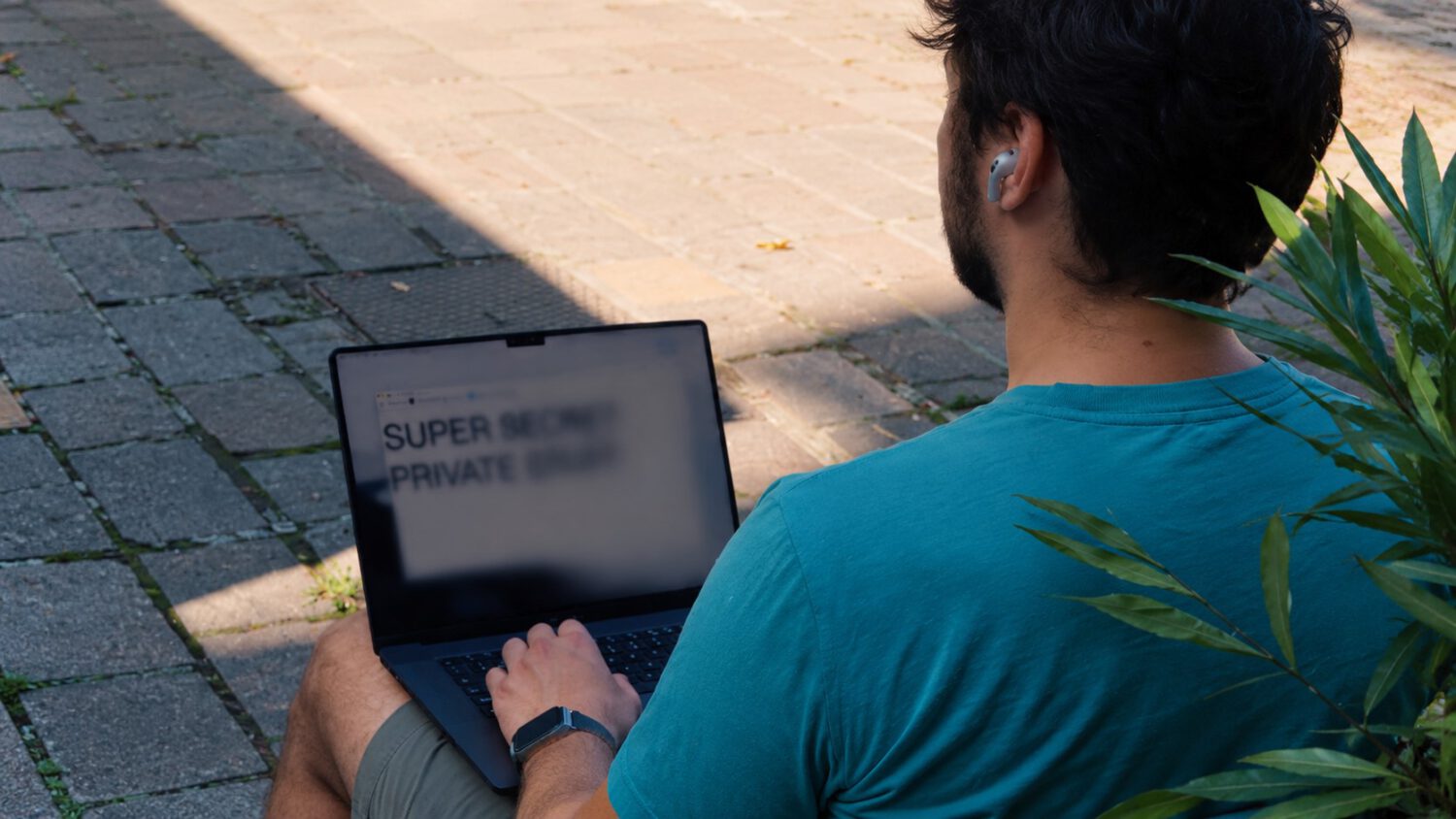
You turn to answer a question from the person next to you on the plane. Your spreadsheet, your client notes, your salary data: all of it sits wide open for anyone in the adjacent seat to read. ShyGlass, a macOS utility from developer Max Rovensky, reportedly targets exactly that gap. According to the developer’s description, the app uses head-position data from compatible AirPods to detect when you look away and blurs the display until you face the screen again.
How It Works
The app reportedly repurposes Apple’s AirPods head-tracking system to blur your display when you turn away, though the implementation details come from the developer’s own description and have not been independently confirmed.
ShyGlass draws on the AirPods motion-sensing system Apple uses for dynamic head tracking in Spatial Audio. That system keeps a virtual sound field oriented to the listener as they move, according to Apple’s support documentation.
According to the developer, the app repurposes that movement data for presence detection rather than audio positioning. Independent reviewers have not confirmed this detail.
Setup reportedly starts from the menu bar, where you calibrate a center head position. From there, you set a trigger angle, with a default of 15 degrees and an adjustable range from 2 to 30 degrees. Turn your head beyond that threshold and the blur fades in gradually. Face the screen again and it clears.
What You Need to Run It
Compatibility is limited to recent AirPods models and macOS 14 or later, based on details supplied by the developer.
- Requires macOS 14 or later
- Supported hardware: AirPods 3 or later, any AirPods Pro model, or AirPods Max
- Reported one-time purchase price of $4 (not independently verified)
- Calibration and sensitivity adjustment handled through the menu bar
- The blur transition is gradual, not an abrupt switch
The Privacy Trade-Off Worth Knowing
Using ShyGlass to protect your screen requires granting a third-party app the same Screen Recording access it is designed to guard against.
ShyGlass reportedly requests macOS Screen Recording permission because it needs a captured image of the display to generate the blur effect. The developer states the captured image stays in memory only, is never saved or uploaded, and capture stops once the blur activates. These are developer claims, not independently audited findings.
Apple’s own documentation notes that Screen Recording permission can allow apps to access or record a Mac’s screen and audio. Data handling, Apple adds, is governed by the third party’s terms and privacy policies.
That framing matters here. An app designed to protect your screen from nearby observers requires you to grant it access to your screen in the first place.
Built-in options include a shorter automatic lock timeout, pressing Control-Command-Q to lock immediately, or hiding sensitive windows before you look away. None of those require handing Screen Recording access to a small independent developer. It is worth noting that locking your Mac closes the exposure gap more completely than a blur effect does, while hiding individual windows may still leave other content visible. For a broader look at stay safe in shared environments, public-space digital security deserves equal attention.
Who This Actually Suits
The app is most useful for people who already trust the AirPods ecosystem, work with sensitive material in public, and want an automated alternative to manually locking their screen.
ShyGlass suits someone who works with genuinely sensitive material in public, already trusts the AirPods ecosystem, and wants an automated response rather than a manual habit. The reported $4 price carries limited financial risk. The Screen Recording permission it requires is a more meaningful consideration.
Anyone uncomfortable granting a third-party app Screen Recording access has capable alternatives already built into macOS. You can adjust your auto-lock interval under System Settings > Lock Screen. The right choice depends on how much you trust the developer and how often you forget to lock your screen before you look away.