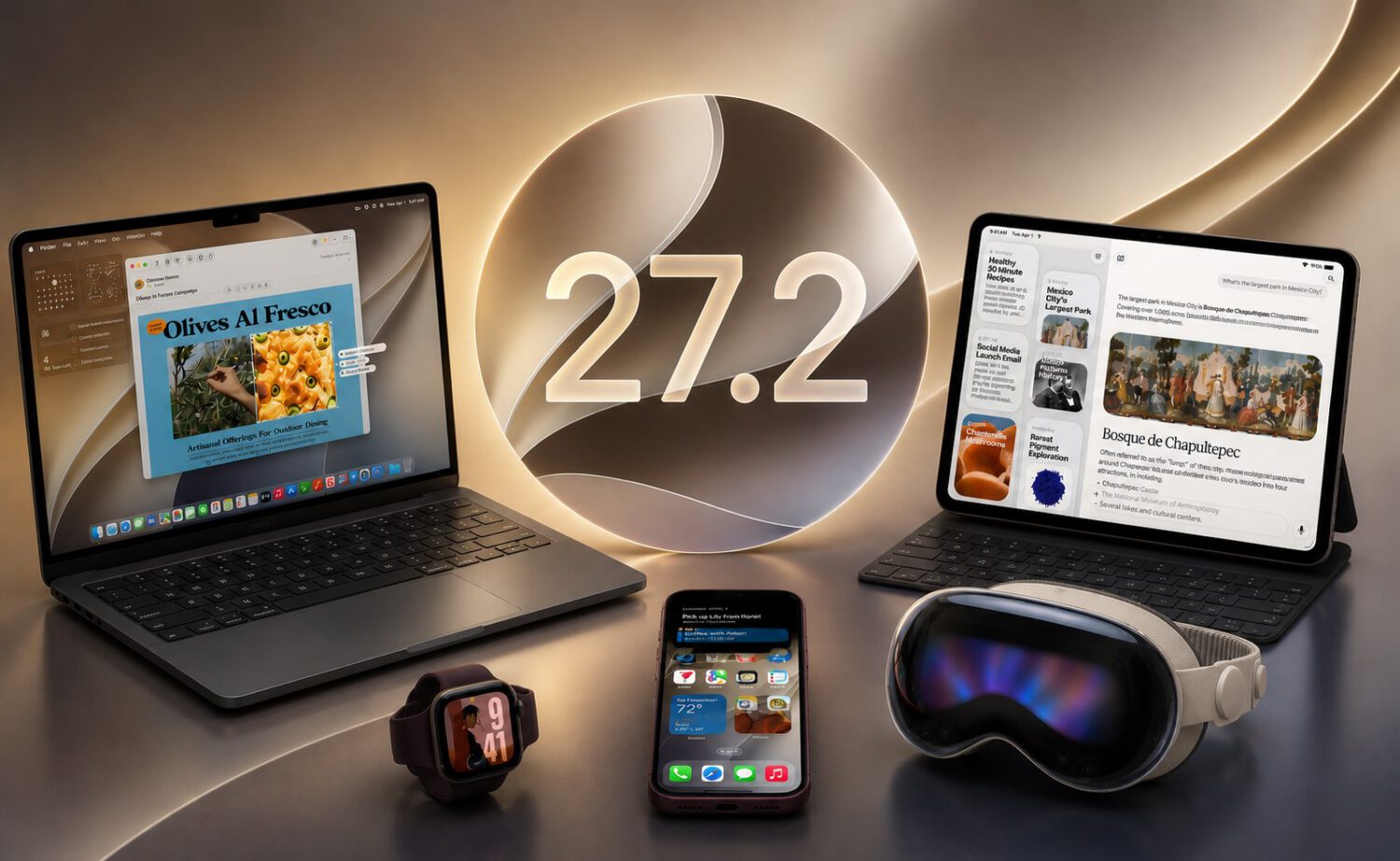
Apple’s Mac mini and macOS 27.2 Golden Gate release brings conversational context retention to Siri AI, expands Apple Intelligence language support, and delivers the security and reliability fixes that make any point update worth installing.
What Changed
Siri AI gains the ability to retain context across related requests, reducing the need to repeat information each time you follow up.
Apple documents Siri AI’s personal-context understanding as a core capability, supporting more natural back-and-forth interactions. Apple also lists French, Japanese, Korean, Portuguese, and Spanish among supported Apple Intelligence languages, though availability varies by region and feature, and Apple still labels Siri AI as beta according to the macOS 27 documentation. The company’s investment in custom silicon continues to underpin these expanding capabilities.
Here is what the release reportedly delivers:
- Siri retains context across related requests, reducing repeated input
- Apple Intelligence supports French, Japanese, Korean, Portuguese, and Spanish (availability varies by region and feature)
- Messages may suggest Calendar and Reminders actions based on conversation context
- Brightness and volume sliders reportedly receive a refreshed interface
- Bug fixes and security updates are included
Who It Affects
Multilingual households and productivity users stand to see the most immediate gains, though all compatible Macs benefit from the underlying fixes. Tools that supercharge your productivity are increasingly worth pairing with updates like this one.
If you upgraded from a beta build, Apple’s pre-release notes flagged issues with notifications and external-display settings. Check that those are resolved in your environment before relying on affected workflows.
How to Get It
Installation follows Apple’s standard Software Update path, and the update is free for compatible Apple-silicon Macs.
Head to Apple menu, then System Settings, then General, then Software Update. Supported models include MacBook Air, MacBook Pro, iMac, Mac mini, Mac Studio, Mac Pro, and MacBook Neo, according to Apple’s support documentation.
The language expansion is worth watching as a signal of Apple Intelligence’s broader reach. Whether these additions arrived specifically in 27.2 or represent ongoing macOS 27 rollout, more regional support is likely before the next major macOS version.