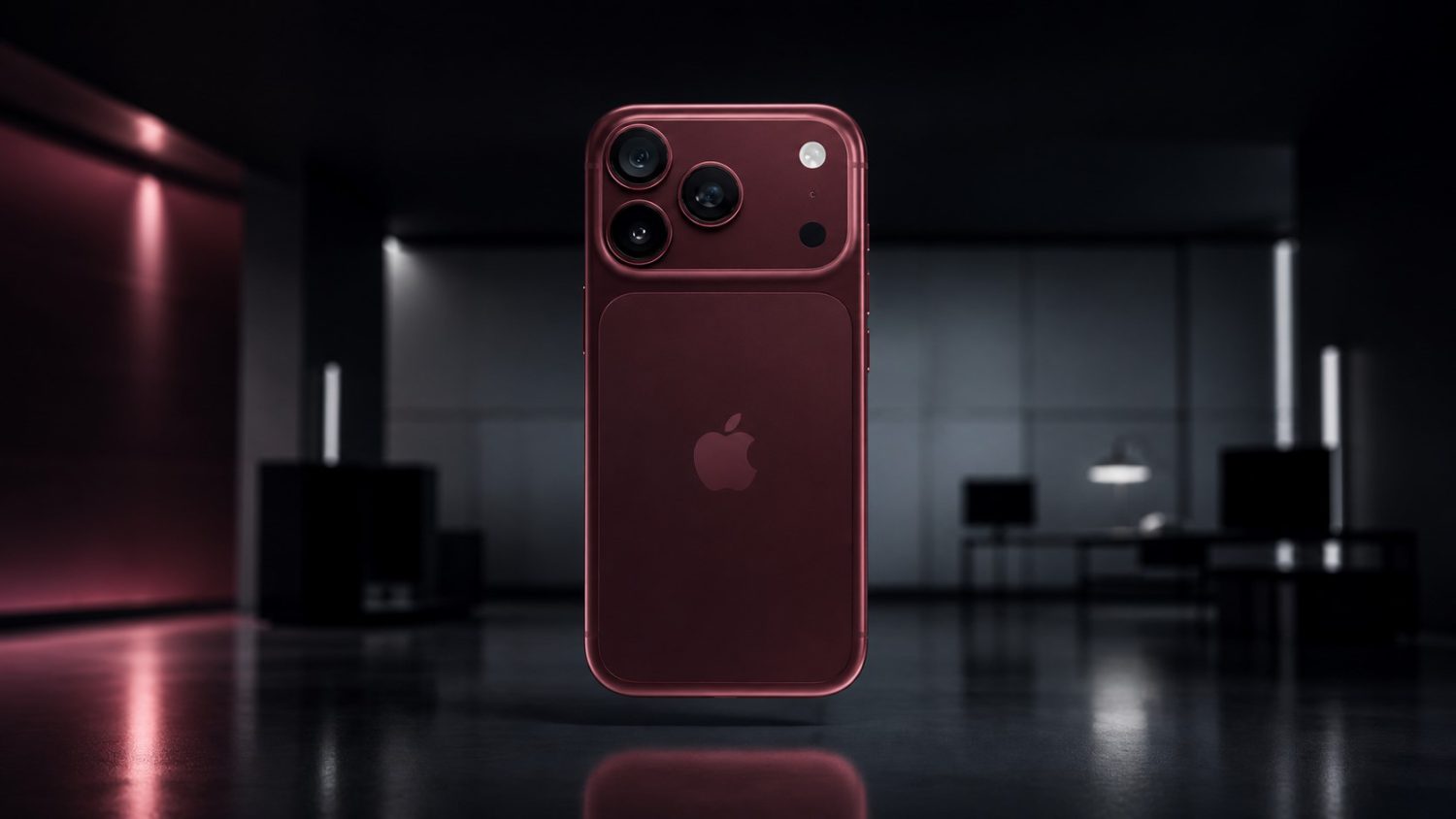
We all know that dead phones during emergencies are genuinely terrifying, but a charging bug on Apple’s newest iPhones made that nightmare scenario more likely than it should have been. iOS 26.5.1, released June 1, fixes a specific issue where iPhone 17 series and iPhone Air models sometimes refused to charge via cable when their batteries hit critically low levels.
Not Every iPhone Gets This Fix
Only the newest models see iOS 26.5.1 in their update settings.
This update breaks from Apple’s usual pattern. While iOS 26.5 reached back to iPhone 11, version 26.5.1 exclusively targets:
- iPhone 17
- iPhone 17e
- iPhone 17 Pro
- iPhone 17 Pro Max
- iPhone Air
If you own anything older, your phone will stay on iOS 26.5 and that’s completely normal. Apple describes this as affecting “a small number of users,” but when you can’t charge a dead phone, small numbers don’t matter much.
The Charging Problem That Sparked the Fix
Wired charging failed at the worst possible moment for some users.
The bug prevented wired charging from starting when affected phones dropped to nearly empty batteries. Apple’s release notes specify this was a wired charging issue, occurring precisely when you’d most desperately need your phone to accept power. Like getting locked out of your house during a thunderstorm, this timing couldn’t have been worse for affected users.
How to Update Your iPhone
Standard over-the-air update process applies for eligible devices.
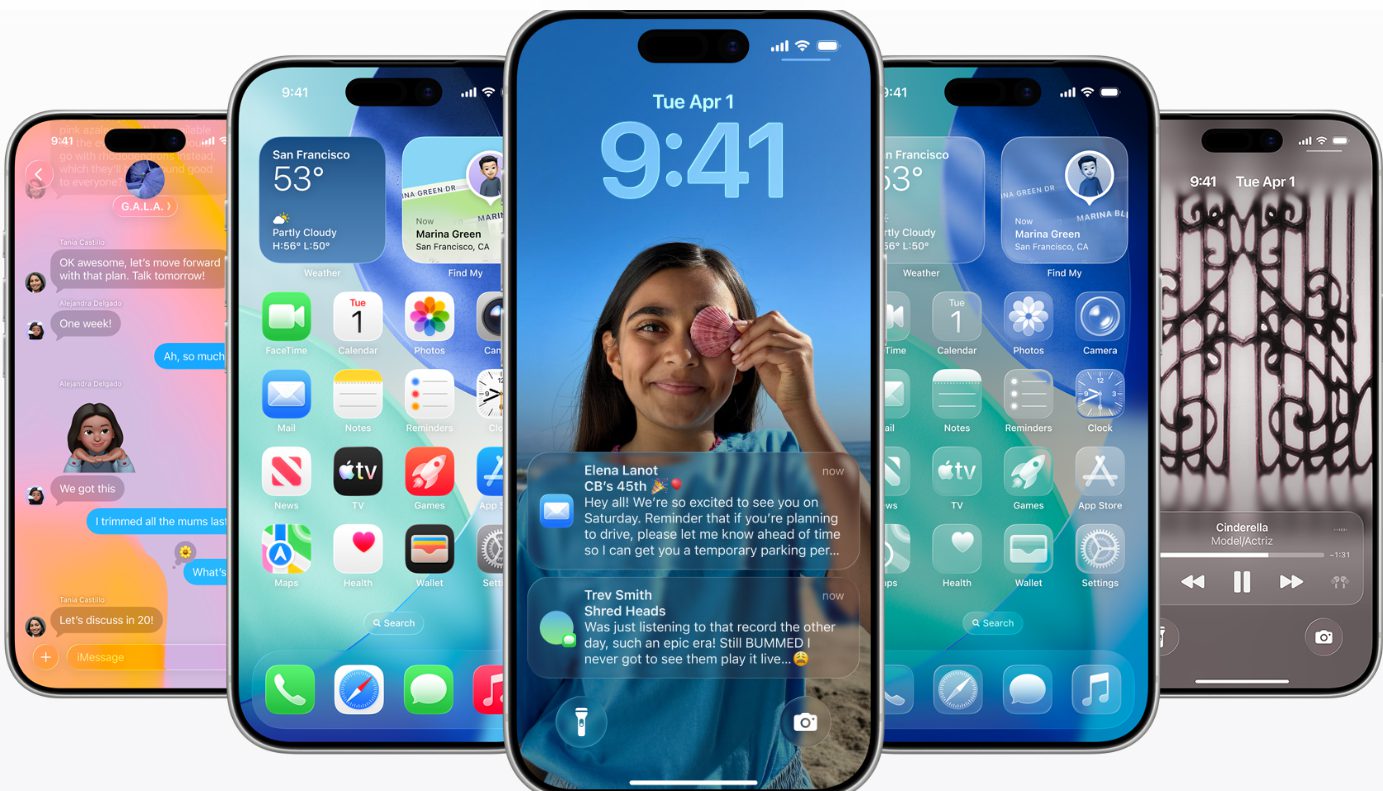
iPhone 17 and Air owners can grab iOS 26.5.1 through Settings → General → Software Update. Ensure your phone is plugged into power and connected to Wi-Fi before starting. You can install immediately or schedule it for overnight. The update inherits all the features iOS 26.5 introduced—encrypted RCS messaging, Apple’s Maps suggested places, and Pride wallpapers—while adding build number 23F81 for the charging fix.
This isn’t a flashy update packed with new features, but reliability trumps excitement when your phone won’t charge. If you own an eligible device, install it. If your iPhone is older, you’re not missing anything critical beyond what iOS 26.5 already delivered.