




Proton Drive doesn’t want your files to be convenient. It wants them to be unreadable to everyone except you. We pulled together more than twenty independent tests, speed benchmarks, and hands-on reviews of the service, and ran our own testing on top of it, to see whether that trade actually holds up in daily use.
What Proton Drive Actually Does
Proton Drive is the cloud storage arm of Proton, the Swiss company behind Proton Mail and Proton VPN. Every file gets encrypted on your device before it ever touches Proton’s servers. File names, folder structures, and metadata get scrambled too. Proton calls this zero-access architecture, and the pitch is simple: even Proton’s own staff can’t open your files.

Google Drive and OneDrive encrypt your data in transit and at rest, but both companies hold the keys. That distinction sits at the center of nearly every comparison in this space. Proton doesn’t hold the keys. Lose your password without a recovery method set up, and your files are gone for good, since Proton has no way to reset it for you.
Setup and Interface
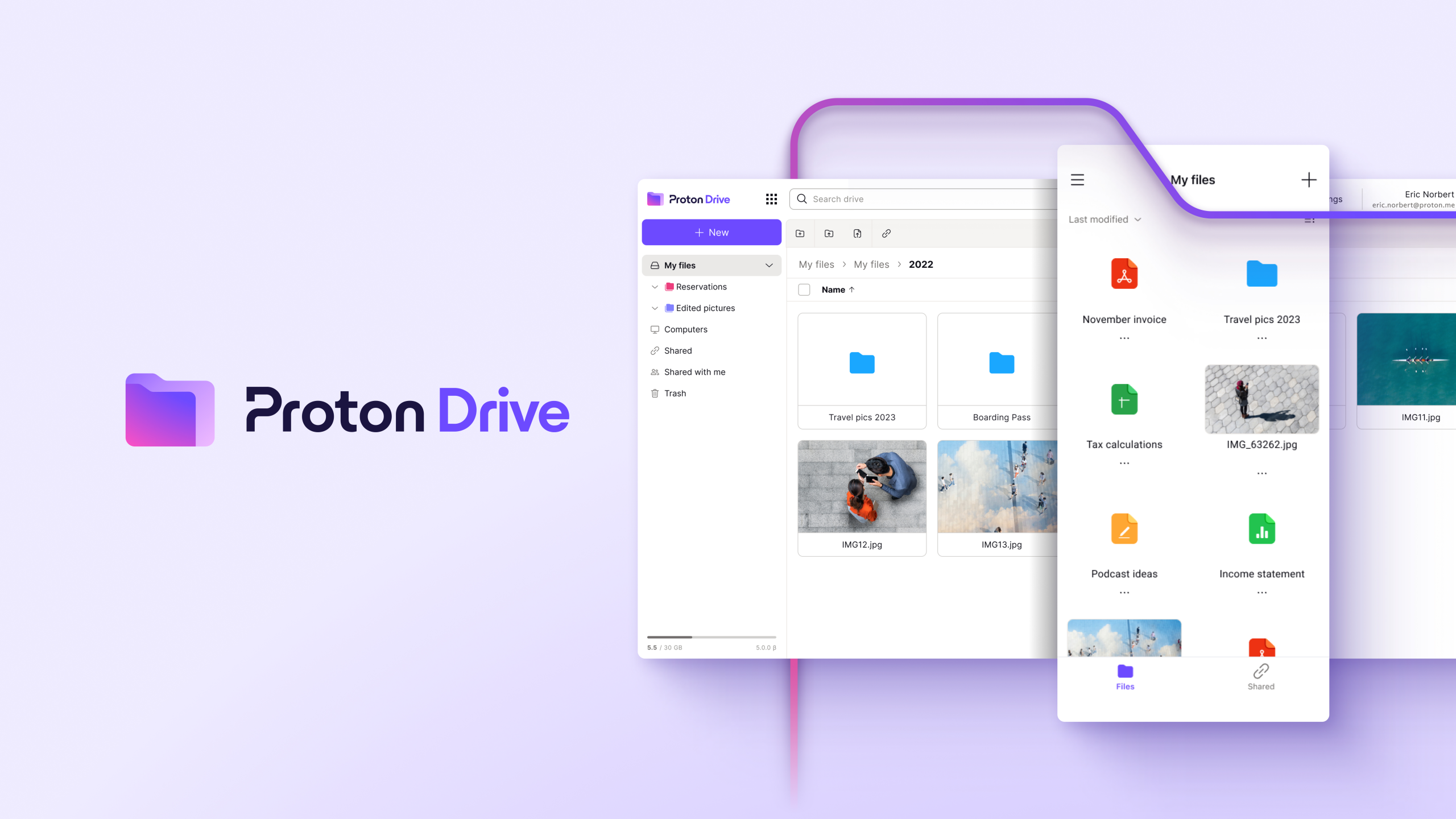
Getting started takes a username and a password. No phone number, no personal details required for the free tier. The web app looks close to what you’d expect from Google Drive, with folders on the left, files in the middle, and a storage bar showing what you’ve used.
Testers across the board called the interface clean and easy to pick up. In my own testing, everything is clean, simple to understand, clearly labeled, and organized intuitively. You can switch between light and dark themes, and pick from a handful of color palettes if you want to customize the look.
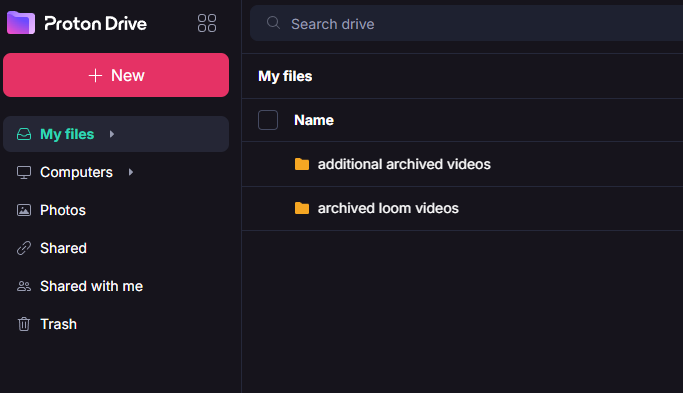
Uploading works the way you’d expect: drag and drop, or click the upload button. I tested this with a batch of archived Loom videos, and it went off without a hitch. Anyone who has used Google Drive will feel at home immediately. You can also upload whole folders and that structure will be included, since Proton Drive kept mine intact on upload.
Account deletion is also extremely straightforward. I found it under Account, sitting third on the list, with no scrolling required and no oversized headers burying it. Compare that to services that make you dig for the option, and it’s a small thing that says a lot about how the rest of the interface is organized.
Multiple testers ran into the same complaint on desktop: the Windows and Mac apps handle syncing, but you can’t actually manage files from inside them. There’s no rename, no move, no delete. All of that lives in the web app only, so anyone doing serious file organization ends up bouncing between two programs.
Security and Privacy
This is where Proton Drive earns its reputation. Files get locked down with elliptic curve cryptography (Curve25519) and the OpenPGP standard, and the client-side code is open source on GitHub. Independent security firms, including Securitum, have audited the encryption and found no major issues.
Proton is based in Switzerland, which sits outside the Five Eyes, Nine Eyes, and Fourteen Eyes surveillance alliances. Swiss privacy law is strict, which is a real structural advantage over US-based competitors that are automatically open to pressure from the surveillance alliances. Two-factor authentication is supported through an authenticator app or a physical security key like a YubiKey.
The catch is the same one that shows up in every zero-knowledge service: if you lose your password and haven’t set up a recovery method, your files are unrecoverable. Support can’t help you. One tester learned this the hard way and called it “not a fun time.” Set up account recovery the day you sign up, not after something goes wrong.
In my own testing, data recovery is cleanly labeled, and it’s easy to see at a glance what you’ve set up and what you haven’t. Proton even gives you a score showing how recoverable your account currently is, which turns a setting most people skip into something you can’t ignore.
Proton is also explicit about data collection in a way that held up under my own testing. Plenty of switches that would use your personal information for various purposes sit off by default, and Proton spells out exactly what each one does before you turn it on. Proton claims it doesn’t share that information with third parties, and given that the entire service is built around not being able to read your data in the first place, that claim tracks with how the rest of the product works.
Features and Productivity
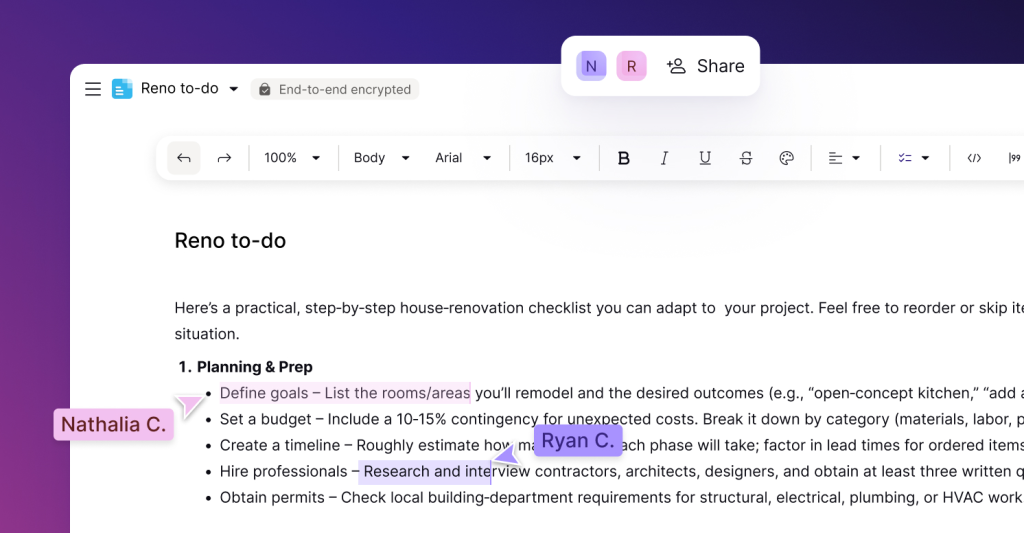
Proton Drive now bundles Proton Docs and, more recently, Proton Sheets, both end-to-end encrypted and built for real-time collaboration. Cursor positions and keystrokes get encrypted along with the document itself, something Google Docs simply doesn’t offer.
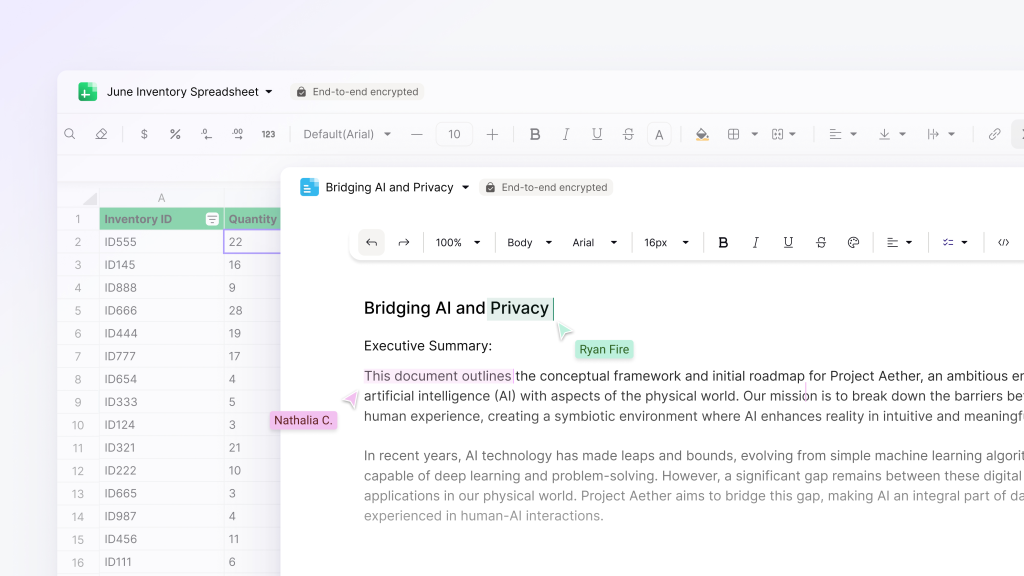
The editors work, but they’re thinner than what Google ships. There’s no macros, a limited template library, and no third-party add-ons. Several reviewers flagged the lack of a presentation tool entirely, so if your team leans on Google’s advanced formatting or Slides, you’ll be stuck using Google services.
File sharing holds up well against the competition. You can generate a link, set a password, and pick an expiration date, all on the free plan. Several testers (and myself) pointed out that even paid competitors like Sync.com gate some of these options behind a paywall. Version history goes up to 10 years on paid plans, though one tester found that deleted folders aren’t covered by version history the way individual files are, so an accidental folder deletion is permanent.
Speed
Speed test results varied by tester and by connection, but the pattern held steady. On a throttled 100 Mbps connection, uploads and downloads of a 5GB test folder consistently landed around 7 minutes each. Based on my own testing, I see no reason to contradict this. On a full gigabit connection, that dropped to roughly 3 to 4 minutes, putting Proton Drive on par with or ahead of Google Drive in several independent tests.

That wasn’t always true. Multiple reviewers noted that Proton Drive struggled with speed in earlier versions, and that the 2026 infrastructure overhaul fixed a real problem. CPU usage during syncing stayed low across every test that measured it.
Mobile and Photos
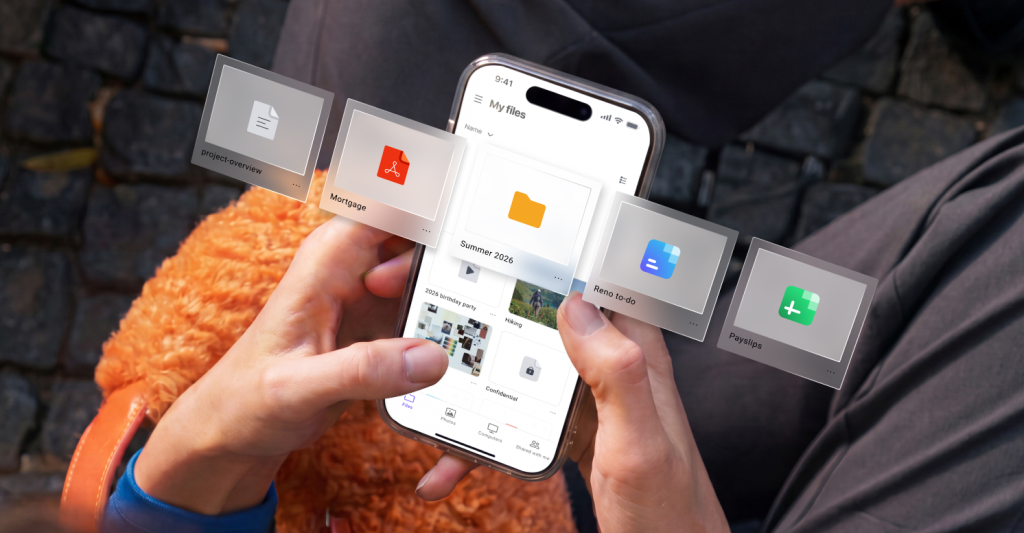
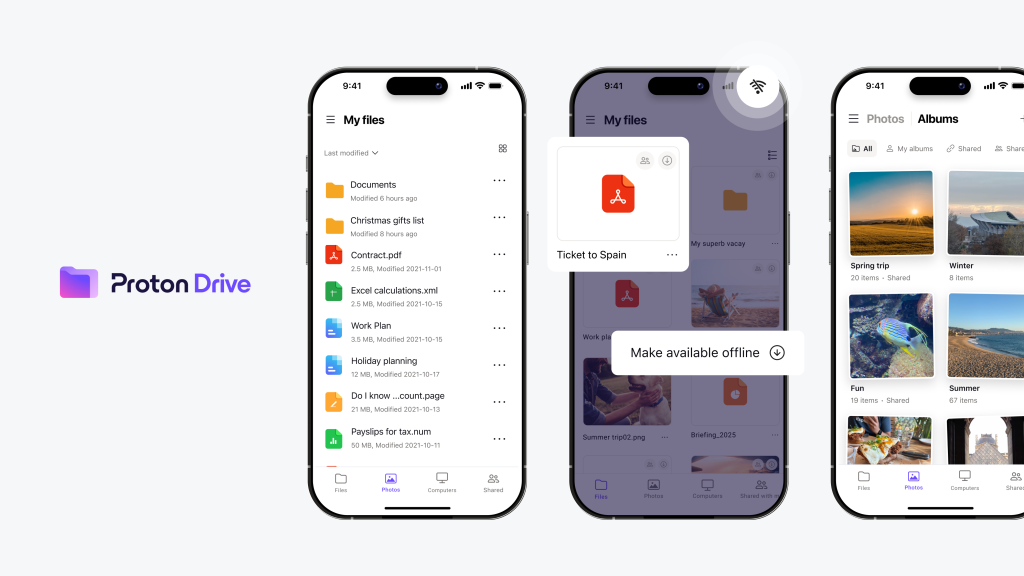
The mobile apps for iOS and Android handle automatic photo backup reliably, uploading new shots in the background without much setup. A few testers called the photo organization surprisingly strong, with automatic sorting into categories like screenshots, selfies, and RAW files on Android.
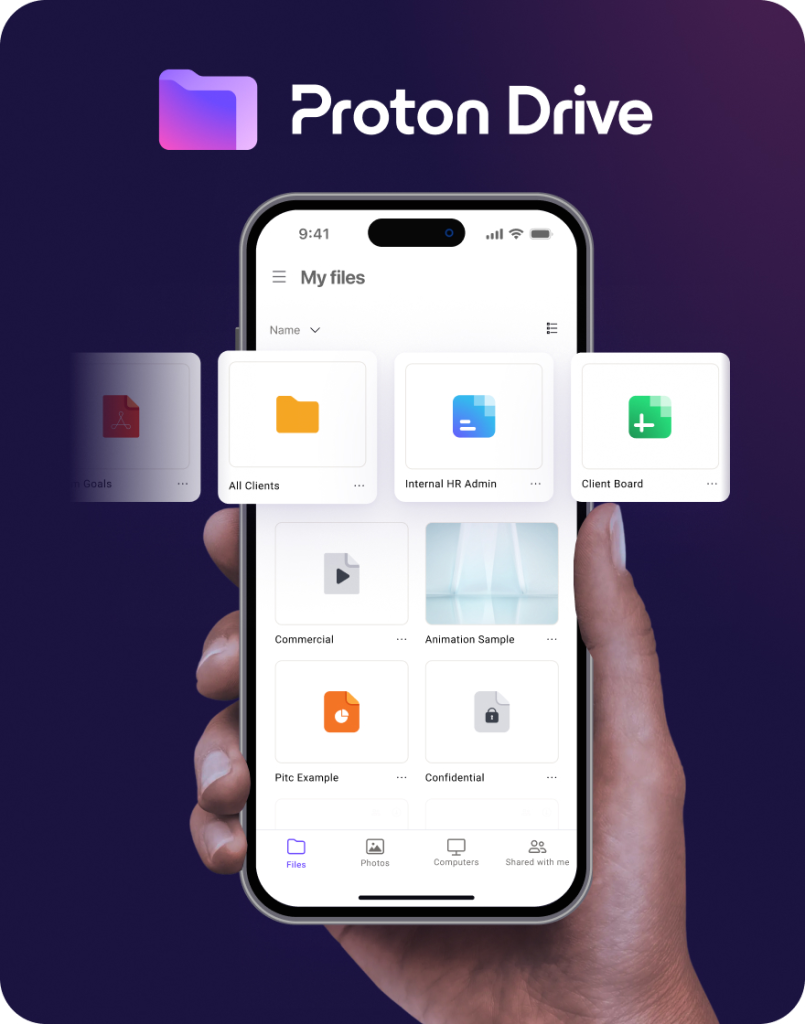
Desktop is a different story. Several testers found no dedicated photos tab in the Windows or Mac app at all, meaning you have to open the web browser to see or manage anything backed up from your phone. That’s an odd gap for a service positioning itself as a full Google Photos replacement.
Proton Drive vs. Google Drive
This comparison comes up in nearly every source we reviewed, and the throughline is consistent. Google Drive holds your encryption keys, which means Google can technically access your files if it wants to, whether for ad targeting, AI training, or a legal request. Proton Drive can’t, by design.
That difference shapes everything else. Google Drive wins on raw storage value: 2TB for around $10 a month versus Proton’s 500GB Unlimited plan at a similar price. Google also wins clearly on collaboration depth, file preview support, and search, since Google can actually read the contents of what you store and index it (for better, or for worse).
Proton Drive wins the moment the question becomes who else can see your files. For journalists, lawyers, or anyone handling sensitive documents, that’s not a small thing. For a family sharing vacation photos and splitting a Google One plan, the privacy premium is entirely up to you: what is your privacy worth to you?
The Trade-Offs
Encryption blocks full-text search inside your files, so search only works on file names, not contents. PowerPoint previews aren’t supported at all, and video previews cap out around 100MB on some builds, which is a real limitation for anyone shooting on a modern phone. Sync between devices runs two-way only, meaning a deletion on one device removes the file everywhere, with no option to set one-way backup.
Pricing
The free plan gives you 5GB, though you start at 2GB and unlock the rest by completing setup tasks like adding a recovery method within 30 days. Drive Plus is just $1 for the first month, then runs around $3 a month for 200GB on the annual sub. Proton Unlimited has a similar $1 for the month deal and is the plan most testers recommended, and costs $9 a month for 500GB on the annual plan. This also folds in Proton Mail, Proton VPN, Proton Pass, and Proton Calendar.

Compared to buying each of those services separately, the Unlimited bundle comes out cheaper than the sum of its parts. Compared to buying storage alone, Proton Drive costs more per gigabyte than Google Drive, pCloud, or Icedrive. The value case depends entirely on whether you’d actually use the rest of the Proton ecosystem.