



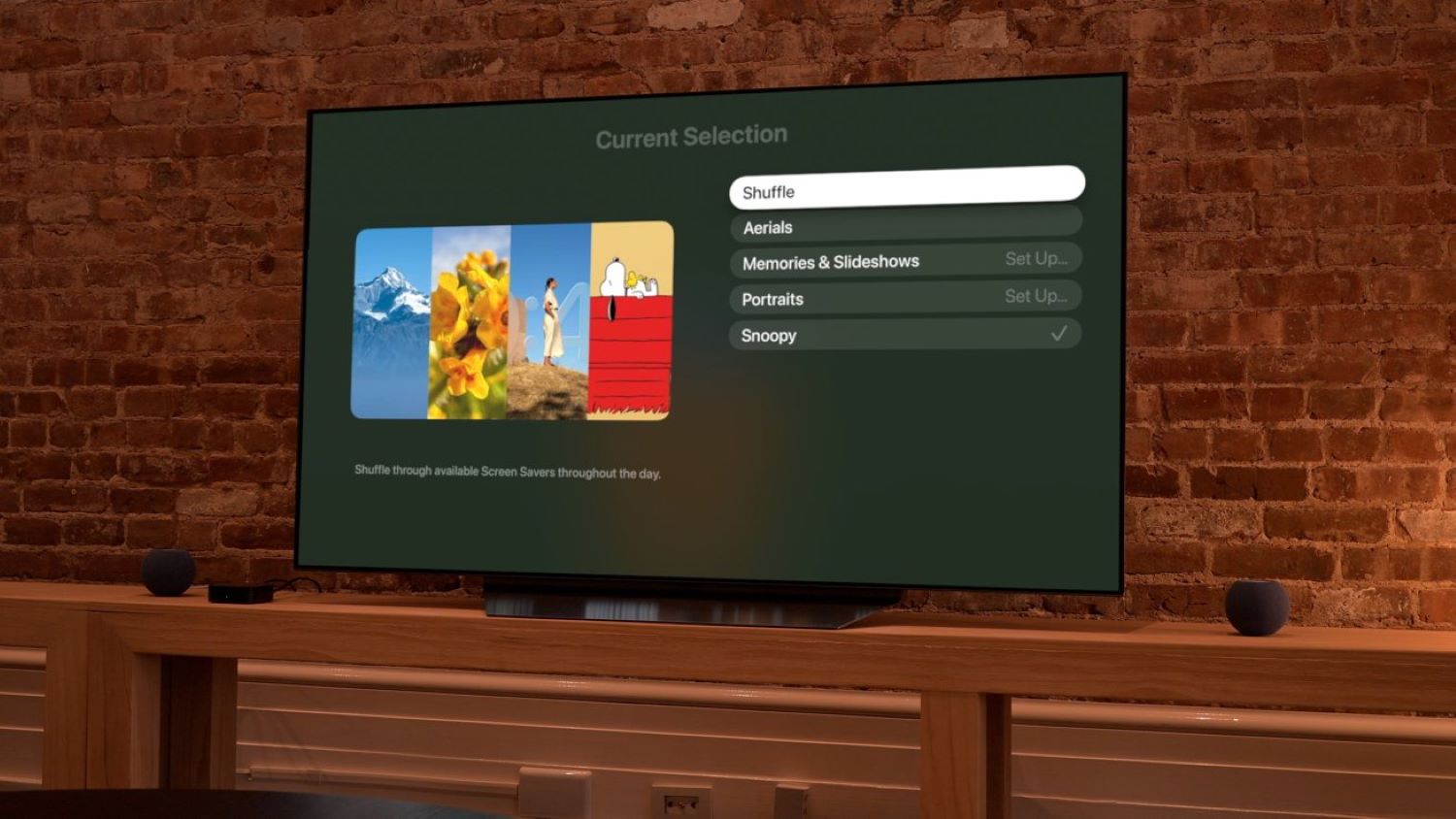
If your Apple TV has been showing the same aerial footage for months, tvOS 27.2 addresses that directly. The update adds a Shuffle option to the screen-saver settings, letting Apple TV automatically rotate through the available categories instead of staying locked to whichever one you previously selected, according to Apple’s release notes covered by MacRumors.
Enabling it takes only a few steps. Open Settings, select Screen Saver, choose Current Selection, and select Shuffle.
What Gets Shuffled
The categories cover scenic footage, personal photos, and animated Peanuts, giving the rotation genuine visual range.
Aerials display scenic footage of locations around the world, underwater, and in space. Memories & Slideshows draws from your photo library to surface personal photos. Portraits cycles through images of people, pets, nature, and cities, also sourced from your library. Snoopy adds animated Peanuts scenes to the rotation.
One caveat, noted in Apple’s support documentation and by 9to5Mac: Shuffle rotates categories, not individual screen savers within them. Personal categories such as Portraits and Memories & Slideshows can be configured separately to control which photos actually appear.
Why Screen Saver Variety Actually Matters
For Apple TV owners who leave the display visible throughout the day, the idle screen functions as part of the room’s visual environment.
When a television sits idle in a living room or shared space, its screen saver becomes ambient decoration as much as anything else. Shuffle reduces the repetition that accumulates over weeks of use by cycling through all the available categories without requiring any further input. The addition is minor in scope but meaningfully improves the idle-screen experience for anyone who spends time near their Apple TV.