



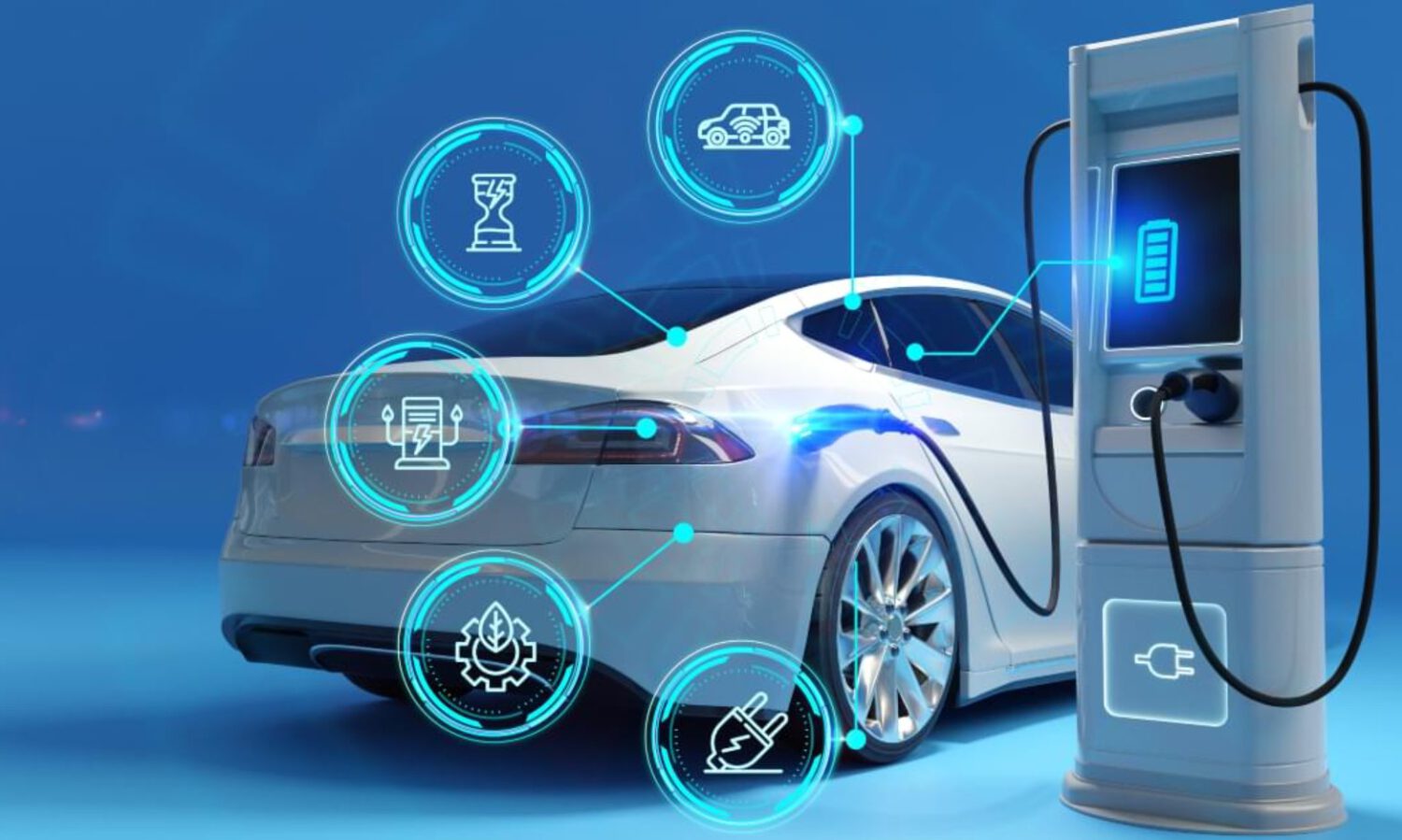
Buying an EV changes your relationship with your car in ways the dealership brochure glosses over. You’re no longer just driving; you’re managing battery state, charger compatibility, network accounts, and route elevation. The app stack below is built around one honest premise: different tools handle different jobs, and confusing them will leave you stranded at a broken charger with 11 miles of range.
One distinction worth learning early: a charger appearing on a map does not mean it is operational, compatible with your car, or payable through the same app that found it. That gap between visibility and actual session control is where most new EV owners run into trouble.
Start With the App That Came With Your Car
The most authoritative read on your battery lives here, not on a third-party map.
Install the companion app first and connect your vehicle before anything else. Depending on your model and region, it handles battery monitoring, charging progress, remote lock and unlock, cabin preconditioning, and charging schedules. Tesla’s app covers charging controls and vehicle monitoring; Rivian’s supports route transfers and remote functions, according to each company’s published app materials. Features vary by model, trim, connectivity plan, and subscription tier, so check what your specific vehicle supports.
Google Maps
Familiar and increasingly EV-aware, with real limits you should understand before relying on it alone.
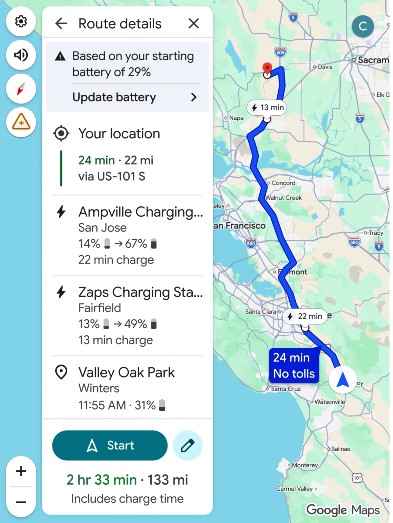
Google Maps added EV trip planning features now expanding to more than 350 Android Auto-compatible models, according to a Google announcement. For supported vehicles, it can estimate battery on arrival, recommend charging stops, and update arrival times based on charging duration. Google’s own support documentation notes that the standard battery estimate may not adjust to real-time driving conditions or a live vehicle connection. That makes it a poor substitute for a dedicated EV planner on longer trips.
A Better Routeplanner (ABRP)
When your car’s built-in navigation underestimates charging needs, this fills the gap.
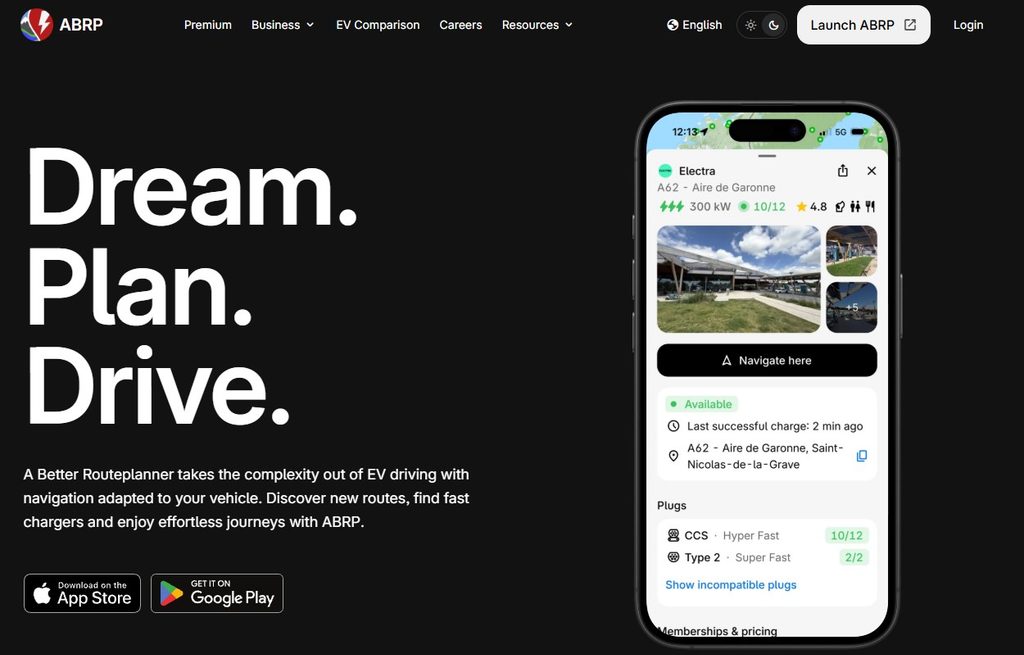
ABRP builds routes around your specific vehicle’s range, current battery level, charger speed, and planned stops. According to ABRP’s official materials, it supports more than 1,000 EV models and can use live vehicle data through supported vehicle connections, which may require additional hardware for some cars. The free tier covers EV routing, in-app navigation, and vehicle profiles; premium adds live traffic, live charger availability, CarPlay, and Android Auto support for approximately €5 per month, though pricing and features are subject to change.
PlugShare
Before committing to a detour off the highway, check whether that charger is actually worth the stop.
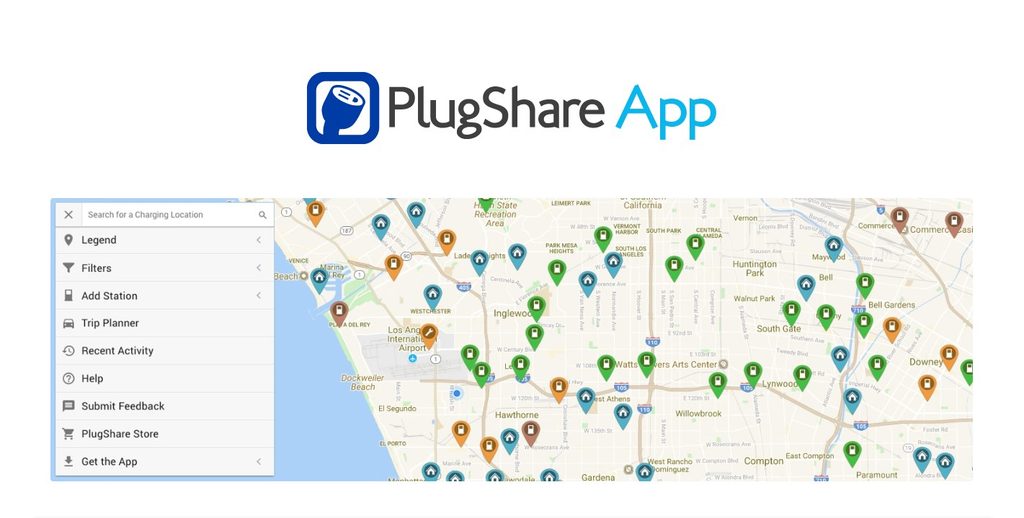
PlugShare maps stations across networks and lets you filter by connector type, charging speed, and vehicle compatibility. Its real value is the community layer: user reviews, PlugScore reliability ratings, photos, and recent status reports can help you assess whether a charger is likely to be functional before you leave the highway for it. Those reports reflect conditions at the time of the last post, not the moment you arrive, so treat them as strong guidance rather than a guarantee.
Electrify America
The network’s own app is often the most dependable option for starting a session and resolving problems.
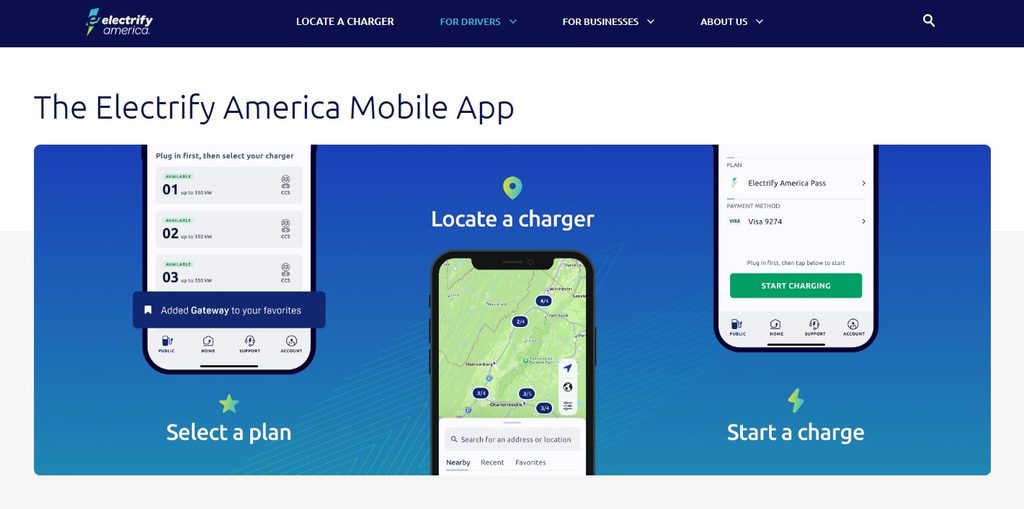
Electrify America’s app shows real-time station availability, connector types (CCS, CHAdeMO, Level 2, and NACS where applicable), and lets you manage sessions and receive charging notifications for compatible vehicles. The broader principle applies across every network: operator apps are generally more reliable for starting sessions, viewing live status, and resolving payment problems than third-party aggregators, though third-party activation can work where roaming agreements are in place. Install equivalents for whichever networks you use most, whether that’s ChargePoint, EVgo, Tesla, or a regional operator.
ChargeHub
One account for multiple networks sounds ideal; the roaming fine print matters.
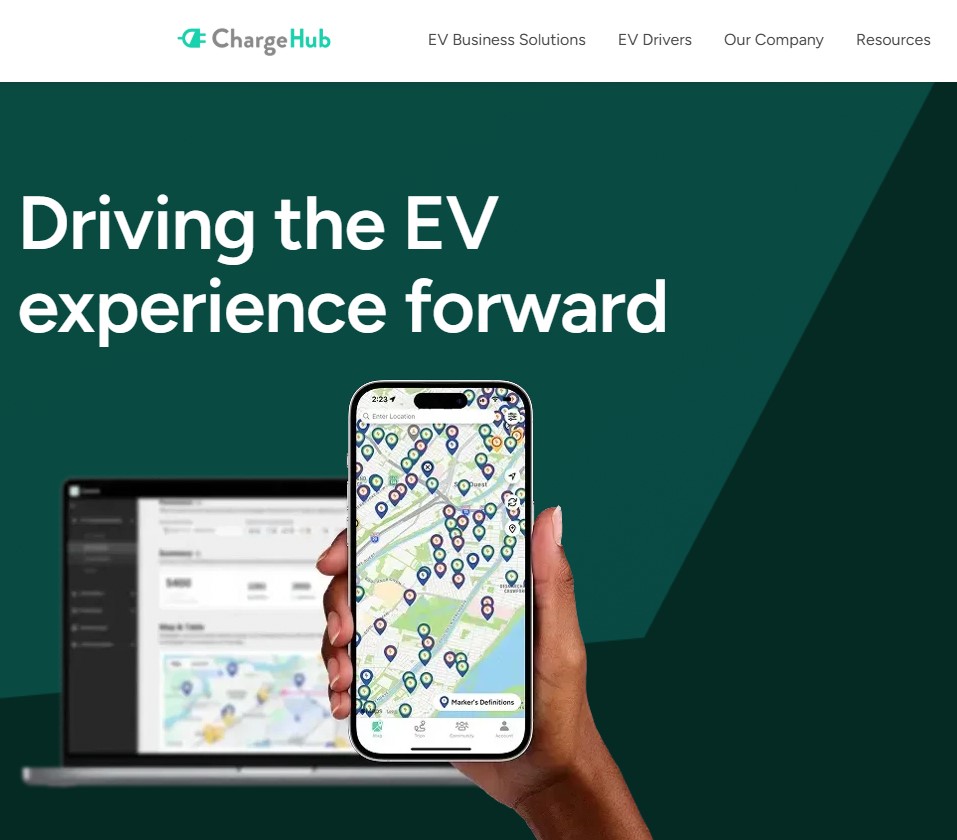
ChargeHub lets you locate participating stations and activate or pay for sessions across multiple networks through a single account. The appeal is obvious for road trips that cross network territories. Roaming support is not universal: a station can appear on the ChargeHub map without accepting payment or session control through the app, so keep at least one network-specific app installed regardless.
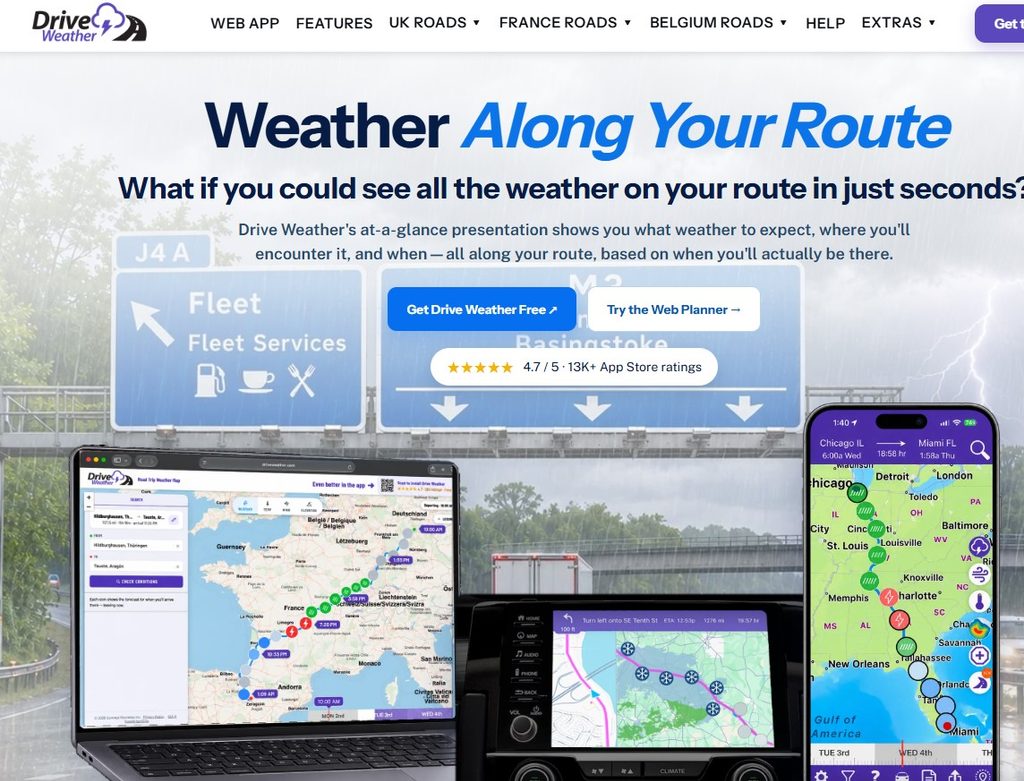
Drive Weather
Cold temperatures and headwinds affect range in ways most navigation apps never account for.
Drive Weather displays forecast conditions along your entire route timed to your estimated arrival at each point, not just at your origin or destination. That matters for EVs because cold temperatures, strong headwinds, and icy roads affect both driving conditions and practical battery range. Some advanced features, including wind and icy-road indicators, may require a subscription; check the current app listing for pricing and availability before your first long trip.
Daily Driving Versus Road Trips
The right combination depends on where you’re going, not just what you drive.
For daily driving, the companion app, Google Maps, and one local network app cover most situations. For road trips, layer in ABRP for route planning, PlugShare for charger reliability checks, and the relevant network app for payment. Add Drive Weather for real-time conditions along the route, and keep at least one network-specific app installed even when using an aggregator like ChargeHub, because payment and roaming support remain inconsistent across stations.