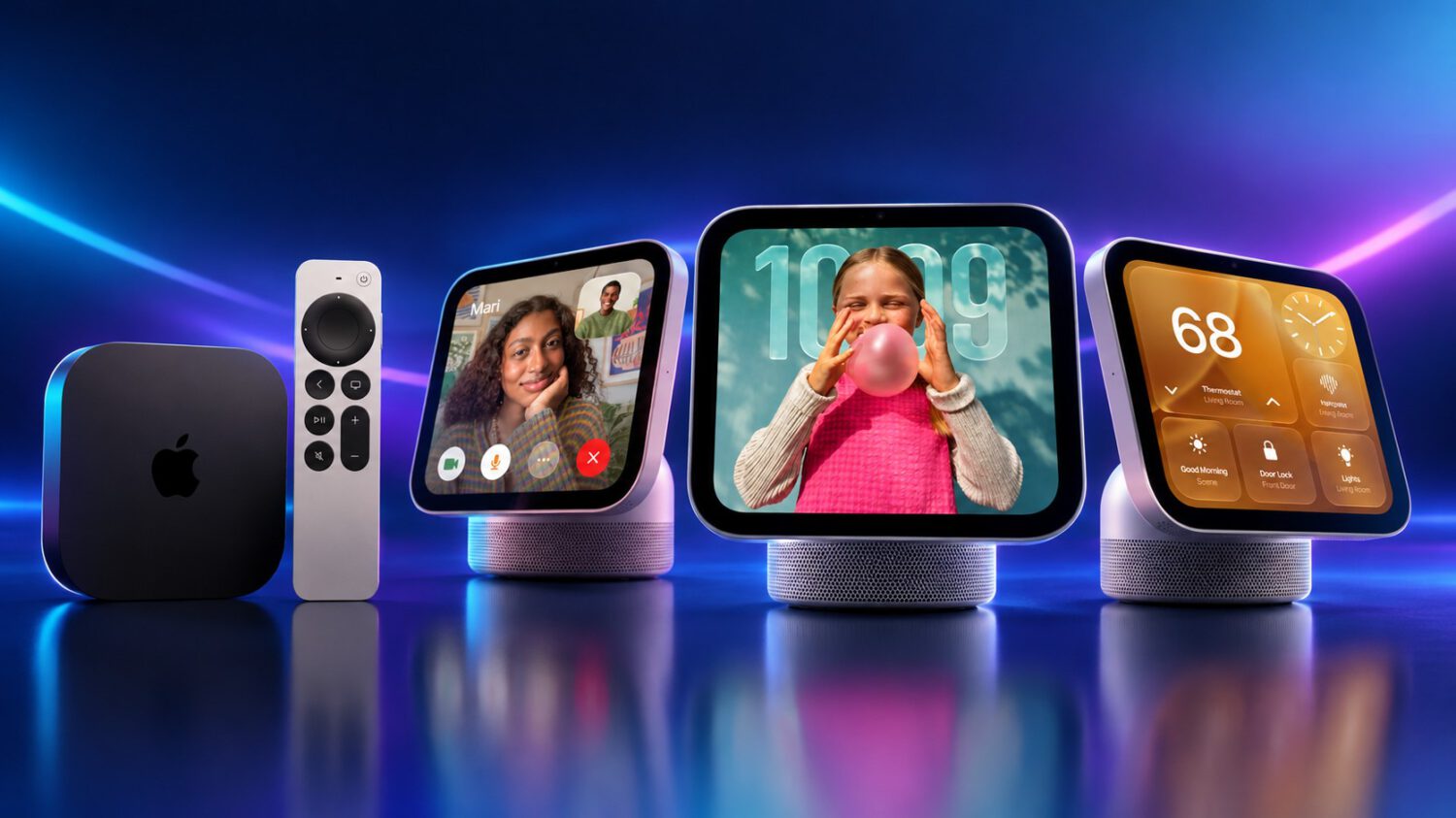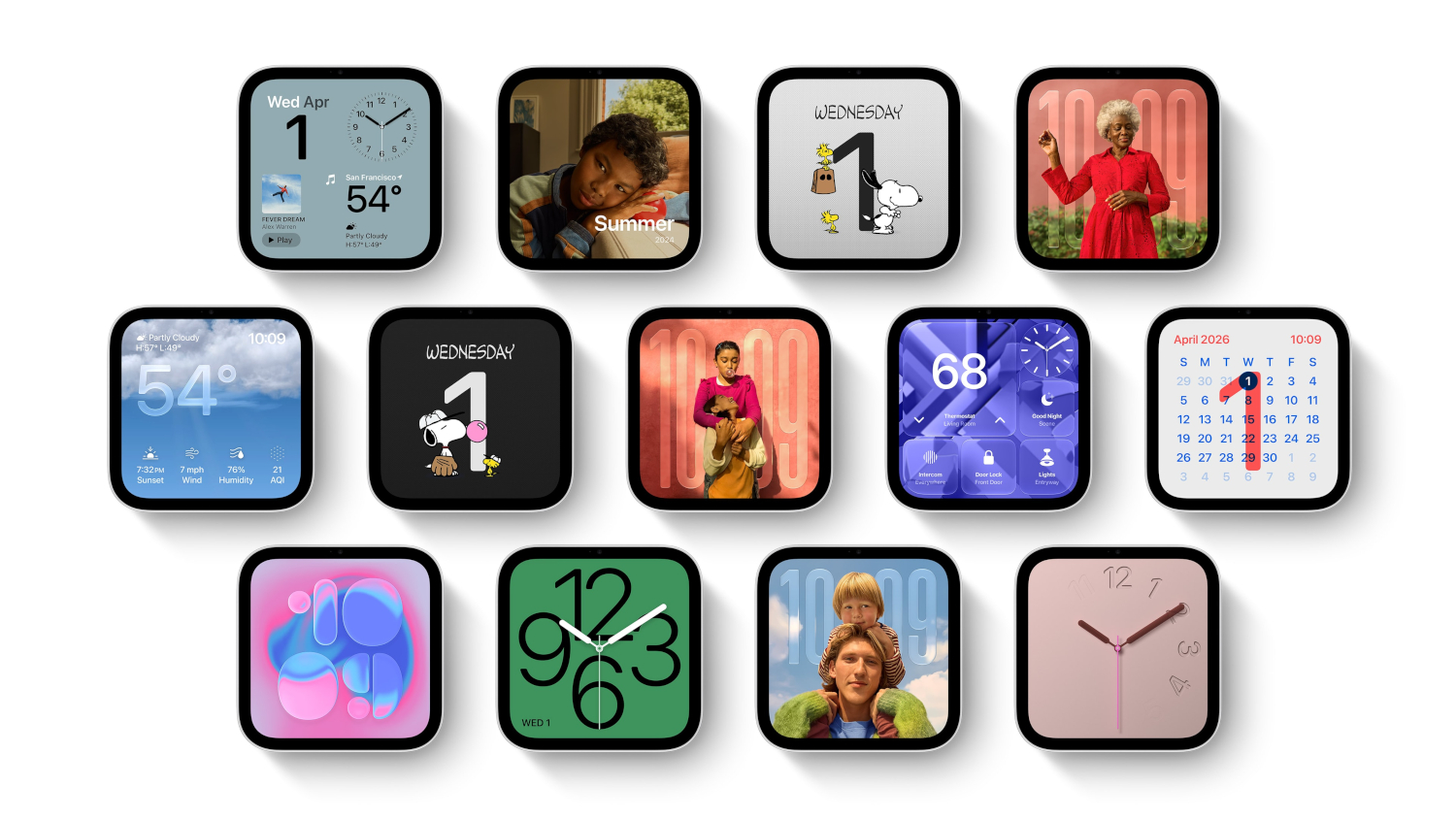
Both versions of Apple’s new HomeView smart display carry the same $299 starting price. Only one of them ships with everything you need to use it out of the box.
The tabletop model arrives November 13 with a 30W power adapter and a 1.5-meter USB-C cable included. The wall-mounted version launches the same day at the same price, with the device and documentation only.
That’s it.
What the Box Actually Contains
The two HomeView models share the same core hardware but differ significantly in configuration, power requirements, and what Apple puts in the box.
Both models include a 7-inch Liquid Retina display, an A18 chip, and Siri AI. The wall-mounted model is a separate configuration with distinct mounting and power requirements, not simply a differently packaged version of the tabletop unit.
If you’re buying the tabletop HomeView, you’re set from the moment you open the box. If you’re buying the wall-mounted version, your first task after unboxing is sourcing a compatible mount and a power solution, both sold separately.
Apple specifies the wall-mounted unit requires a USB-C power adapter delivering at least 20W, specifically 9V at 2.22A or higher. The tabletop model requires a minimum of 30W at 15V and 2A or higher, which is why that adapter ships with it.
The Real Cost of Going Wall-Mounted
Compatible mounts from Schneider Home are sold separately, and the choice of mount determines your power and installation path.
The mounting hardware comes from Schneider Home. The entry option, the Power Mount USB-C Wall Connector, starts at $59.95. The Power Mount AC Wired option runs $79.95, and a Power over Ethernet version is planned for early 2027 at $129.95.
Add the least expensive mount to the $299 device price and the hardware subtotal reaches $358.95. That figure excludes a compatible cable, a power adapter for plug-in installations, applicable taxes, and any installation labor.
Hardwired AC configurations may require a qualified professional. Apple’s support documentation directs customers to their installer or mount manufacturer when a mounted unit fails to power on despite working correctly when tested directly off the wall.
What Happens If the Power Is Wrong
Apple’s support documentation is specific about what the device displays when power requirements are not met.
If your adapter does not meet Apple’s specifications, the device shows a “Power Adapter Not Supported” warning alongside a lightning-bolt icon and a yellow warning triangle. Apple’s recommended fix is to remove the unit from its mount and test it directly with a compatible cable and adapter. That step isolates whether the problem is the power source or the mount.
For anyone who has just completed a wall installation, that is an unwelcome first troubleshooting step.
The Bottom Line Before You Preorder
The $299 price reflects the device alone; the full hardware cost depends on your chosen mount and power setup.
The wall-mounted HomeView is a viable option for a fixed smart-home display, but budget at minimum $358.95 for the device-and-mount subtotal and factor in accessories and potential installation costs before placing your order.