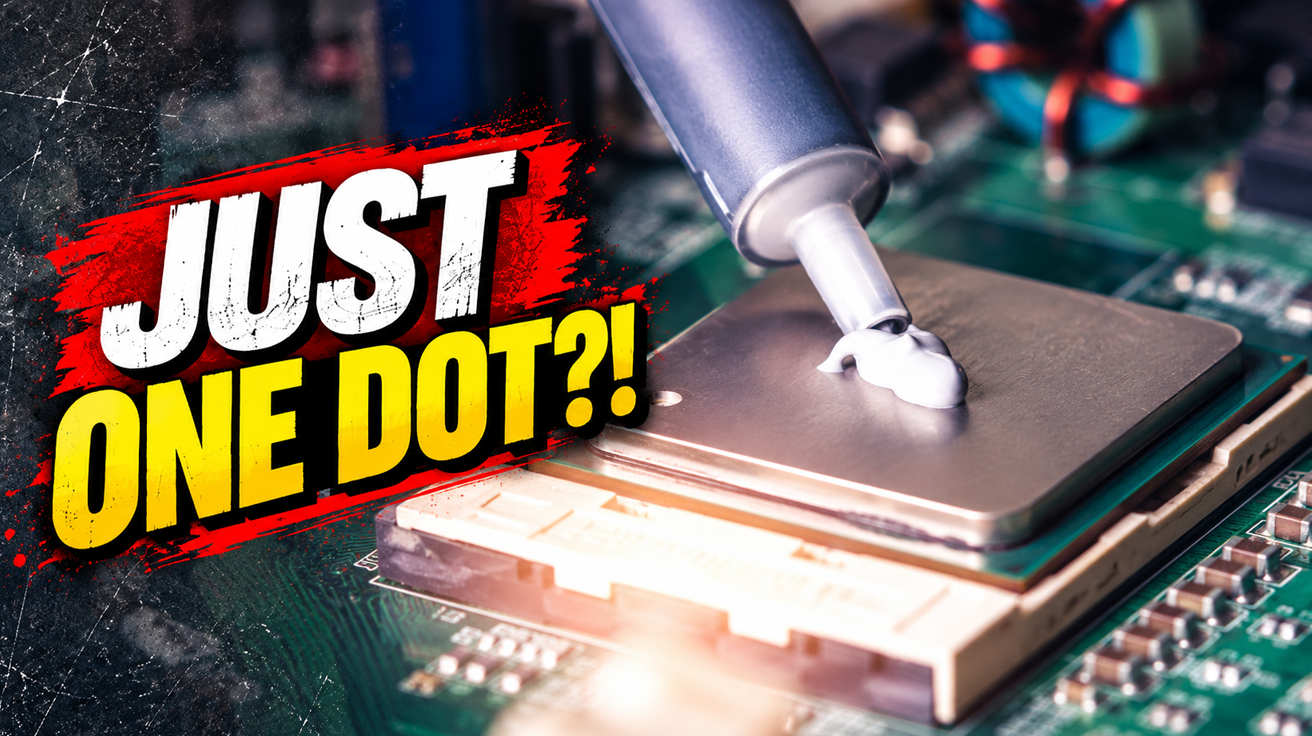
Modern PC builders still wrestle with outdated advice, treating contemporary hardware like fragile relics that demand elaborate rituals. This misinformation spreads across forums and Discord servers, creating unnecessary anxiety and wasted spending. Understanding how your components actually work eliminates those face-palm moments and builds genuine confidence. You’ll make smarter decisions, skip pointless precautions, and assemble a machine that performs exactly as intended without the folklore.
9. Static Electricity Will Destroy Your Components
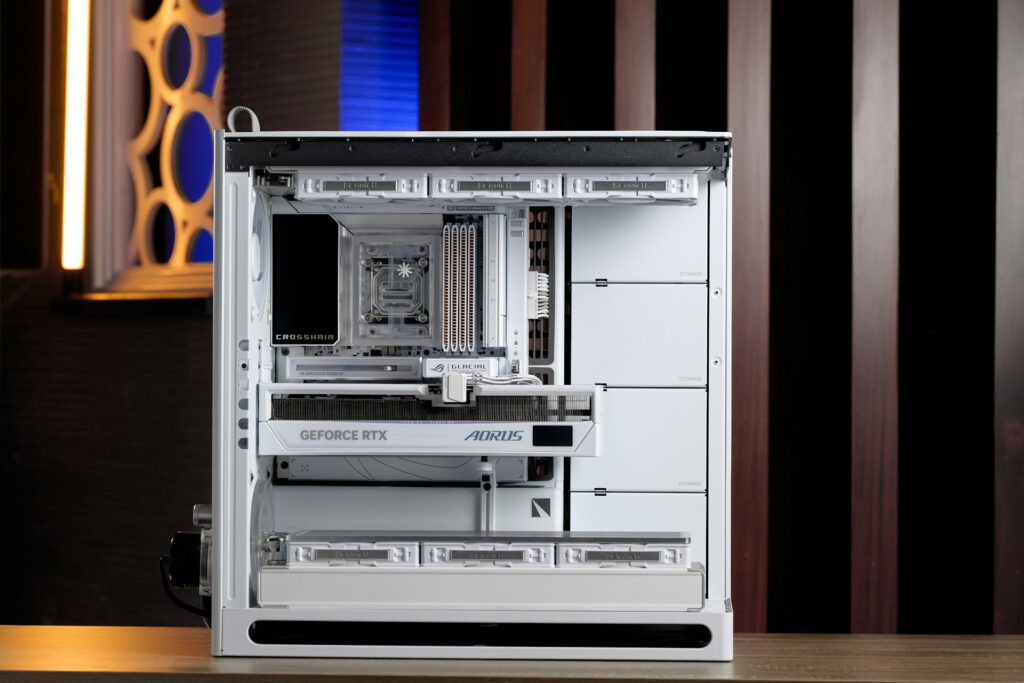
Modern motherboards and graphics cards include ESD-protection circuits that make accidental static discharge far less catastrophic than you’ve been told.
ESD-protection components and grounding paths are standard in contemporary motherboards and graphics cards, reducing the risk of damage from casual static discharge. An antistatic wrist strap remains an inexpensive precaution, but touching grounded metal before handling components provides practical protection for most home builds. Careful handling and avoiding unnecessary contact with circuit traces matters more than elaborate anti-static theater. You can build confidently without treating every component like a Fabergé egg.
8. Installing RAM and GPUs Requires Surgical Precision
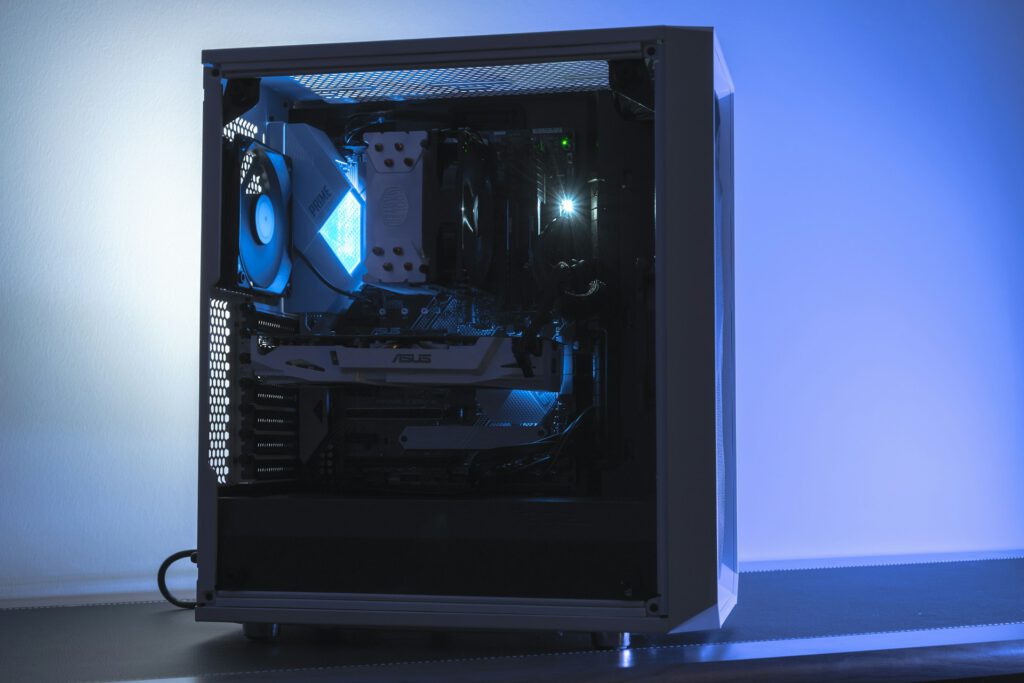
DIMM and PCIe slots are designed for firm pressure; that resistance you feel is normal, not a warning sign.
DIMM and PCIe slots demand straight, controlled pressure for proper installation. Precise alignment with the slot key comes first—the notch won’t lie to you. Once aligned, apply firm vertical or inward pressure until the retention latches engage. That click signals a successful installation, not impending disaster. Excessive sideways force can damage the slot or motherboard, but straight downward pressure is exactly what the hardware expects. Anyone who’s hesitated with a graphics card hovering above its slot knows that moment of doubt; the resistance is by design, not a cry for help.
7. Thermal Paste Application Requires Perfect Technique
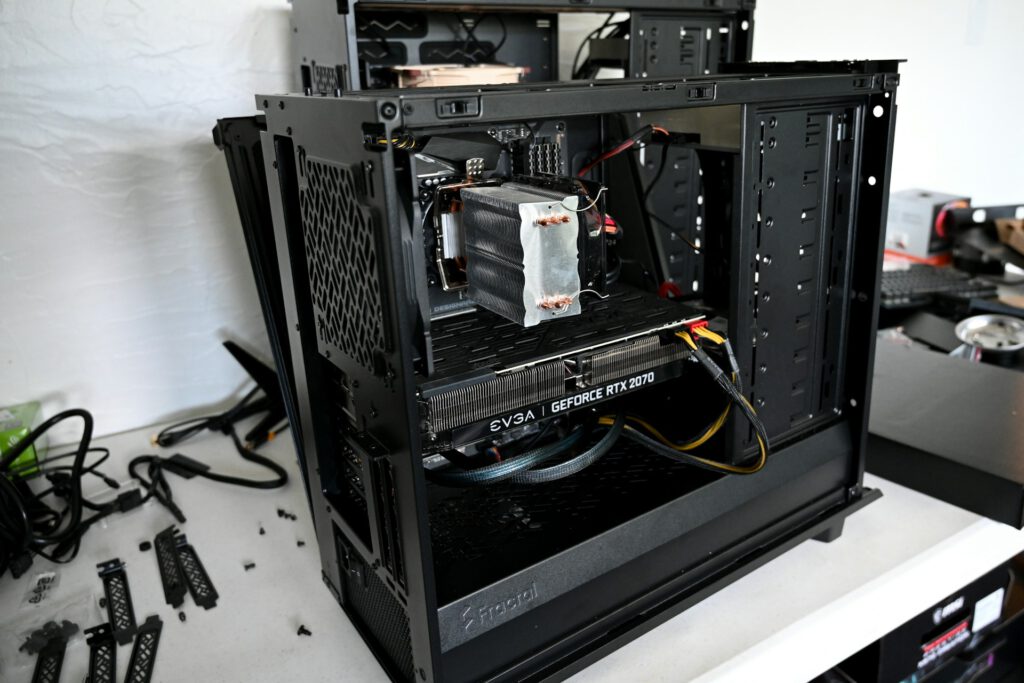
Mounting pressure spreads thermal paste automatically; obsessing over application patterns wastes time.
Early thermal pastes containing conductive metal particles created legitimate short-circuit concerns, but mainstream options today are generally electrically nonconductive. Cooler mounting pressure spreads the paste and fills microscopic surface imperfections between the processor and cooler base. A pea-sized amount in the center works reliably; elaborate patterns just create extra cleanup. Excessive paste produces mess rather than meaningful temperature penalties, though you should still avoid contaminating nearby components.
6. More Case Fans Always Lower Temperatures

Cooling approaches ambient room temperature regardless of fan count; additional fans eventually offer zero benefit.
More case fans do not automatically produce lower temperatures. Your system’s cooling approaches the room’s ambient temperature as a hard limit, and additional fans deliver diminishing returns once adequate air exchange is established. Excessive or poorly balanced airflow can increase turbulence or reduce cooling efficiency rather than improving it. Fan performance depends on airflow resistance from filters, radiators, grills, and internal components. Trying to force more air through a restricted case is like breathing through a straw at highway speeds—more effort, less benefit.
5. Equal Fan Counts Guarantee Balanced Airflow
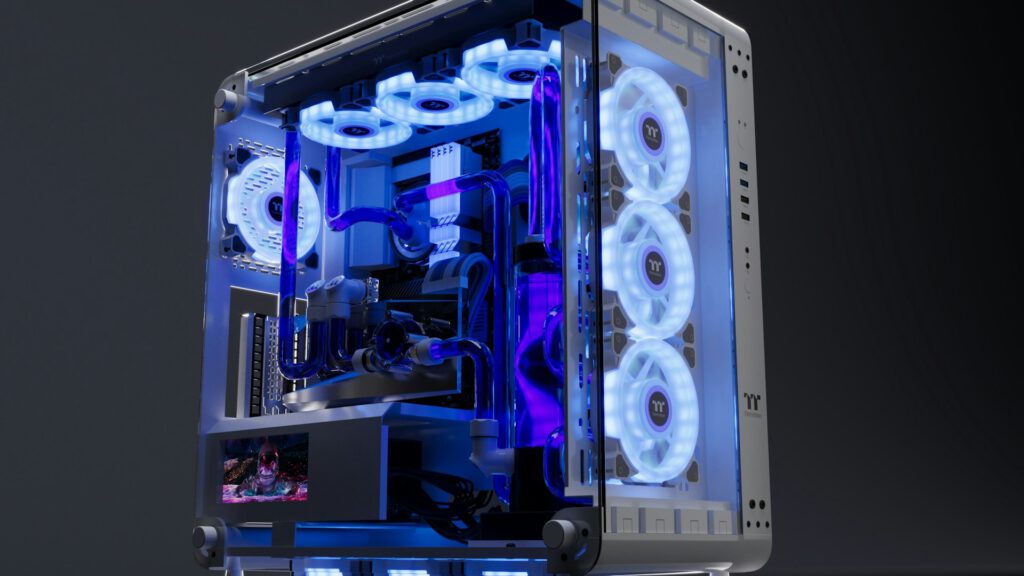
Fan count tells you nothing about actual airflow; speed, static pressure, and restrictions determine case pressure.
Positive pressure—where intake airflow exceeds exhaust—helps reduce unfiltered dust entry when filtered intakes are used, according to Corsair’s airflow guidance. Negative pressure can draw air and dust through unfiltered openings. Equal fan counts do not guarantee equal airflow because fan speed, static pressure curves, filters, radiators, and case restrictions affect actual air movement. A builder might install 2 intake and 2 exhaust fans, then discover that a dense graphics card or front-panel filter creates enough resistance to flip the pressure balance. Smoke testing near case openings reveals the true airflow story, showing where air actually enters and exits.
4. Liquid Cooling Always Outperforms Air Cooling
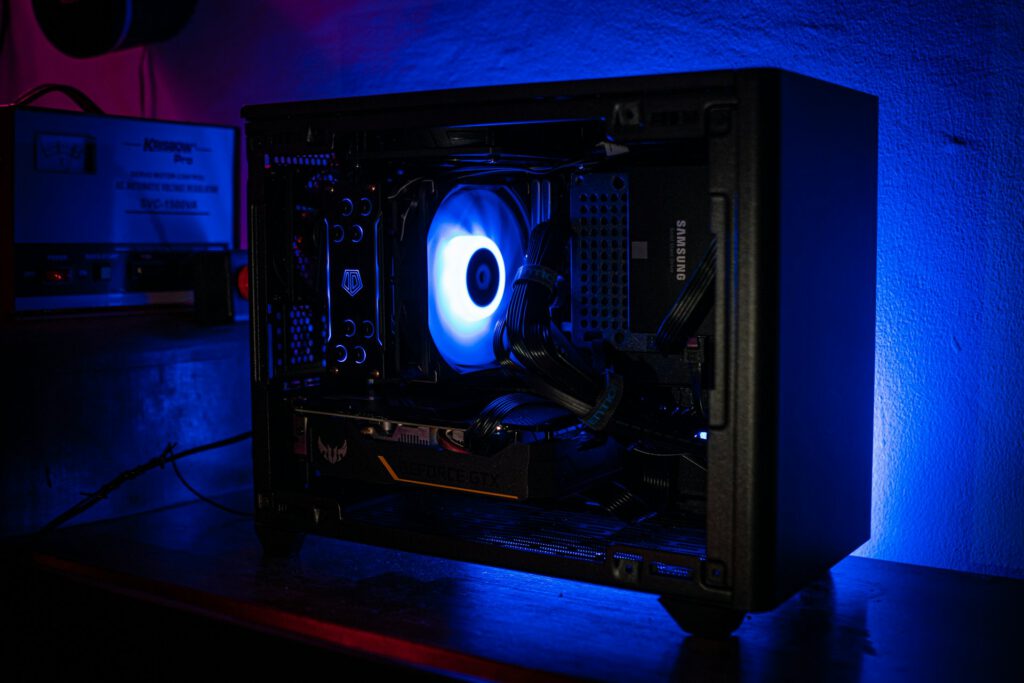
Liquid cooling can move heat to larger radiators, but it doesn’t automatically beat quality air coolers for every build or budget.
Liquid cooling can provide lower component temperatures or reduced noise in suitable configurations, but it is not universally superior. Modern CPUs and GPUs are designed to operate within specified thermal limits; a processor operating near its maximum junction temperature is working within its designed envelope, not cooking itself to death. Lower temperatures mainly affect boost behavior and thermal headroom rather than automatically extending lifespan. Liquid loops also introduce pump, tubing, maintenance, and leak risks that simple air coolers avoid. Consider whether the aesthetic and potential cooling advantages justify the added complexity and expense.
3. Oversized Power Supplies Waste Electricity
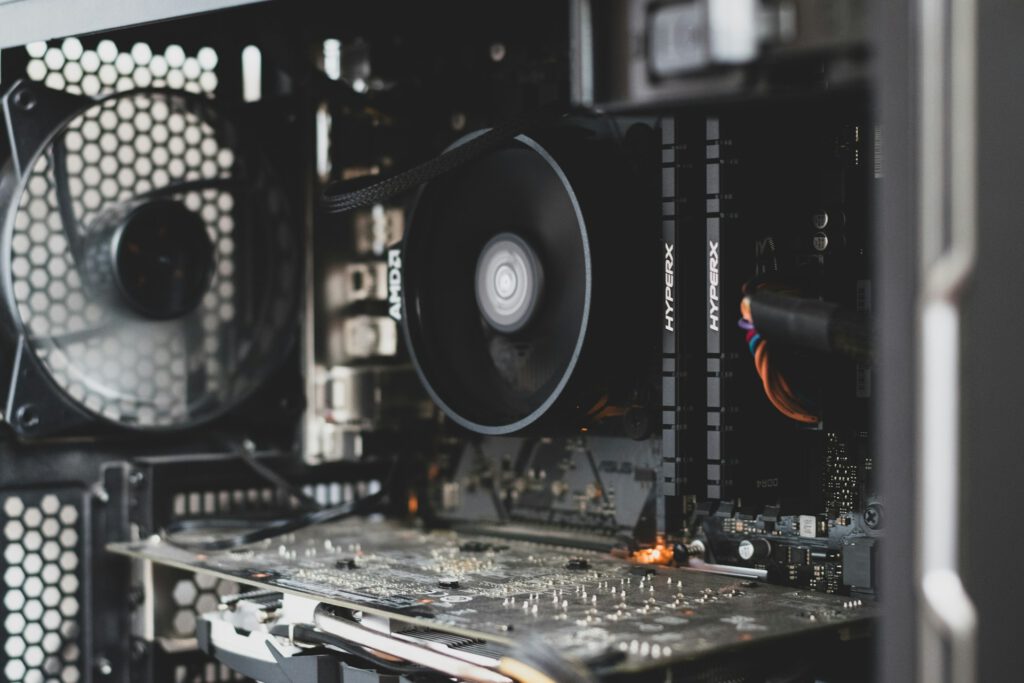
A PSU’s wattage rating represents available capacity, not power forced into your components.
Your PC draws the power required by its components from the available voltage rails; a 750-watt PSU provides that capacity without forcing 750 watts into the system. Higher wattage ratings offer upgrade headroom, but very lightly loaded supplies may operate away from their most efficient range. Efficiency varies by model and load; many supplies perform well across a broad range rather than only at a single optimal point. Look for 80 PLUS or Cybenetics certifications to evaluate efficiency and noise characteristics. An oversized PSU uses more electricity only if your components demand that power.
2. Fastest RAM Always Equals a Faster System
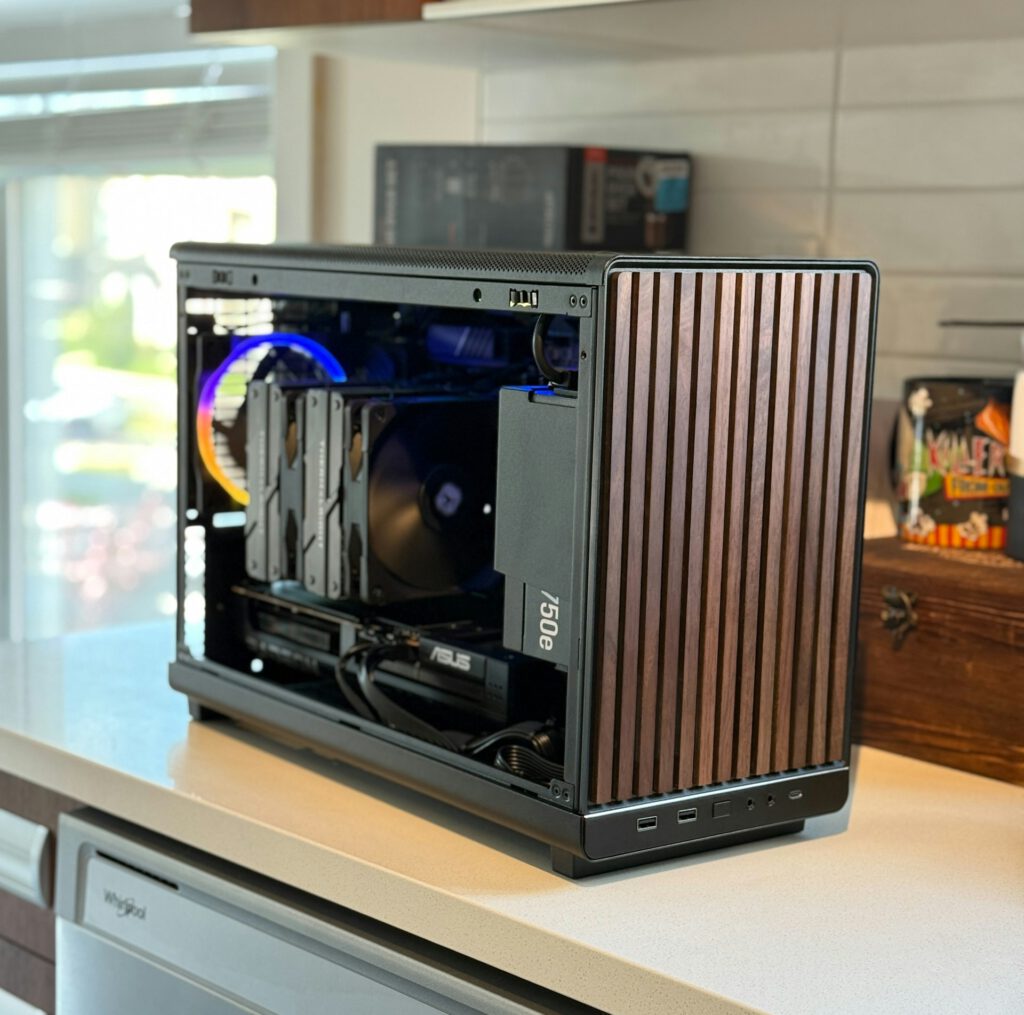
Capacity prevents memory paging; speed, timings, and dual-channel operation all contribute to real-world performance.
Memory speed matters, but capacity often takes precedence for memory-heavy tasks like video editing, content creation, and CAD work. Timings affect latency, while dual-channel configurations increase available memory bandwidth compared with a single module. AMD’s X3D processors add another variable: these chips use 3D V-Cache providing up to 208 MB of combined on-chip memory that reduces dependence on system RAM in some gaming workloads. Memory-speed gains therefore vary by game, processor, graphics card, resolution, and workload. Faster RAM is not universally the best upgrade compared with adding capacity or improving another component. Balance speed, capacity, timings, and compatibility with your CPU, motherboard, and supported memory profiles.
1. Faster SSD Generations Automatically Accelerate Your PC
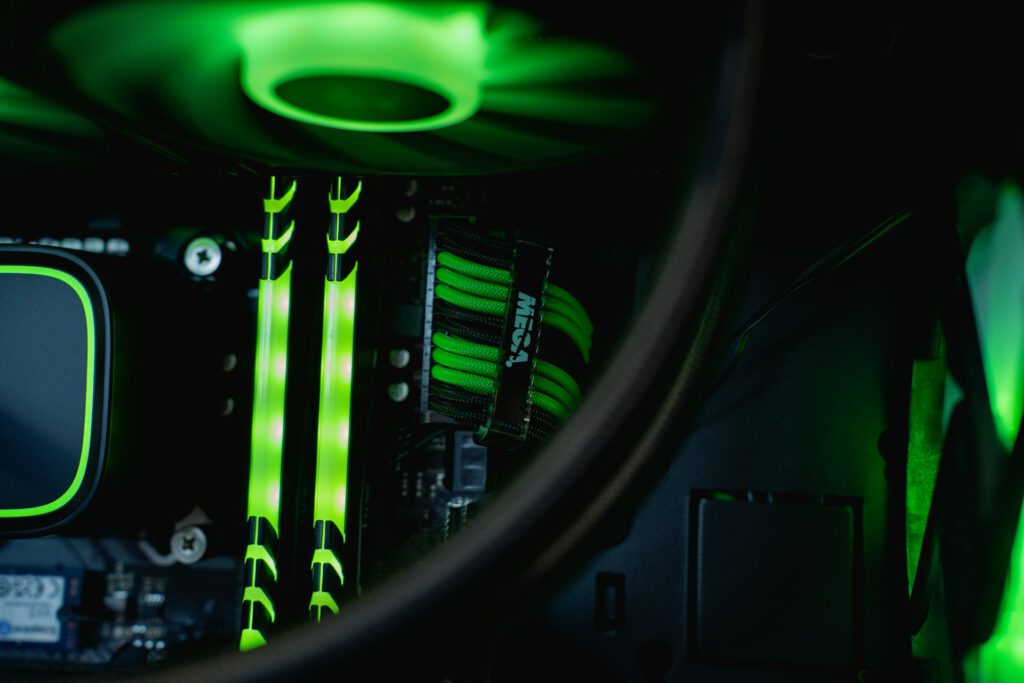
Sequential throughput measures large transfers; everyday tasks involve smaller, scattered file accesses where headline speeds matter less.
Expecting a PCIe Gen 5 SSD to transform everyday performance creates disappointment. Advertised sequential read and write speeds describe large, sustained transfers rather than the mixed workloads that define booting Windows, launching applications, and loading game assets. CPU performance, RAM capacity, software optimization, storage latency, and controller behavior often become the limiting factors. A fast PCIe 4.0 SSD can therefore feel similar to a much faster PCIe 5.0 drive in typical desktop and gaming scenarios. SSD controllers, NAND type, cache, thermals, and operating-system behavior also influence real-world responsiveness beyond the headline numbers printed on retail packaging.