Choosing a cold wallet often presents confusion, frequently driven by misleading security claims that sound suspiciously like the script from an infomercial. Real protection matters more than glossy promises about digital assets. This analysis examined hardware wallets across various brands, digging past the marketing fluff to examine every detail—from underlying secure elements to actual user experience. Real-world security data, not vague assurances, drives informed choices.
This content may contain affiliate links. If you wish to support us and use these links to buy something, we may earn a commission.
1. Tangem Wallet
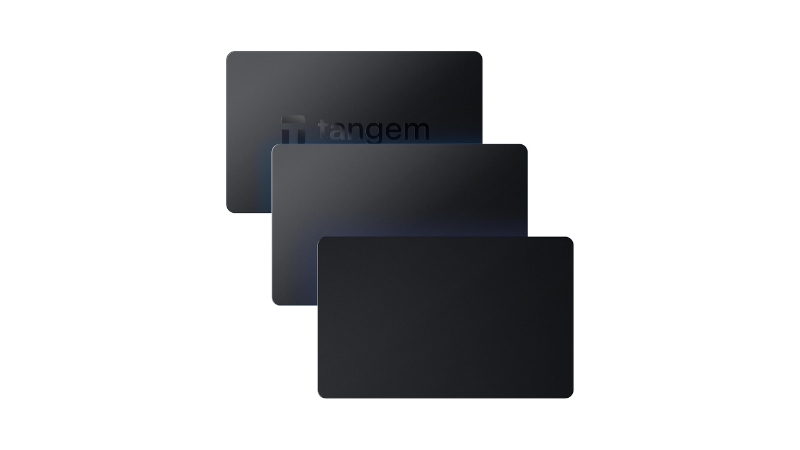
Simple NFC cards with Samsung’s EAL6+ security chip make cold storage feel like tap-to-pay.
The Tangem wallet utilizes a Samsung S3D350A secure element chip, certified at an impressive EAL6+ level. This rating typically signals environments demanding stringent security, ensuring private keys remain locked down. NFC-enabled smartcards interact directly with mobile apps, making complex crypto management feel intuitive. Multi-card backups add redundancy—relief for anyone who’s misplaced a phone. At $69, it delivers high-level chip security for major coins like Bitcoin and Ethereum, avoiding steeper costs and complexity of traditional devices. This approach sidesteps the typical hardware wallet learning curve, making self-custody approachable rather than cryptic.
2. Ledger Nano X
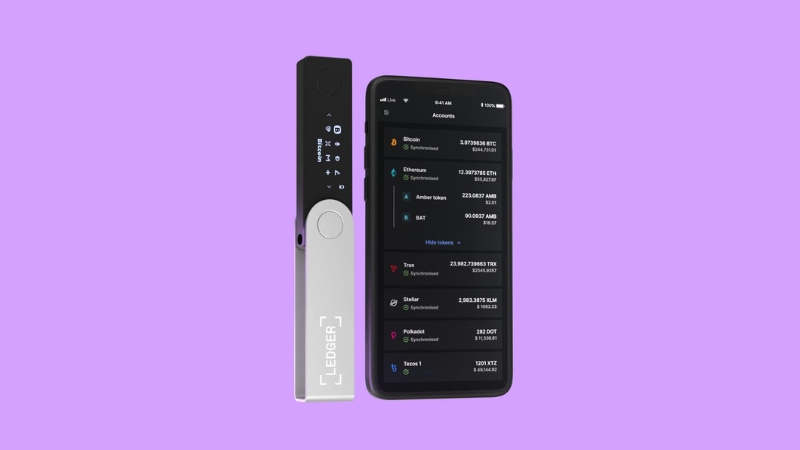
The ST33 secure element and Bluetooth connectivity make managing thousands of tokens accessible.
Ledger Nano X features an STMicroelectronics ST33 secure element chip with EAL5+ certification under Common Criteria. USB-C and Bluetooth enable pairing seamlessly with Ledger Live on desktop or mobile. Expanded capacity allows installation of multiple apps, supporting thousands of coins and tokens. Tracking a diverse crypto portfolio across a dozen apps creates headaches; this centralizes everything into one secure hub. Despite closed-source firmware, the Nano X’s accessibility and comprehensive management keep it consistently popular among retail and institutional users.
3. NGRAVE ZERO
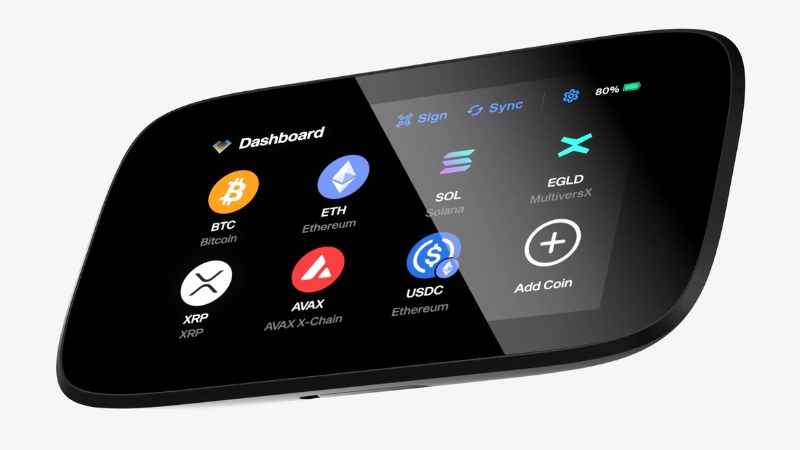
Premium air-gapped design pairs STMicroelectronics’ EAL5+ chip with fire-resistant metal backups.
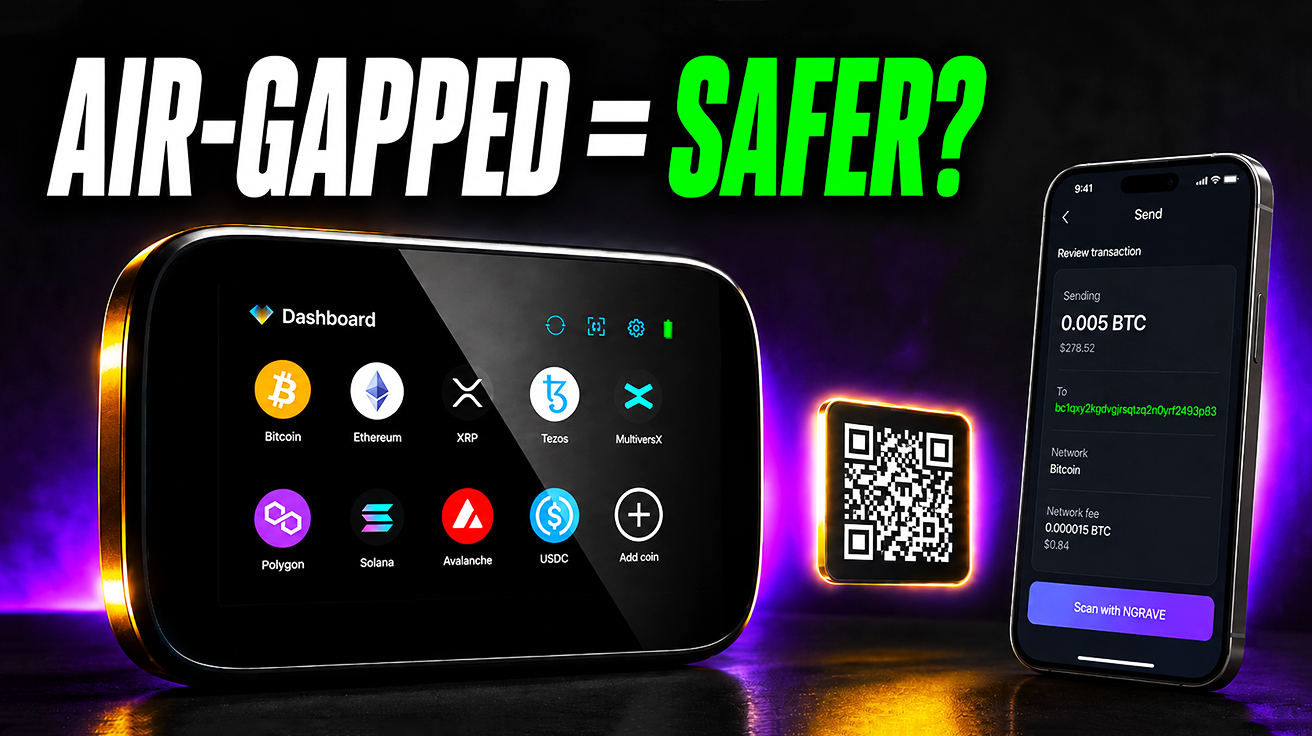
The STMicroelectronics AFEA100 secure element, certified at EAL5+, underpins NGRAVE ZERO’s security architecture. This high-end, air-gapped hardware wallet operates entirely offline, avoiding direct USB, Bluetooth, or NFC connections. QR codes handle all interactions, keeping private keys isolated from online threats. The bespoke hardware platform features a large touchscreen for transparent transaction handling. Advanced users value ZERO’s verifiable security, confirmed by rigorous audits. The companion GRAPHENE metal backup system resists fire and water damage for robust seed phrase recovery. At $398, NGRAVE ZERO reflects custom design and focus on ultra-secure, air-gapped workflows for those prioritizing maximum isolation.
4. Trezor Model One
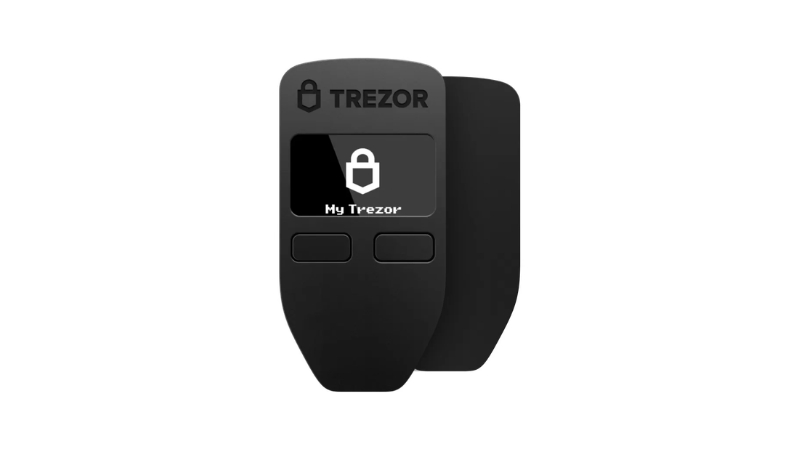
Pioneer status meets vulnerability reality—strong passphrases turn weakness into strength.
Trezor Model One pioneered cold storage but uses a general-purpose microcontroller rather than a dedicated secure element chip. Open-source firmware provides transparency, yet this architecture meant physical attacks could extract sensitive data with direct access if strong passphrases weren’t configured. The device’s PIN offers basic protection, but enabling the passphrase feature creates a hidden wallet, securing assets against advanced physical extraction. Active participation in leveraging its open-source nature and robust passphrase transforms potential weakness into strong defense. Neglecting security layers resembles leaving digital doors ajar.
5. Trezor Model T
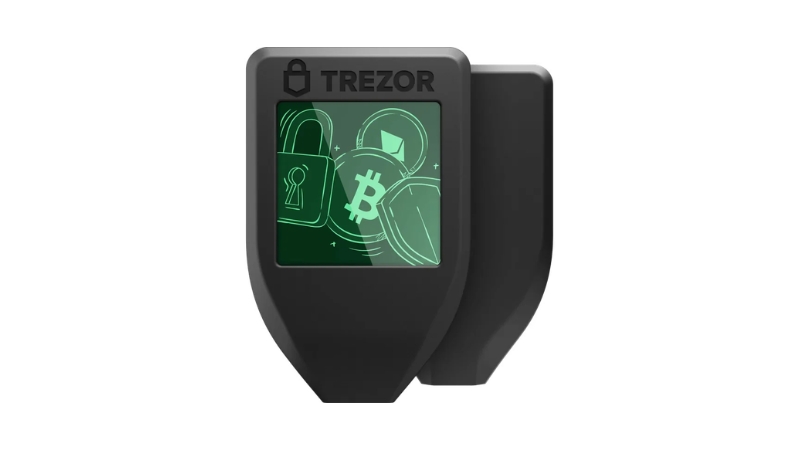
Color touchscreen eliminates squinting at addresses while open-source code keeps everything transparent.
Trezor Model T relies on a main microcontroller, foregoing a dedicated secure element. This shared design with Model One means similar physical extraction vulnerabilities under specific lab conditions when strong passphrases aren’t used. Model T firmware and most software components remain fully open-source, maintaining Trezor’s transparency-first philosophy. The standout feature: vivid color touchscreen allowing address and transaction detail confirmation directly on-device. This eliminates reliance on external displays and prevents many common phishing scams. Security hinges on PIN plus optional passphrase, highlighting how strong user authentication protects digital assets.
6. KeepKey Hardware Wallet
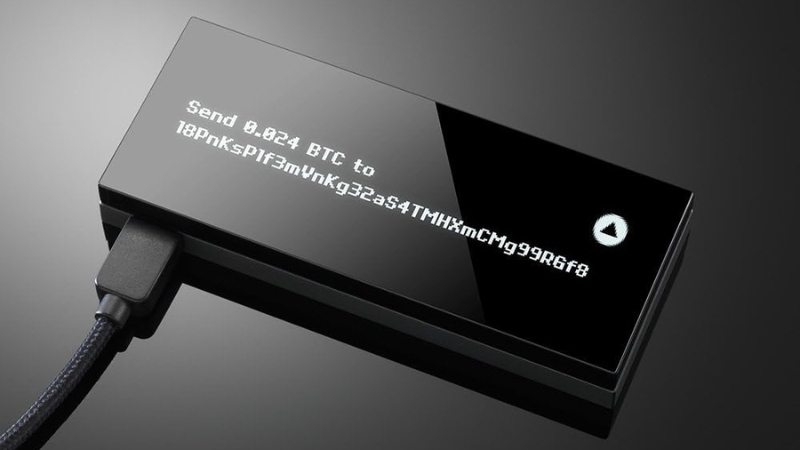
Trezor-inspired architecture with ShapeShift integration demands active passphrase vigilance.
KeepKey mimicked original Trezor design, using a general microcontroller instead of dedicated secure element. This meant KeepKey inherited specific physical attack vectors; with physical access and specialized tools, data could be extracted if strong passphrases weren’t configured. The large display and integration with ShapeShift platform served users managing assets efficiently. Open-source firmware championed transparency. Robust security demands active participation, especially with crucial passphrases—forgetting that step practically invites disaster.
7. Coldcard MK2
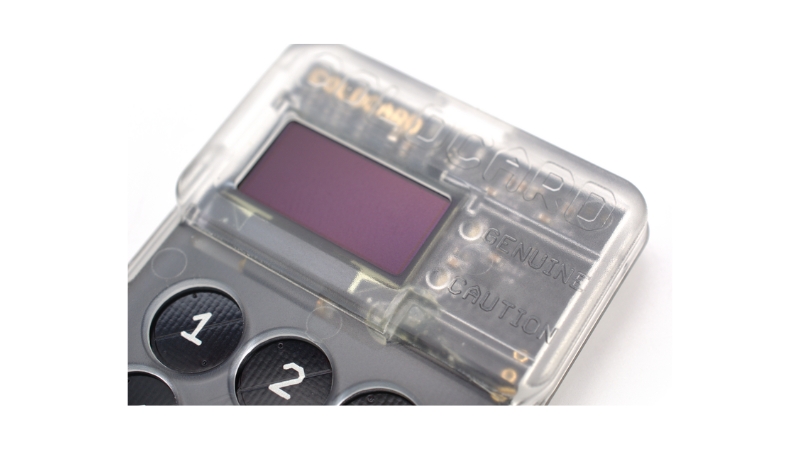
Bitcoin-only focus with air-gapped microSD workflows, but MK2’s PIN vulnerability required MK3 fixes.
Coldcard MK2, a Bitcoin-only hardware wallet, combined secure element with microcontroller. This architecture proved vulnerable to PIN brute-force attacks under specific conditions; researchers using specialized hardware could recover PINs and gain wallet access. Core air-gapped operation used microSD cards for Partially Signed Bitcoin Transactions (PSBT) files, enabling completely offline signing. Bitcoin maximalists valued this extreme isolation. This vulnerability was addressed in later versions like Coldcard MK3, highlighting how security improvements in specialized Bitcoin-only wallets follow iterative processes.
8. Trezor Safe 3
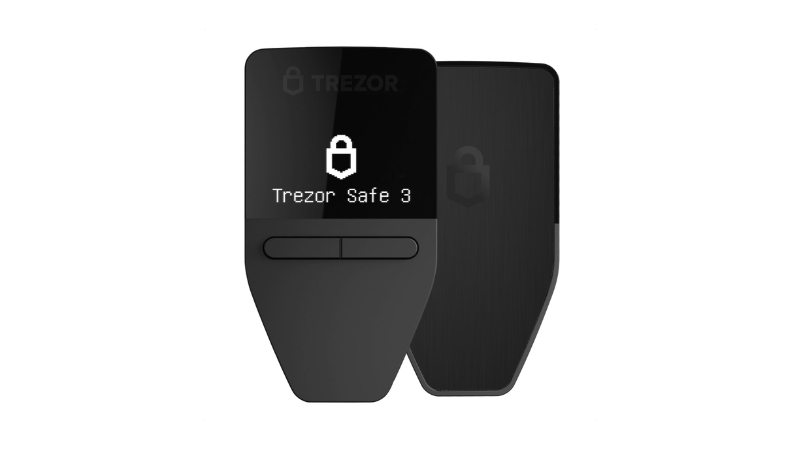
Dual-chip architecture balances open-source transparency with secure element protection.
Trezor Safe 3 steps up with dual-chip architecture, combining general microcontroller with dedicated secure element to enhance physical attack resistance. This setup allows main microcontroller to run open-source firmware, upholding Trezor’s transparency ethos for public review. The secure element guards sensitive cryptographic material from physical tampering. When a nuanced vulnerability surfaced in the Safe line, user data remained secure—no compromise of user keys, PIN, or wallet backup occurred. Trezor swiftly deployed firmware updates to mitigate the issue, demonstrating commitment to balancing open-source principles with robust hardware protections.
9. Keystone 3 Pro
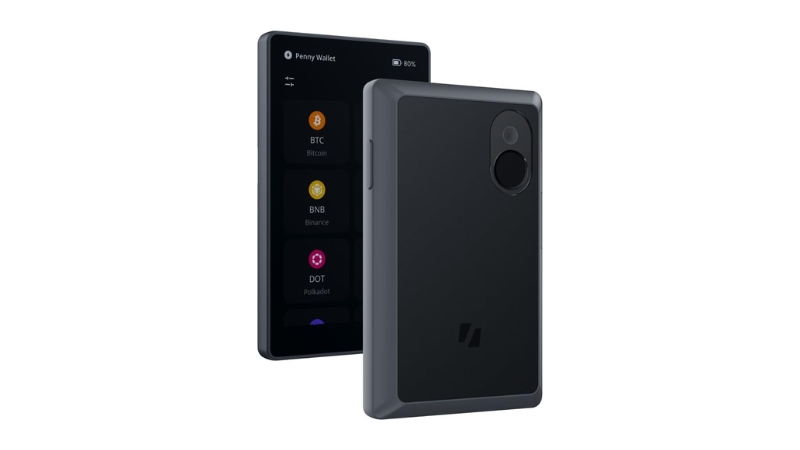
QR-only communication keeps everything offline while SlowMist audits verify security claims.
Keystone 3 Pro relies exclusively on QR codes for data exchange, actively shunning USB, Bluetooth, and NFC for routine operations. Crisp touchscreen and removable battery support extensive compatibility with popular DeFi and Web3 wallets, including MetaMask, through streamlined QR signing. Performing complex DeFi transactions without ever connecting to online devices: scan a QR code from computers, sign on Keystone’s screen, then scan signed QR codes back to broadcast. This commitment to isolation is fortified by third-party security audits from firms like SlowMist. Open-source components for parts of the software stack offer verifiability for those demanding transparent security.
10. OneKey Pro
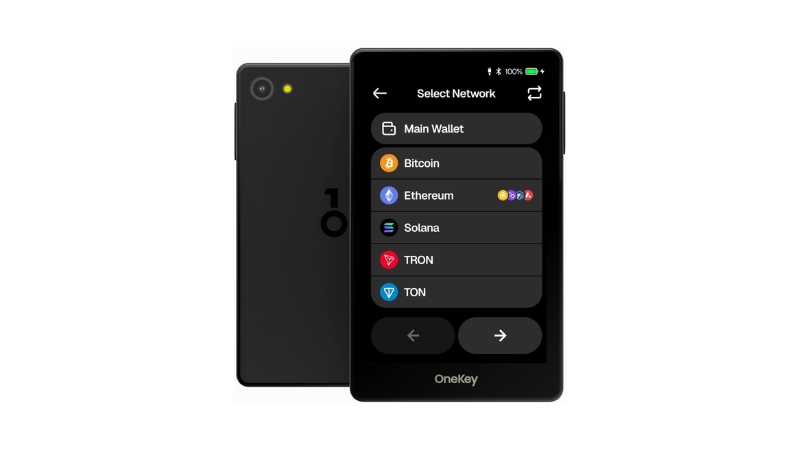
Flexible USB-or-QR operation with secure element protection spans Bitcoin to NFTs.
OneKey Pro offers flexible connectivity, providing both air-gapped operation via QR codes and standard USB connections. This means keeping keys completely offline or plugging in directly for speed. Integrated secure element acts as digital fortress for private keys, protecting crucial data against tampering. The OneKey Pro works seamlessly with OneKey app and numerous third-party wallets, providing comprehensive multi-chain support. Bitcoin, Ethereum, various EVM-compatible assets, and NFTs all get handled effortlessly. This versatility simplifies crypto portfolios. Open-source components offer transparency for community review, reinforcing full digital asset management capabilities.
11. Samsung S3D350A Secure Element Chip
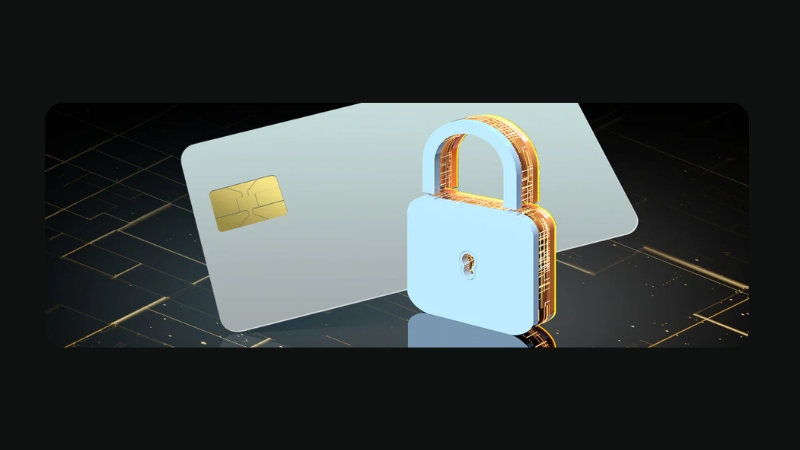
EAL6+ banking-grade protection in a smartcard chip powers Tangem’s contactless security.
Every contactless payment and electronic ID scan relies on secure elements—tiny, specialized chips operating as digital vaults. Samsung S3D350A provides tamper-resistant storage for cryptographic keys and securely executes operations like key generation and transaction signing. EAL6+ Common Criteria certification signifies rigorous assurance typically reserved for banking cards and national e-ID documents. Within Tangem wallets, the S3D350A locks down private keys with integrated hardware protections actively preventing sophisticated attacks such as side-channel analysis or fault injection.
12. STMicroelectronics ST33 Secure Element Family
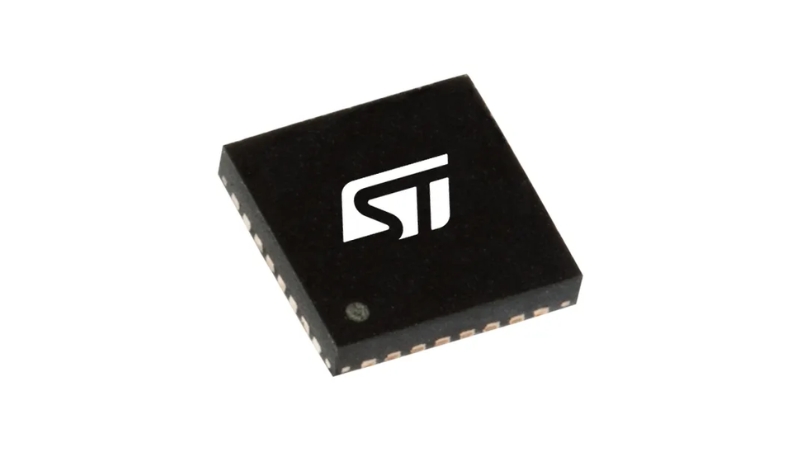
EAL5+ certified chips in Ledger Nano X support AES, RSA, and ECC across banking to crypto.
STMicroelectronics ST33 family chips form the backbone for smartcard and secure-device applications. The ST33J2M0 variant lives inside hardware wallets like Ledger Nano X, acting as dedicated digital bouncer for cryptographic keys. EAL5+ Common Criteria certification ensures robust security, including vulnerability analysis and penetration testing. This rigorous vetting allows these chips to secure banking cards, IoT devices, and hardware wallets. Supporting standard cryptographic algorithms like AES, RSA, and ECC, they become silent architects of tamper-resistant digital security.
13. STMicroelectronics AFEA100 Secure Element
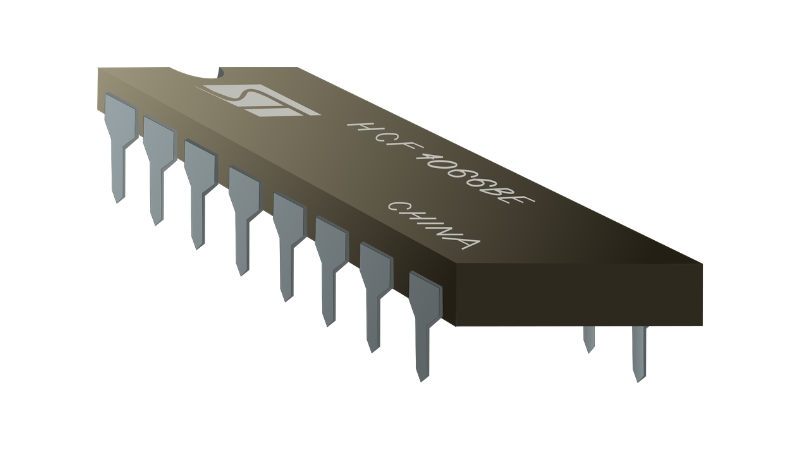
NGRAVE ZERO’s EAL5+ chip handles offline transactions while keeping keys eternally isolated.
STMicroelectronics AFEA100 secure element chip, integrated into NGRAVE ZERO hardware wallet, boasts Common Criteria EAL5+ evaluation—a standard for security-critical applications. This chip is purpose-built for high-assurance secure key storage and cryptographic operations within tamper-resistant environments. The AFEA100 ensures private keys never leave devices. During offline transactions, this tiny guardian silently verifies cryptographic signatures. Stringent certification reflects suitability for critical security tasks, solidifying NGRAVE ZERO’s overall commitment to robust digital asset protection through dedicated hardware.
Common Criteria & Evaluation Assurance Level (EAL)

EAL ratings from 1-7 measure testing rigor, not real-world invincibility against attacks.
Common Criteria, or ISO/IEC 15408, is an international standard rigorously evaluating IT product security—essential for secure elements found in hardware wallets. The Evaluation Assurance Level (EAL) scale ranges from EAL1 to EAL7, representing increasing depth and rigor in security evaluation. Secure elements in consumer hardware wallets typically achieve EAL5–EAL6 ratings. A security researcher sizing up wallet EAL ratings digs into the evaluation process itself—checking if designs underwent formal verification or extensive penetration testing. EAL measures assurance level about the evaluation process, not absolute guarantee of real-world security superiority. This distinction provides essential context for interpreting wallet claims and making informed decisions.
Air-gapped Hardware Wallets
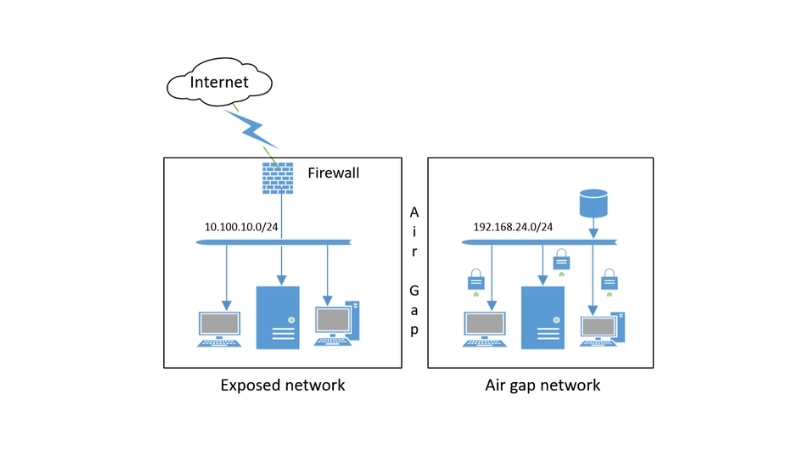
QR codes and microSD isolation trade online threats for operational complexity and user error.
Air-gapped hardware wallets avoid direct electronic connections like USB, Bluetooth, or NFC. They exchange data via QR codes or microSD cards, building digital moats around private keys to minimize exposure. This method reduces attack vectors from online interactions. However, analyses by Shift Crypto found no conclusive evidence that air-gapped wallets offer inherently greater security than non-air-gapped versions. Trading one set of risks for another includes malicious QR payloads or compromised microSD cards. Increased operational complexity often leads to more user error rather than clear security upgrades.
Bitcoin-only Hardware Wallets
Coldcard’s streamlined code promised focus, but MK2’s PIN flaw proved specialization isn’t immunity.
Bitcoin-only hardware wallets use firmware exclusively for Bitcoin, offering specialized approaches to digital asset management. This theoretically reduces software bugs and protocol-specific vulnerabilities, drawing dedicated investors to models like Coldcard. They seek focused tools for primary digital assets. However, real-world vulnerability data hasn’t consistently proven these wallets systematically more secure than multi-asset versions. Coldcard MK2, a Bitcoin-only device, faced PIN brute-force attacks from hardware flaws, not broad coin support. Equating “less code” with “more secure” doesn’t hold in practice; diligent design and consistent audits truly determine device resilience.
Open-source vs. Closed-source Wallet Code

Trezor shows code; Ledger guards recipes—but vulnerabilities don’t respect transparency preferences.
Open-source code in hardware wallets, like Trezor’s firmware, is publicly available for inspection and audit. This allows keen developers to scrutinize lines for vulnerabilities. Closed-source code, such as Ledger’s, remains proprietary. Trust in vendor internal security becomes necessary. This distinction shapes fundamental trust models. While open-source offers transparency, visible blueprints also aid sophisticated attackers. Yet vulnerability data shows no clear pattern where open versus closed source consistently causes or prevents incidents. Both rely on secure design, consistent third-party audits, and responsive patching. Security stems from robust implementation, not just code visibility.
Hardware Wallet Security Audits
SlowMist and peers hunt vulnerabilities before malicious actors do, publishing what they find.
Hardware wallet security audits provide essential scrutiny through third-party assessments where specialized firms actively hunt vulnerabilities across firmware, applications, and physical hardware design. Reputable companies whose secure elements often achieve EAL5+ or higher Common Criteria certifications commission deep dives, publishing summaries of addressed issues. Ethical hackers tear into new wallet models for penetration testing, aiming to break them before malicious actors strike. Audits don’t guarantee absolute security but significantly improve assurance, offering transparent scrutiny vital for user confidence in evolving threat landscapes.
Cold Wallet Ecosystem

Companion apps, DeFi integrations, and intuitive UX decide winners more than security specs.
User experience frequently eclipses raw security specifications when choosing cold wallets. Real differentiators lie in ecosystems: companion apps, integrations with DeFi platforms, exchanges, NFT support, and overall UX design. Most modern hardware wallets already share fundamental security features like PIN protection, optional passphrases, and seed phrase backups. Seamless integration with preferred DeFi platforms often decides purchases. Variations in coin support, device compatibility, intuitive user interfaces, and integrations primarily drive user preference and pricing—shaping wallet value far more than marginal security distinctions.
Cold Wallet Coin Support (Deal Breaker)
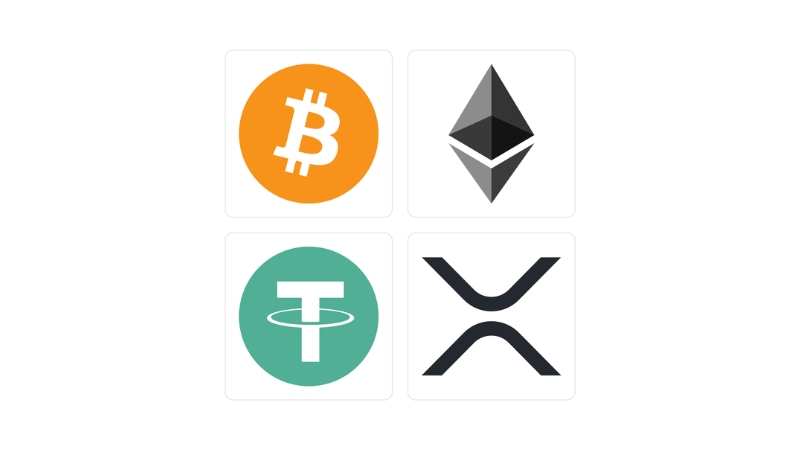
Over 25,000 tokens exist; EAL6+ certification means nothing if your altcoin isn’t supported.
A hardware wallet, despite ironclad security, becomes a fancy paperweight if it cannot manage specific digital assets. This fundamental compatibility isn’t a perk; it’s absolute baseline. Vendors publish detailed lists of supported assets on official websites, clarifying native support versus third-party integrations. Verification matters. Highly-rated wallets like Trezor Model One get eliminated quickly if niche altcoins aren’t on rosters. Without specific compatibility, even wallets certified Common Criteria EAL6+ become expensive doorstops for portfolios—immediate non-starters.
Cold Wallet Device Compatibility (Deal Breaker)

Mobile-only, desktop-only, or both—workflow compatibility trumps every other feature combined.
Device compatibility determines if cold wallets integrate with mobile phones (iOS/Android), desktop OS (Windows, macOS, Linux), or both. Wallets offer three main profiles: mobile-only (like NFC card wallets), desktop USB-focused, or dual support via dedicated applications seen with Ledger. Attempting to approve transactions on phones mid-commute only to discover wallets demand desktop connections creates friction. Wallet practical usability hinges on compatibility with preferred device environments. This foundational requirement dictates everything before considering other features—because crypto tools should work where needed, not against workflows.