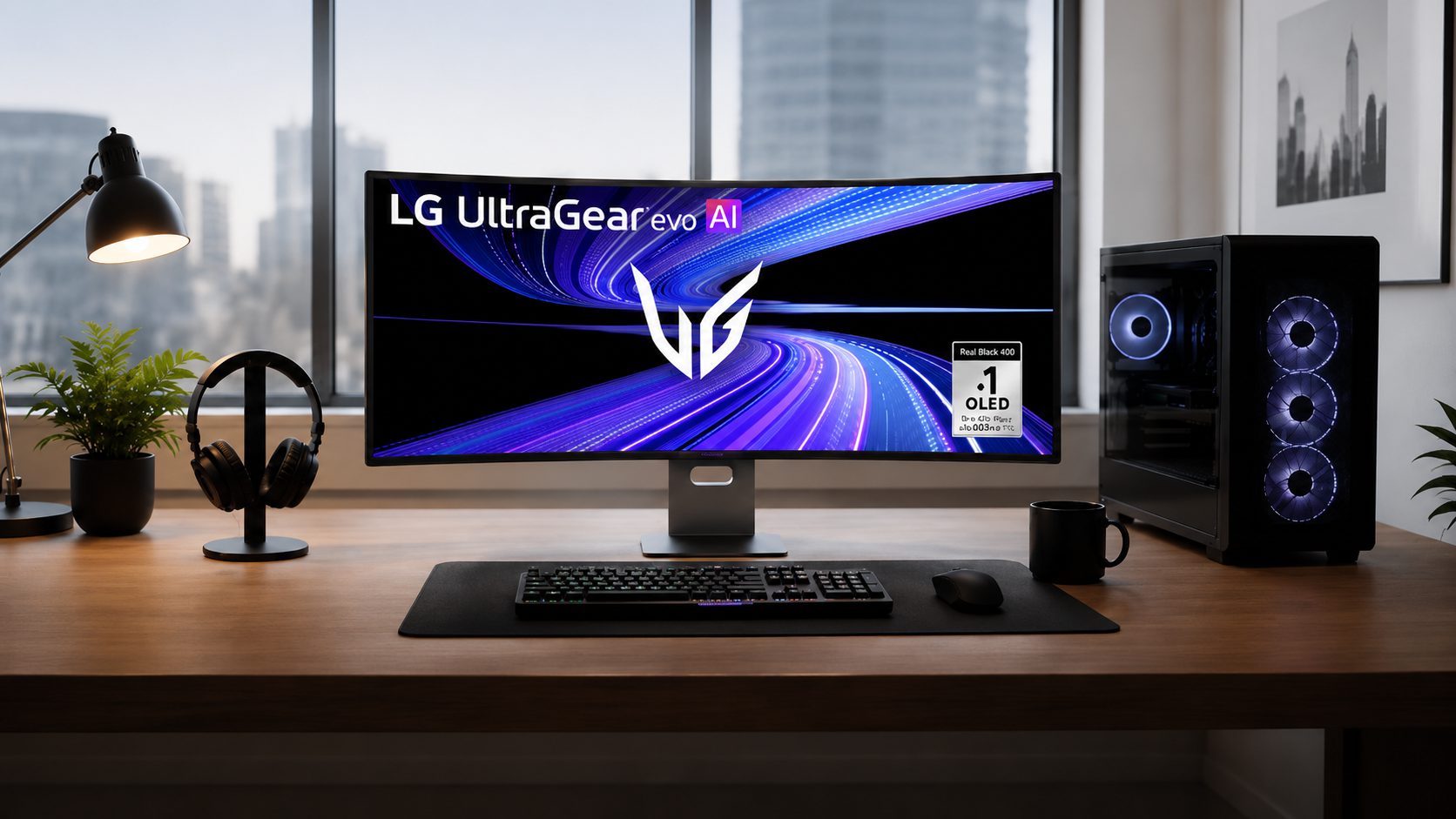
A brand-new LG UltraGear monitor gets plugged in. McAfee pop-ups appear. The user never touched antivirus software, never visited the Microsoft Store — and that is exactly the problem.
Users connecting LG UltraGear 27GP83B and 27GN800 displays have reported this scenario, per Tom’s Hardware. Windows silently matched the monitor’s device metadata to a Microsoft Store listing and downloaded LGElectronics.LGMonitorApp without a single notification. Third-party code from LG ran on the machine purely because someone connected a display cable. These kinds of frustrating computer problems are increasingly common as OEM software pipelines grow more aggressive.
How a Monitor Becomes a Trojan Horse
Windows Device Setup Manager quietly pairs your hardware with OEM apps from the Microsoft Store, turning plug-and-play into plug-and-pay.
For LG monitors, this installs an app identified as 9PM9N6F47JB8 in Windows Reliability Monitor, dropping files into protected system directories. A post on Microsoft’s own Tech Community forum warns that this means third-party executable code from LG executed without user knowledge or consent — a scenario reminiscent of apps caught secretly tracking users without their awareness.
The LG Monitor App bundles three components:
- OnScreen Control
- LG Switch
- Dual Controller
Its first visible act for most users, however, is a McAfee trial promotion. Alienware Command Center auto-installs on non-Alienware PCs through the same identification system when Alienware hardware is detected, a fact confirmed by Dell’s own support documentation. AWCC can reinstall itself repeatedly after removal, because the monitor keeps re-triggering Windows to fetch it. Asus does the same thing with Armoury Crate. Microsoft community staff call all of these apps safe; many IT technicians flatly disagree.
A PC technician and repair expert put it plainly on Microsoft’s Tech Community forum: “This software is not necessary for the proper function of the basic display… This software should be OPTIONAL AND INSTALLABLE BY THE USER NOT FORCED INSTALLED BY WINDOWS UPDATE. This software is considered a PUP (potentially unwanted program).”
That quote deserves a moment to land.
Your System, Your Rules
Stopping silent installs requires digging into Group Policy or system settings — workarounds that should not be your responsibility in the first place.
Available mitigations vary by Windows edition:
- Windows Pro users can enable “Prevent automatic download of applications associated with device metadata” via Group Policy under Computer Configuration → Administrative Templates → System → Device Installation.
- Windows Home users can adjust Device Installation Settings through System Properties to block automatic manufacturer app downloads.
- The nuclear option — disabling the Microsoft Store entirely via Group Policy — works, but kills normal Store functionality alongside it.
- At minimum, toggling the LG Monitor App off under Settings → Apps → Startup prevents it from running at boot.
The bigger picture is grimmer. This is the same energy as smart TVs injecting ads when you switch inputs, or streaming services running unskippable pre-rolls on content you already paid for. OEMs now treat companion apps as brand-experience platforms and ad-delivery channels — a pattern well documented among the worst tech scandals that have taken advantage of consumers. McAfee pop-ups arriving through a DisplayPort cable feel like getting a flyer shoved through a mail slot you didn’t know existed, and may leave you paying too much — in attention, data, and system resources — for hardware you already own.
If this trend holds, “plug in monitor, get ads” becomes the new default. The fixes exist — but requiring Group Policy edits to stop a monitor from advertising antivirus software tells you everything about where the industry’s priorities actually sit.
Clarification:
Editor’s note (July 23, 2026): Official Alienware statement for clarification:
Alienware Statement: As of February 2025, Alienware moved to an opt-in installation process for Alienware Command Center (AWCC) that requires explicit user consent. Additionally, AWCC does not display McAfee advertisements or any third-party pop-up ads. it is a device management and customization tool.
Update August 3 2026: Title was changed to correct factual inaccuracy and statements regarding automatic downloads were removed, also to be factually accurate.