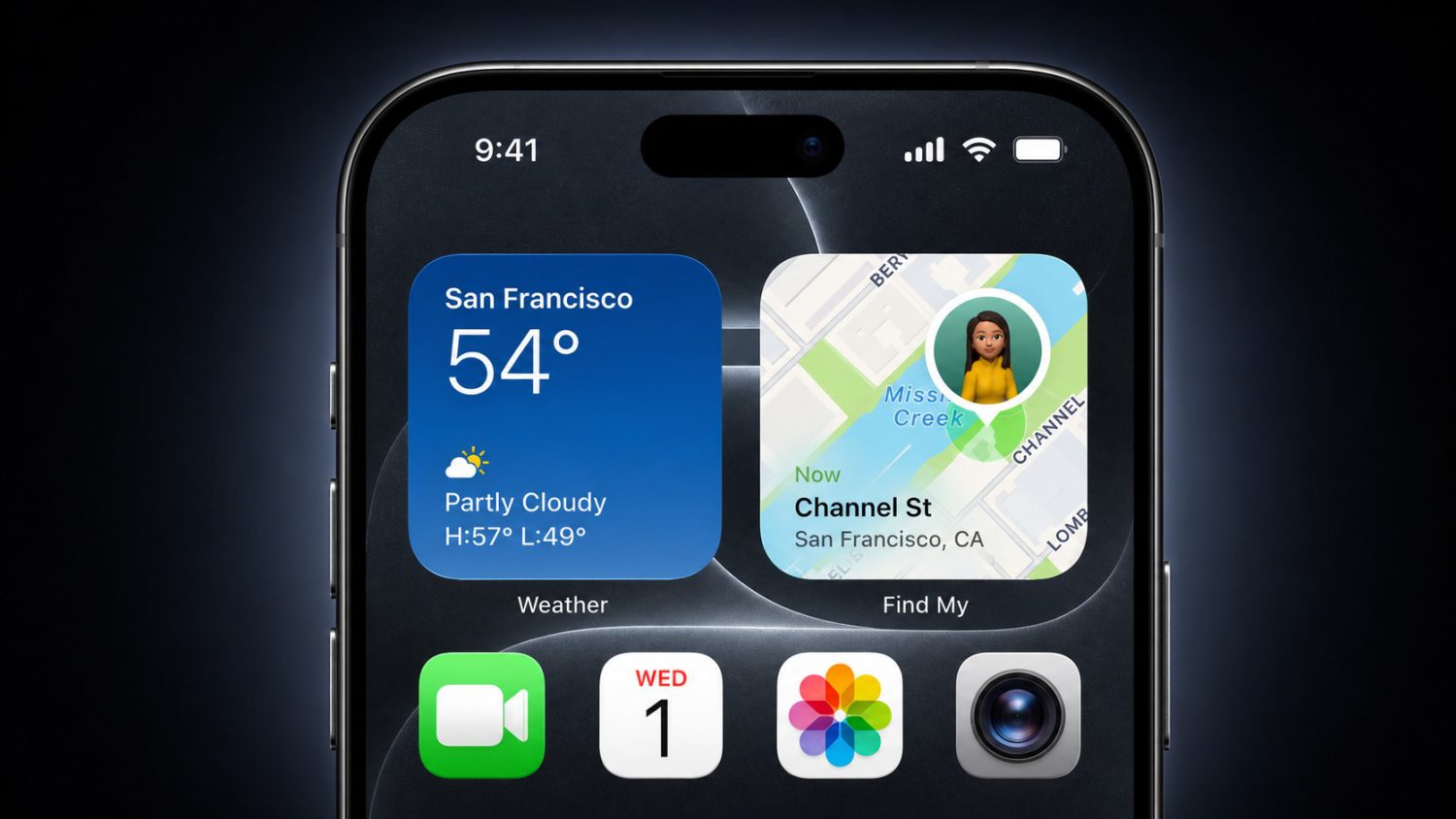
Squinting at translucent buttons shouldn’t be part of your daily iPhone routine, but some users found themselves doing exactly that with certain interface elements. Apple is reportedly developing a new customization slider that would let you adjust translucent effects across your devices. Your Settings app may soon include transparency controls, giving you more say over how interface elements appear on buttons, alerts, and widgets across your Apple devices.
The Technical Fix May Arrive This Fall
Beta testing could begin in July, with system-wide changes potentially hitting all Apple platforms.
This wouldn’t be just an iPhone tweak. The reported slider could affect transparency implementation across your entire Apple ecosystem:
- iPhone
- iPad
- Mac
- Apple Watch
- Apple TV
- Vision Pro
While Apple has used glass-like visual effects in their interfaces, user feedback about readability challenges may be driving this potential customization option. The update reportedly launches this fall, though you might test it during a July public beta if Apple proceeds with these plans.
Real-World Impact on Daily Use
Different transparency levels could change how you interact with notifications, Control Center, and app interfaces.
Picture checking notifications in bright sunlight—currently challenging when translucent text appears against shifting backgrounds. A “clear” setting could eliminate that frustration by reducing transparency effects, while a “tinted” option might maintain visual appeal for users who prefer aesthetic flair over stark clarity. Your Control Center, widgets, and navigation controls could all respond to these adjustments, potentially offering accessibility improvements without abandoning Apple’s design approach entirely.
Developers Face New Design Challenges
App makers may need to consider how their interfaces perform across multiple transparency levels.
App developers could suddenly have a new variable to consider. Since Apple continues expanding visual effects into app design, creators might need ensuring their interfaces remain functional whether you prefer clearer buttons or more translucent panels. Apple’s own apps continue adopting these aesthetic approaches in upcoming releases. This potential shift acknowledges that one-size-fits-all interface design doesn’t serve diverse user needs—especially when visual accessibility varies dramatically between individuals.
The move would signal Apple recognizing that beautiful design means nothing if you can’t actually use it. Sometimes the best innovation is admitting when something needs adjustment.