
AI has officially infiltrated the kitchen, and unless you’ve been hiding in your pantry, you know it’s more than just a passing fad. From whipping up recipes based on whatever sad leftovers you’ve got lurking in the crisper to planning entire weeks of meals with the wave of a hand (or, more realistically, a voice command), AI cooking tools are here to rescue you from culinary boredom.
What makes these picks stand out is the value they bring to your kitchen, and at a price point that won’t make your wallet weep. The best part? Several free options actually outperform their paid competitors with features that would make a professional chef jealous. Ready to trade culinary chaos for AI-powered calm?
9. BakeBot.ai
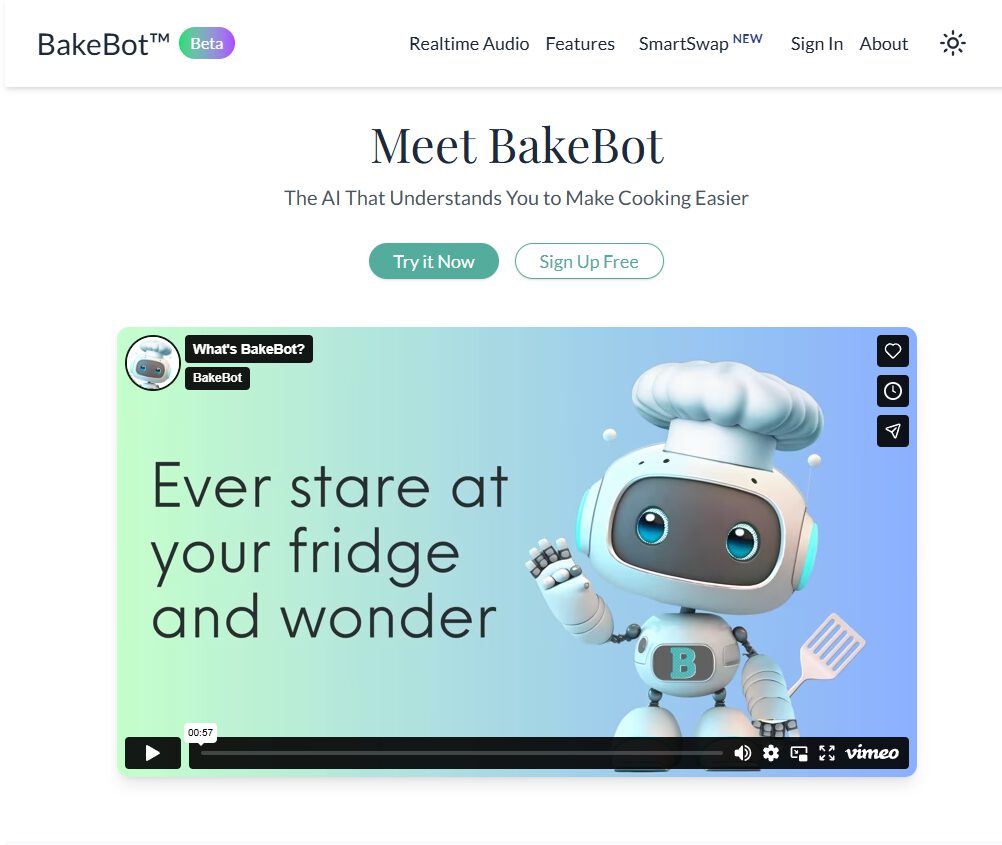
The Robin Hood of recipe generators that gives away what others charge for.
With grocery bills feeling more like ransom notes, cutting corners is key. BakeBot.ai offers its complete suite of tools completely gratis, positioning itself as the generous alternative to subscription-heavy competitors.
The platform boasts a digital Swiss Army knife of features, including unlimited recipe generation and voice-activated meal planning. BakeBot.ai even lets you digitize grandma’s handwritten recipes and publish your own digital cookbook. The real kicker is SmartSwap Technology, which sniffs out expensive imported ingredients and suggests cheaper, local alternatives.
Plus, the vision-based ingredient assessment is a lifesaver when you’re staring blankly into the fridge, wondering what to cook. Access to over 100,000 community recipes from BakeSpace.com means endless dinner possibilities without swiping your card.
8. SuperCook
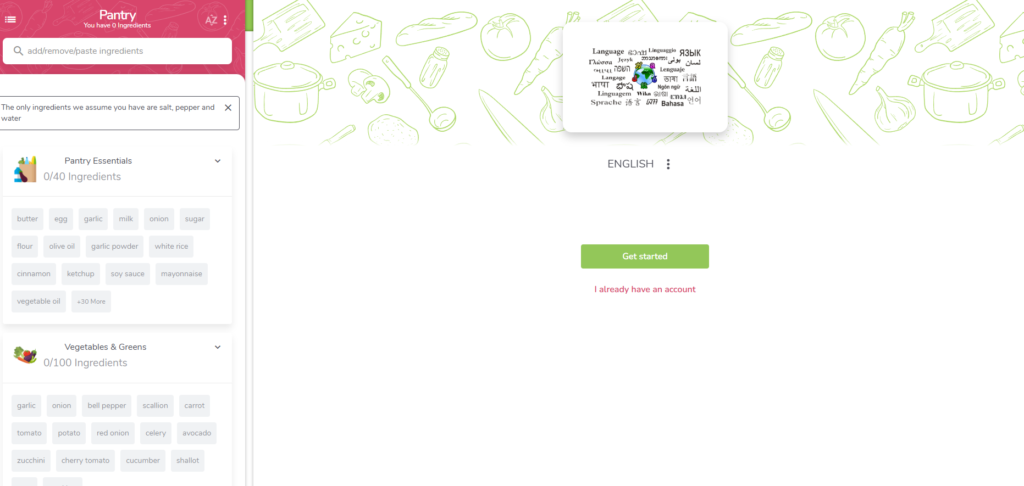
Turns fridge archaeology into edible gold.
Before SuperCook, deciding what to cook felt like staring into a culinary abyss. Now, it’s like having a personal chef who only uses what’s already in your fridge. Users input their available household ingredients, and the platform instantly whips up recipes using those items.
For American households, this is a game-changer—finally avoiding that last-minute takeout when you swear there’s nothing to eat in the house. This nifty tool helps save money and cut down on food waste, a real win-win. No more mystery leftovers rotting in the back of the fridge; SuperCook transforms them into tonight’s dinner inspiration.
7. FoodAI
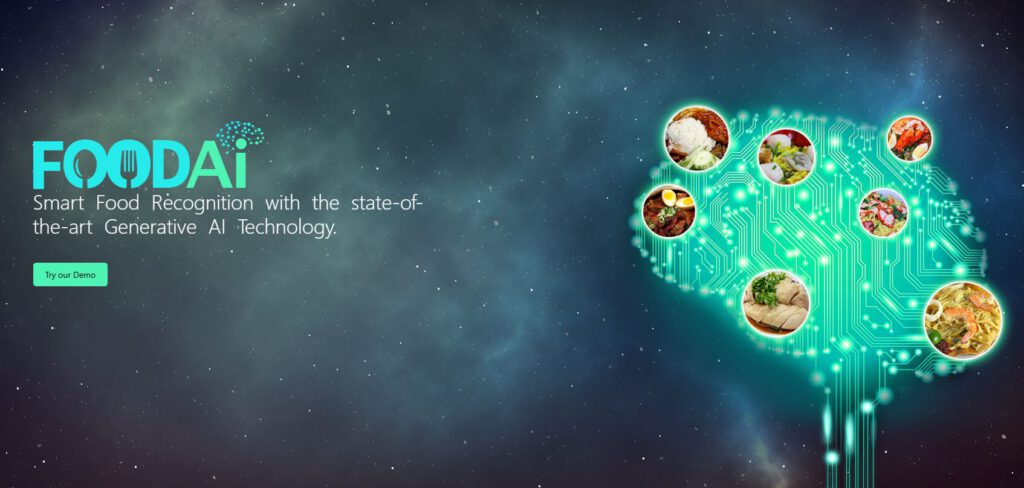
Basic personalization without the premium price tag.
For a hot minute, you can test drive FoodAI with a 30-day free trial—like sampling a food truck before committing to eating there daily. After that, it’s just $0.99 a month, which costs less than that questionable gas station coffee.
It delivers basic personalization features, perfect for users wanting simple meal suggestions without complex integrations. While it lacks advanced features like hands-free cooking or vision-based ingredient scanning, FoodAI covers the fundamentals without breaking the bank.
6. CookAIfood
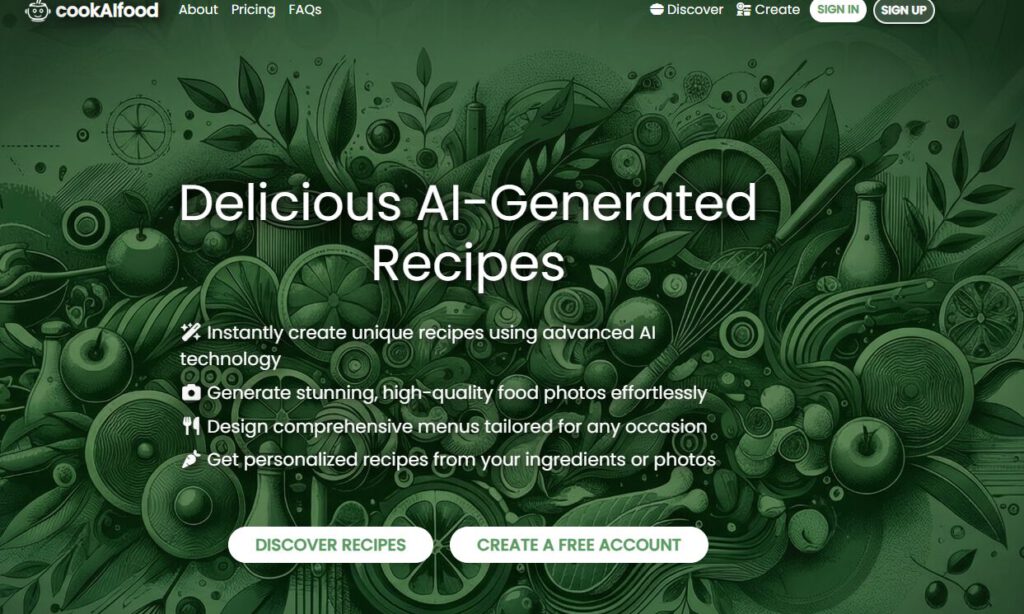
Natural language processing meets your wilting vegetables.
This free tool tackles food waste head-on, using natural language processing to generate recipes from whatever sad-looking ingredients you have wilting in the fridge. The process is simple: either type in your ingredients or snap a pic, and CookAIfood’s culinary algorithms do the rest.
It’s like “Chopped,” but without the time pressure or judges critiquing your knife skills. This AI helps you figure out what to do with that random can of chickpeas or the half-eaten jar of pickles you bought on a whim.
5. Honeydew Recipe Manager
Gateway drug to organized meal planning.
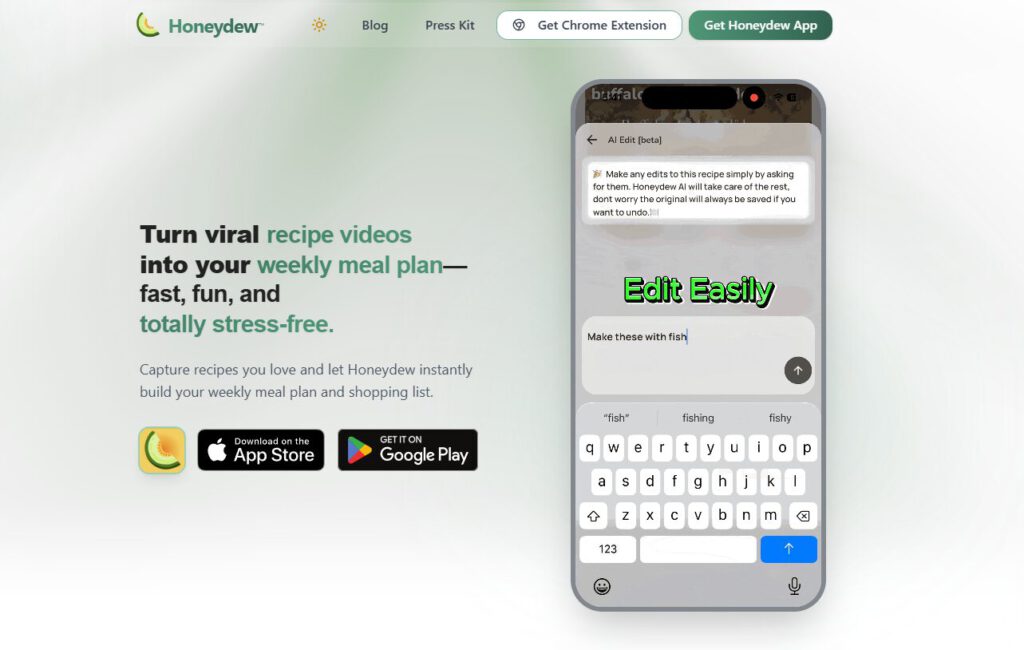
For home cooks tiptoeing into AI recipe management, Honeydew offers a freemium experience that’s like testing the waters before diving in. The free version lets you import 10 recipes using AI, create basic meal plans, and generate grocery lists—enough to decide if you like this particular AI kitchen vibe.
Upgrading to Honeydew Plus costs $4.17 monthly, roughly the price of one fancy latte. That upgrade unlocks unlimited recipe storage, more robust meal planning, and social media recipe imports. If your household devours recipes faster than trending TikTok dances, you’ll likely want the upgrade.
4. DishGen
Twenty recipes a month feels oddly restrictive for an AI.
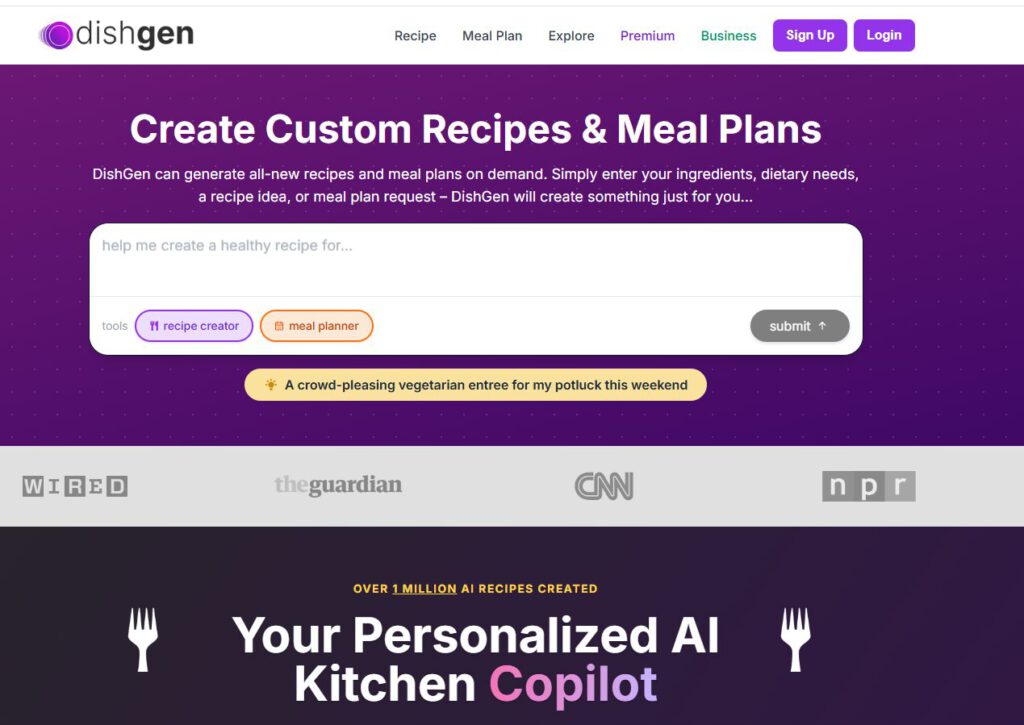
DishGen offers a freemium model that feels like being on a culinary dating app with a super strict algorithm. The free tier provides 20+ monthly recipe credits, but hitting that limit mid-week can leave you scrambling for dinner ideas.
Upgrading to Pro costs $2.99 per month or $29.99 annually for unlimited recipes and advanced features. However, when free alternatives offer comprehensive toolsets without monthly caps, DishGen’s constraints make it harder to justify the expense.
3. ChefGPT
Five monthly recipes barely covers a week of dinners.
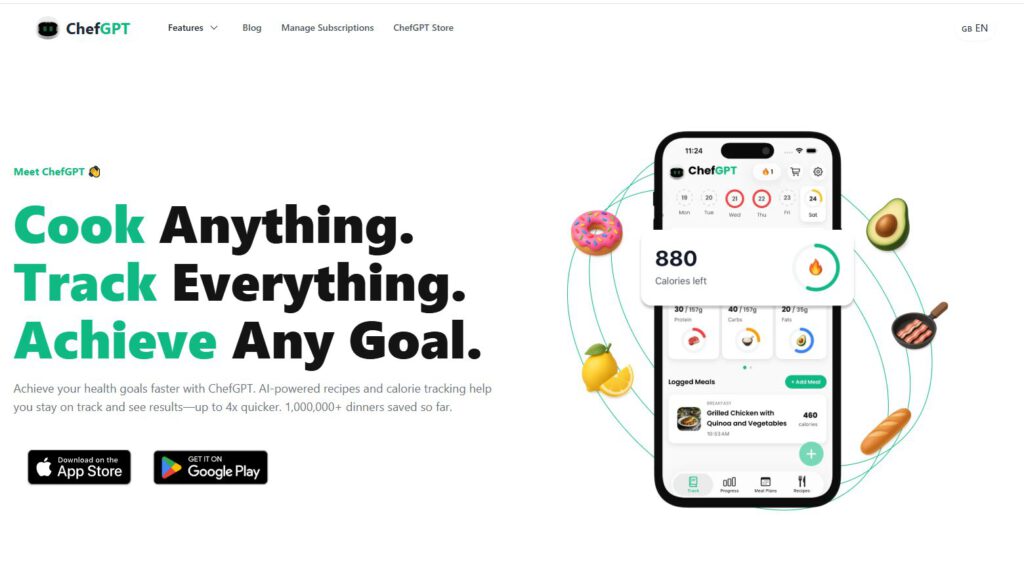
ChefGPT offers tailored recipes with AI assistance, but its free version provides merely 5 recipes each month. That might cover a week of dinners if you’re lucky, but what happens when you’ve exhausted your credits and need a quick meal idea?
The Pro upgrade costs $2.99 monthly, focusing on pantry management and recipe customization. While ChefGPT offers inspiration for organized cooks, the limited free tier makes it feel restrictive compared to unlimited alternatives.
2. SideChef
Premium pricing for pre-existing recipe databases.
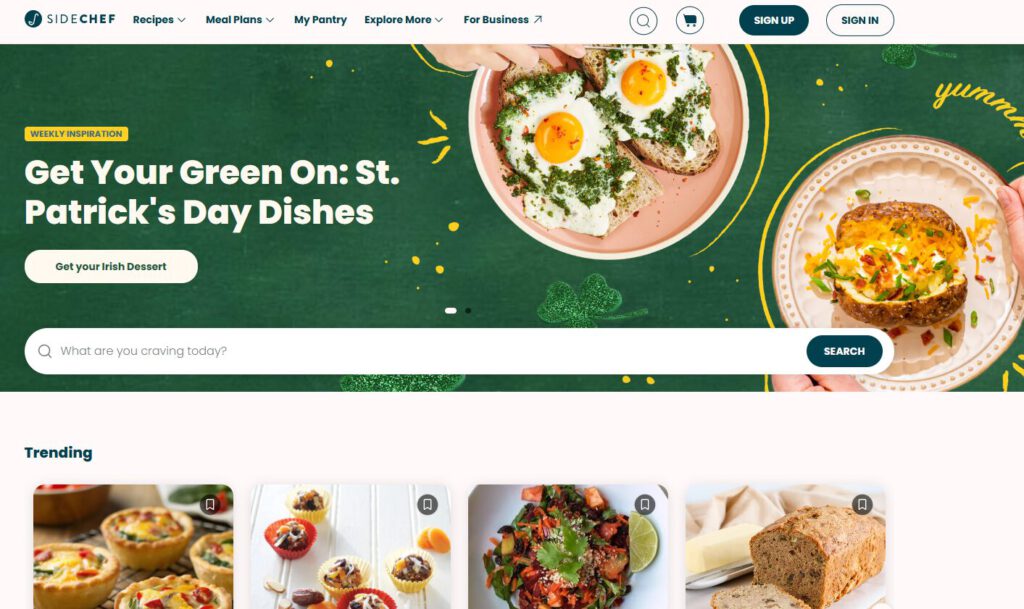
SideChef emphasizes step-by-step guidance through its premium subscription, costing $4.99 monthly or $49.99 yearly. For culinary beginners needing hand-holding through complex recipes, the structured assistance might justify the cost.
However, SideChef relies on a pre-existing recipe database rather than dynamic AI generation. Over a 12-year period, the annual subscription adds up to approximately $600—money that could fund other kitchen improvements while free AI tools provide similar guidance.
1. PopAi Cooking Video Maker
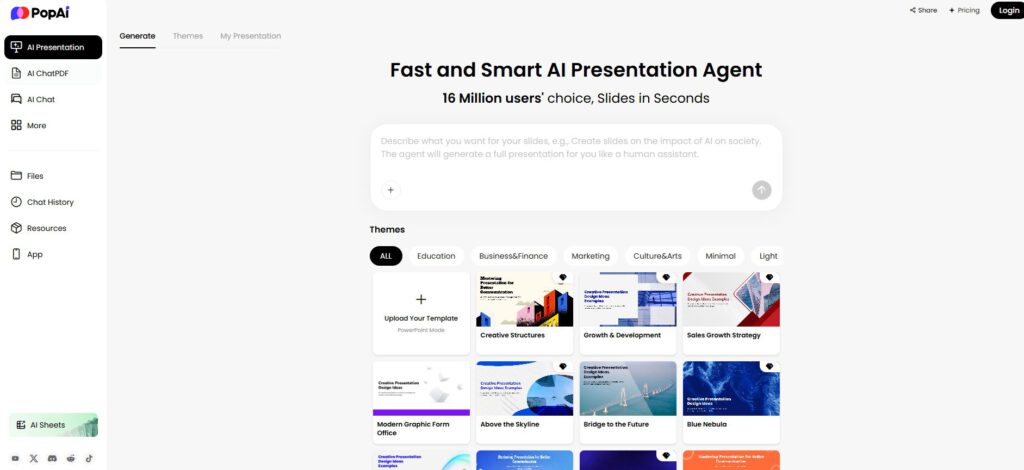
Turns static recipes into TikTok-worthy content.
For food bloggers wanting to spice up their content, PopAi converts static recipes into engaging videos. Forget shaky, homemade attempts that look amateur—PopAi creates polished cooking clips with customizable templates and voiceovers.
This tool promises to make anyone look like a culinary content creator. While it won’t replace actual cooking skills, at least the videos will look professional while you’re learning. Think of it as training wheels for aspiring food influencers, minus the awkward kitchen disasters.
AI in the kitchen isn’t just for celebrity chefs anymore; it’s for anyone who’s ever stared into a fridge and thought, “There’s gotta be something I can make with this.” These free AI tools aren’t just spitting out recipes; they’re like having a sous chef that knows your dietary restrictions, your sad-looking vegetables, and the takeout menus you’re trying to resist. The revolution is here, it’s free, and it’s ready to transform your kitchen chaos into culinary confidence.