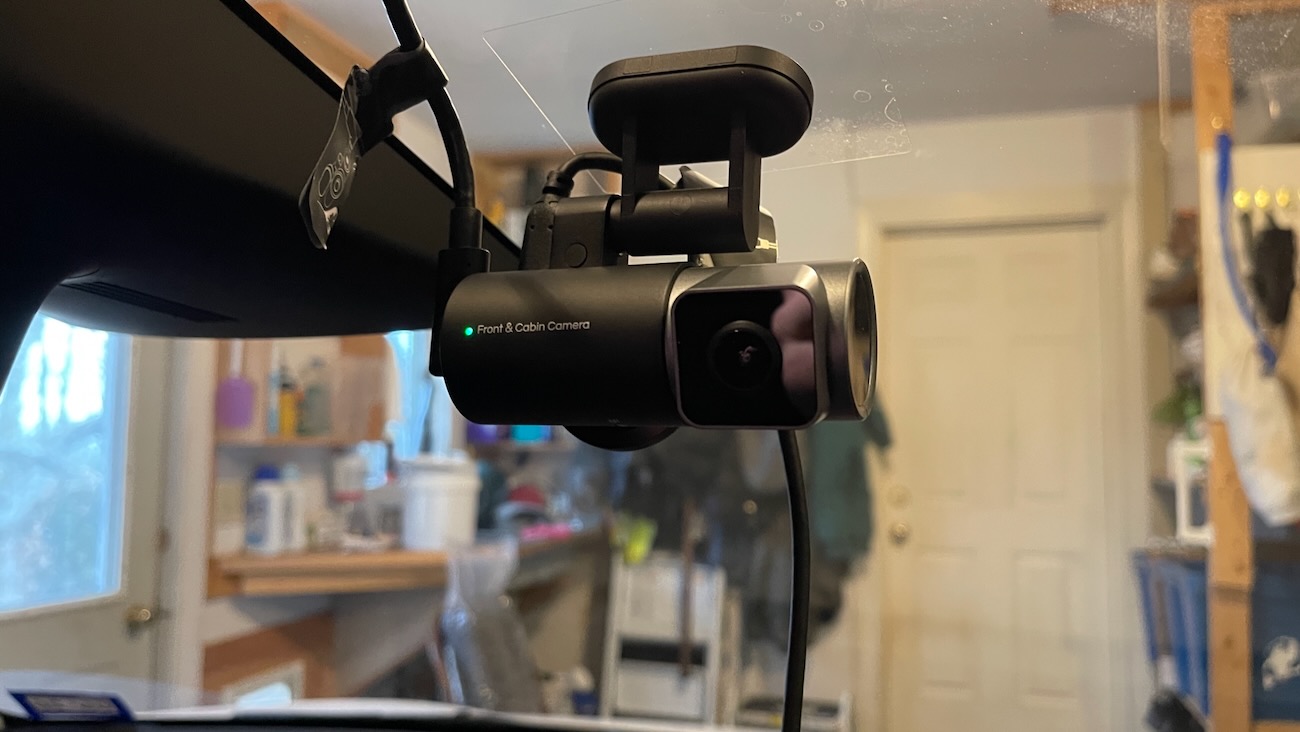
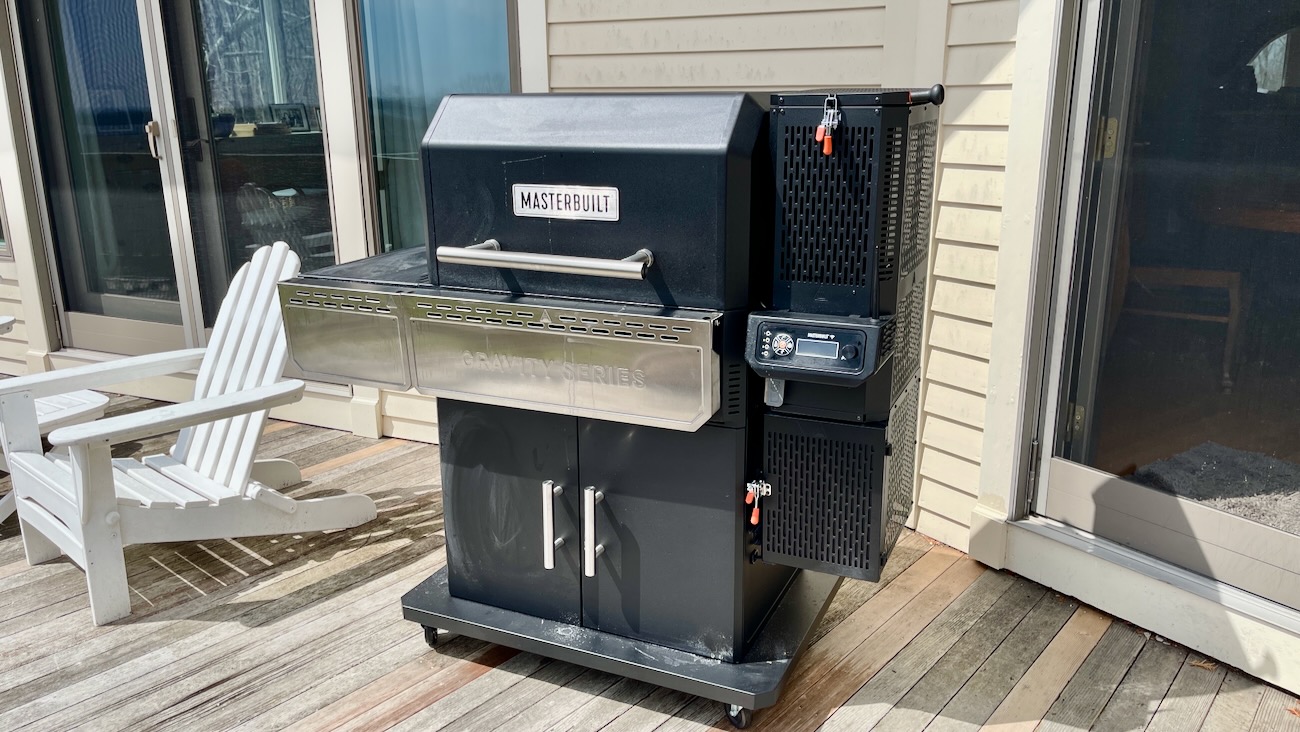
Here’s a device that makes Big Brother look a lot more fun and accessible–the Driving Reporter Gadget.
It’s a USB device that’s also an in-car 16 channel GPS system that stores about 100 hours of your driving. All the data, all the activities are routed into this thing so you know exactly where you were, where you turned, and where you went. Not to mention your speed getting there. It’s a lot like the black box on an airplane, just for your car. Okay, granted, the Driving Reporter Gadget is also black in color, but that’s just a funny coincidence.
The device runs on a pair of AAA lithium batteries, and secures anywhere on your car via an attached magnet (doubly odd since this seems to at least have some limited memory right next to a magnet as part of the design.), and you can even watch your trip on Google Earth, which is awesome if you have a tendency to get lost and want to watch your own highlight reel to figure out how you got so abjectly butt-lost in the first place.
I’m a bit concerned about having a device tattle on you constantly, but for parents this may be a godsend. They cost $229.95 each, so finding out where your car’s been is pretty easy.
Wow, just wow. Not even 24 hours has gone by and the Google Maps with turn-by-turn directions for Android devices rumor has become official. As suspected this will be a free app and will be available when Android 2.0 launches sometime next month.
The feature set is robust to say the least and will easily rival, if not eclipse previous GPS applications and even some stand alone GPS devices. My favorite is that ability to view ’street view’ before the turn such that you can view landmarks before you change direction. Much like most stand alone GPS devices, Google Maps Navigation offers voice guidance, turn-by-turn directions, 3D view and the ability to search by point of interest instead of just address. And they’ve also added Google Voice Search. There a few vids of the app after the ‘leap’, so be sure to check those out.
Right now the app is advert free, but given Google’s model I’d expect them to start plugging those in as we move closer to a nonbeta version. So for instance, you’re taking a trip to San Francisco from LA. You might see ads for food stops, gas stations and such. More local routes might show you coffee shops or stores that relate to your previous search history, and so forth.
Today rumors emerged that Google is in the process of developing their very own navigation app for smartphones running the Android OS. It’s not clear if the application would be more robust than the iPhone’s current Google Map application and offer turn-by-turn directions, but given that they own the Android OS, and can essentially do whatever they want, it’s more likely than not.
Providing greater credence to the rumor is that Google just discontinued their relationship with Tele Atlas earlier this October, which charged Google for use of their map info – Google has a contract with them until 2013 to work on International maps. The break away from the map service provider indicates that Google has amassed enough map data over the years to go at it alone and in all likelihood offer an ad supported free version. …Continue reading: Gadget Rumor: Google Maps With Turn-By-Turn Navigation Might Be Heading To Android Devices
Today I’m going to introduce you to a truly awesome gadget that you can’t possibly get your hands on before Christmas unless you know somebody or can shell out epic bribes.
We’re talking about the eDGe, and this little beauty is worth the $490 you’d shell out for it for one very good reason: it’s a netbook and an e-reader. All at once. That’s right, it’s BOTH.
It’s WiFi enabled and looks vaguely like a Nintendo DS that you hold constantly upright, like an actual book. It runs on Google’s Android system, joining a growing family of same, and can serve all the functions of both a netbook (send email, instant messages, surf the web, run apps, write notes and so on) and an ereader (it’s got a 9.7 inch E-ink e-paper display on one side and a 10.1 inch LCD screen on the other, just so you know what side gets what)
Their creator, Virginia’s Entourage Systems, has started taking preorders for the devices, so you can sign up for them now.
Sweet Mary! Google is offering free WiFi on all Virgin America trips from November 10th to January 15th. If there is/was ever a way to get me to buy a ticket via email solicitation this has to be it.
Okay all you gadget crazed shoppers. I was just doing a search on Google about the new Sanyo Eneloop batteries when something odd popped up: a bar code. At first glance I thought this might be part of Google’s new shopping experience. It turns out that they’re simply celebrating the invention of the bar code and that it some how spells out Google. But this does bring up an interesting idea? What if Google started providing bar codes for product related searches? Once you find the product you’re looking for you could just print out, or better yet fire the page up on your phone and present it at the retailer of your choice to expedite your search. Sounds smart to me.
That’s a strange thought to wake up to, isn’t it? Well, it turns out they’ve got reason. Read on:
Words like “clunky”, “slow”, and “a real pain” have come up, as students trying out the Kindle DX in classes are discovering that the ereader may not be the replacement for overpriced textbooks they’d hoped for.
One student found it awkward to hold down the “alt” key every time he wanted to type in numbers. Since the Kindles have no page numbers, but rather, “location numbers”, students requiring source documentation find themselves typing out huge location numbers rather than simple two or three digit page numbers. Plus, anyone working out of a regular book will be utterly lost by the Kindle’s location numbering system and be unable to crosscheck the reference without a Kindle of their own.
More suggestions emerged, citing that the Kindle needed page numbers, but also asking for improvements to note taking and highlighting.
So, okay–maybe the Kindle isn’t an academic’s dream gadget just yet. But there’s every possibility that it will become so in the future.
Cell phone buffs, listen up, because the long awaited arrival of the Samsung Behold II in the United States is coming on the order of soon.
The Behold II, which uses Google’s Android operating system along with Samsung’s own Touchwiz interface offers a 3.2 inch AMOLED touchscreen, a five megapixel camera, GPS and Bluetooth, plus a host of built-in Google services and a 3-D cube menu interface which is reportedly cooler than the other side of the pillow.
A lot more cell phones are working Android these days, and Google’s becoming almost ubiquitous in the cell phone arena. It’s a wonder not every cell phone includes this by now, and leaves me wondering just how long until the Justice Department wants a crack at Google.
Sometimes you want nothing more out of life than to be able to step through your computer monitor and go live on that magnificent stretch of beach pictured on your desktop. Google has sensed your plight, o cubicle dwellers, and offered up something to make it worse: a Google gadget called My Daily Hawaii.
My Daily Hawaii not only shows incredible beaches, but also offers up Hawaii trivia, history, travel tips and more. If you actually answer the Hawaii trivia right, though, you win a “super cute puppy picture prize”, which actually makes some sense.
Admittedly, if you live in, say, a cold Northern climate, you may well consider My Daily Hawaii to be a huge dose of masochistic glee, but for those of us who just like to look at a sunny beach as a quick pick-me-up in the cold black depths of winter, then this is a great piece for us.
Hewlett Packard’s just recently introduced a new software gadget designed to help you get a little more green with your daily computing and offers the Power To Change gadget, part of a whole lineup of said energy saving widgets from HP, Google and Microsoft, among others.
This gadget syncs up with various Windows power management features to shut down monitors and turn off unused computers completely throughout the day. HP will let you download that gadget for free, as well a host of other companies offering a similar gadget.
This is actually a really good idea. There’s more than a little potential for waste involved with computers, so helping users find a fast and easy way to save a little extra juice. Once you save a little extra juice one day, saving it every day can really add up to stomething big, which just might be the way to help everybody go a little greener.