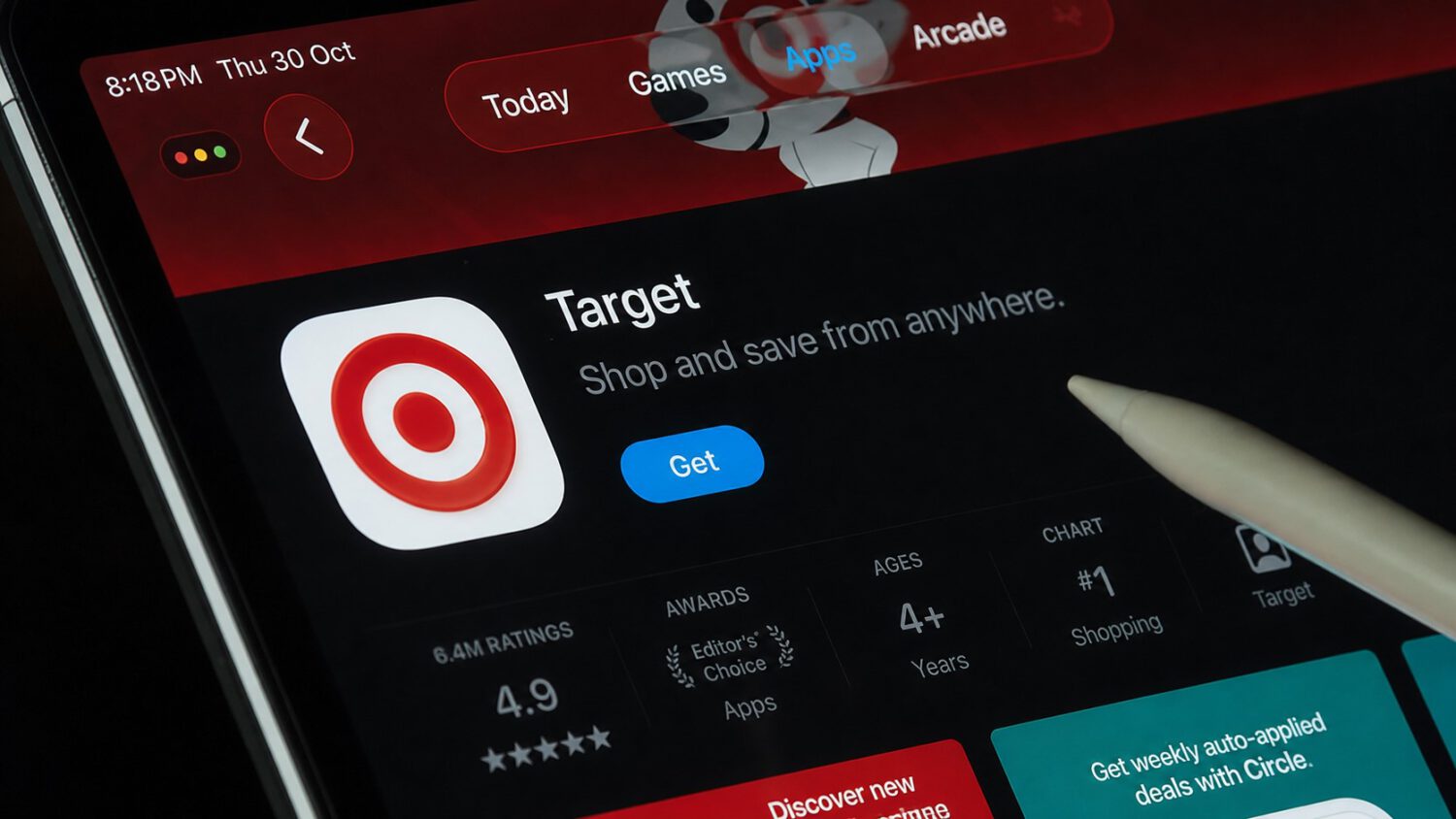
You’re in the Target parking lot, app open, price confirmed. You walk inside. Somewhere between the automatic doors and the Dyson display, the price quietly climbs. That’s the system working as designed. A feature not a bug.
How the Price Switch Works
A 2019 investigation caught Target’s app displaying different prices based on whether shoppers were inside the store or outside in the parking lot.
A KARE 11 investigation tested 10 products and found that four became more expensive once investigators stepped inside the store, with a combined difference of $262 across all 10 items, according to reporting via Techaeris. The numbers aren’t rounding errors: a Dyson vacuum jumped $148, a Graco child car seat climbed $72, and a Shark vacuum cost $40 more inside than it did from the parking lot.
What Target Says (and What It Actually Means)
Target said the app displayed different online and in-store prices based on location, but the tested version gave shoppers no indication the price had changed.
Target’s reported explanation sounds almost reasonable: the app shows online pricing when you’re outside and in-store pricing once you’ve entered. Think of it like a restaurant that posts one menu on Yelp and hands you a different one at the table. According to the KARE 11 reporting, the app provided no indication that prices had changed after investigators entered the store. Target subsequently updated the app to label prices as “online” or “in-store,” but the core transparency problem remains worth understanding.
A $148 difference on a single vacuum, invisible at the moment you decide to buy it, is not a minor UX quirk.
How to Get the Lower Price
Target’s own Price Match Guarantee gives you a documented path to the lower price, provided the item qualifies and you follow the verification steps.
Target’s Price Match Guarantee covers a lower price found on Target.com, in a Target store, or through an eligible Target Circle offer. If Target.com shows a lower price for an identical item, matched by brand, size, color, quantity, and model number, you can request a match at checkout or at Guest Services. The policy also allows adjustments up to 14 days after purchase, provided you have your receipt.
There’s one important catch: the app must display the current live price for the store location when you present it. Screenshots are not accepted, according to Target’s policy page. Your evidence needs to be a live, real-time look at Target.com before you hand over your card, and any match is subject to Target’s eligibility requirements.
What Should Change
The documented pricing gap points to a transparency problem that Target, and the broader retail industry, has the tools to fix.
The issue isn’t that prices vary by channel. Promotional differences across shopping surfaces have existed for years, and that isn’t inherently wrong. What’s broken is the invisibility: if the price you see outside the store differs from what you’ll pay inside, that gap should be disclosed at the point of sale, in plain language, before you commit. Disclosing channel-based price differences clearly and prominently would cost retailers little, yet apps secretly tracking users and shifting prices without notice erode consumer trust. The documented gaps, like the $148 Dyson difference in the KARE 11 test, show exactly what’s at stake when that disclosure doesn’t happen.
Disabling Location Tracking
You can stop the app from shifting to higher in-store prices by turning off location permissions for the Target App in your phone settings (setting location access to “Never”).