
Workplace clutter is associated with greater stress and anxiety and can reduce the ability to focus, according to Harvard Business Review. A messy desktop feels like trying to find a specific meme from 2018; the search alone kills productivity. A truly optimized workspace makes your brain work better, cutting through digital noise and physical detritus that saps focus. These 12 workspace hacks separate genuine productivity boosters from office-supply snake oil. Strategic upgrades transform your workspace from a distracting purgatory into a lean, idea-generating machine. Get ready to reclaim your concentration.
12. Declutter Your Desk

Workplace clutter isn’t just an eyesore; it’s associated with increased stress and anxiety, sabotaging your ability to focus.
A desk piled high with extraneous papers and forgotten gadgets acts like a browser with 20 open tabs, each demanding a slice of your attention. This constant visual noise clogs your mental bandwidth, leaving precious little room for the actual work at hand.
The fix isn’t complicated; it requires ruthless editing. Keep only frequently used essentials (your computer, a notepad, a pen) within arm’s reach. Everything else should vanish into designated storage, much like closing unnecessary apps to free up RAM. Scheduling brief, regular tidying sessions acts as a hard reset for your mental state, ensuring you return to a clear canvas rather than a post-apocalyptic scene.
11. Invest in Ergonomic Furniture
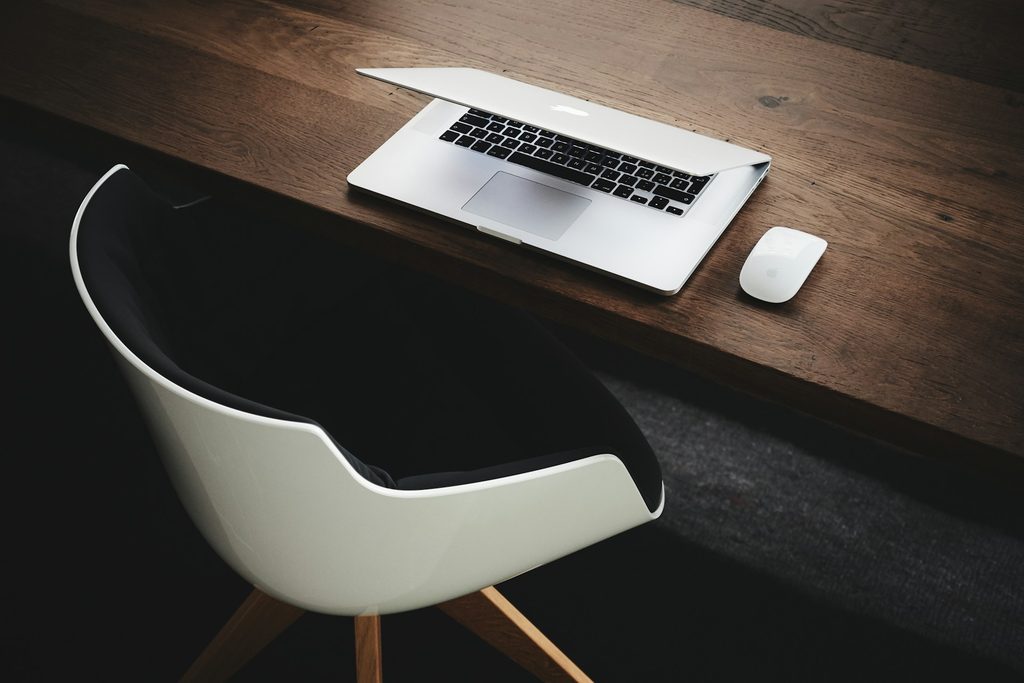
An ergonomic workstation should support comfortable posture and reduce awkward positioning of the back, neck, wrists, and eyes.
OSHA explicitly recommends workstations that prevent awkward body positioning. Ignoring this advice means your back will remind you later, and not gently. A properly configured setup prevents that simmering discomfort you feel after two hours. Selecting a supportive, adjustable chair offers lumbar support that helps prevent deep aches.
Dial in the desk height so your elbows rest comfortably. Place your monitor at eye level, ensuring you don’t crane your neck, and position your keyboard to avoid excessive reaching. This isn’t rocket science, but too many setups still look like a fail compilation. These adjustments provide a defense against long-term physical discomfort, sharpening your focus during extended working hours.
10. Optimize Workspace Lighting
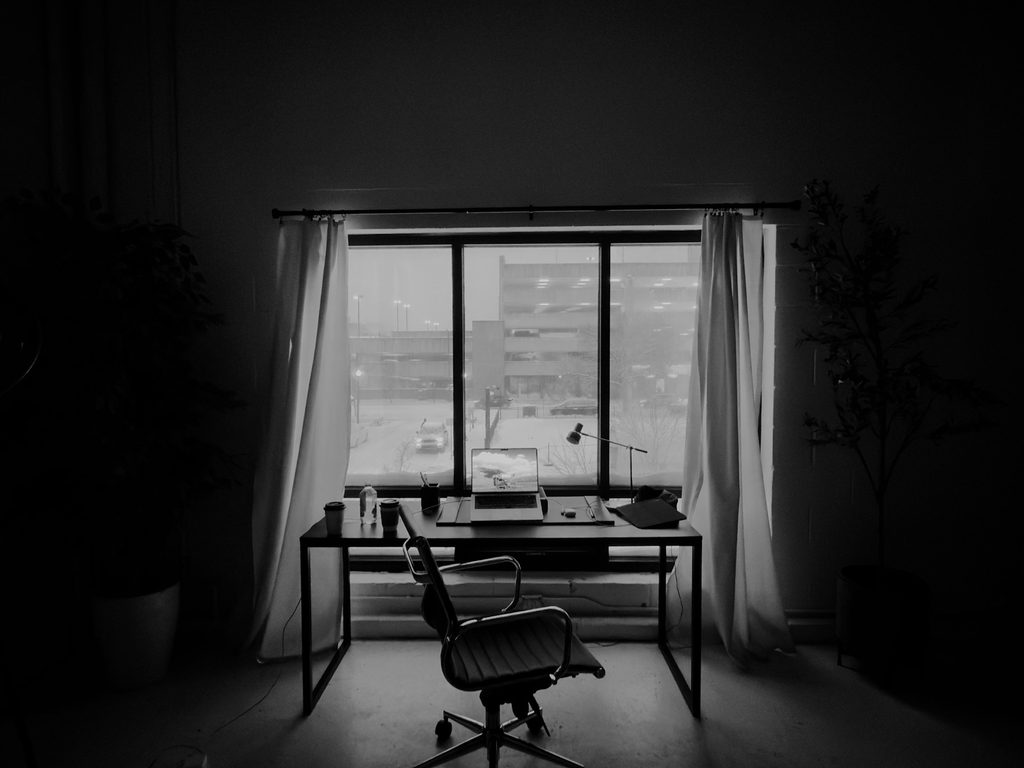
Poorly positioned or excessive lighting often creates monitor glare, eyestrain, headaches, and awkward viewing postures.
OSHA directly links excessive or glaring light with eyestrain, headaches, and awkward postures. This isn’t just discomfort; it’s a subtle drain on your energy, making you feel as alert as a sloth on a Tuesday morning. Position your monitor at right angles to windows, using blinds or shades to control harsh natural light. Invest in quality desk lighting that provides an even glow to reduce eye strain and keep you sharp.
9. Personalize Your Space

A truly effective workspace feels like an extension of you, not just a place where you clock in.
Integrating meaningful items transforms a sterile desk into an inviting command center. A cherished family photo or a small, resilient plant can make a workspace feel more inviting while maintaining a clear boundary between work and home activities. However, don’t let your desk become a graveyard of forgotten knick-knacks. A few thoughtful items ensure your space remains a source of sustained motivation, keeping you focused without feeling trapped by visual chaos.
8. Create a Minimalist Setup

A minimalist desk setup keeps only essential tools visible, assigning other items to dedicated storage.
Workplace clutter is associated with greater stress and anxiety, potentially reducing your ability to focus, according to Harvard Business Review. This approach reduces visual noise by ensuring only your laptop, a single notebook, and one pen occupy your primary work surface.
Once the primary surface is clear, integrate sophisticated organizational solutions. Utilize drawer organizers for accessories, or deploy filing cabinets and trays for documents and cables. This reduction in clutter limits distractions, making equipment and files easier to locate. Such deliberate order sharpens mental clarity and supports productivity.
7. Use Task Lighting

OSHA recommends supplemental task lighting while limiting glare around screens, creating a more comfortable workspace.
This focused illumination acts like a personal sunbeam, cutting through ambient light to highlight precisely where your attention needs to be. For tasks like reading documents or powering through intricate late-night spreadsheet sessions, targeted light brightens your specific work surface without requiring the entire room to glow like a studio. Position your desk lamp to ensure the beam hits your papers, not the monitor, effectively avoiding distracting reflections. This strategic use of light makes prolonged periods of intense focus far more comfortable and sustainable.
6. Organize Your Cables
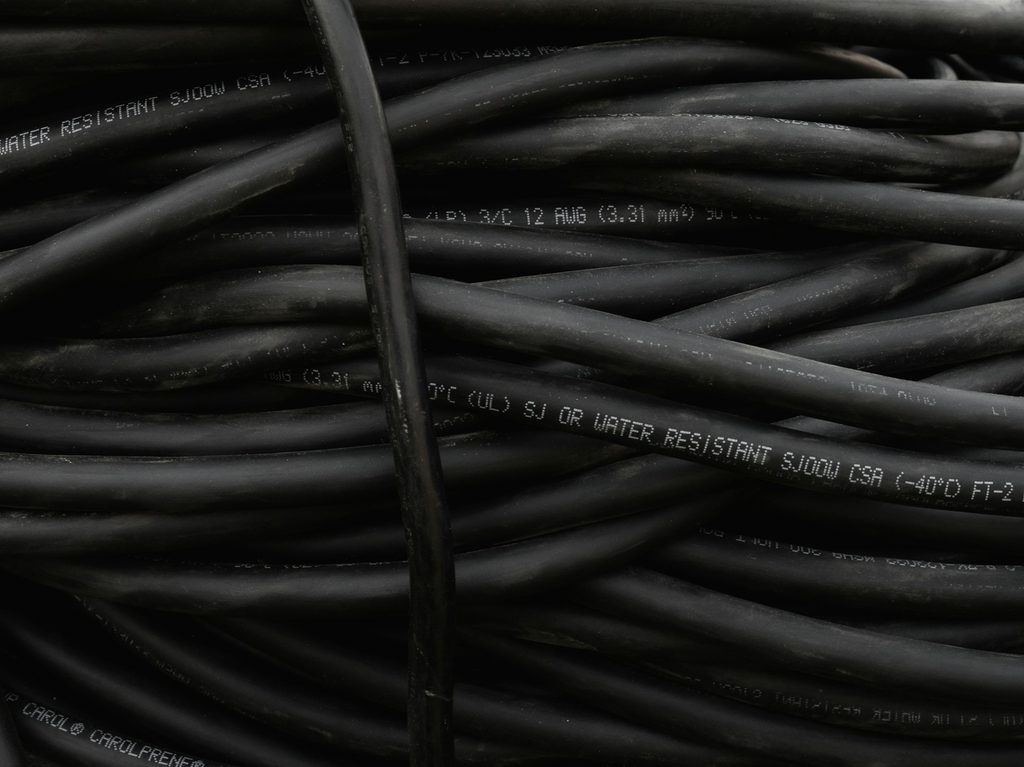
That daily struggle against a spaghetti junction of cords isn’t just visually grating; it’s associated with stress and distraction.
Harvard Business Review notes that workplace clutter is associated with greater stress and anxiety. Tangled cables contribute to that chaos, creating visual distraction and potential trip hazards, turning a workstation into an obstacle course.
Cable clips, sleeves, and organizers instantly improve your environment. These tools keep power and data cables neatly separated, reducing clutter. This management reduces the risk of trip and snag hazards. Proper routing preserves crucial ventilation for equipment and keeps cords away from walkways or pinch points, ensuring longevity for your gear and a clean, efficient workspace.
5. Choose the Right Technology Tools
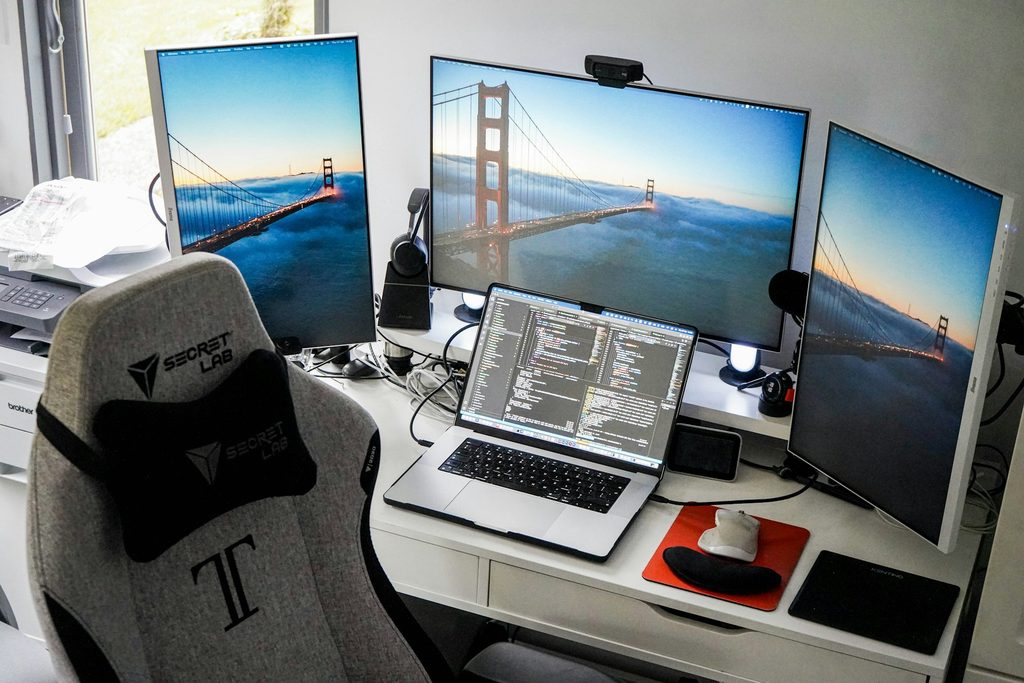
Image: Unsplash
Your tools should enhance tasks, not become digital clutter.
Monitor placement and lighting need careful arrangement to prevent glare and awkward viewing positions, according to OSHA. Assuming more tech means more productivity is a common trap; often, it only adds complexity. Noise-canceling headphones support focus, while a second monitor can assist multitasking. These tools offer clear benefits when used properly.
Yet, promising gadgets can still hinder efficiency if misused. An extra screen becomes a neck cramp if not set up correctly, turning multitasking into physical therapy. Select gear that truly complements your workflow, cutting friction without adding new headaches. Judicious choices make technology a true ally.
4. Use an Organization System

Workplace clutter is associated with greater stress and anxiety, potentially reducing your ability to focus.
That frantic search for a specific file or a deadline buried under emails feels like playing a real-life game of “Where’s Waldo?” with your productivity on the line. Precious minutes vaporize when your work materials and critical deadlines lack a designated home, creating an unnecessary layer of chaos in your day.
Implementing structured systems such as filing cabinets, bullet journals, or digital document tools provides a specific place for everything. This stops you from wasting valuable time digging through digital junk or actual paper piles. Harvard Business Review recommends organizing online documents and identifying items that can be discarded. Regular sorting and disposal of unnecessary files makes information retrieval easier, ensuring a streamlined workflow that keeps you from feeling constantly behind.
3. Clean and Refresh Your Workspace Regularly
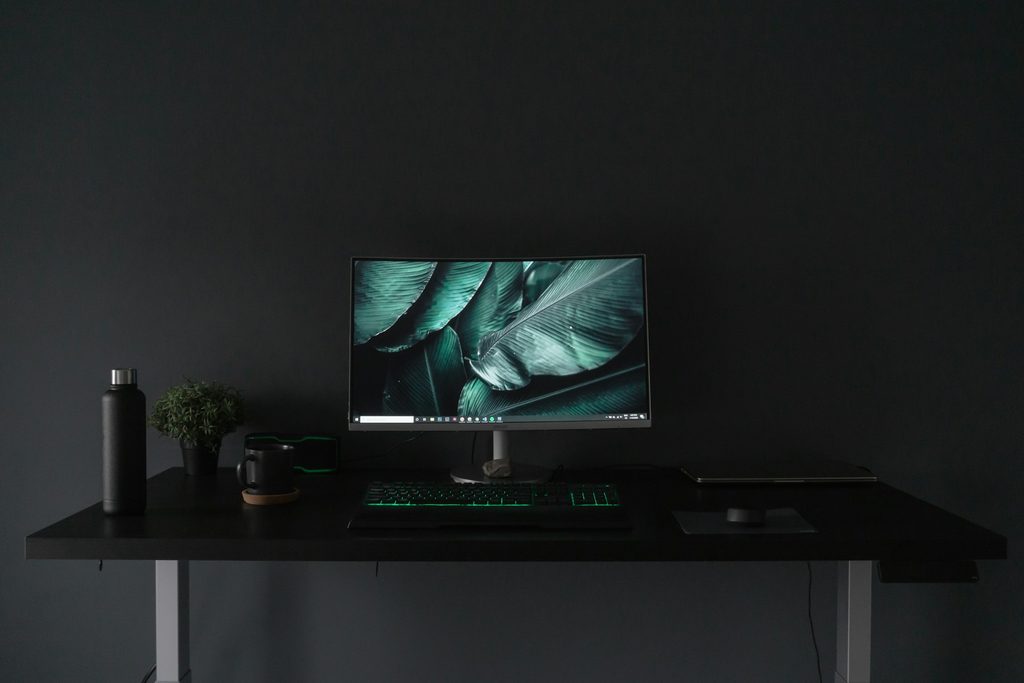
Regularly cleaning your workspace improves its appearance and supports a more organized environment.
Workplace clutter often correlates with increased stress and anxiety, a point noted by Harvard Business Review. Routinely wipe down high-touch surfaces like desks, keyboards, and phones. The Centers for Disease Control and Prevention (CDC) recommends following device manufacturer instructions and using suitable products for electronics. This isn’t about deep cleaning your entire life, just a quick daily sweep.
Dedicating a few minutes at the end of each workday ensures a fresh start the next morning, much like hitting refresh on an overloaded browser tab. This routine maintains an orderly workspace where both digital and physical realms support productivity.
2. Minimize Digital Distractions
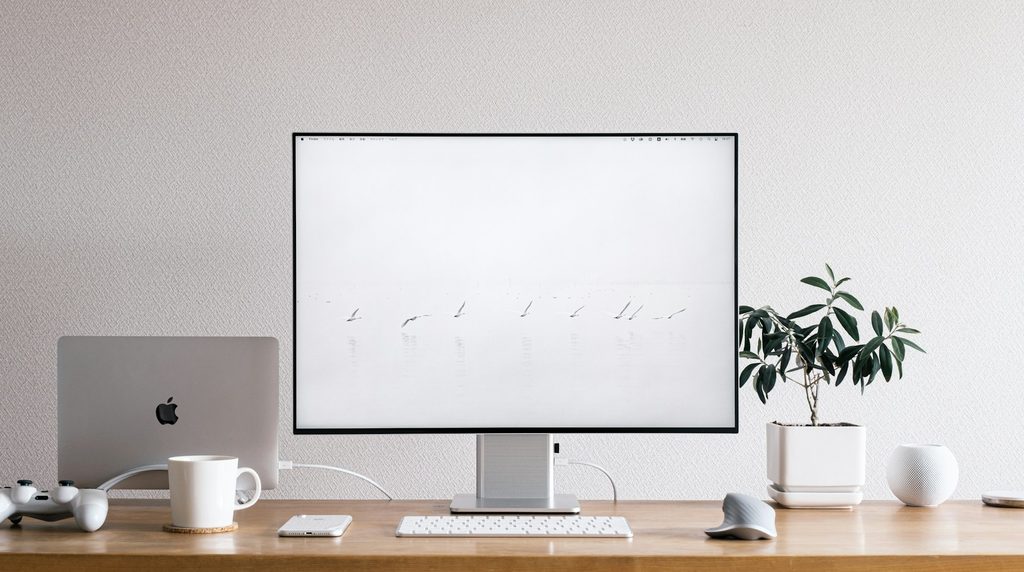
Digital interruptions fragment your attention, acting like a tiny, insistent doorbell ringing every few minutes.
Reclaim your mental bandwidth by turning off nonessential notifications, closing unused browser tabs, and placing your phone out of reach. These steps create a distraction-free environment crucial for deeper concentration, much like a chef clearing their counter before a complex recipe.
Managing digital clutter proves just as vital as tidying your physical space. Harvard Business Review discusses how clutter is associated with increased stress and anxiety. Keeping unnecessary files and poorly organized online documents in check ensures an orderly workspace, where your digital and physical realms support productivity.
1. Take Regular Movement Breaks
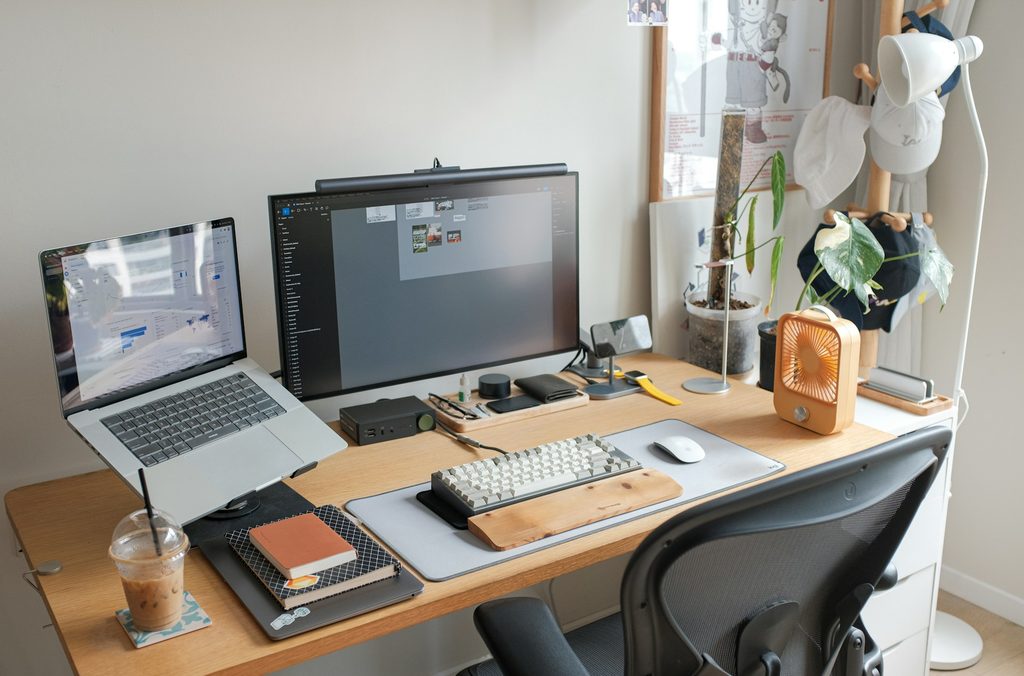
Short, frequent breaks during extended computer work can reduce fatigue.
These strategic pauses, whether standing, stretching, or simply shifting tasks, act like a mental refresh, keeping your focus sharp. Oregon OSHA’s workstation guide describes three- to five-minute breaks after each hour of intense computer work as one practical approach to sustained output.
Pushing through your workday without a pause is like driving cross-country on fumes. Real productivity demands consistent, clear thought. Strategic pauses refresh your brain, preventing the mental burnout that turns an afternoon into a slog. These short breaks restore concentration, keeping your focus as sharp as a newly updated OS.