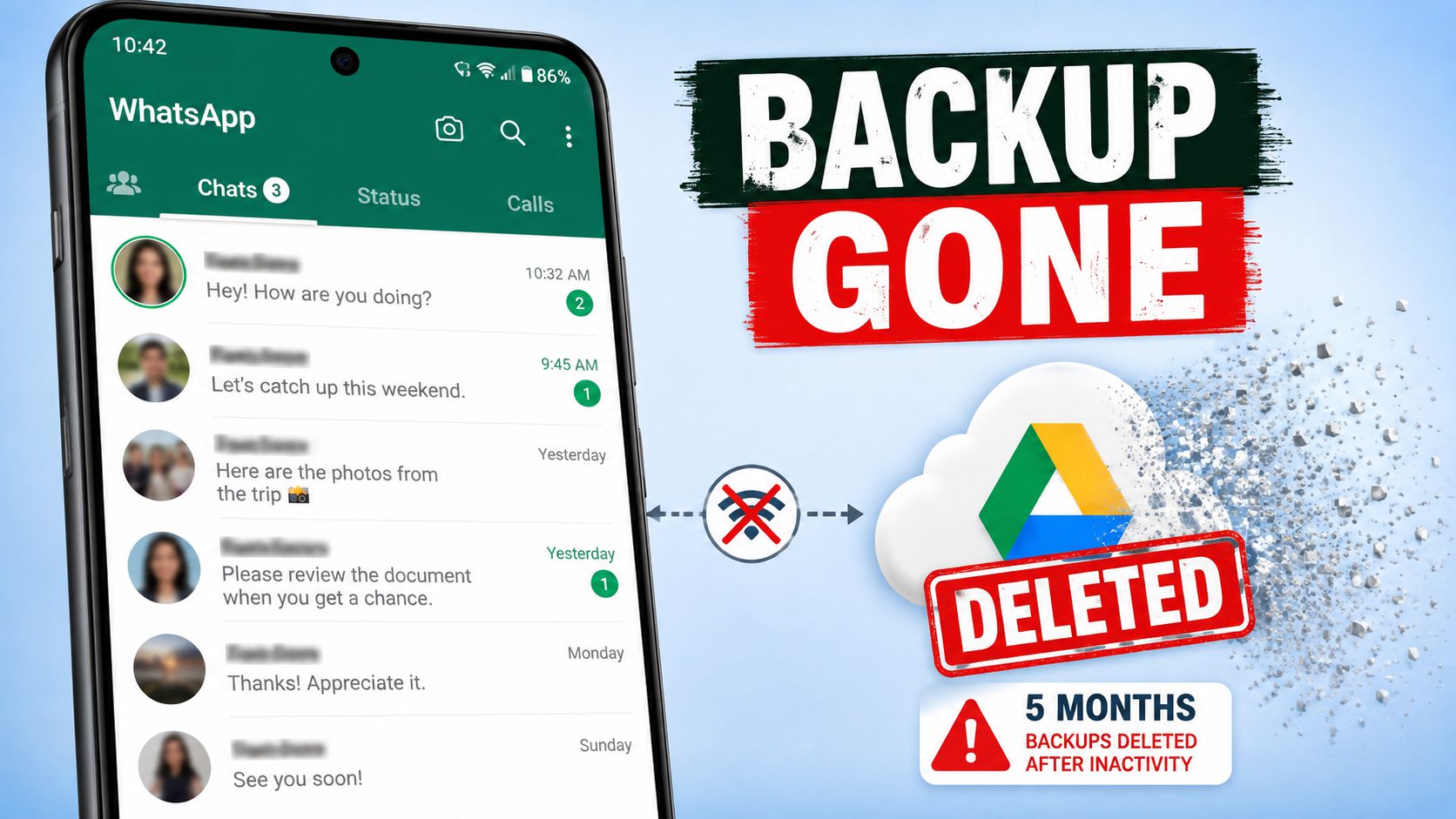
Most Android users think their WhatsApp chats are safe because they set up a Google Drive backup once, years ago. Google’s own policy says otherwise. Its support documentation confirms that WhatsApp backups are deleted after 5 months of inactivity. No warning email. No notice. The backup just disappears.
This catches thousands of people every year. It usually shows up at the worst moment, when someone buys a new phone, reinstalls WhatsApp, and taps Restore only to find nothing there.
One Backup, One Slot, No History
Google Drive treats WhatsApp backups differently than your photos or files: it keeps exactly one backup per phone. Every new backup overwrites the old one, so there’s no version history and no trash folder holding last month’s copy.
That creates a nasty trap. Say you delete a chat on Monday and your backup runs Monday night. The new backup no longer has that chat, and the old backup that did is gone. The system built to protect your messages just finished them off.
The “5-month rule” is the second trap. Backups only refresh when the app can finish an upload. That takes the right Wi-Fi settings, enough Drive storage, and a backup schedule that isn’t set to Never, so if any of those fail for 5 months, Google will just wipe the file.
Users report this all the time in Google’s support forums, usually after the data is already gone from the cloud.
Deleted Doesn’t Mean Gone (Yet)
Fortunately, it’s not all against you. When you delete a WhatsApp message, your phone doesn’t actually erase it, instead it removes the entry from WhatsApp’s database and marks that storage space as free. The text, photo, or video stays on the phone until new data lands on top of it.
That gives you a recovery window. How long it lasts depends on how much you use the phone, though. Every photo, app update, or video can overwrite the space holding your deleted chats. If you just lost something important, put the phone down, turn off Wi-Fi and mobile data if you can and get working to recover it.
WhatsApp also has a second safety net most people never notice to help with this. The app saves a local backup on your phone every night around 2 a.m. and keeps about a week of these files. That means a message deleted yesterday probably still exists in one of them.
The Ways to Get Messages Back
Restore from Google Drive. If your backup is current, uninstall WhatsApp, reinstall it, verify your number, and tap Restore. You get everything as of the last backup and lose anything sent after it. If Google already deleted your backup, this door is closed.
Restore from a local backup. If the deletion happened in the past week, rename the dated file in your phone’s WhatsApp Databases folder to msgstore.db.crypt14, then reinstall the app and restore locally. It’s free and fast. It’s also all or nothing. Your whole chat history rolls back to that night, and anything received since then gets wiped.
Scan the phone directly. With no backup, recovery software can still find messages sitting in that free storage space. Android data recovery software can run a read-only scan, show you a preview, and let you export specific chats instead of rolling everything back. This works best in the first hours after a deletion, before new data overwrites the old.
Dr.Fone’s WhatsApp Recovery for Android. This software is designed for situations where no usable backup is available. It can scan a supported Android device, preview recoverable WhatsApp data, and allow users to select specific chats or attachments to save instead of restoring the entire chat history.
The tool supports messages, photos, videos, voice messages, documents, group chats, and WhatsApp Business data. Recovery results depend on the device condition and whether the deleted data has already been overwritten.
Five Minutes of Settings Fixes This Forever
Open WhatsApp. Go to Settings, then Chats, then Chat Backup. Set the frequency to Daily. Confirm the Google account listed is one you actually use. Check the Last Backup date while you’re there. If it says anything older than a day or two, your backup has been failing in silence.
For chats you can’t afford to lose, export them. Open the conversation, tap More, then Export Chat, and save the file somewhere outside WhatsApp. A backup Google can delete without telling you was never really a backup at all.