Most people treat public speaking like a talent gap rather than a practice gap. They watch TED talks, read books on delivery, and feel vaguely more prepared without actually changing anything about the way they speak. The apps below give you something the books can’t: a mirror, a record, and in some cases, a score. Each one covers different ground, so the most useful stack depends on what you’re actually trying to fix.
1. RiseGuide
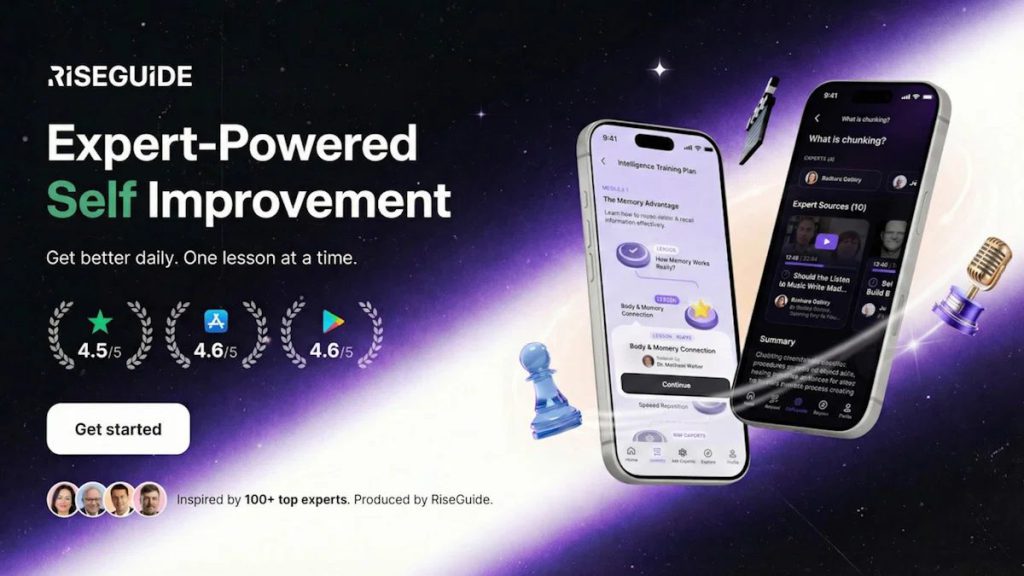
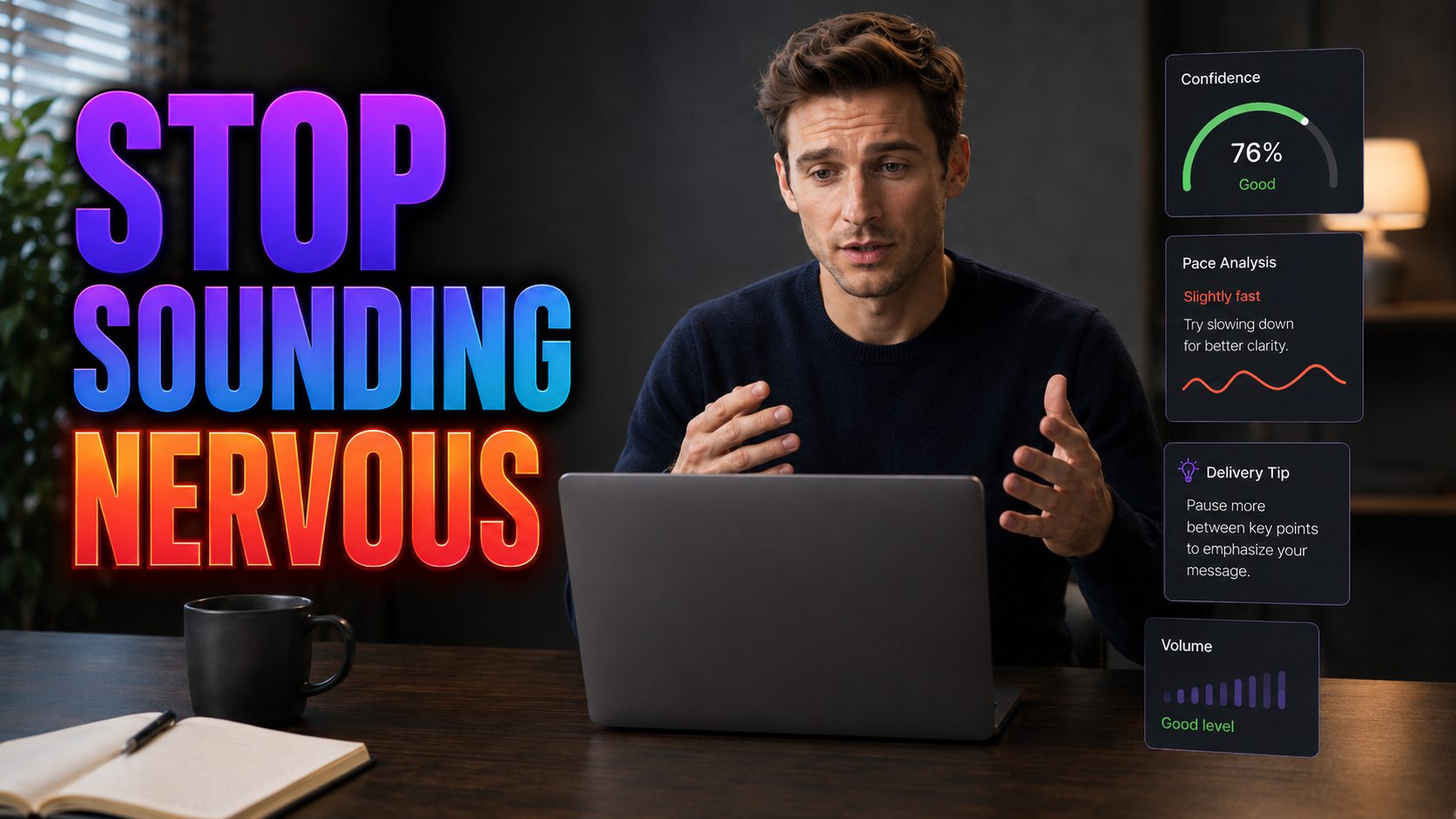
RiseGuide’s Speech Analyzer is the most direct feedback tool on this list. You record up to 60 seconds, either responding to a built-in prompt or speaking freely, and it comes back with a scored breakdown of your pace, confidence markers, filler words, pause patterns, and whether your structure holds together from opening to close. Every parameter gets specific recommendations you can act on before your next attempt, along with an overall Speech Score from 0 to 100.
That’s the entry point. Behind it sits RiseGuide’s full Communication Mastery journey, which covers body language, voice control, first impressions, and social intelligence through daily 15-minute lessons drawn from over 100 expert sources. A small talk simulator, an introduction builder, and a thoughts organizer round out the toolkit for people who want to practice the situations that actually make them nervous, not just speeches. Most users report a noticeable shift in how people respond to them within four weeks. Available on iOS and Android.
2. Orai
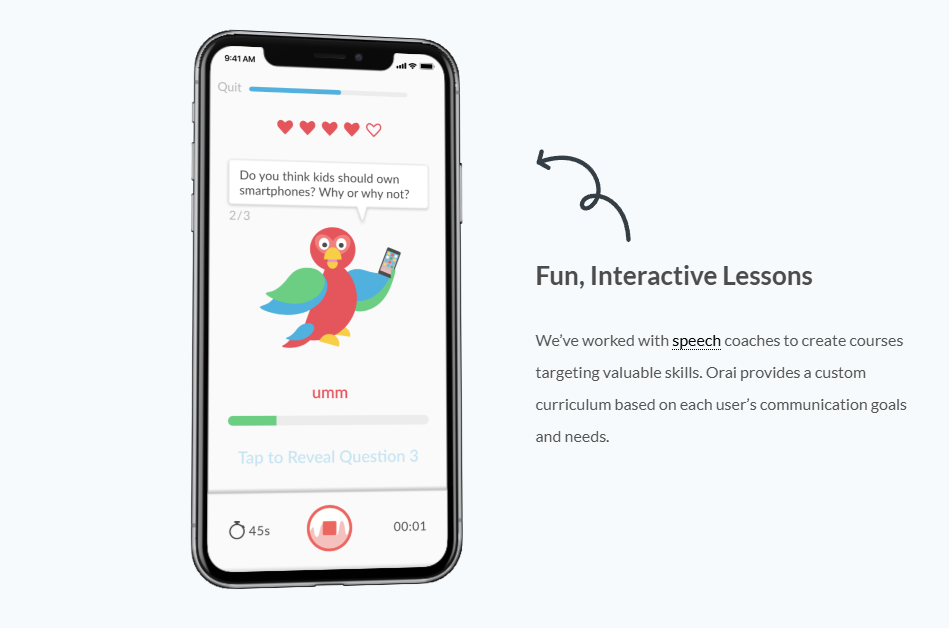
Orai covers similar analytical ground to RiseGuide but focuses more tightly on delivery mechanics. You record a practice session, and it flags filler words, scores your energy and pacing, and tracks your clarity over time so you can see whether you’re actually improving or just feeling like you are. It works with your own scripts or built-in prompts, which makes it useful for rehearsing a specific presentation rather than building general speaking skills. Featured in Fast Company and TechCrunch, actively maintained on iOS and Android.
3. Otter.ai
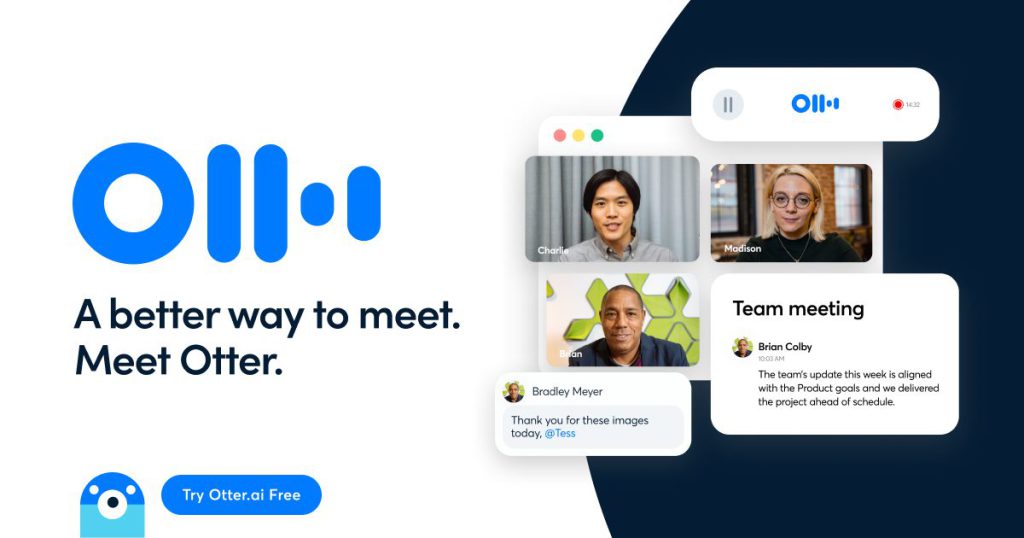
Otter transcribes everything you say in real time, which turns out to be one of the more humbling experiences available on a smartphone. Reading back a transcript of your own speech makes filler words, repeated phrases, and structural dead ends impossible to ignore in a way that listening back rarely does. It’s less a coaching tool and more a documentation tool, but what it documents has a way of changing behavior quickly. Works on iOS and Android, and integrates with Zoom and Google Meet if you want to review how you actually sound in meetings.
4. Teleprompter Premium
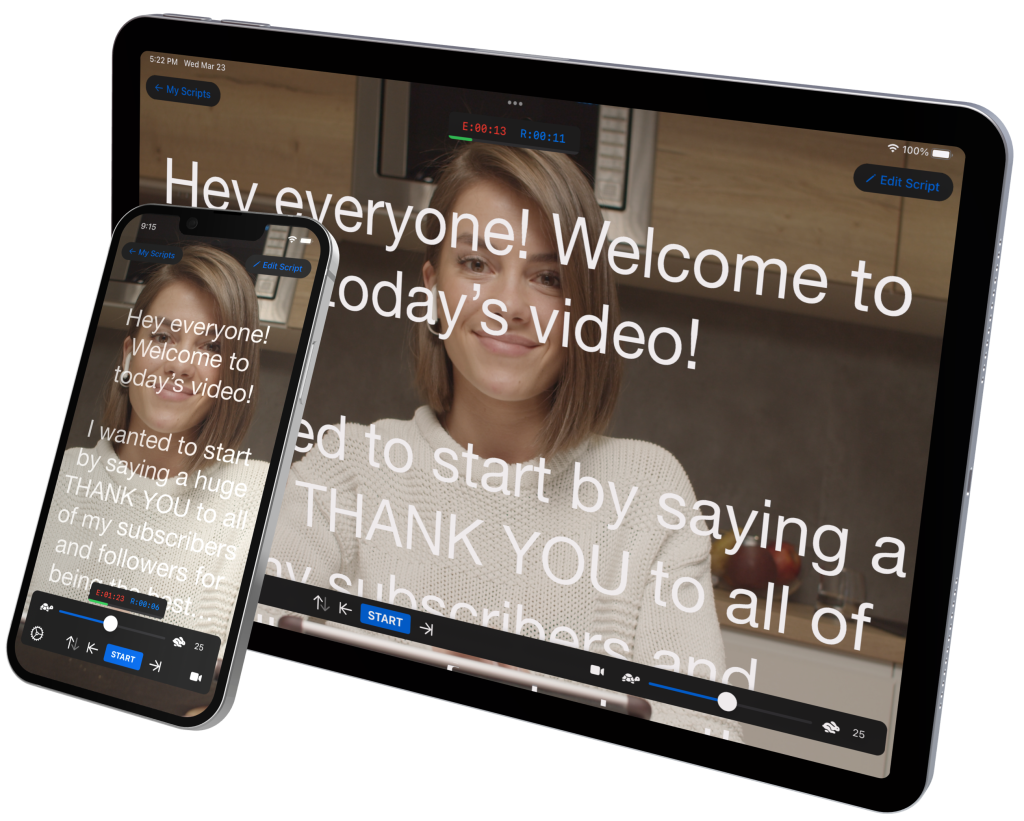
The discipline of writing out what you’re going to say before you say it is something most speakers skip entirely, and it shows. Teleprompter Premium scrolls your script at a pace you control, which trains you to maintain eye contact and work from prepared material without sounding like you’re reading. The act of writing the script first forces structural decisions that improve delivery even before you open the app. Available on iOS and Android, it works best paired with a tablet or external screen for practice sessions that resemble real conditions.
5. Loom
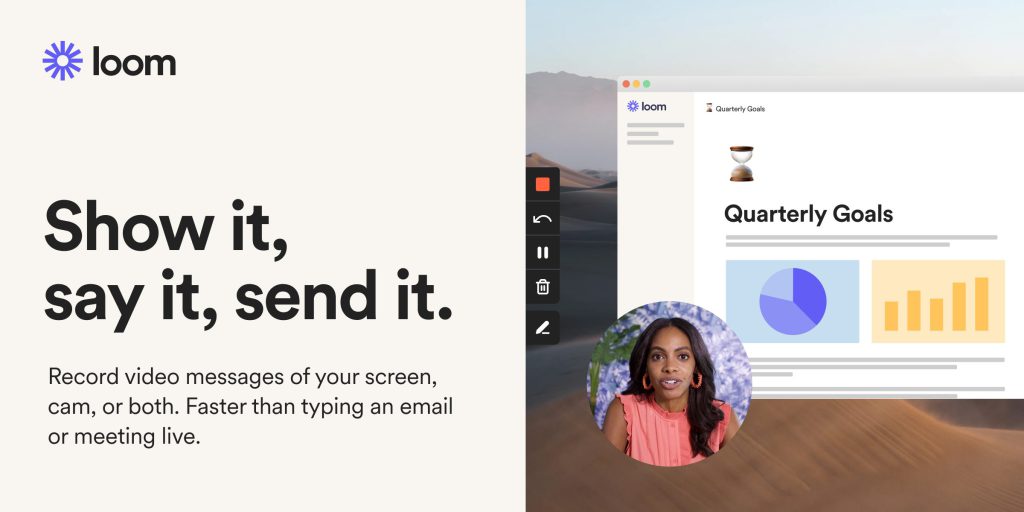
Watching yourself speak is the single most uncomfortable and most effective thing you can do to accelerate improvement, and Loom makes it frictionless. Record your screen, your face, or both, then watch the playback with the same critical eye you’d bring to anyone else’s presentation. Most people discover within thirty seconds that their delivery reads completely differently than it feels from the inside. Beyond self-review, Loom is genuinely useful for replacing the “can we jump on a call” reflex with an async video that people can watch, rewind, and respond to on their own time. Available on iOS, Android, and desktop.