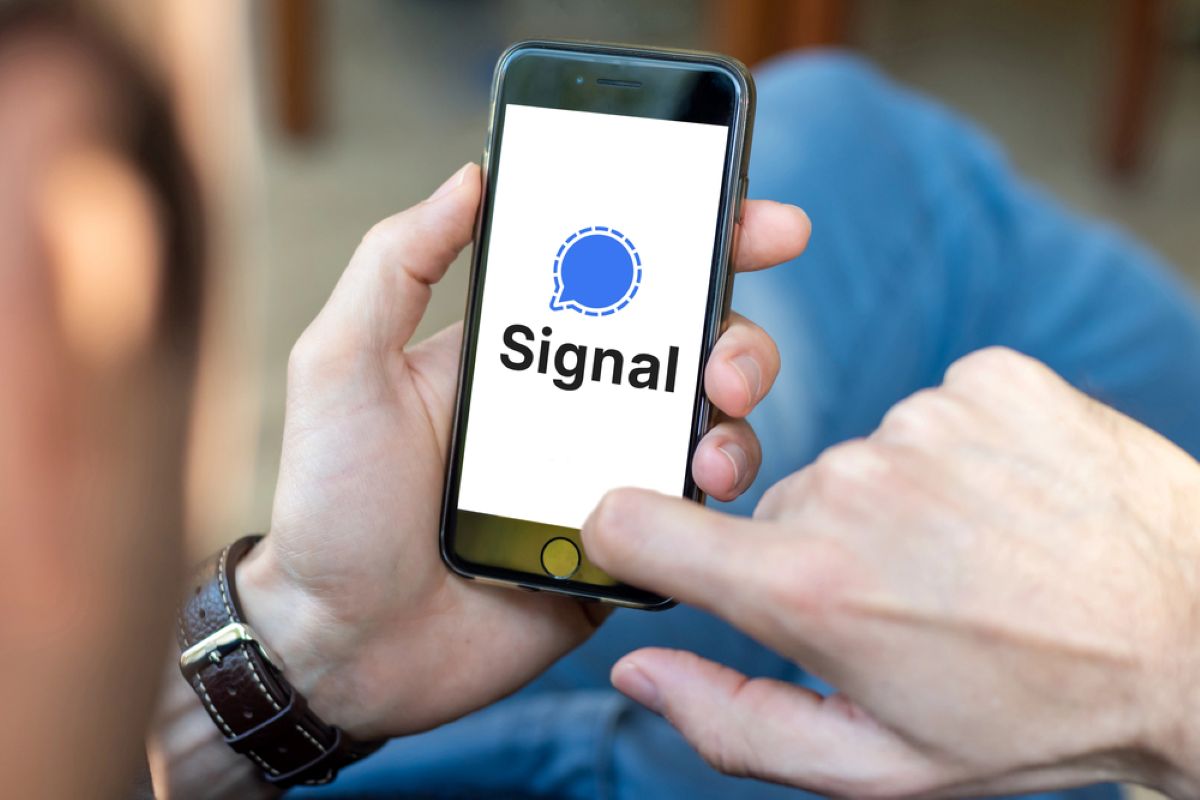
Your Signal backup recovery key just became a prime target for hackers pretending to be Signal support staff. Unlike previous phishing campaigns that focused on account takeover alone, this latest wave specifically hunts for the cryptographic keys that unlock your entire chat history. The fake messages warn that your backup is “at risk of permanent loss due to a sync issue” and demand you paste your recovery key to avoid losing everything. It’s social engineering disguised as tech support, part of broader computer problems that target users through deception.
The Perfect Impersonation
The phishing messages arrive from accounts named “Signal Support,” claiming your existing backup needs to be “linked” to prevent data loss. They create artificial urgency with phrases like “Failure to do this may result in losing access to your account and all stored data.” Washington Post analyst Josh Rogin spotted these targeting anti-Chinese Communist Party activists, but Mohammed Al-Maskati from Access Now’s Digital Security Helpline confirms the campaign has spread beyond political circles. This mirrors tactics seen in other digital targeting operations, including a recent surveillance app case.
As Al-Maskati notes, stealing the recovery key is “only one step”—attackers still need to hijack your actual Signal account to access those backups.
Why Backup Keys Matter
This represents a significant escalation from earlier Signal phishing waves that targeted verification codes or tricked users into scanning malicious QR codes. When someone hijacks your Signal account by registering your number on their device, they can only see new messages going forward.
Your years of encrypted conversations, photos, and documents remain locked away—unless they also have your backup recovery key. Signal’s Secure Backups feature stores encrypted archives on their servers, but only the recovery key can decrypt them. No key, no historical access.
The Human Element
Signal has been crystal clear about their communication policy: they do not initiate contact through in-app messages, SMS, or social media. Any account claiming to be Signal Support that asks for verification codes, PINs, or recovery keys is malicious. Period.
The company has rolled out new in-app protections that add extra confirmations when accepting message requests, explicitly reminding users about these policies. European intelligence agencies have documented similar Russian-backed campaigns targeting Signal users through phishing rather than technical exploits. Criminal networks are increasingly sophisticated in their digital deception tactics. The encryption remains unbroken—but human trust remains hackable.
Your Defense Strategy
Treat your backup recovery key with the same security you’d give your password manager’s master password—because that’s essentially what it is. Enable Signal’s Registration Lock feature so even stolen verification codes won’t let attackers re-register your number.
- Regularly review your linked devices and remove anything unfamiliar
- Assume any “support” contact within Signal is fake and block them immediately
- Remember: if it feels urgent and too convenient, it probably is