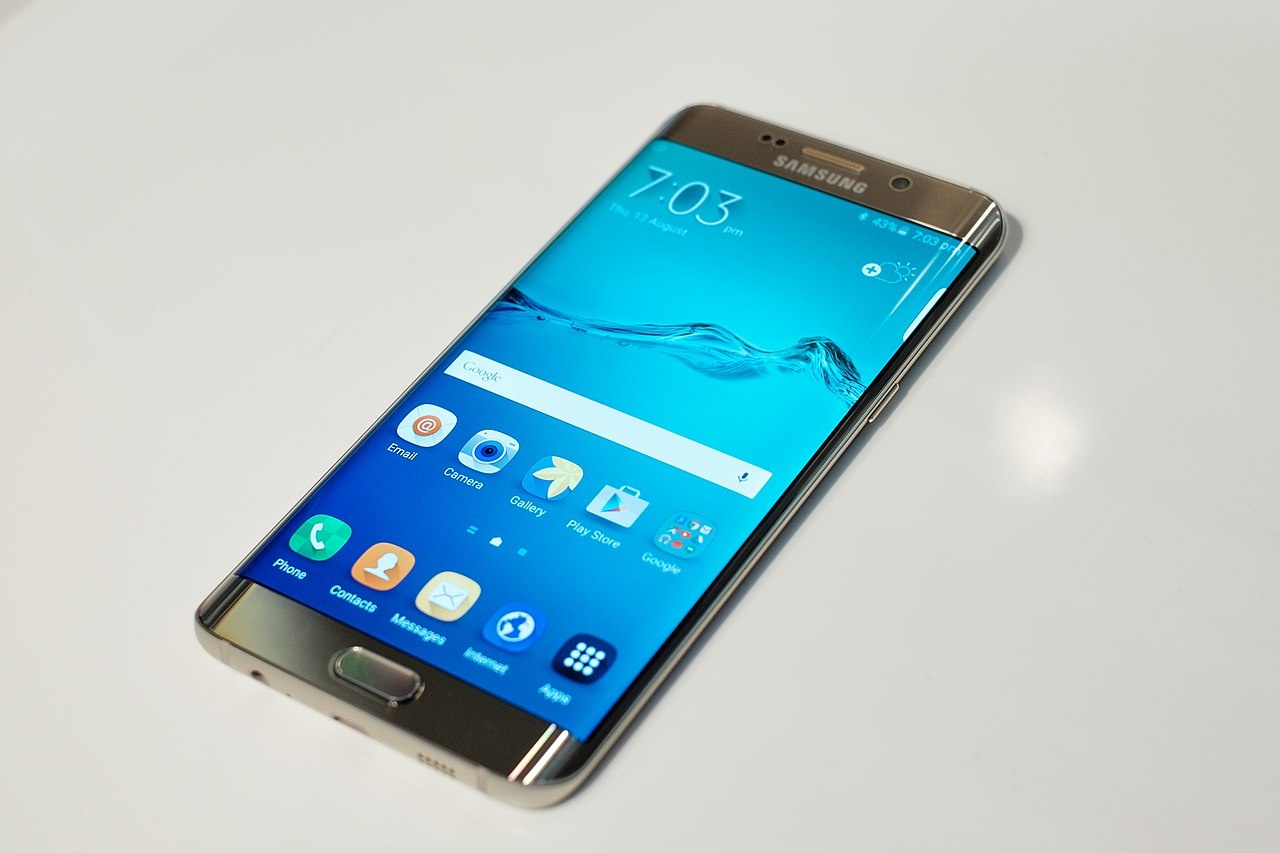
Your daily text routine is about to hit a wall. Samsung Messages disappears in July 2026, forcing millions of Galaxy users into an unexpected app migration that could disrupt everything from two-factor authentication codes to your smartwatch notifications. While Google Messages has been the default on Galaxy phones since the S21 series launched in early 2021, longtime Samsung users still clinging to the familiar interface need to act now—before the deadline forces their hand.
Your Device Determines Your Deadline
Samsung’s discontinuation timeline varies dramatically by device and region. Newer models like the upcoming Galaxy S25 series won’t even offer Samsung Messages as a download option. Meanwhile, older devices running Android 11 or earlier—think Galaxy S9 or Note 9—will continue receiving Samsung Messages support indefinitely, including emergency services functionality.
Your specific deadline lives within the app itself, so check now rather than assuming you have until July. The exact end date depends on both your hardware and location, making personal verification essential.
Watch Out for Collateral Damage
Older Galaxy Watch running Tizen OS (Watch 3 or earlier) will lose full message conversation syncing after Samsung Messages ends. These watches can’t run Google Messages, leaving you with basic read-and-send capabilities only.
More concerning: two-factor authentication codes might get caught in transition chaos. Samsung’s SMS-based verification should continue working, but app-specific filters or spam blockers could interfere. Scammers are already exploiting the confusion with fake transition messages, so stay vigilant during this period.
Google Messages Brings Actual Upgrades
Google Messages offers legitimate improvements beyond Samsung’s basic texting experience. Full RCS support means better group chats and read receipts across Android devices. Gemini AI integration adds smart replies and photo remixing that actually work.
The transition aligns with Samsung’s broader strategy of embracing Google’s Android ecosystem rather than maintaining parallel services that lag behind industry standards. Your messaging experience should improve, not just change.
Make the Switch Before It’s Made for You
Open your Samsung Messages app to find your specific end date, then transition voluntarily through Settings or the banner prompt that appears when launching Google Messages. Set Google Messages as your default SMS handler now, while you can plan around any hiccups.
Your message history transfers cleanly, but waiting until the last minute means joining millions of confused users all migrating simultaneously. You might also encounter computer problems during the transition. In the TikTok era of constant app changes, at least this one improves your texting experience.