



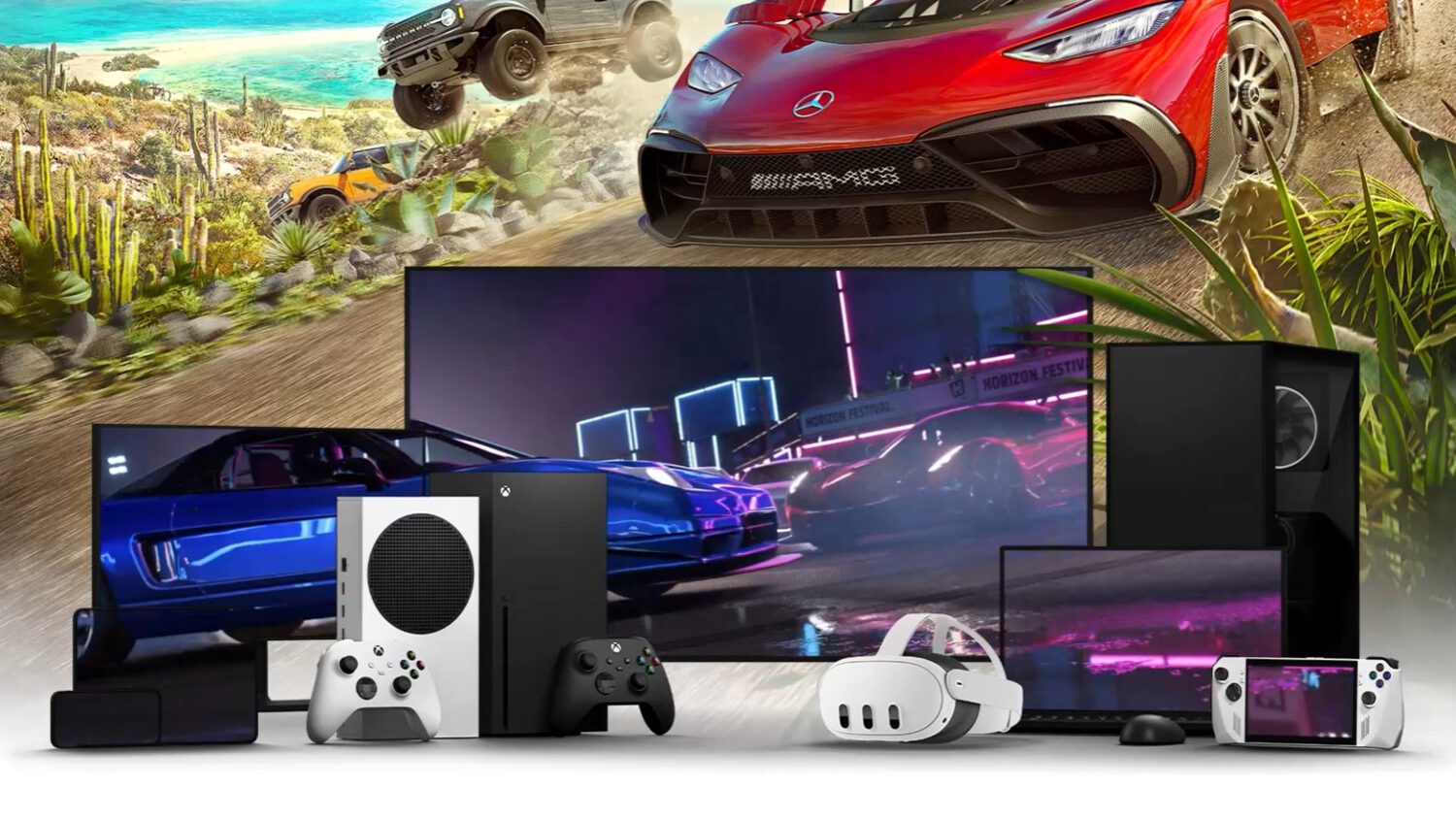
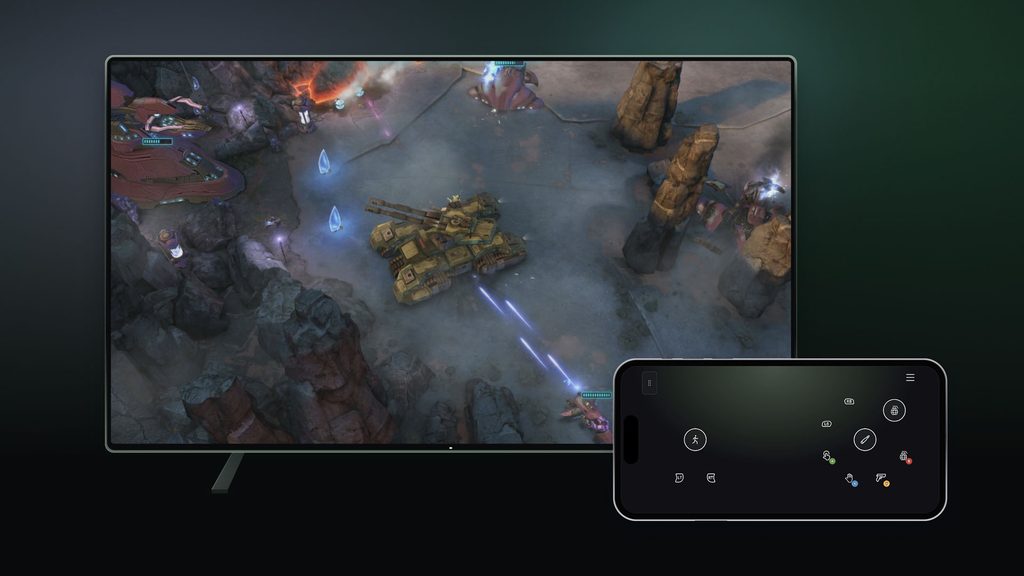
No controller nearby no longer ends a cloud gaming session on a supported smart TV. On November 4, 2026, Xbox launched a preview feature that uses a supported Android or iOS phone as a temporary controller for cloud gaming sessions on supported televisions, with controls loading directly in the phone’s browser.
The setup begins on the television itself. Users open the Xbox app on a supported smart TV, navigate to Settings, then Account, and enable Preview Features.
Starting a game without a physical controller connected triggers an option to use a phone as the input device for that session. The TV displays a QR code, and scanning it opens the controls in the phone’s browser without requiring a separate Xbox mobile app.
Xbox says some video games will receive control layouts tailored to their specific gameplay. The announcement does not identify which titles qualify during the preview period.
Compatibility Depends on More Than the Brand Name
Owning a supported television brand is a starting point, not a guarantee of access.
Supported television platforms include select Amazon Fire TV, LG, Samsung, and VIDAA OS devices, but owning one of those brands does not ensure the feature appears. The specific model, operating system version, Xbox app version, and individual game may each determine whether the preview option is available.
Reported compatible configurations include Amazon Fire TV Omni QLED models and LG televisions and monitors running webOS 24 or later. VIDAA OS devices running version 9.6 or later are also listed among reported compatible configurations.
The official Xbox announcement does not specify minimum Android or iOS versions required for the phone side of the feature. Users should verify their exact TV model and software version before expecting the option to appear. For those looking to enhance their setup, iPhone Accessories can offer useful hardware upgrades beyond browser-based workarounds.
The Preview Is Global, With One Notable Exception
The phone-controller preview reaches every supported region, while a related feature stays US-only for now.
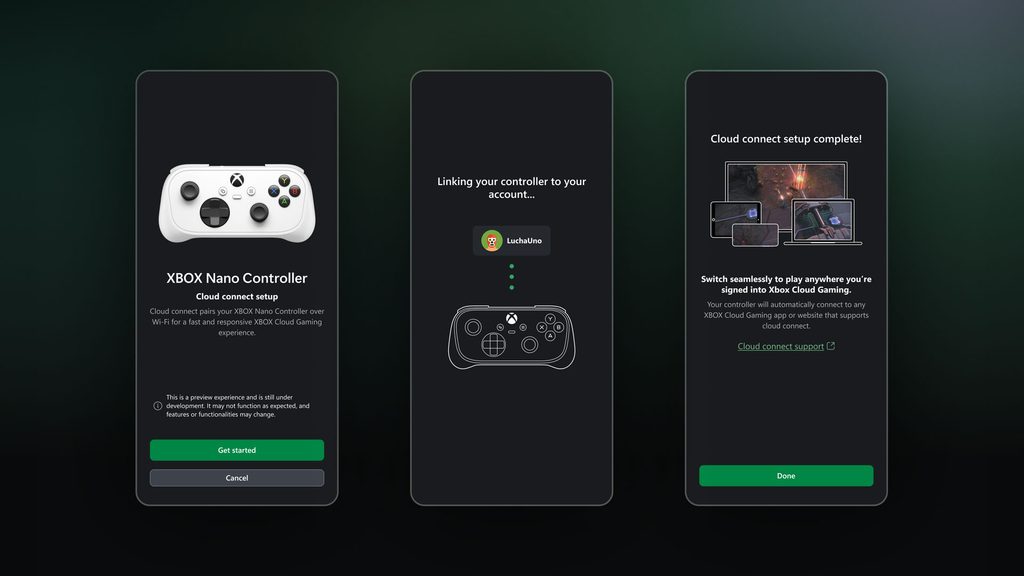
The phone-controller preview is rolling out in all regions where Xbox Cloud Gaming is currently supported. That distinguishes it from the separate Xbox Nano Controller cloud-connect preview, which remains limited to the United States.
Both features carry preview status, meaning supported games, devices, and availability may change as Microsoft gathers feedback. The announcement does not provide a full release date for either feature.
A Useful Backup, Not a Replacement for a Gamepad
The phone option lowers the barrier to starting a session, though it is not equivalent to a physical controller.
The core value is access: players who do not own a dedicated controller, or who left one at home, may be able to start a supported cloud gaming session using hardware already in their pocket. Browser-based delivery also means no additional application needs to be installed. Keeping up with Smartphone Charging best practices is worth considering for extended sessions.
Touch controls on a phone screen are better suited to casual, turn-based, or menu-driven games than to competitive titles requiring precise analog input. That assessment reflects the nature of the input method; Xbox has not published performance comparisons between the phone-controller experience and a physical gamepad.
For subscribers who prefer a dedicated solution, a physical controller paired directly to a supported smart TV remains an option. The phone feature addresses a specific gap: low-friction access when no other input device is available.