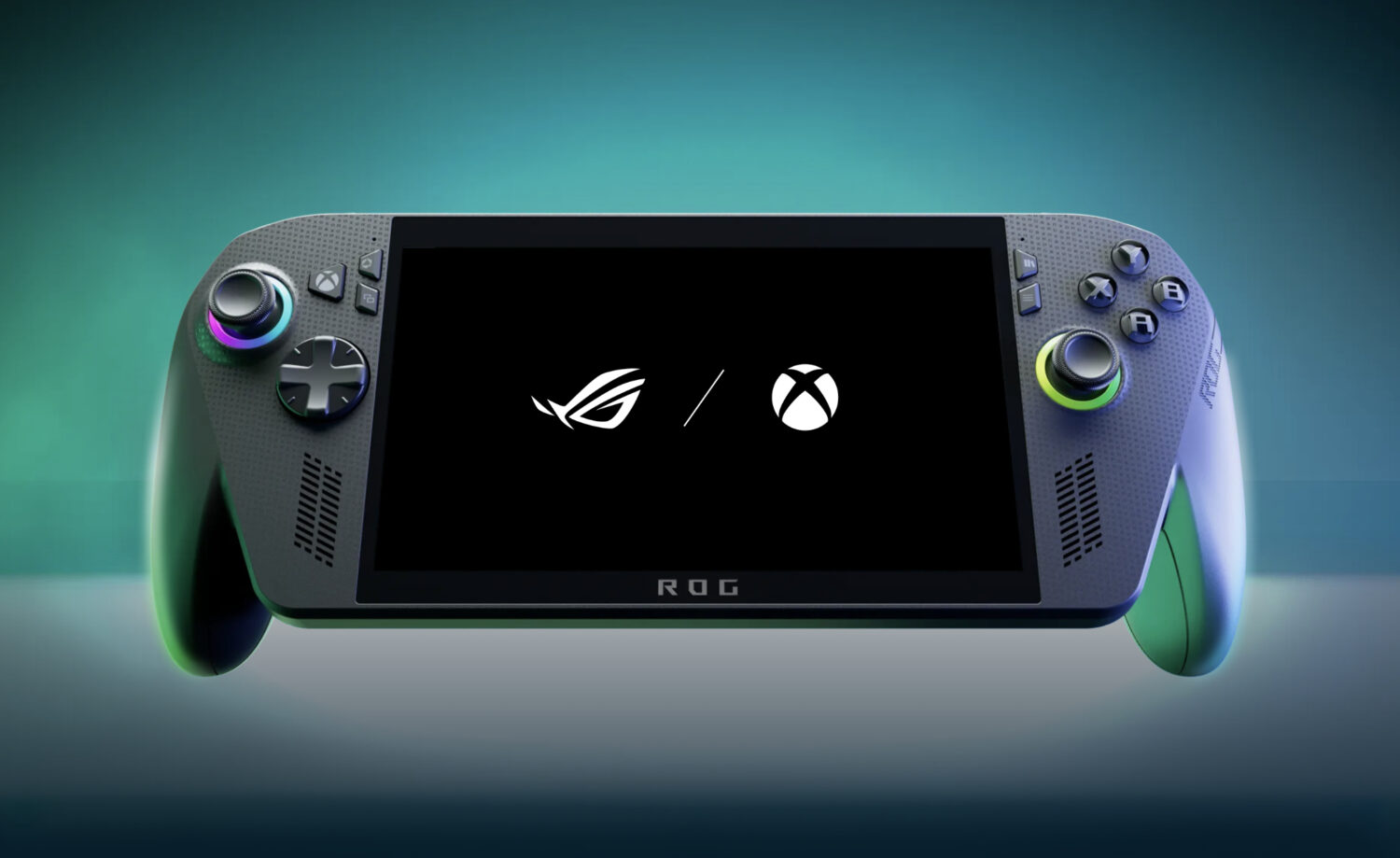
Asus ROG Xbox Ally X, a handheld built around AMD’s Ryzen AI Z2 Extreme processor, 24GB of LPDDR5X memory, and an 80Wh battery. The real question is whether swapping Windows 11 for Valve’s SteamOS actually moves the needle, or just replaces the skin without upgrading the hardware underneath.
What SteamOS Can Do on This Hardware
ETA Prime’s creator testing shows demanding games run capably under SteamOS, with familiar trade-offs attached.
According to YouTuber ETA Prime, who installed SteamOS on the device and ran a series of AAA titles, both Forza Horizon 6 and Red Dead Redemption 2 reportedly cleared 50 frames per second at 1080p using medium settings and a 28W TDP. These are creator test results, not standardized laboratory benchmarks, and should be read accordingly. Red Dead Redemption 2 used FSR set to Balanced to reach that mark; Forza Horizon 6 ran without any upscaling at all.
The Witcher 3 Shows the Real Equation
Sixty-plus fps at 1080p is achievable, but the power cost reveals why the operating system is not the limiting factor.
The Witcher 3 Remastered reportedly pushed past 60 fps at 1080p using the Steam Deck graphics preset, though it required a 30W TDP to do it. Drop to 720p and ETA Prime indicated the power draw falls to roughly 17W with comparable frame rates. That trade-off is the clearest illustration of how this hardware actually works: resolution and TDP shape the experience far more than the operating system running beneath them.
Battery Life Follows the Power Draw, Not the OS
The numbers look similar whether you’re on SteamOS or Windows 11, because the hardware’s energy demands do not change with the launcher.
The eight-hour figure applies to simple 2D or indie games at 6–8W, according to ETA Prime’s testing. Step up to AAA gaming at 17W and that drops to roughly three hours; push the device to its 25W Turbo configuration and runtime falls to ap proximately two hours and 20 minutes. TechPowerUp’s independent Windows 11 testing of the ROG Xbox Ally X found nearly three hours at 25W, more than three hours at 15W, and almost five hours at 10W. Those figures suggest the operating system is not producing a meaningful endurance advantage either way, though the two test methodologies differ and are not a direct apples-to-apples comparison.
What You Give Up by Leaving Windows 11
SteamOS simplifies the Steam experience, but native Windows features and vendor utilities become unavailable under a standard single-OS installation.
If your library includes Xbox Game Pass for PC titles, Windows-only releases, or software from multiple storefronts beyond Steam, the factory installation is doing real work. Asus positions Windows 11 as the path to accessing supported Xbox PC games and other Windows storefronts, along with its own ROG utilities and configuration tools. Those Windows-dependent features are not available under a standard SteamOS installation, so check your library before committing.
The Practical Bottom Line
SteamOS is a legitimate alternative for Steam-focused users, not a performance or efficiency upgrade.
SteamOS delivers a cleaner, console-style interface and handles the tested titles capably on this hardware. What it does not deliver is a demonstrated battery-life advantage over Windows 11, because high-power AAA gaming places heavy demands on the hardware regardless of which operating system is managing it.
If your library lives in Steam and the pick-up-and-play experience of the Steam Deck appeals to you, SteamOS is worth the effort. If Xbox Game Pass, Windows-only titles, or broad storefront access are part of your regular routine, the factory Windows 11 install is the safer choice for compatibility.