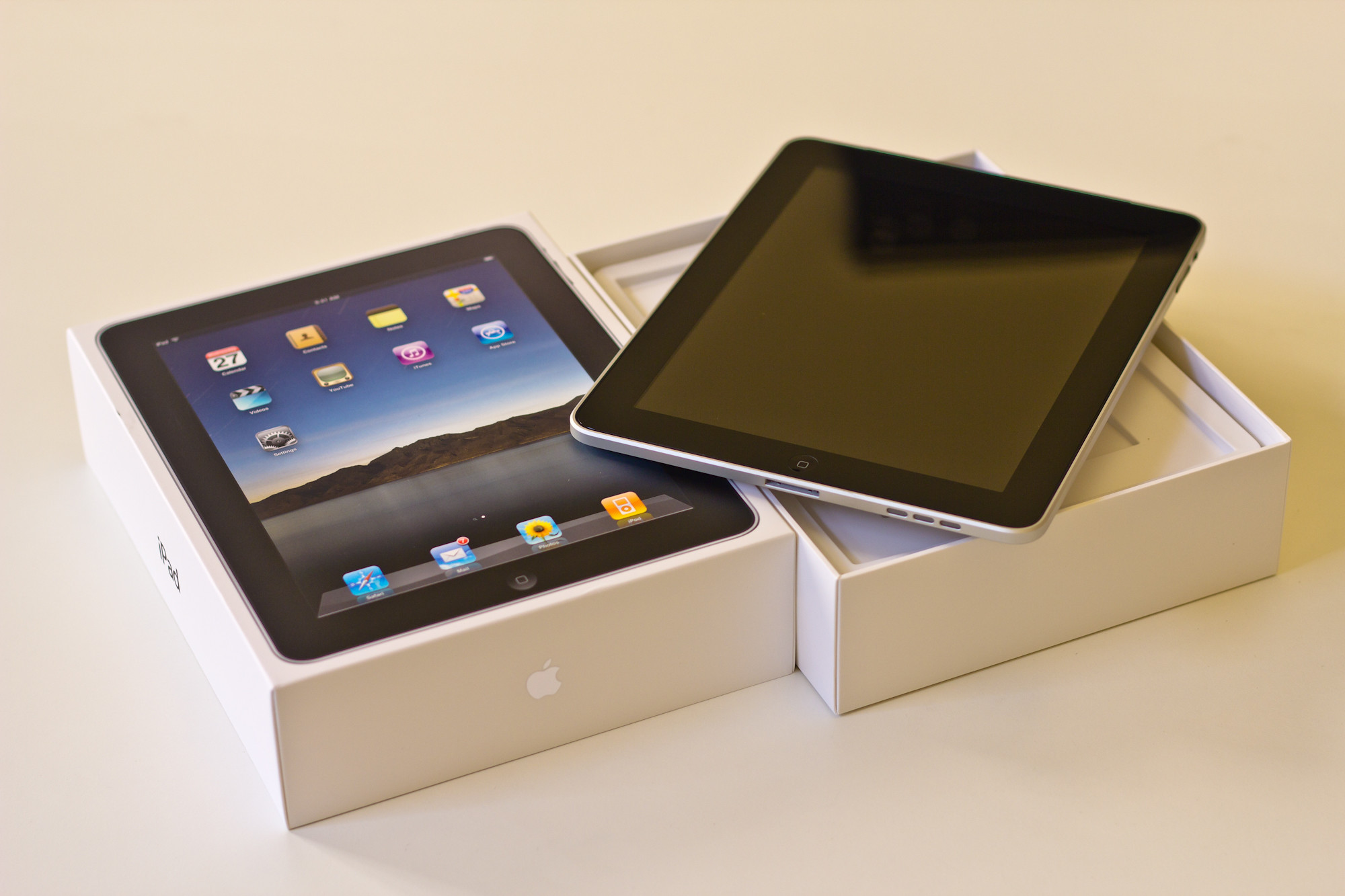
Walking into 2026’s iPad selection feels like choosing a streaming service—too many options, each missing something you want. Apple now offers four distinct models ranging from $349 to over $1,299, each targeting different users with overlapping capabilities. Your wallet and use case determine the right pick, not the marketing hype.
Budget Reality Check
The entry-level iPad delivers solid basics without breaking the bank.
The base iPad at $349 handles media consumption, web browsing, and casual productivity with its 10.9-inch display and A16 chip. You lose Apple Intelligence support and premium features, but gain doubled storage (now 128GB standard). The catch? First-generation Apple Pencil requires an adapter, making the drawing experience clunky.
Think of this as the reliable Honda Civic of tablets—practical, affordable, gets the job done. You’ll notice the lack of display lamination and narrower color gamut compared to pricier models, but for streaming Netflix and checking email, these limitations rarely matter.
Pocket Powerhouse
iPad mini packs professional features into an ultraportable design.
At $499 (frequently discounted to $399), the iPad mini’s 8.3-inch screen fits actual pockets while delivering A17 Pro performance and Apple Intelligence. The highest pixel density across the lineup makes text incredibly sharp. You can use it one-handed during commutes or as a digital notebook that doesn’t scream “I’m working” in coffee shops.
The trade-off: no Magic Keyboard support means Bluetooth keyboards only. But the Pencil Pro compatibility with hover detection and squeeze gestures makes this the most capable small tablet Apple has ever made.
The Goldilocks Choice
iPad Air balances performance and price for most demanding users.
Starting at $599 for 11-inch or $789 for 13-inch, the iPad Air with M4 chip hits the sweet spot. It handles video editing, demanding games, and serious multitasking without the Pro’s premium. The Pencil Pro adds hover detection and pressure-sensitive squeeze gestures that genuinely improve drawing workflows.
This model future-proofs your investment while keeping costs reasonable—unless you need specific Pro features. The 60Hz LCD display might feel sluggish coming from a 120Hz phone, but performance remains snappy for everything except professional video work.
Professional Overkill
iPad Pro delivers desktop-class power few users actually need.
The $999+ iPad Pro sports M5 performance, 120Hz OLED displays, and Thunderbolt connectivity that rivals laptops. Face ID, LiDAR scanning, and ProRes video recording serve genuine professional workflows. The nano-texture option reduces glare for outdoor work.
But here’s the reality check: most users can’t tell the difference between Air and Pro performance in daily tasks. The OLED’s superior contrast and ProMotion’s smoothness are nice-to-haves, not necessities.
Your decision boils down to honest self-assessment. Casual users save with the base model. Portability lovers choose mini. Content creators and power users find Air sufficient. Only professionals requiring specific Pro features justify the premium—everyone else is paying for bragging rights they’ll forget in six months.